 (opens full-size screenshot)
01 Home
 (opens full-size screenshot)
02 Work
 (opens full-size screenshot)
03 Project
 (opens full-size screenshot)
04 About
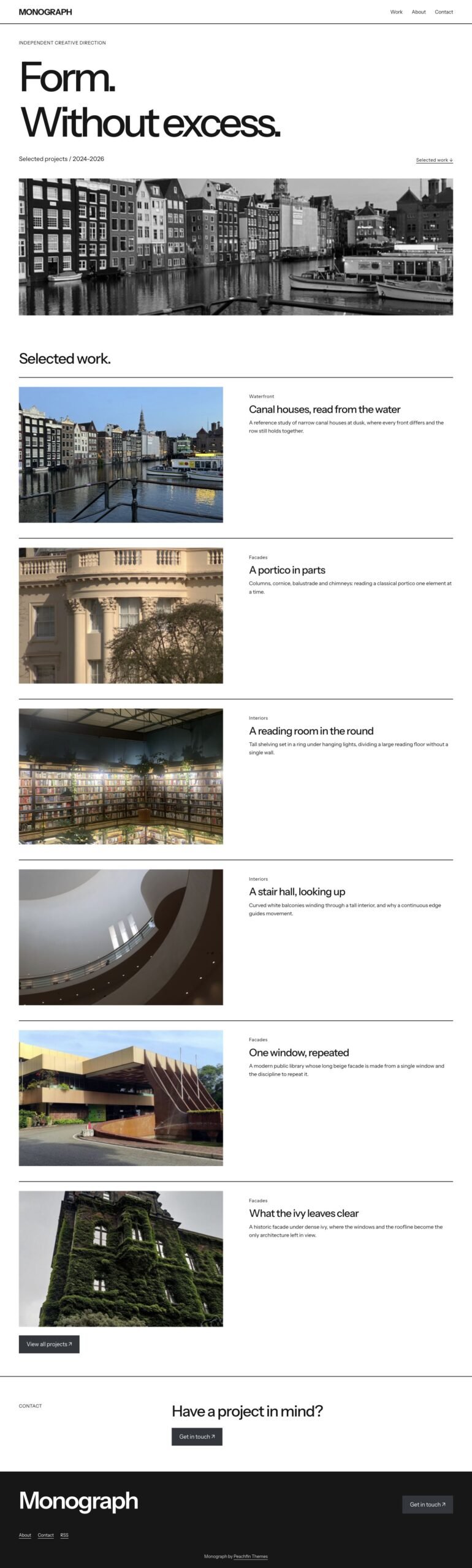
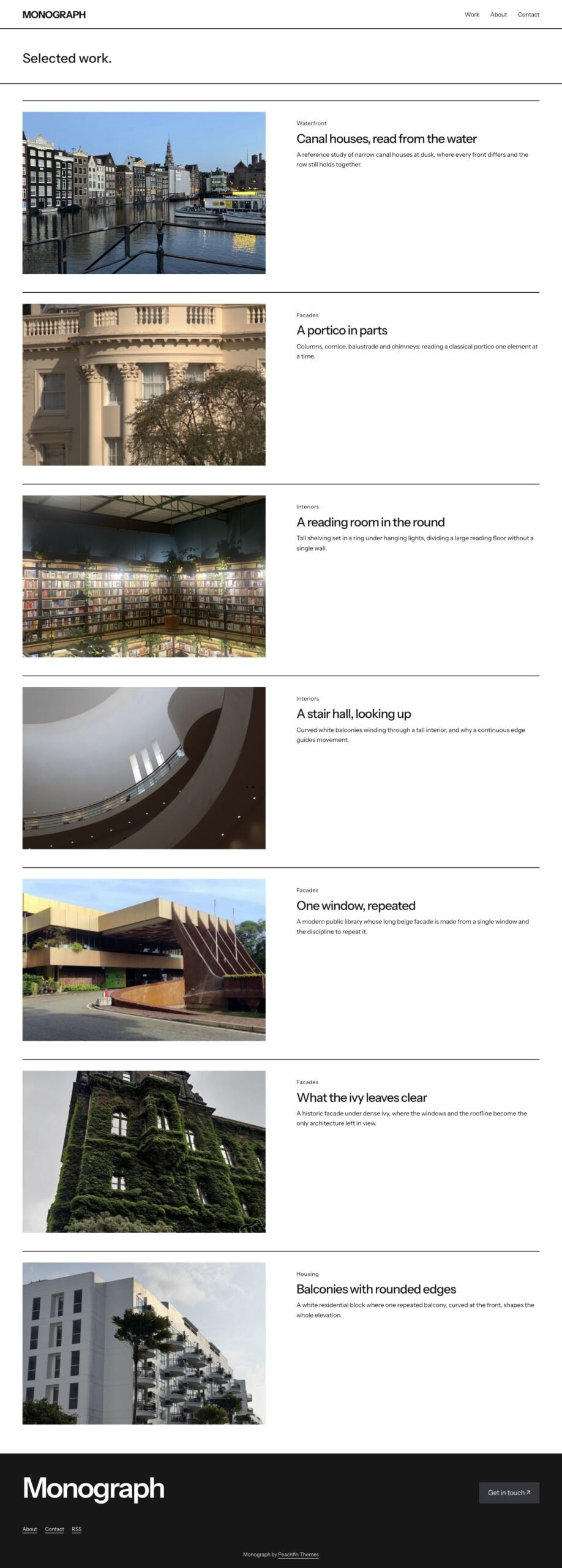
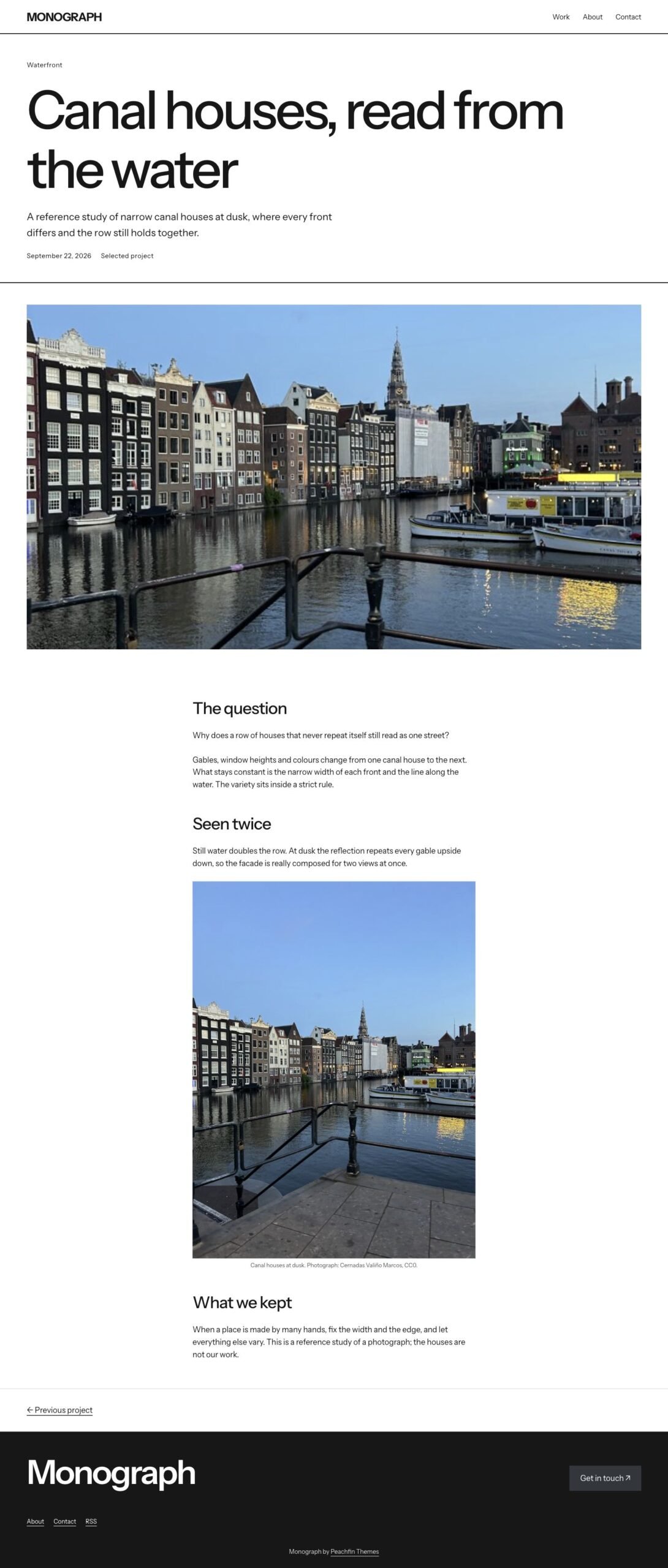
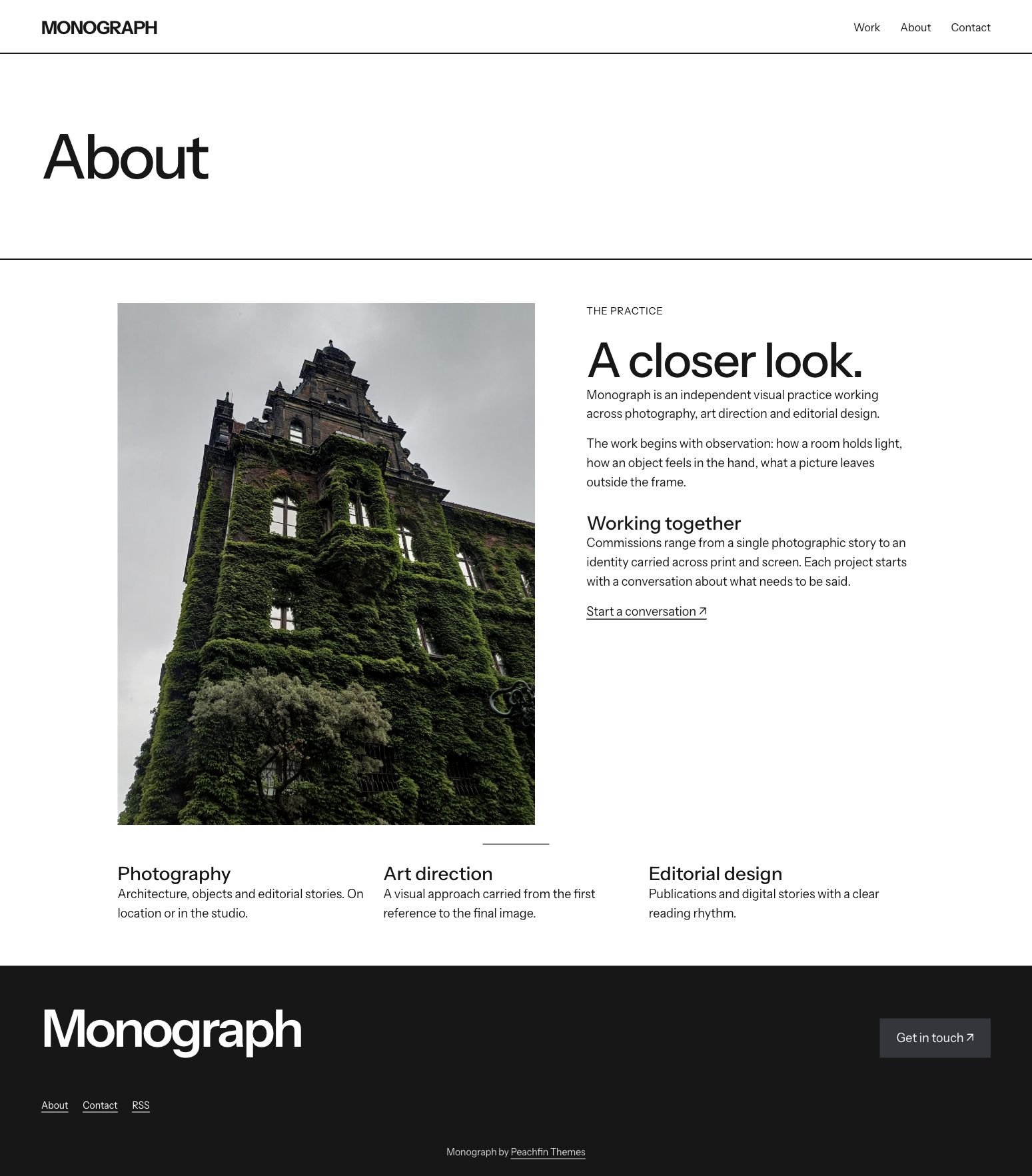
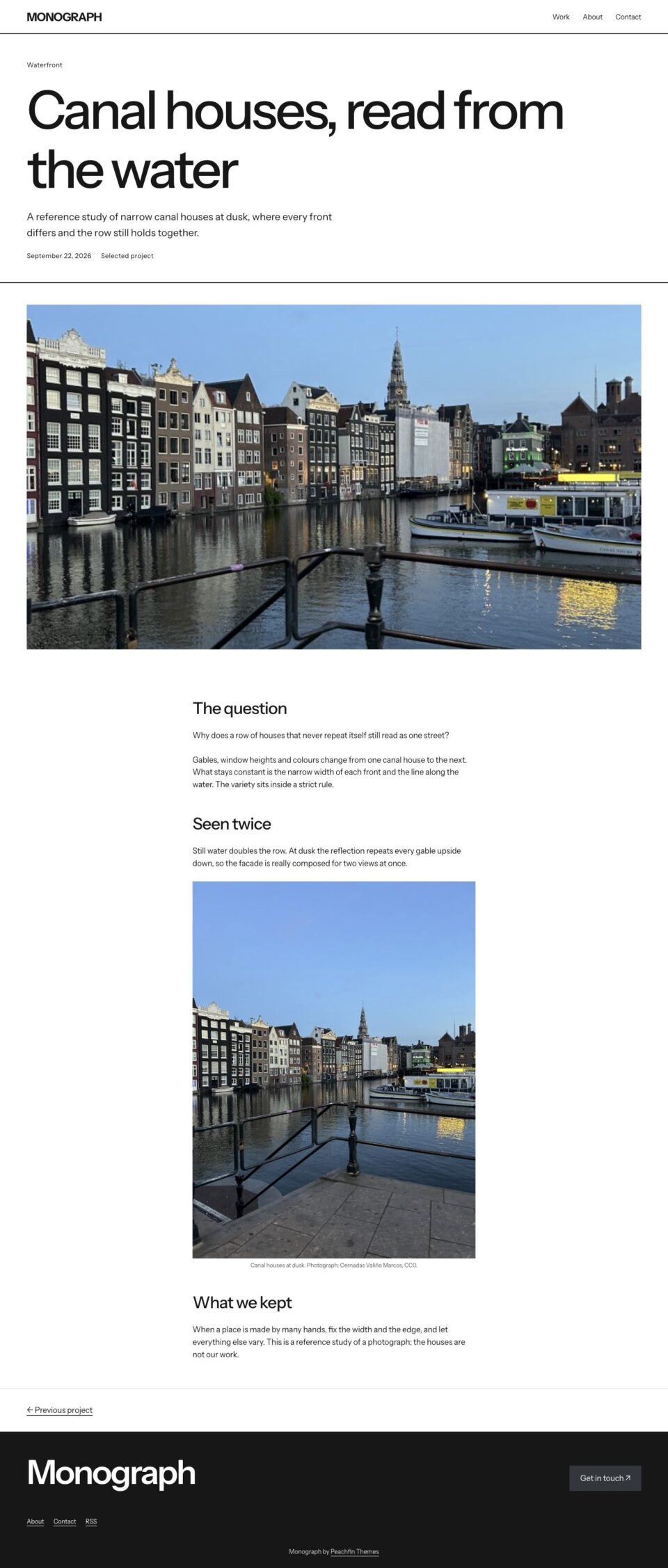
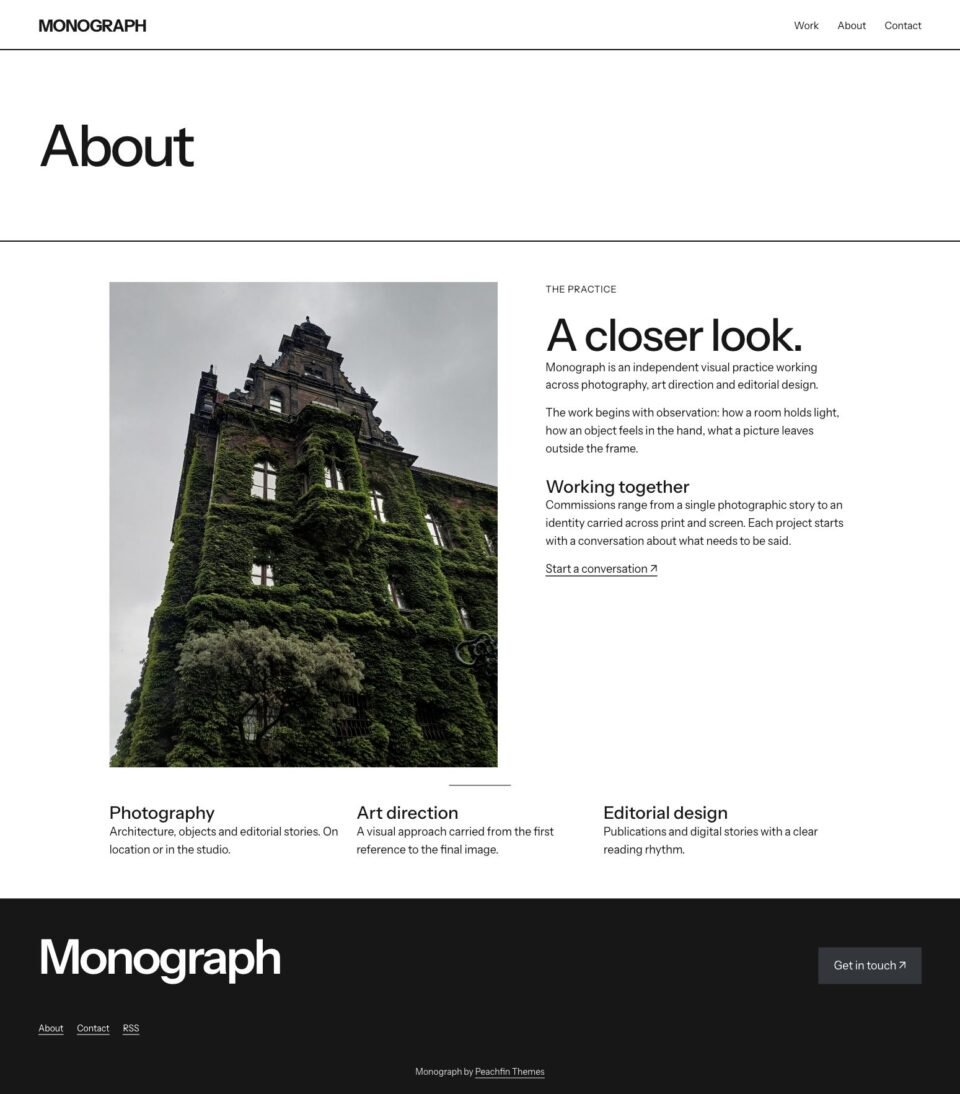
These preview photographs are included in the demo content. Photo source links are provided.
Monograph
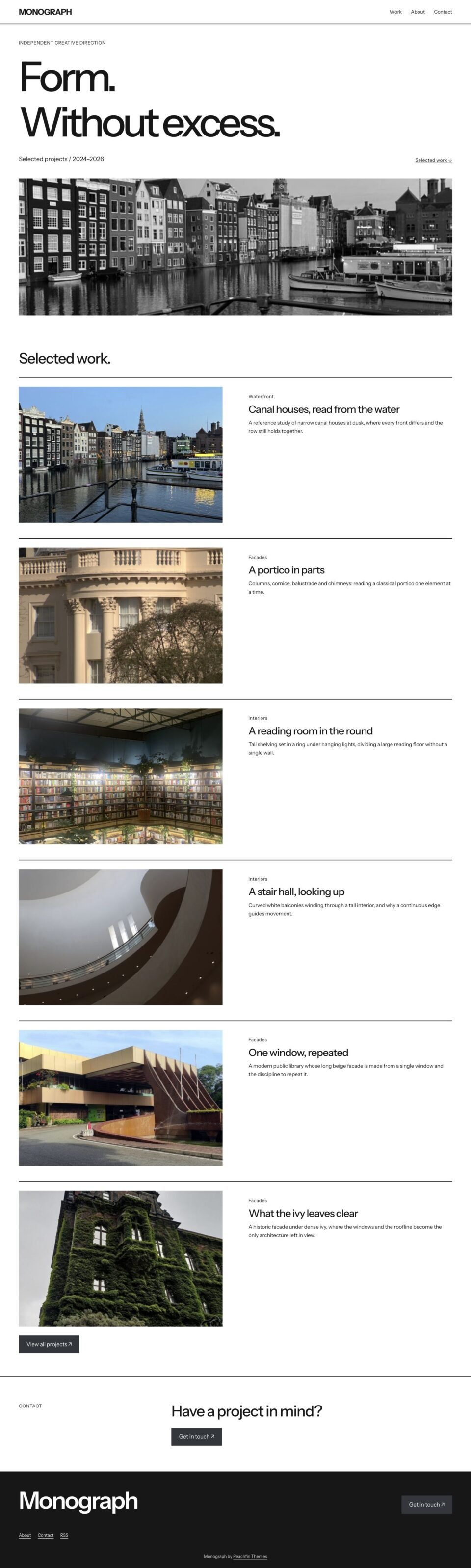
A typographic portfolio with an oversized opening statement, a monochrome cover photograph and spacious project rows.
- Best for
- Architects, designers and studios who want type-led presentation of a project list
- Platform
- WordPress
- Status
- On sale
- Price
- $47 USD
- Version
- 1.3.4
- License
- WordPress edition: GPL-compatible theme code
Demo photography is licensed separately from theme code
Page inventory
- Home: statement and selected work
- Home
- Work index
- Work
- Project
- Project
- About
- About
- Contact
- Contact
- Category and date archive
- Archive
- Search results
- Utility
- 404
- Utility
Design controls
- Site Editor
- Edit the header, footer, navigation, logo and every template with core blocks in Appearance → Editor. No page builder.
- Colour palette
- Five palette colours (Paper, Ink, Accent, Wash, Rule) recolour the theme from Styles → Colors.
- Style variations
- Switch between Clear and Literary typography in Styles → Browse styles.
- Fonts
- Instrument Sans is served from your own site. Choose other fonts per element in Styles → Typography or add your own through the Font Library.
- Theme Setup
- Set article width (520–1040px), article spacing, image corners and an optional reading progress line.
- Page templates
- Assign Work index, About, Contact, Full width or Canvas (no header or footer) to any page.
- Patterns
- Insert the homepage, about, contact, statement, two-column gallery and FAQ sections from the pattern inserter.
Features
- Homepage headline set at display size, with a cover photograph and project rows below
- Selected work is a Query Loop of your posts: change count, order or category in the editor
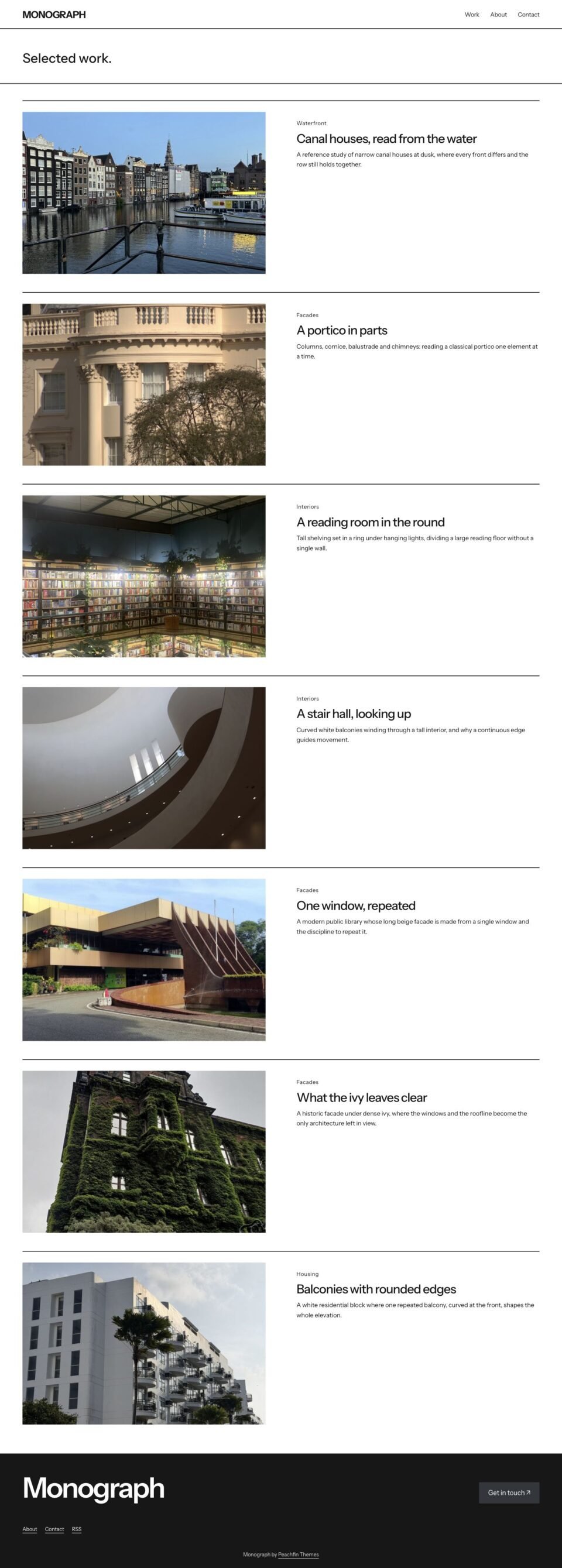
- Separate Work index page template for the full project list
- Archive, search and 404 templates styled to match
- Fonts load from your own site with no external font requests
- Contact buttons open the visitor's email app; no form service is bundled
- Native block theme edited in the WordPress Site Editor
What the download includes
- WordPress block theme: templates, template parts, patterns, theme.json and two style variations
- Instrument Sans font files with the SIL Open Font License 1.1 text
- GETTING-STARTED.md: install, demo import, customization, fonts, updates and troubleshooting
- readme.txt, CHANGELOG.md and LICENSE.txt
- ASSETS.json recording font and image sources, licences and checksums
Setup
- Upload the theme ZIP at Appearance → Themes → Add New → Upload Theme and activate it.
- Optional: install the demo importer and import sample content from Appearance → Theme Demo.
- Under Settings → Reading choose Your latest posts.
- Add projects as posts with a featured image, excerpt and category.
- Replace the sample copy and example email address, then adjust Styles and Theme Setup.
Similar themes
Public Record
- Price
- $47 USD
Pinkline
- Price
- $47 USD
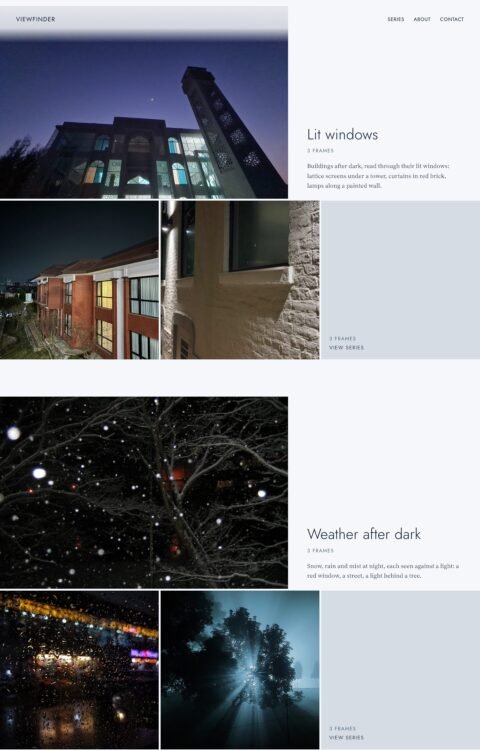
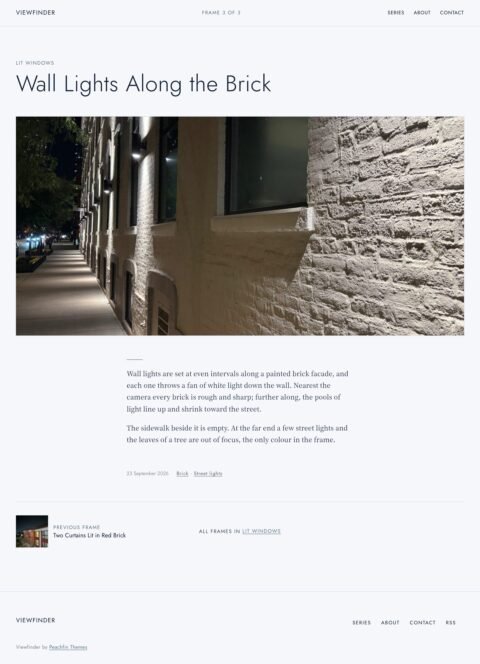
Viewfinder
- Price
- $47 USD