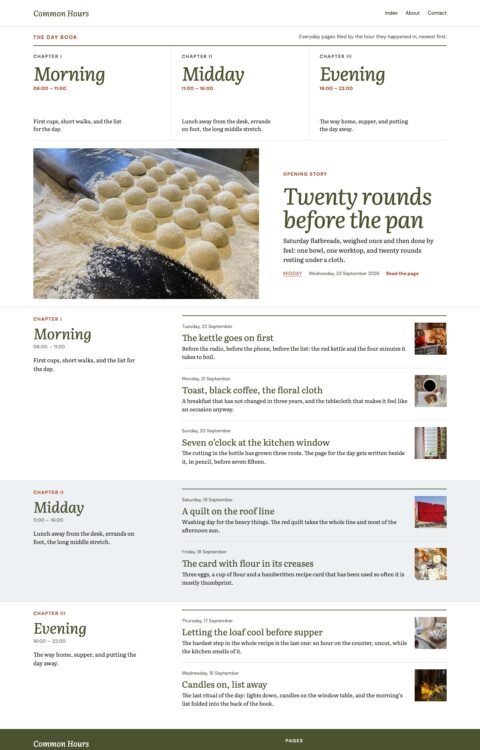
 (opens full-size screenshot)
01 Home
 (opens full-size screenshot)
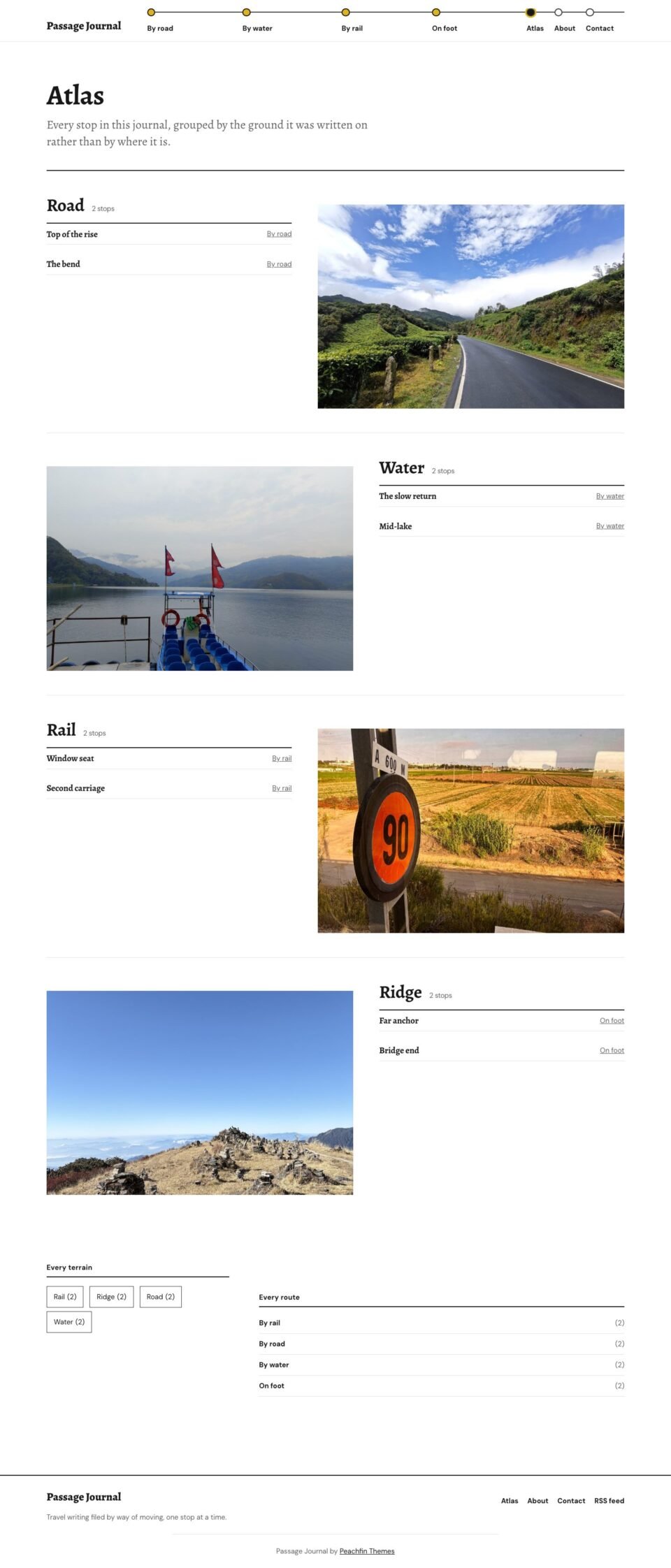
02 Atlas
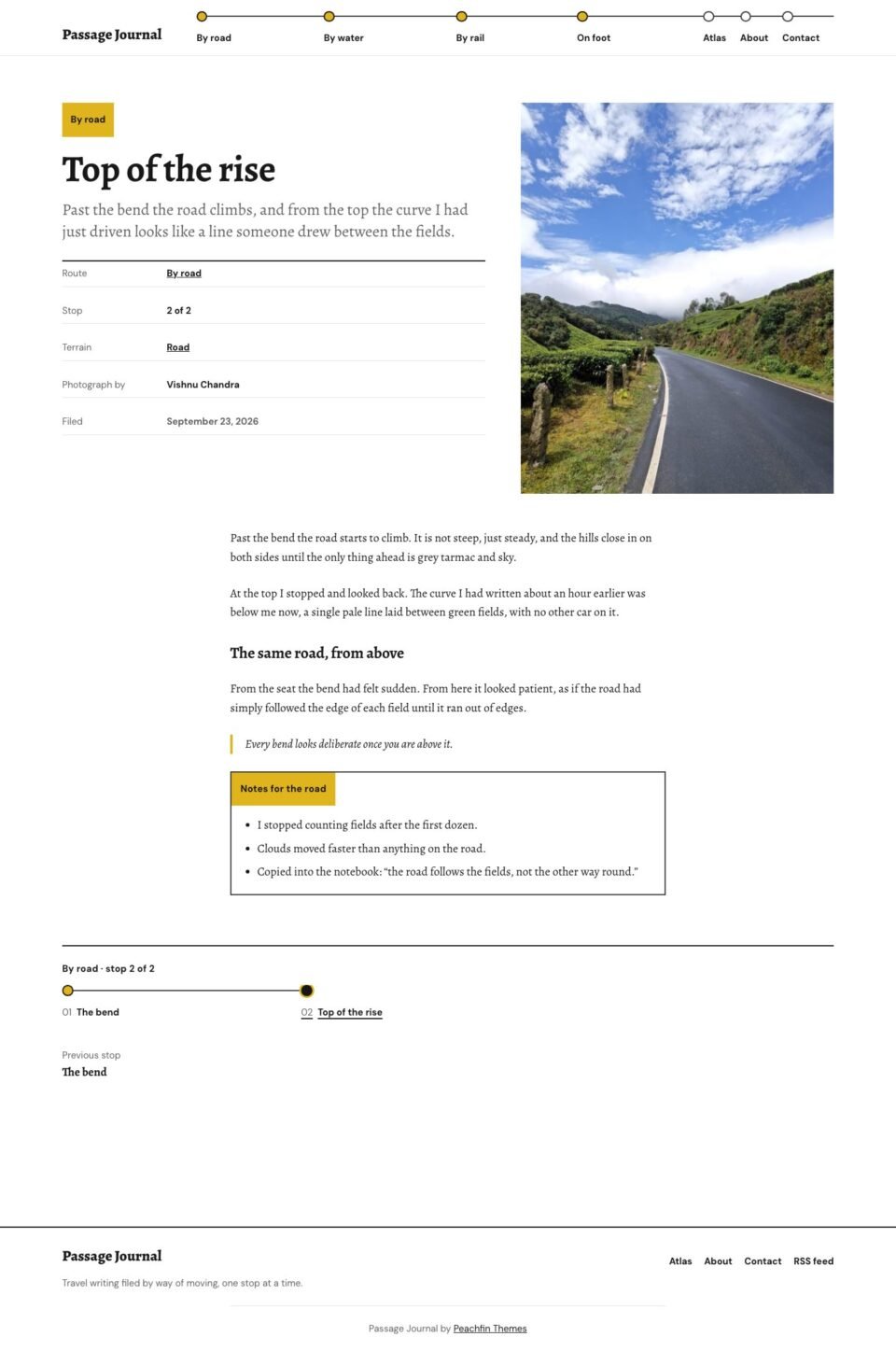 (opens full-size screenshot)
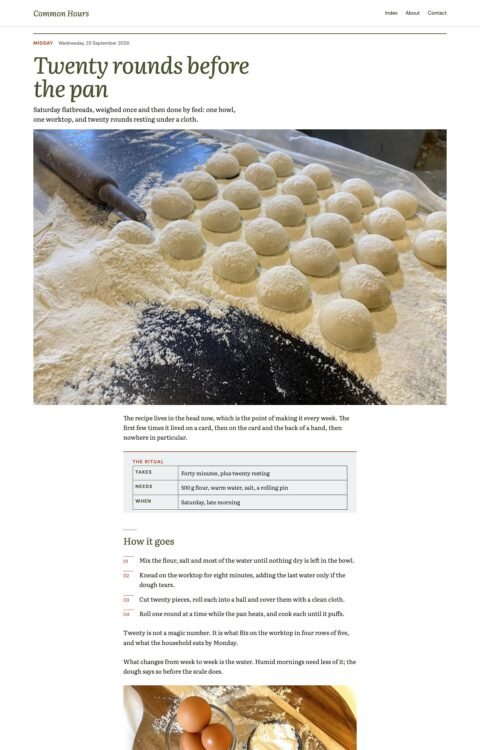
03 Stop
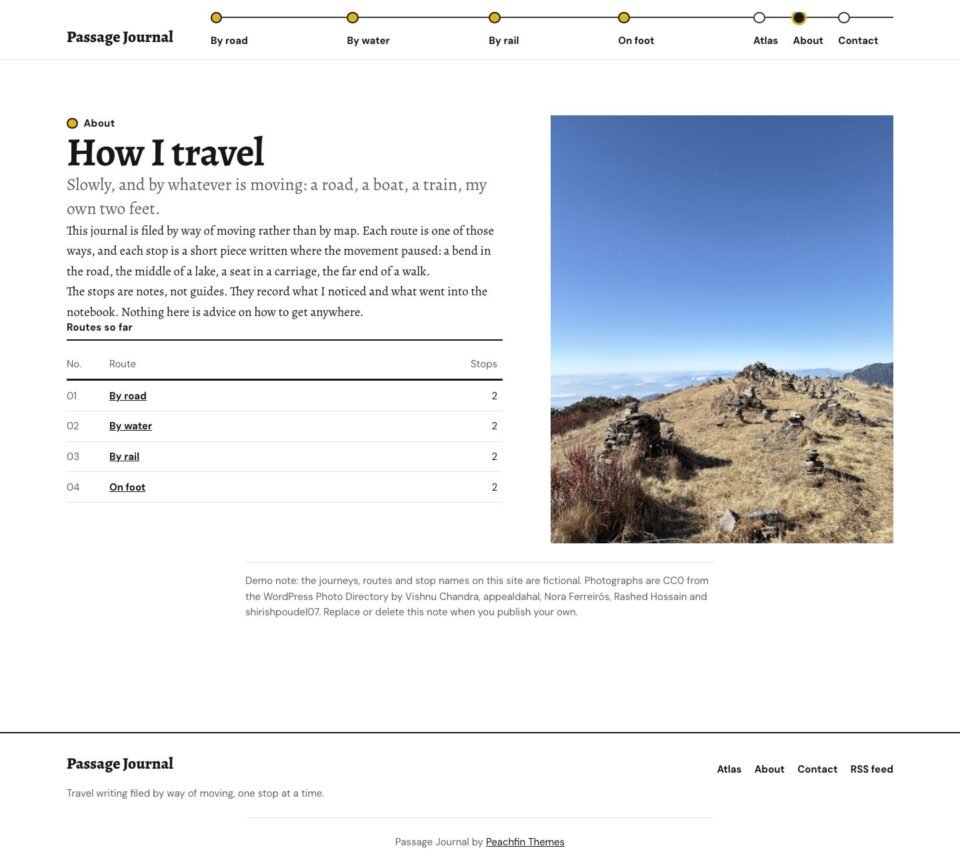 (opens full-size screenshot)
04 About
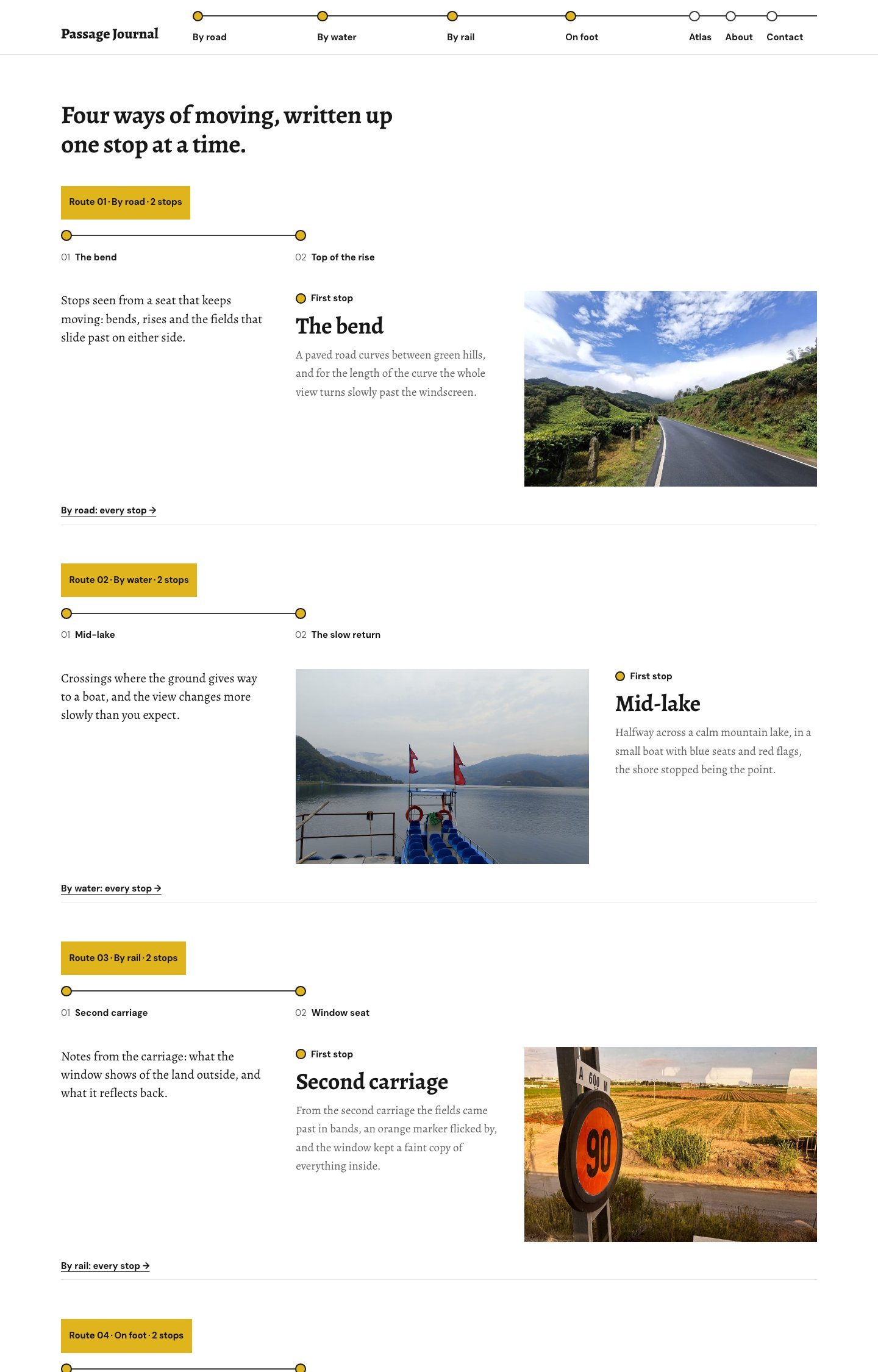
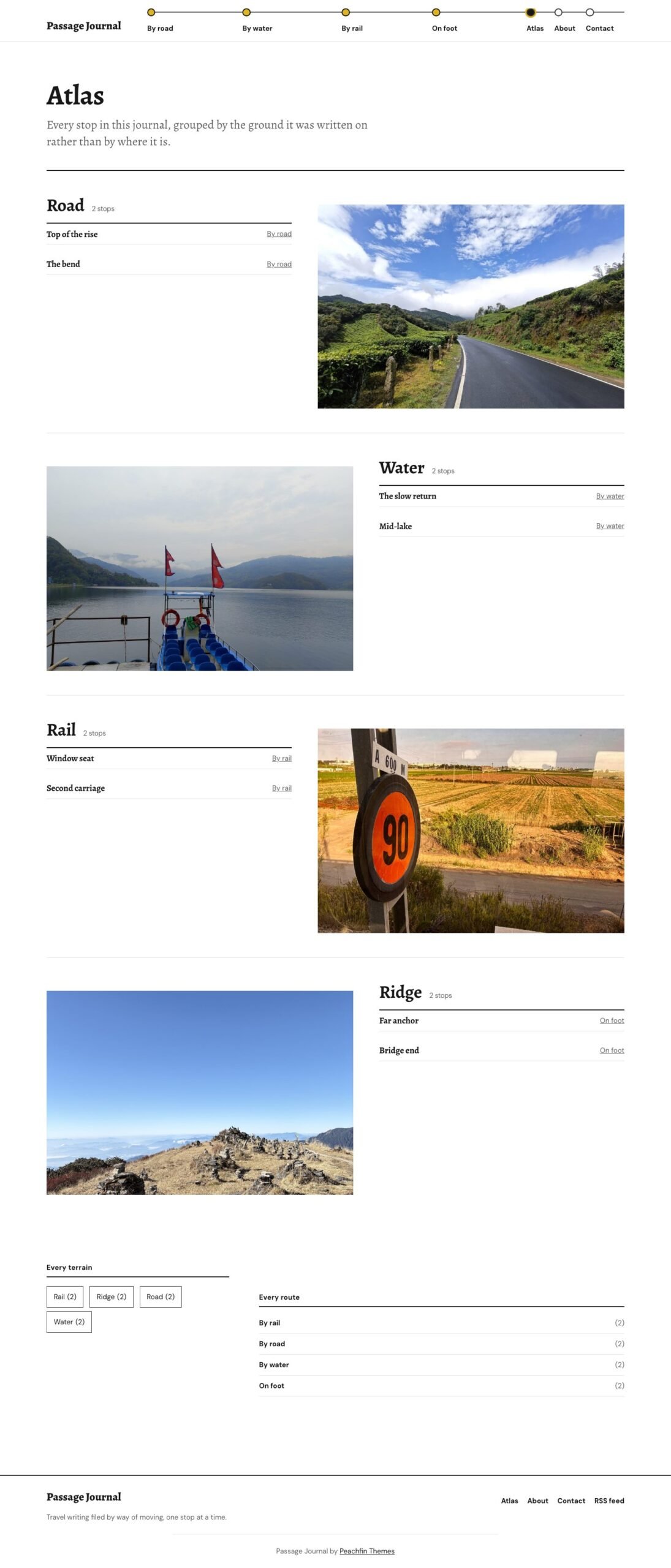
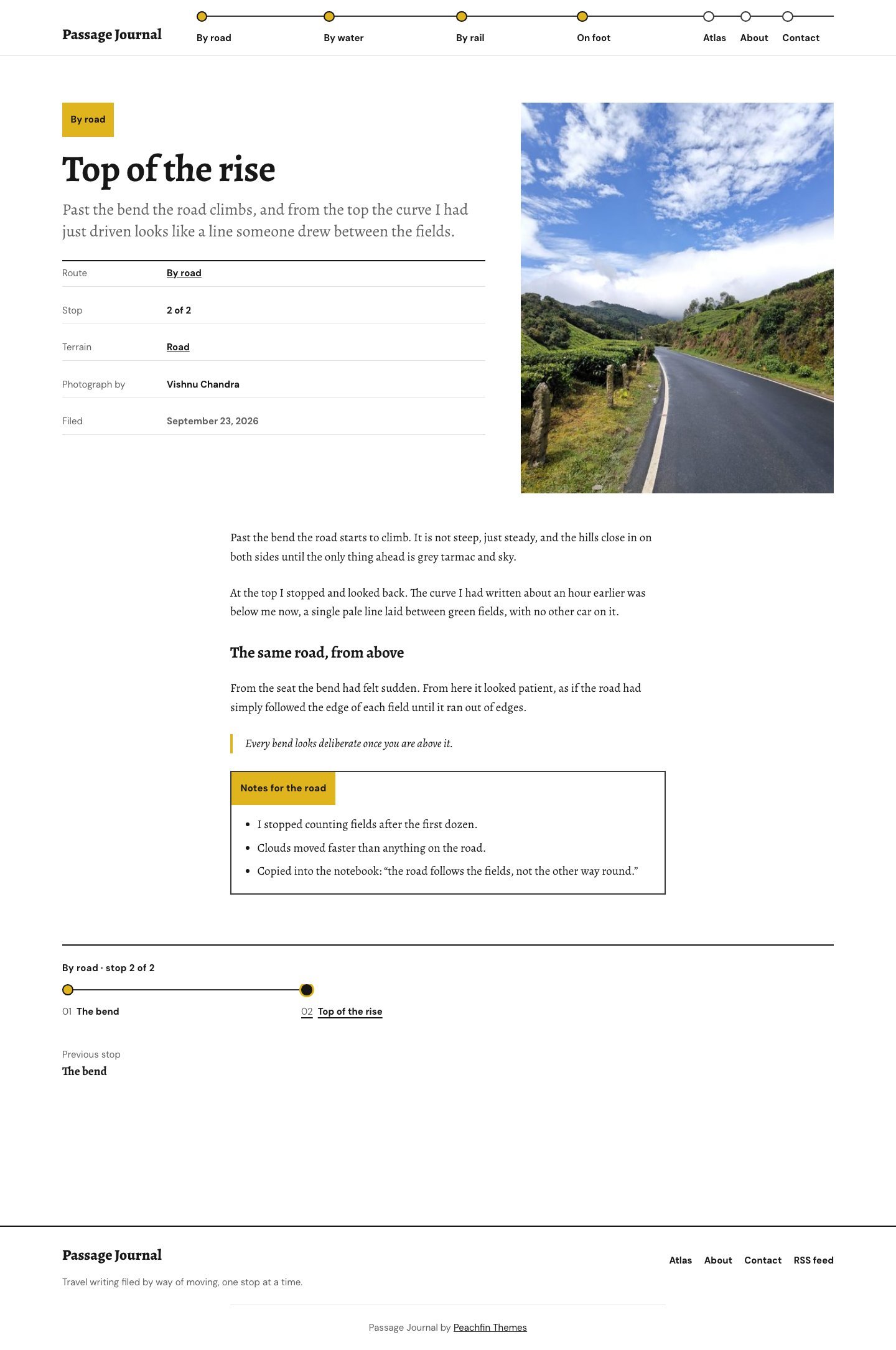
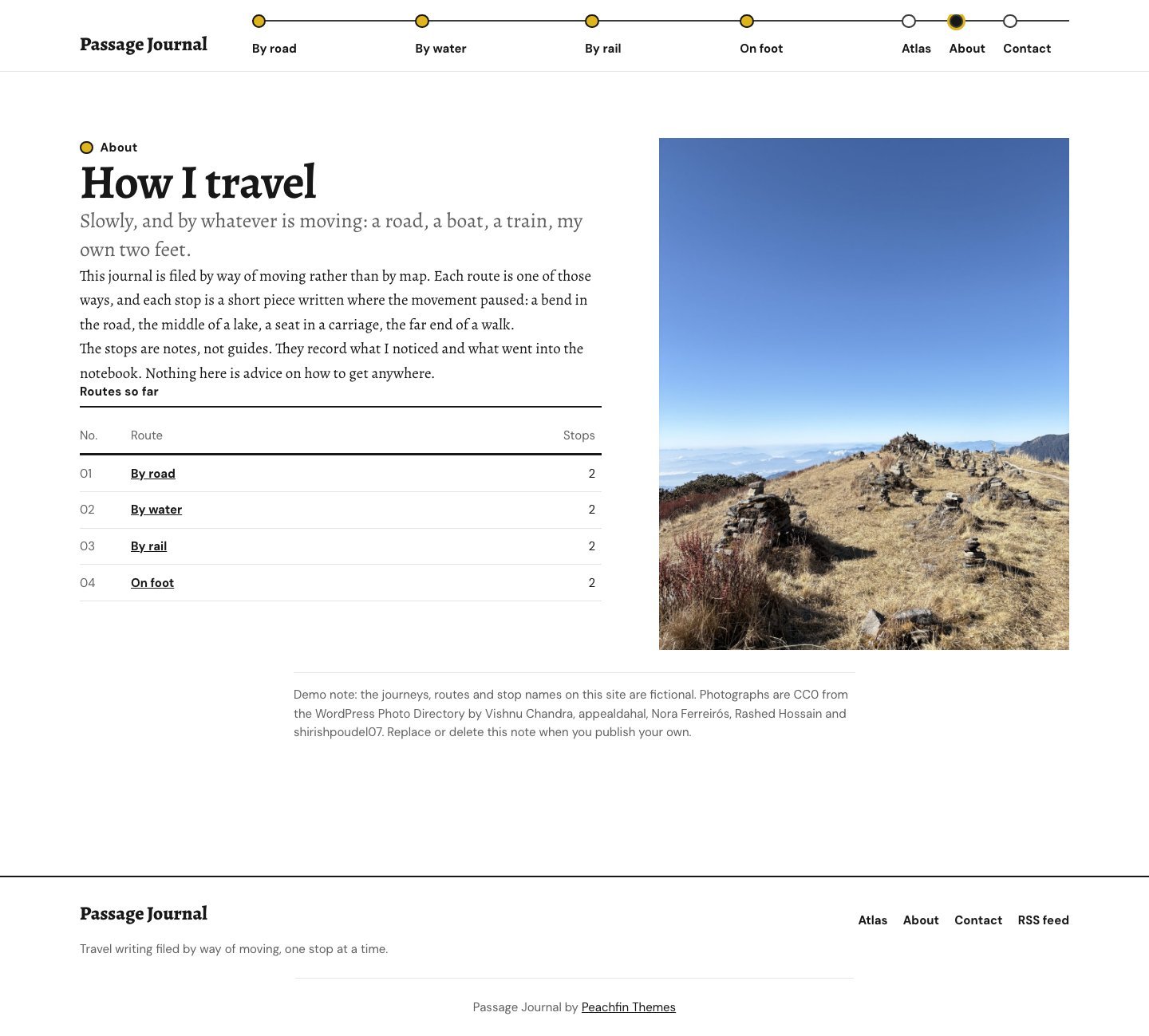
These preview photographs are included in the demo content. Photo source links are provided.
Passage Journal
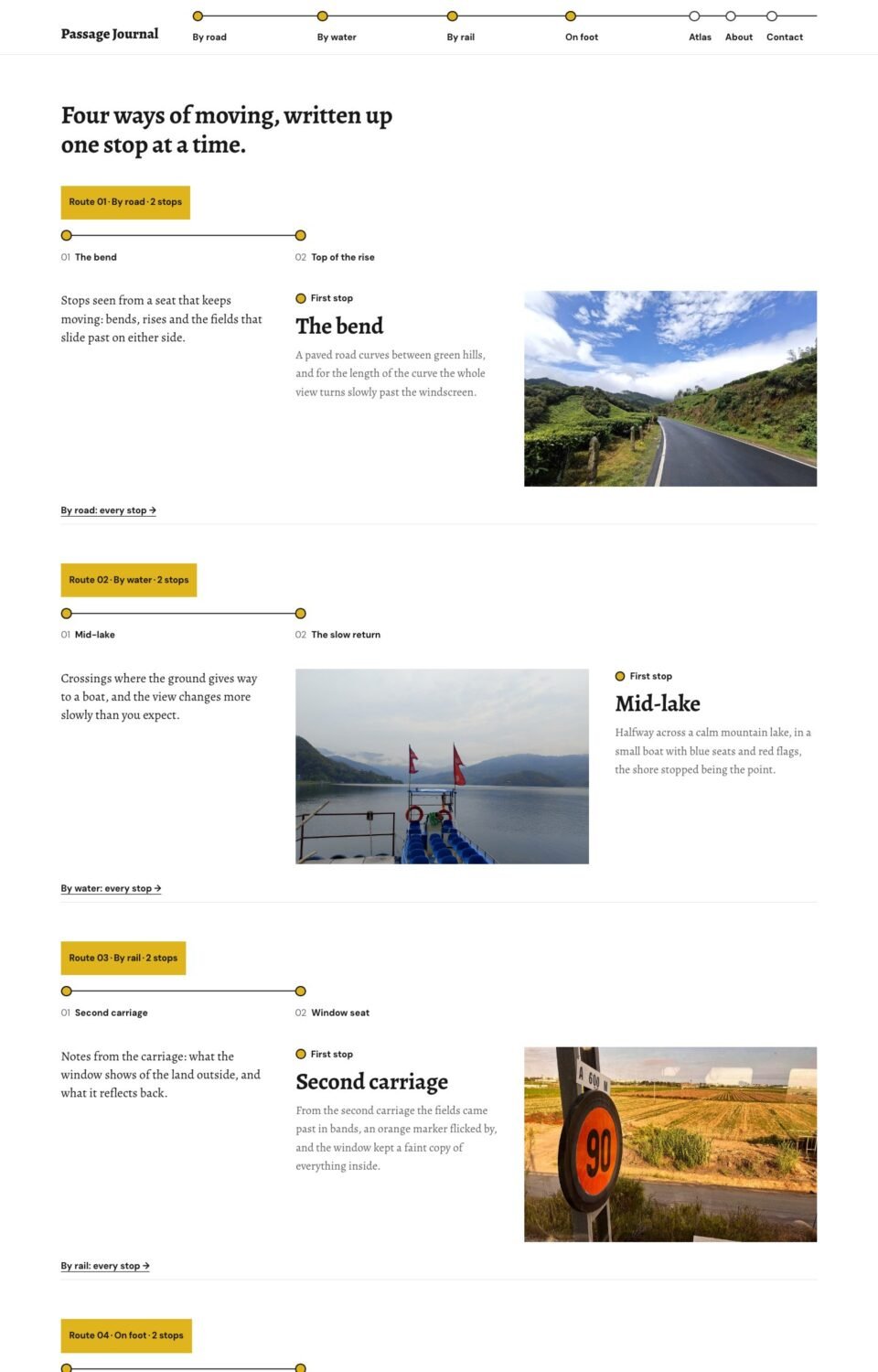
A travel journal filed as routes and stops, drawn as horizontal stop lines under a route bar, with an Atlas that groups stops by terrain.
- Best for
- Travel writers keeping short pieces organised by how they moved: by road, by water, by rail or on foot
- Platform
- WordPress
- Status
- On sale
- Price
- $47 USD
- Version
- 1.3.3
- License
- WordPress edition: GPL-compatible theme code
Demo photography is licensed separately from theme code
Page inventory
- Home
- Home
- Atlas
- Archive
- Stop
- Post
- About
- About
- Contact
- Contact
- Route page
- Archive
- Terrain and date archives
- Archive
- Search results
- Utility
- 404
- Utility
Design controls
- Site Editor
- Edit templates, navigation, colours, fonts and page sections in the WordPress Site Editor. Includes Graphite and Sans titles style variations.
- Route blocks
- Show one to six route blocks on the home page.
- Photograph shapes
- Crop route photographs to 3:2, 4:3 or 16:9 and stop photographs to 4:5 portrait, or keep their natural shape.
- Stop lines
- Show or hide stop numbers, and the stop line with previous and next stops at the foot of each stop.
- Reading and spacing
- Set a 520–1040 px reading width, compact, comfortable or spacious spacing, and 0–24 px photo corners.
Features
- Route bar header draws each route as a labelled stop on one line
- Home shows a block per route: tab, stop line, introduction and one photograph
- Stop pages list route, stop number, terrain, photographer and filing date
- Atlas groups stops by terrain; About includes a live table of routes
- Native WordPress blocks and local fonts
What the download includes
- WordPress block theme with templates, patterns, style variations and a Theme Setup screen
- 5 CC0 photographs from the WordPress Photo Directory, credited in ASSETS.json
- Local OFL-1.1 font files and license notices
- Getting started, customization and update documentation
- Optional fictional demo content for the separately supplied Theme Studio Demo Importer 1.1.2 or later
Setup
- Upload and activate the theme ZIP in Appearance → Themes.
- Keep Settings → Reading on Your latest posts, add stops as posts with one route category, terrain tags and an Order number, and create Atlas, About and Contact pages.
- Edit navigation, templates and styles in Appearance → Editor; adjust presentation in Appearance → Theme Setup.
- Demo content is fictional: replace sample text, photographs and the example email address before publishing.
Similar themes
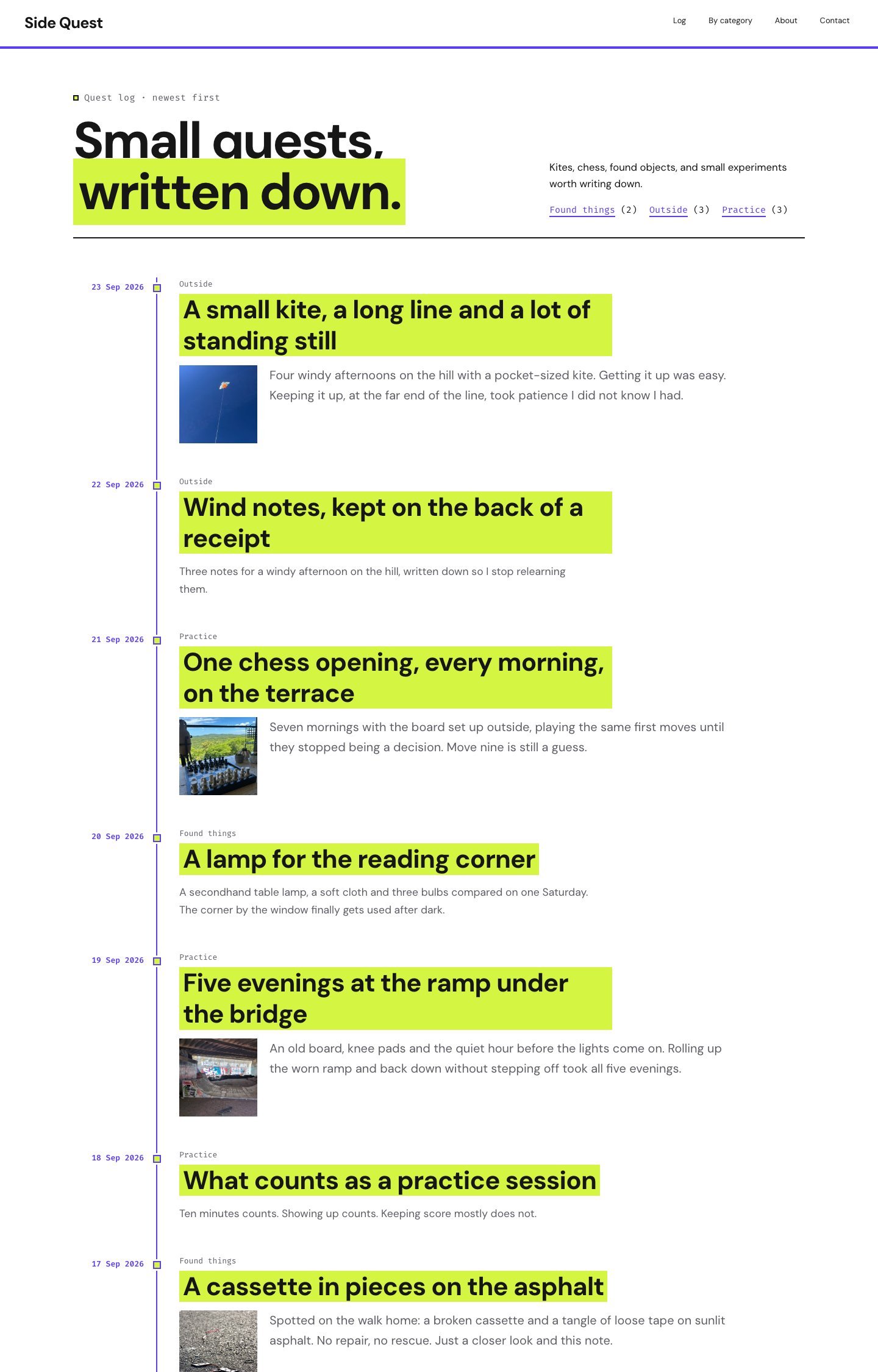
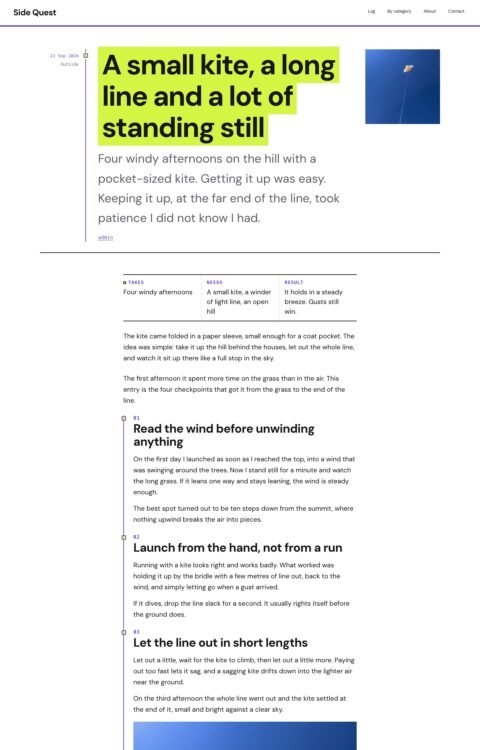
Side Quest
- Price
- $47 USD
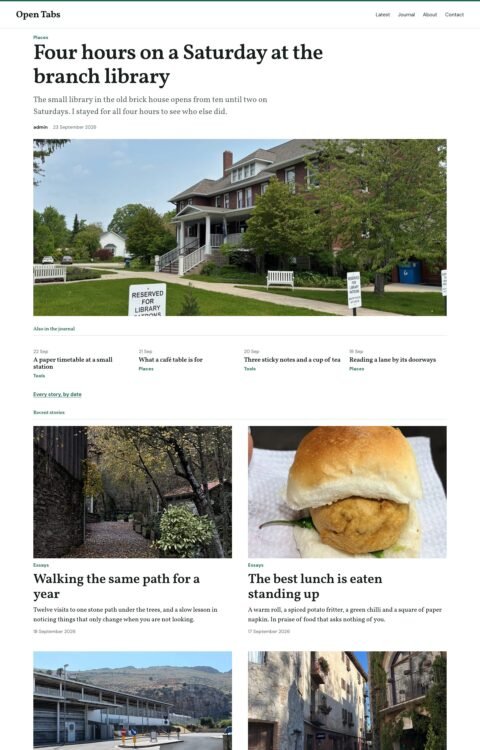
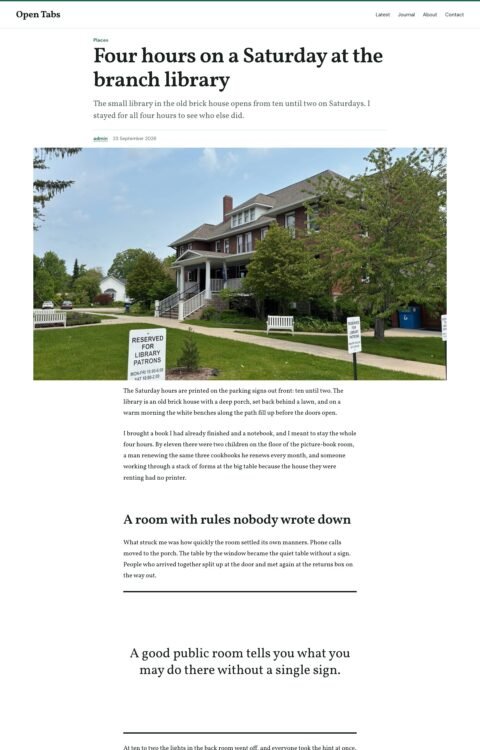
Open Tabs
- Price
- $47 USD
Common Hours
- Price
- $47 USD