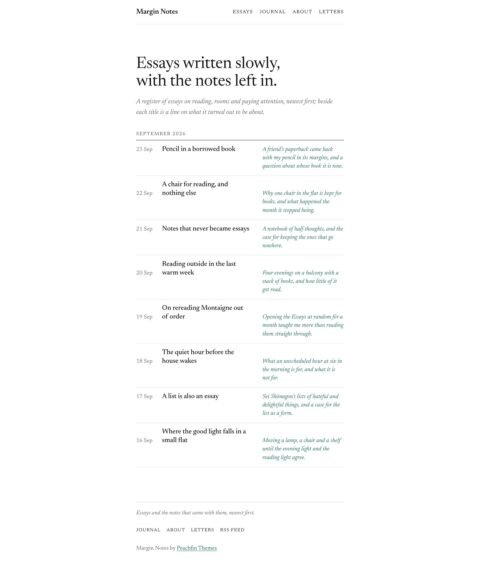
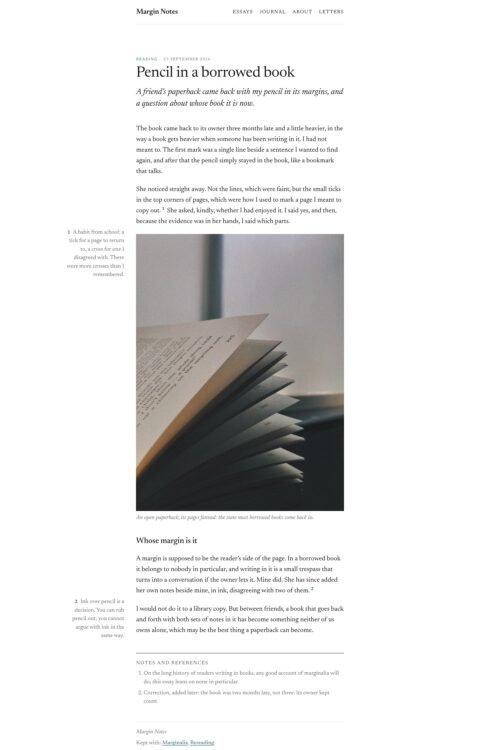
 (opens full-size screenshot)
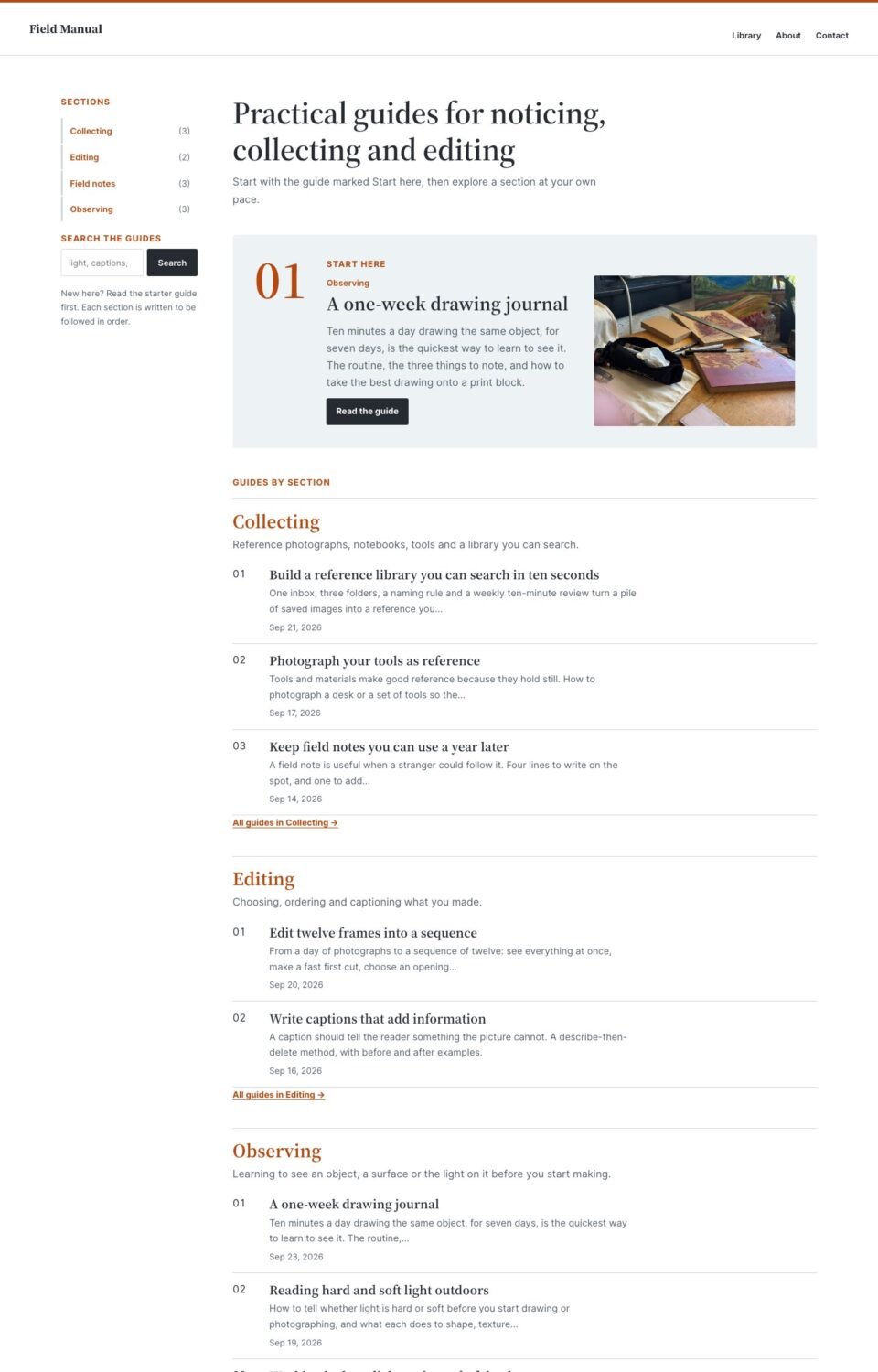
01 Home
 (opens full-size screenshot)
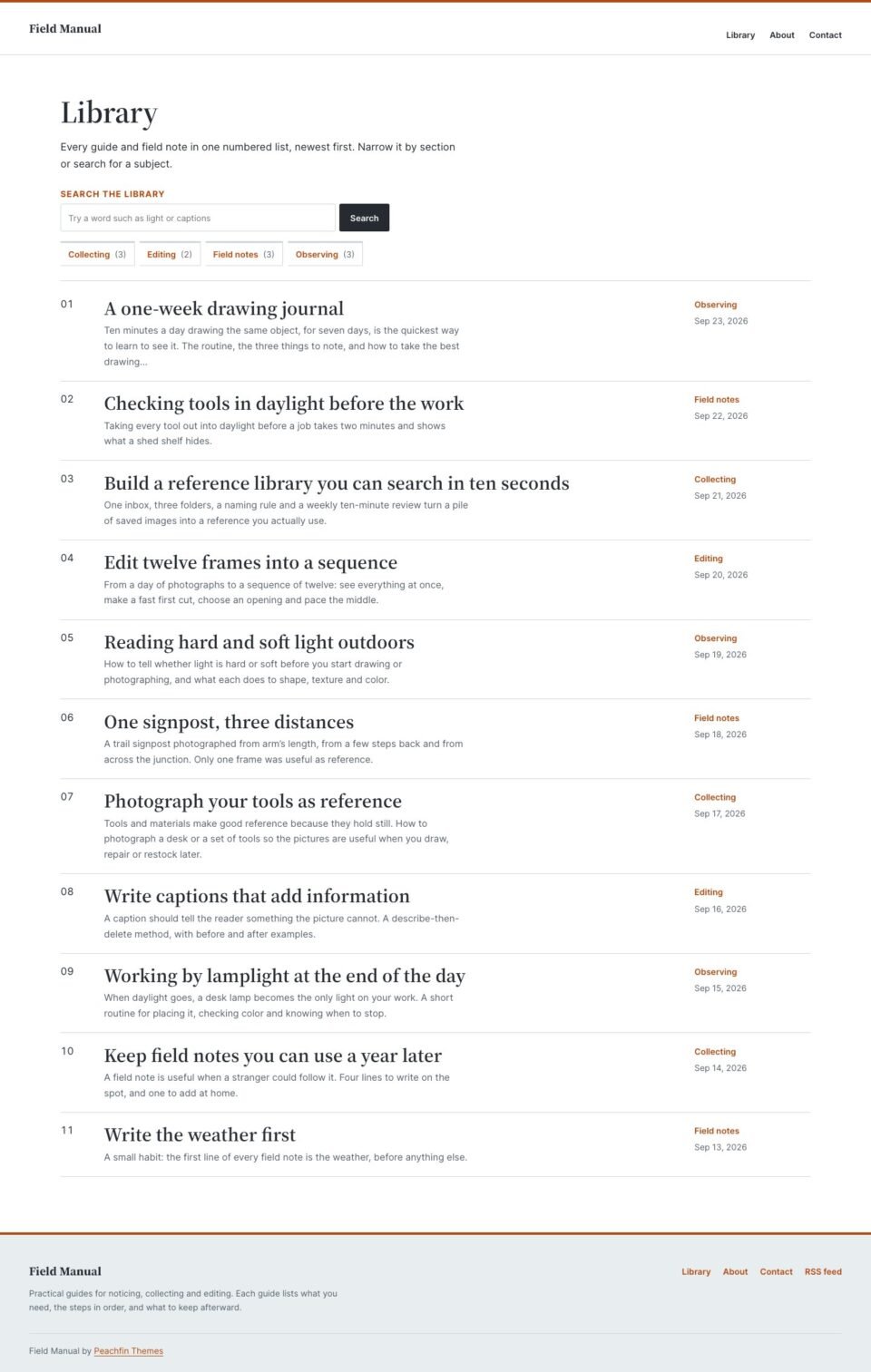
02 Library
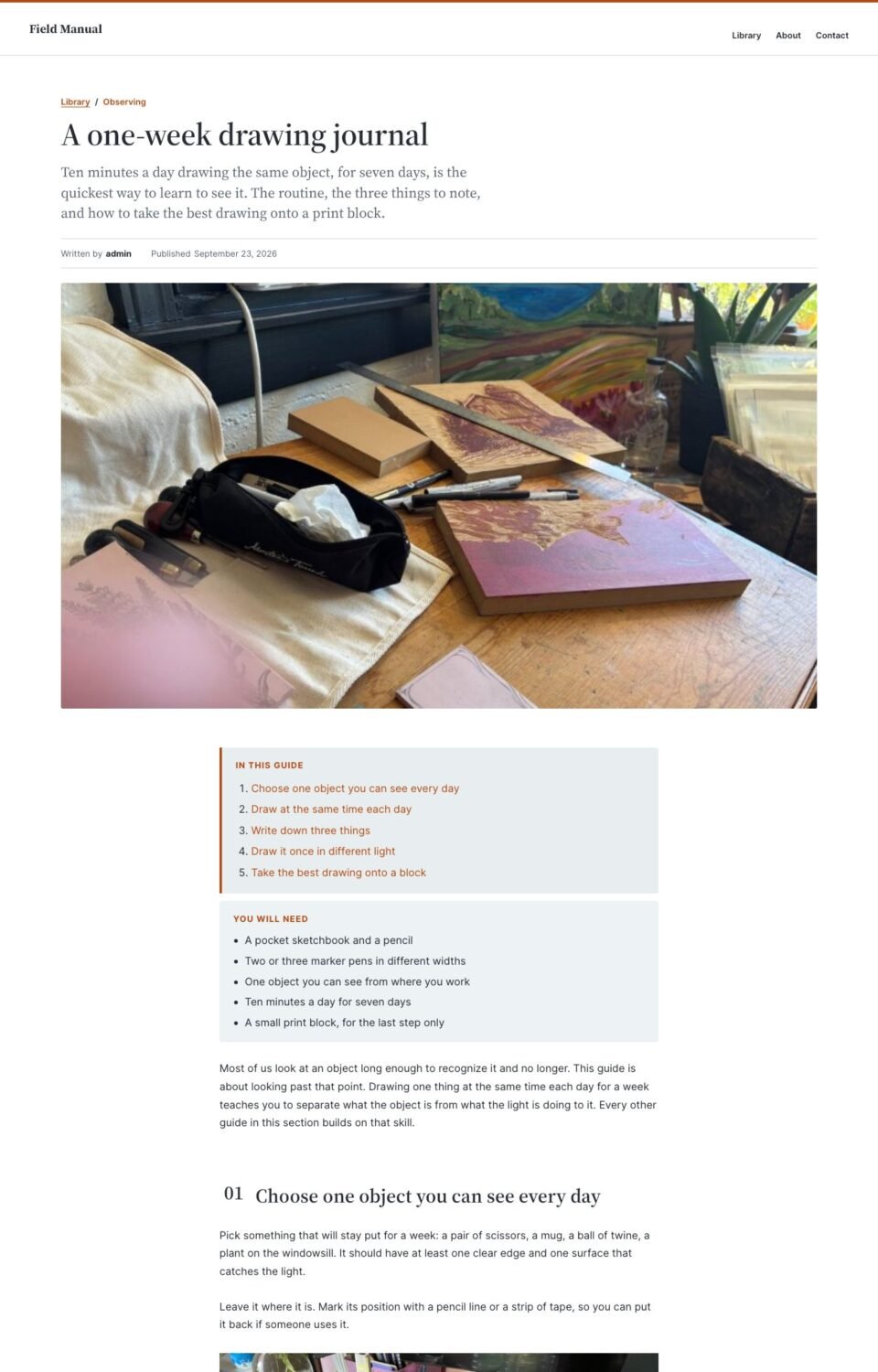 (opens full-size screenshot)
03 Article
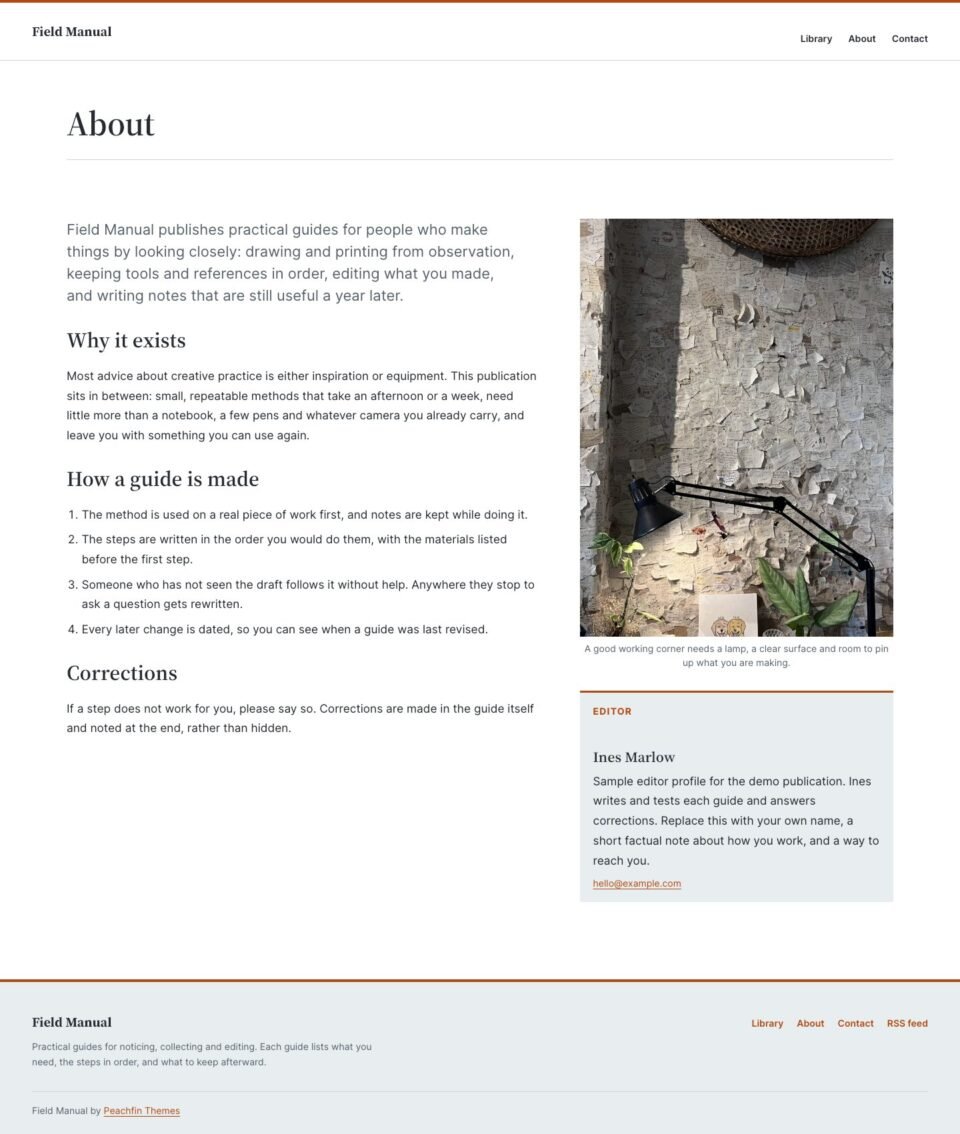 (opens full-size screenshot)
04 About
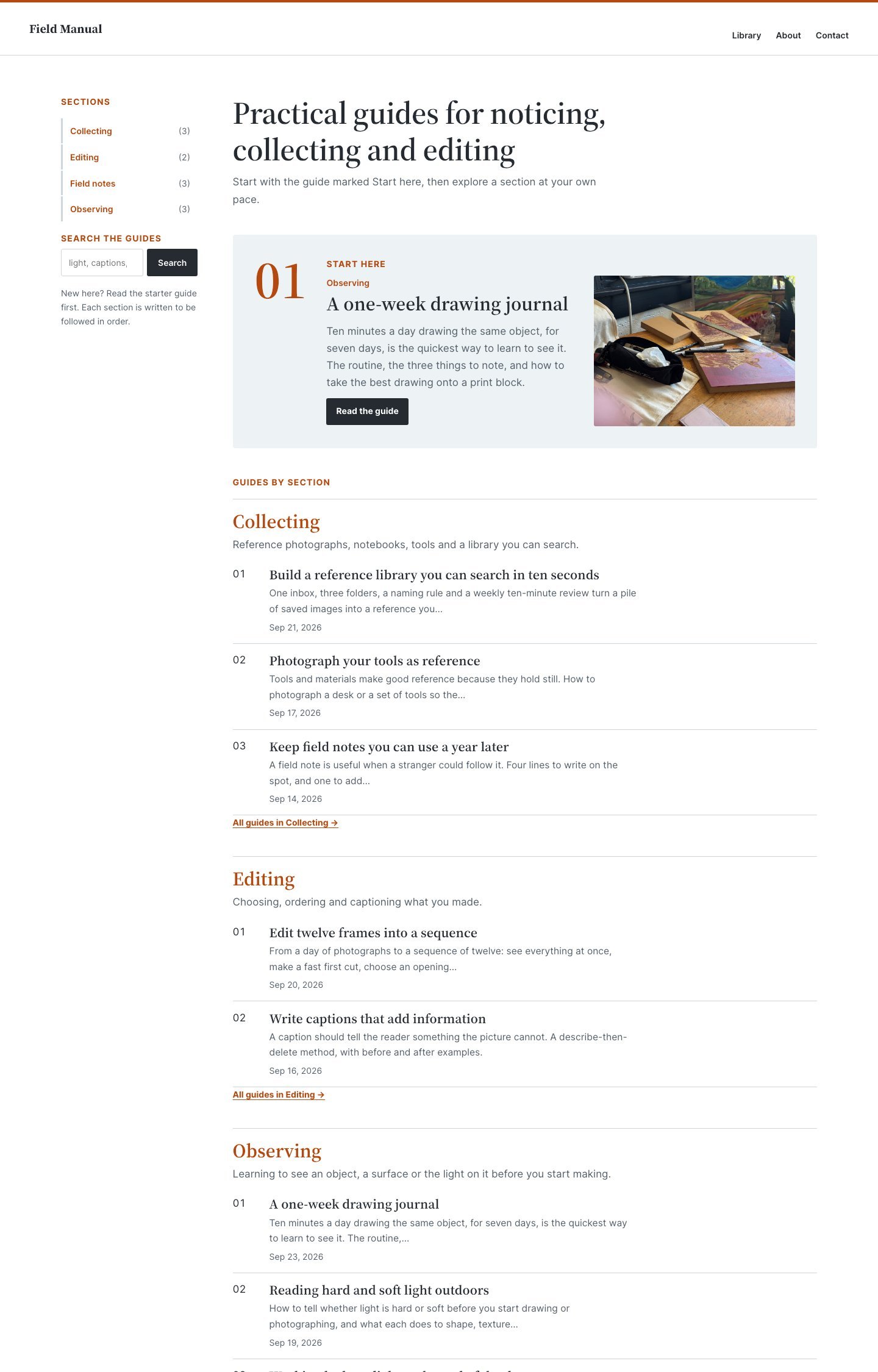
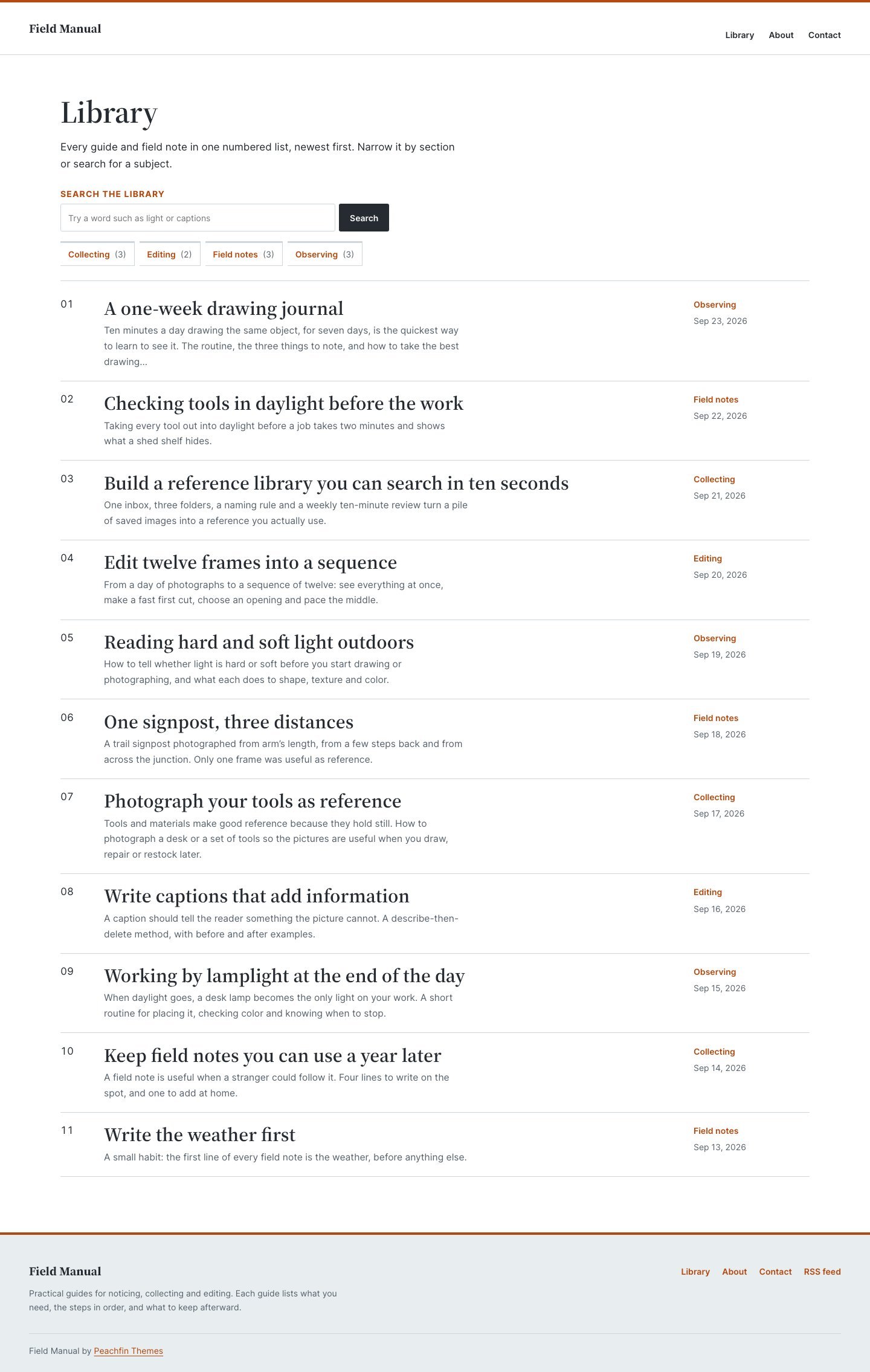
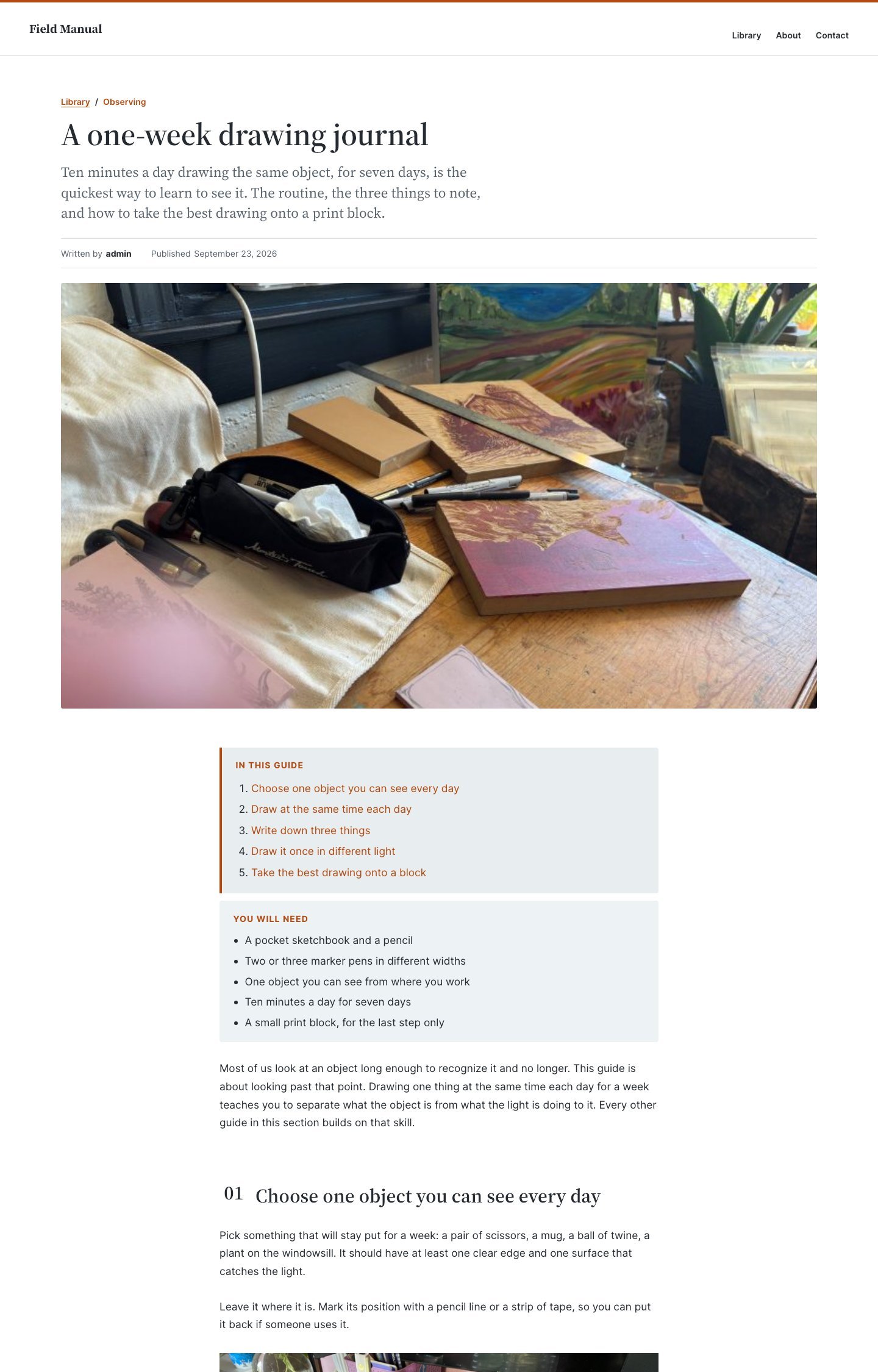
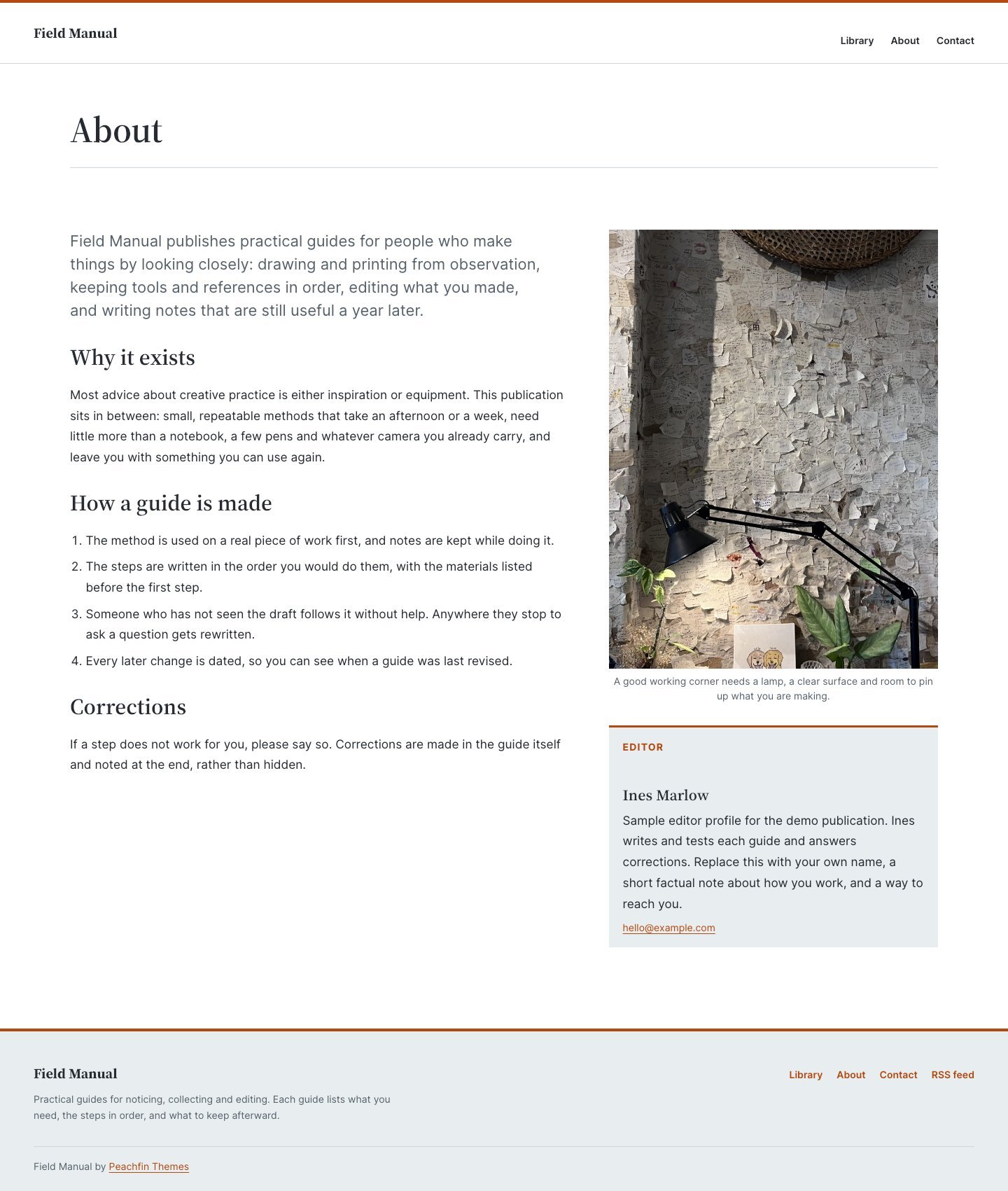
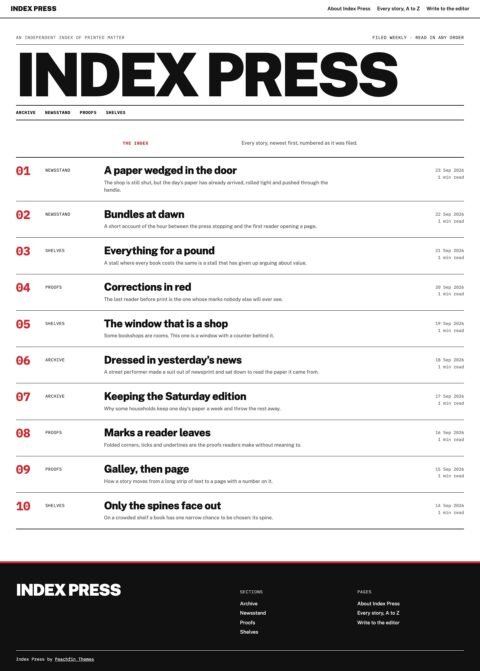
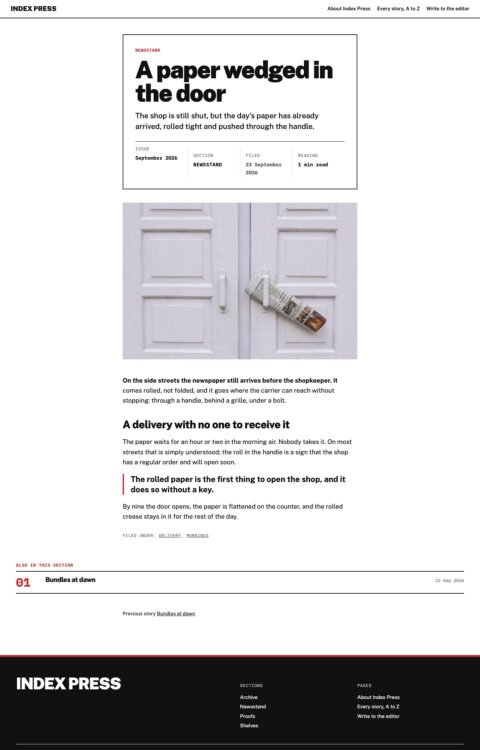
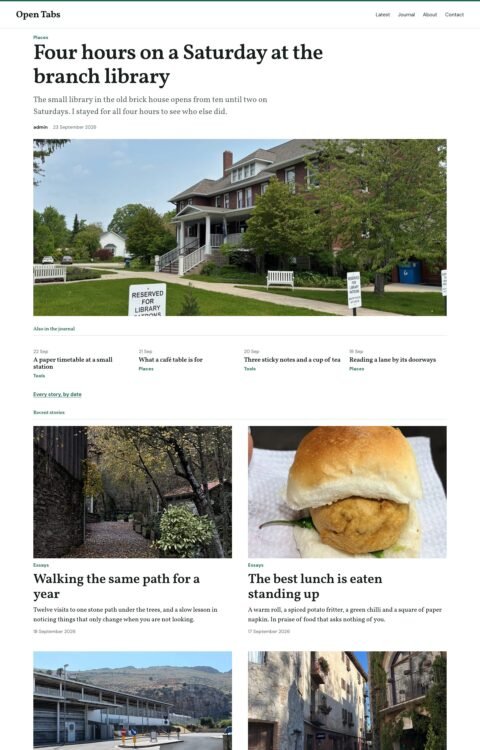
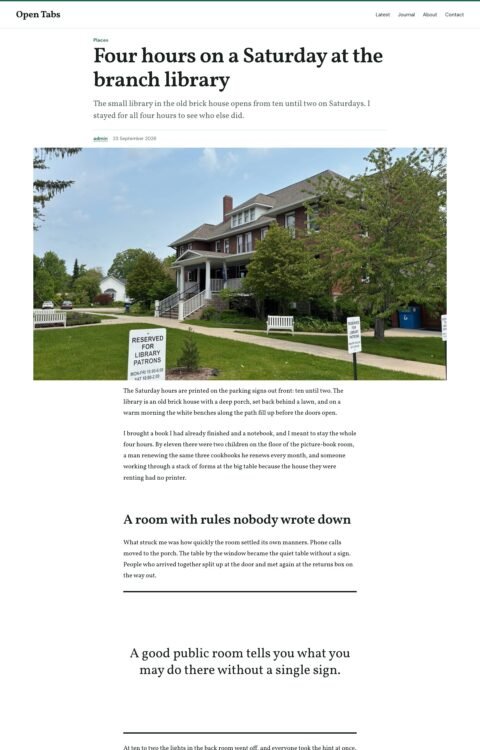
These preview photographs are included in the demo content. Photo source links are provided.
Field Manual
A guidebook publication: a working index by section, a numbered library and guide articles with an outline, a materials list and numbered steps.
- Best for
- How-to guides, practice notes and reference libraries
- Platform
- WordPress
- Status
- On sale
- Price
- $47 USD
- Version
- 1.3.3
- License
- WordPress edition: GPL-compatible theme code
Demo photography is licensed separately from theme code
Page inventory
- Home: working index with section navigation
- Home
- Library: all guides
- Archive
- Guide with outline and steps
- Post
- About the publication
- About
- Contact the editor
- Contact
- Section archive
- Archive
- Search results
- Utility
- 404
- Utility
Design controls
- Site Editor
- Edit the header, footer, navigation and templates with core blocks in Appearance → Editor. No page builder.
- Sections from categories
- Categories become the sections in the vertical navigation, library tabs and front-page groups; descriptions appear under each heading.
- Starter guide
- Make any guide sticky to feature it as guide 01 on the front page.
- Guide parts
- Guide outline, Materials panel, Margin note and Numbered step block styles, plus a New guide pattern.
- Guide numerals
- Turn row numbers, step badges and the starter numeral on or off.
- Reading width and article options
- Text width 520–1040px, article spacing, image corners and an optional reading progress line.
- Colours and style variations
- Recolour Paper, Graphite, Burnt orange, Cover slate, Cool slate, Rule and Pencil, or switch to Clear or Literary.
- Fonts
- Inter and Source Serif 4 are served from your own site; choose other fonts in Styles → Typography.
Features
- Front page lists guides by section with a vertical section rail
- Numbered starter guide and a separate field-notes panel
- Library page template listing every guide in numbered rows
- Guides with a linked outline, materials list and automatically numbered steps
- Related reading from the same sections under each guide
- Built from core blocks and ordinary posts
- Contact links open the visitor's email app; no form service is bundled
- Native block theme edited in the WordPress Site Editor
What the download includes
- WordPress block theme: templates, template parts, patterns, theme.json and two style variations
- Inter and Source Serif 4 font files with SIL Open Font License 1.1 texts
- GETTING-STARTED.md with a six-step publication setup
- readme.txt, CHANGELOG.md and LICENSE.txt
- ASSETS.json recording font and photograph sources, licences and checksums
Setup
- Upload the theme ZIP at Appearance → Themes → Add New → Upload Theme and activate it.
- Create three or four sections under Posts → Categories, with short descriptions.
- Optionally create a field-notes category for short notes.
- Create a Library page and assign the Library: all guides template, or set it as the Posts page.
- Write guides as posts using the New guide pattern; make one sticky as the starter guide.
Similar themes
Index Press
- Price
- $47 USD
Open Tabs
- Price
- $47 USD
Margin Notes
- Price
- $47 USD