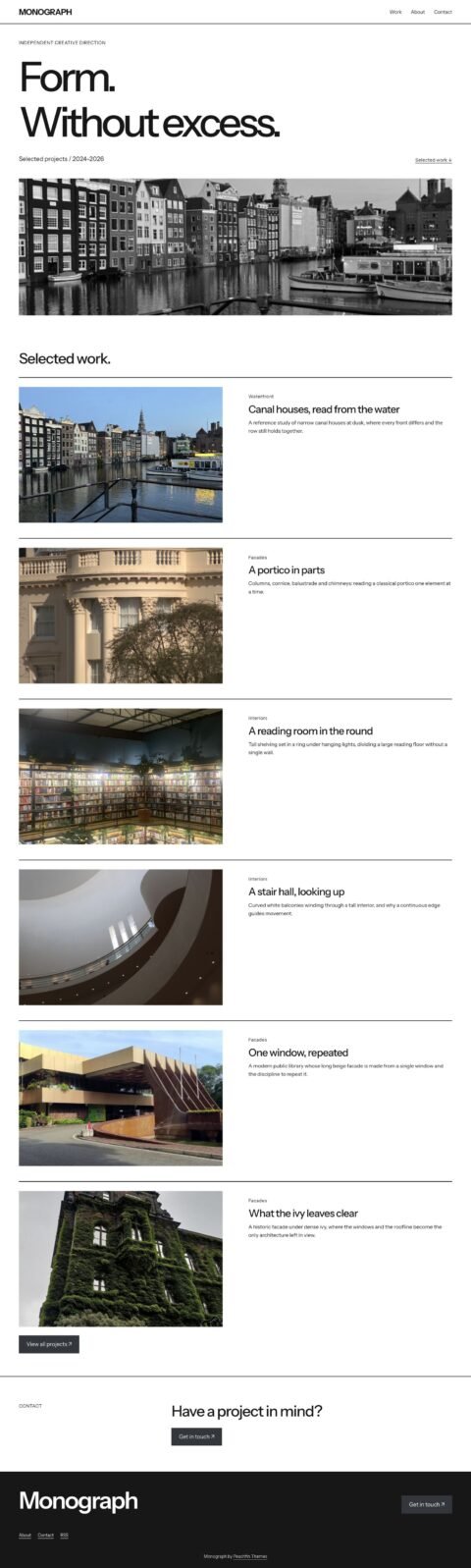
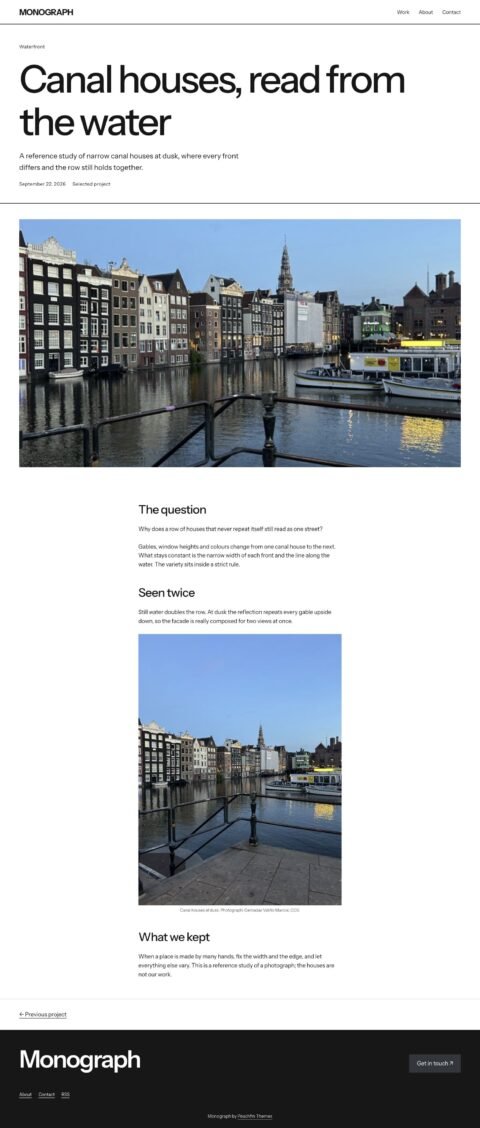
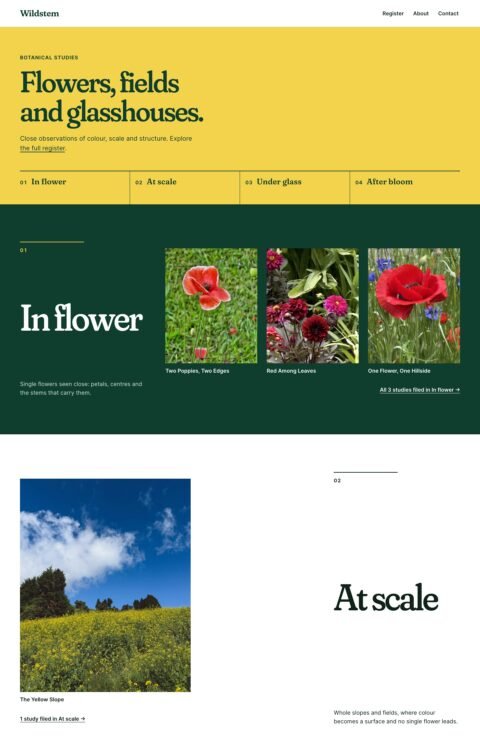
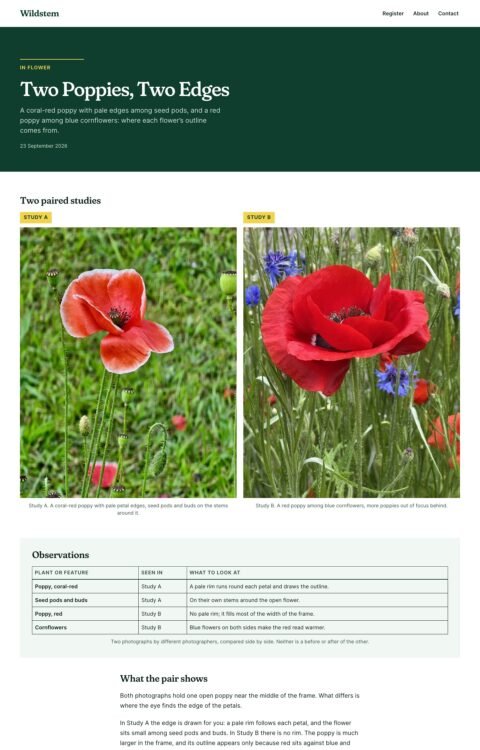
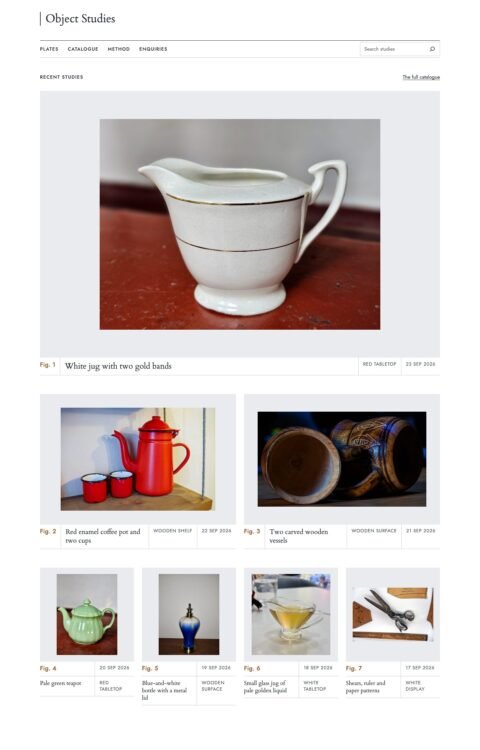
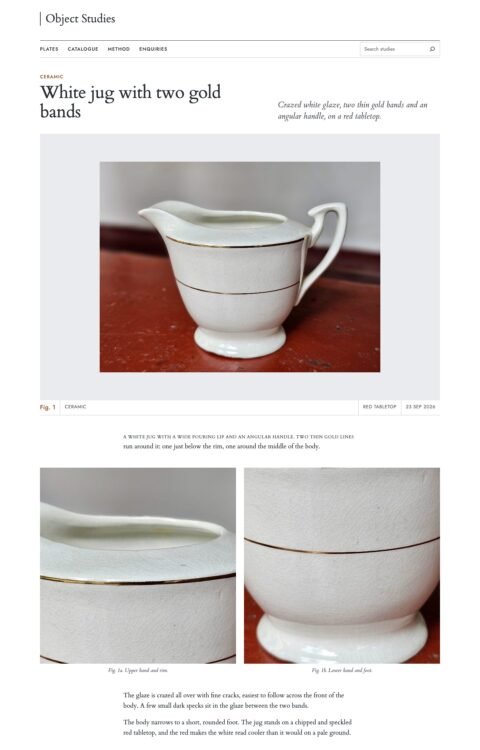
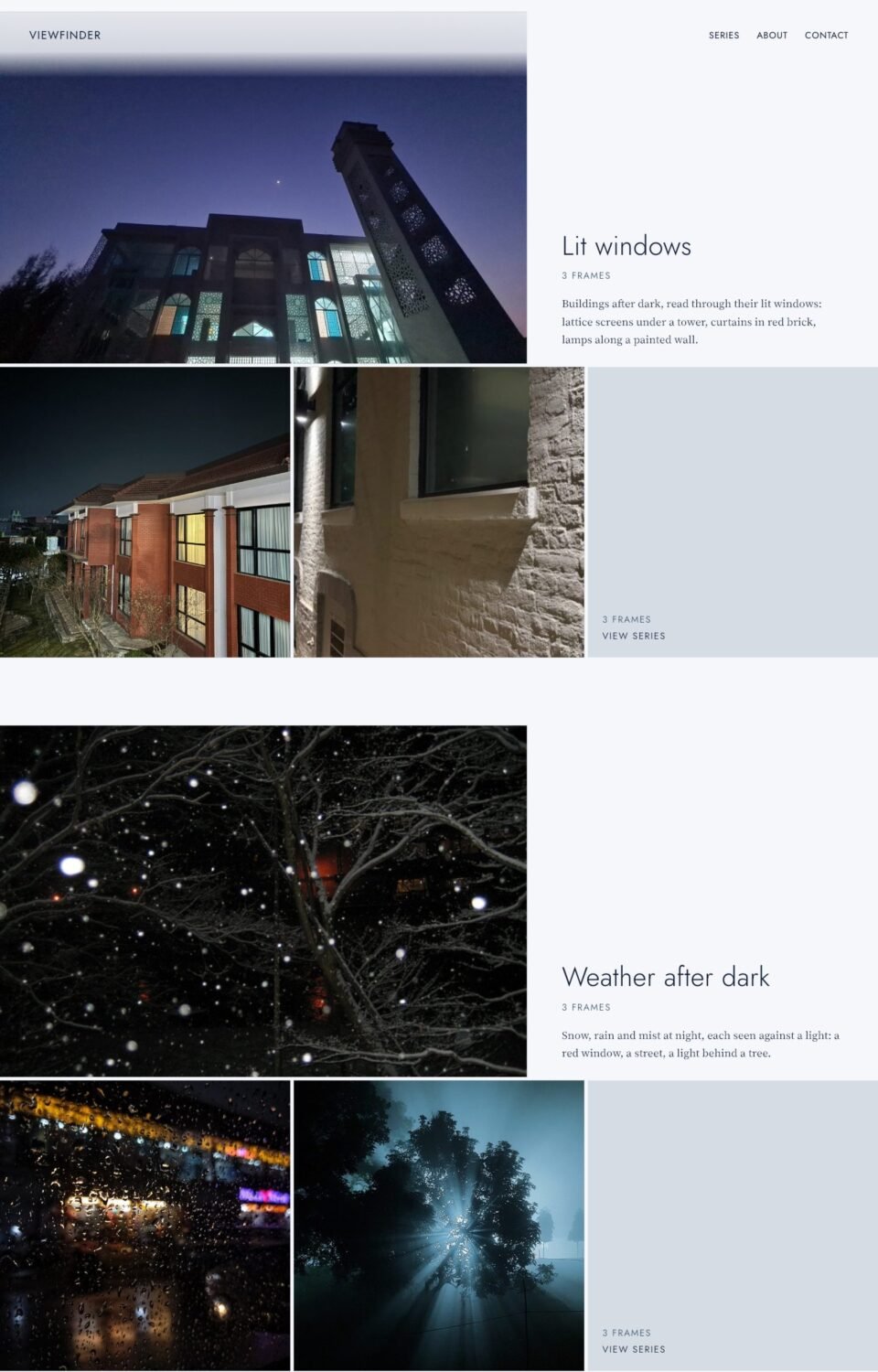
 (opens full-size screenshot)
01 Home
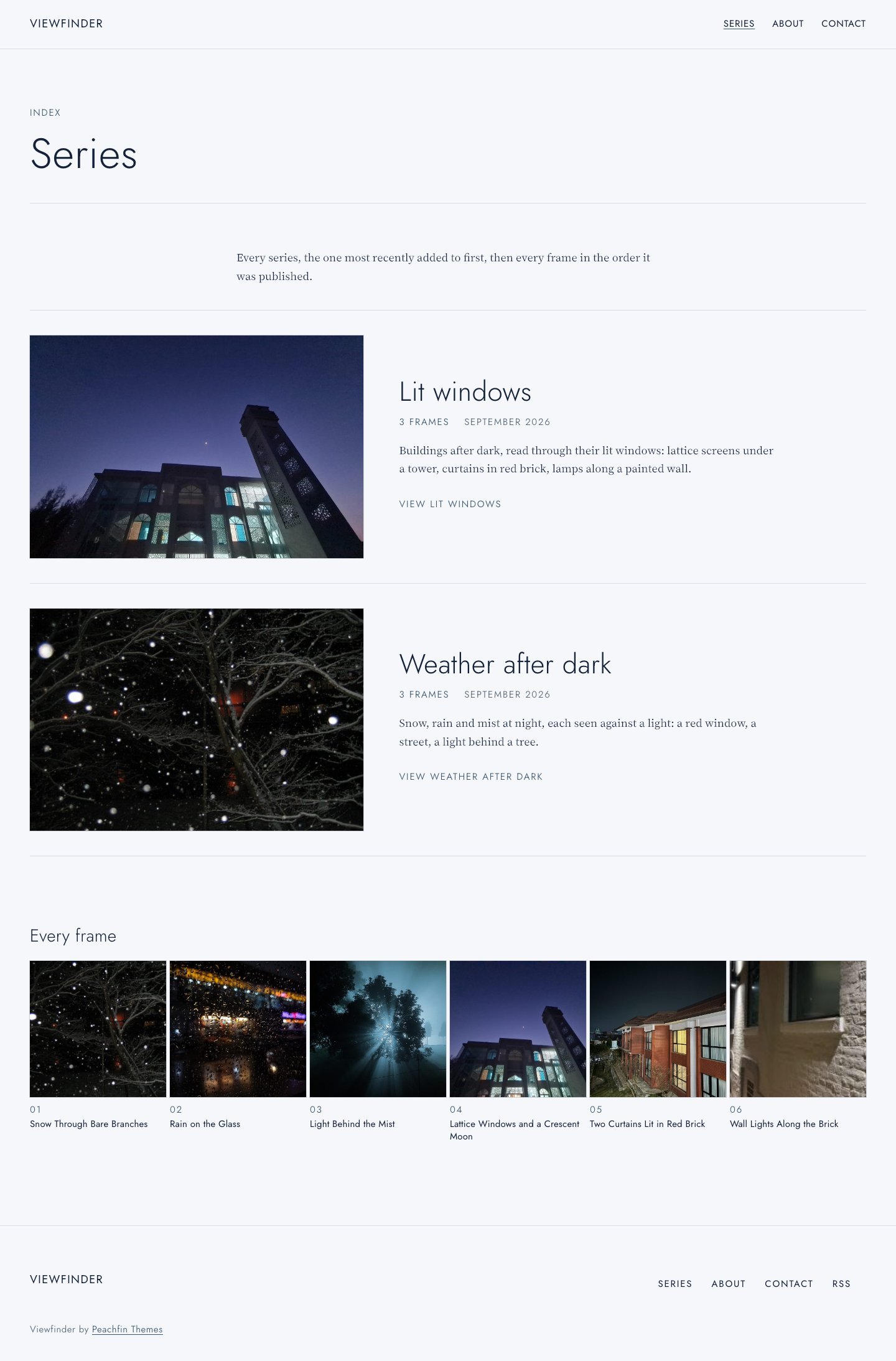
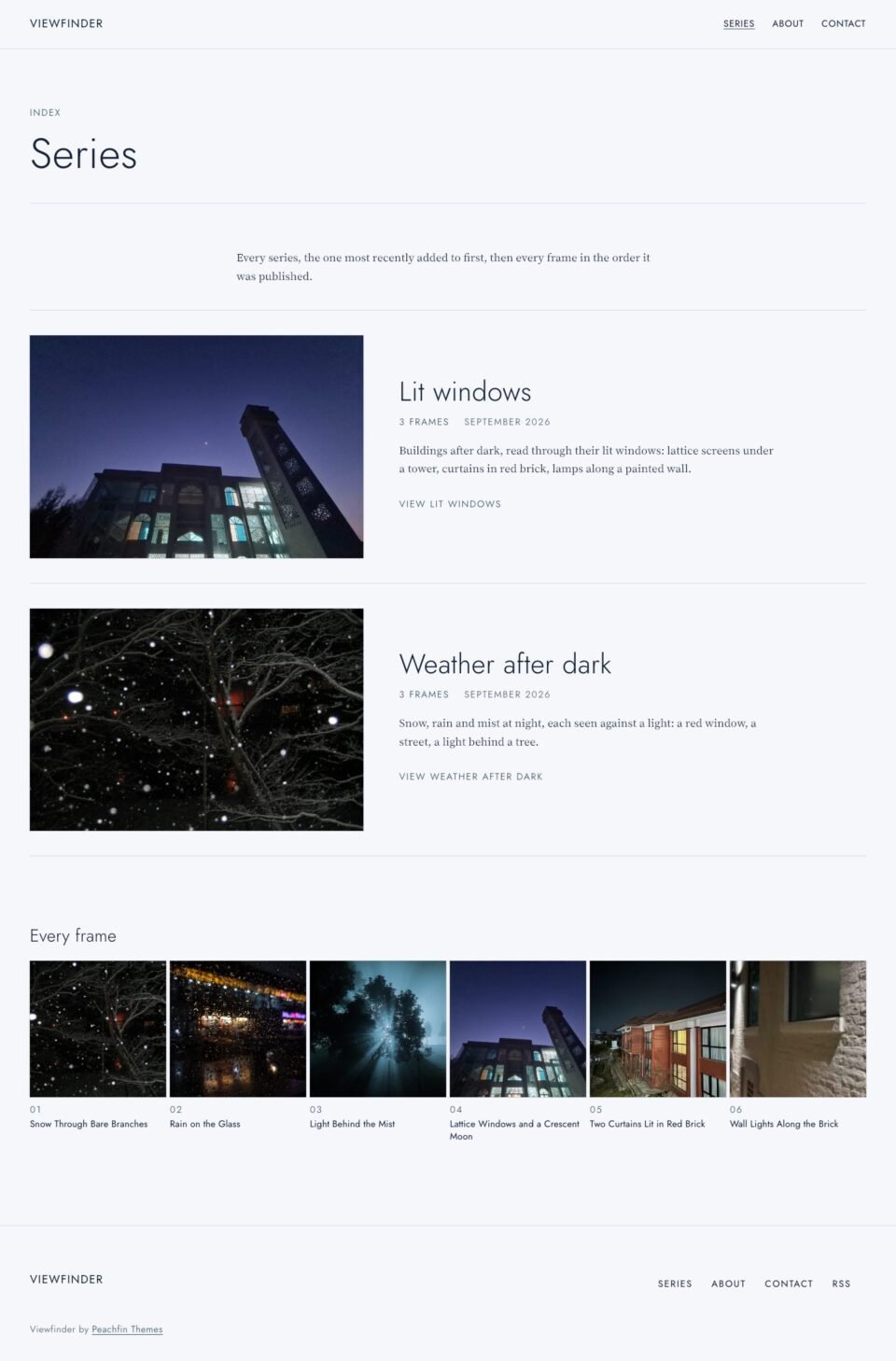 (opens full-size screenshot)
02 Series
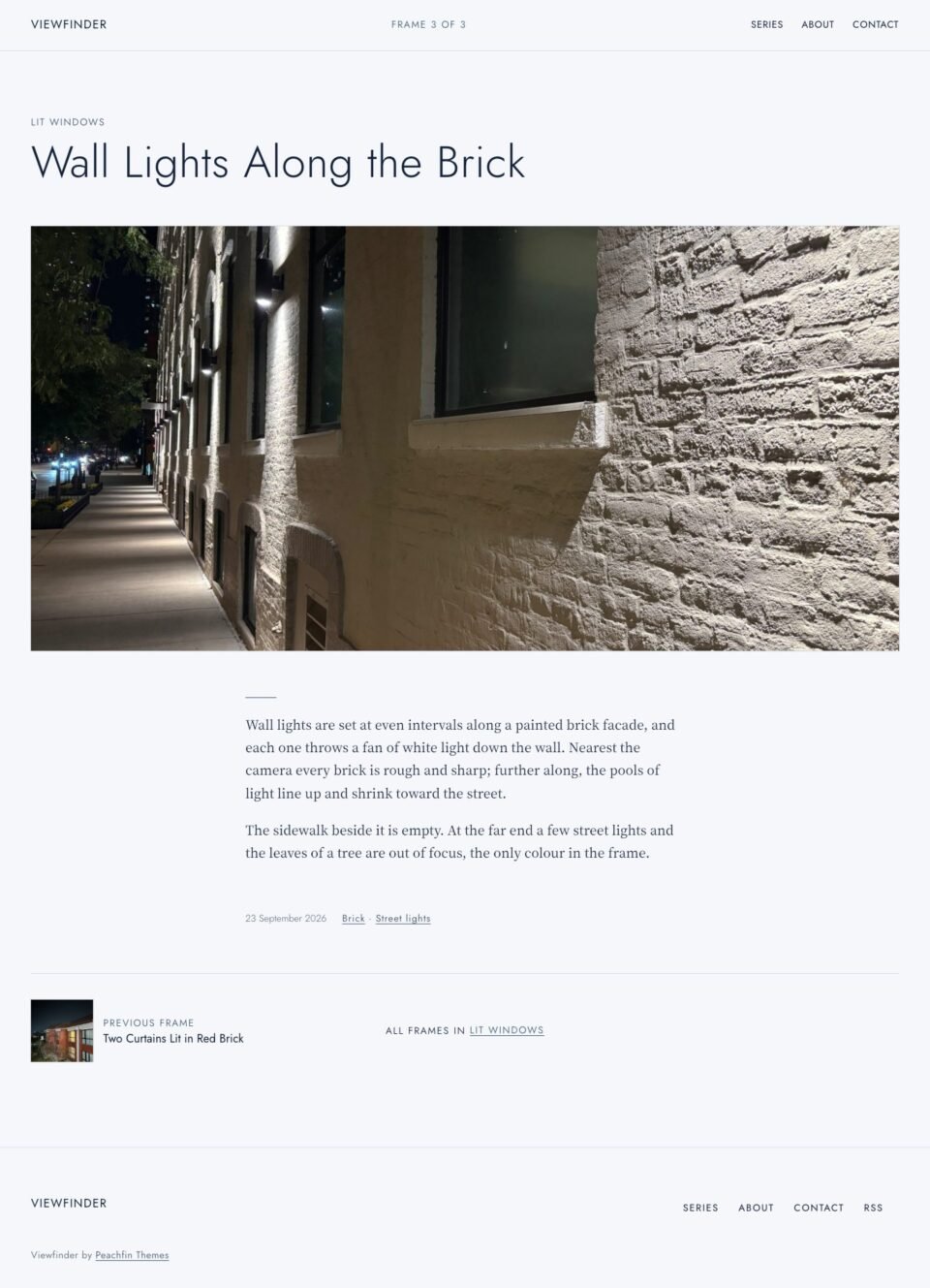 (opens full-size screenshot)
03 Frame
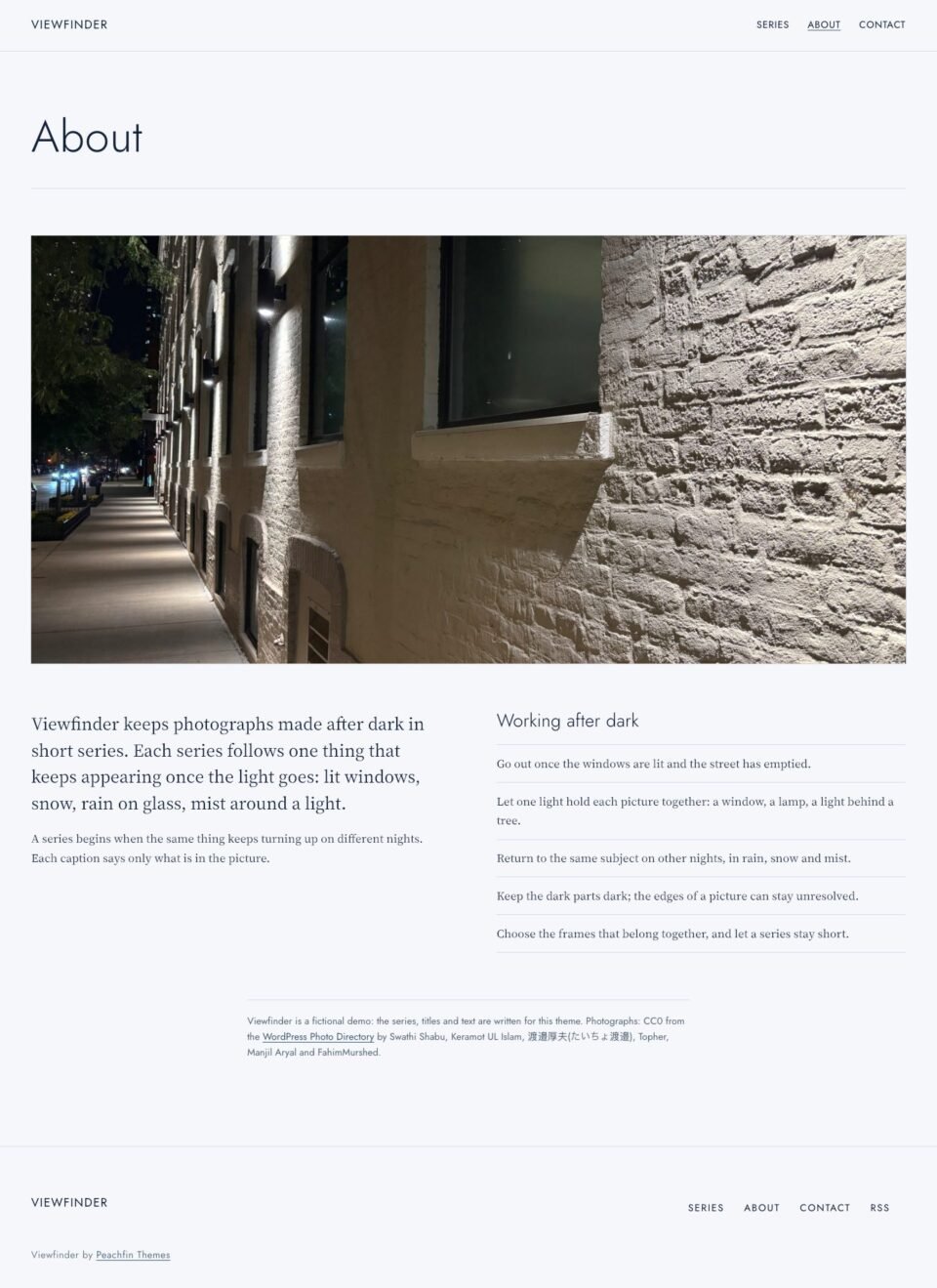 (opens full-size screenshot)
04 About
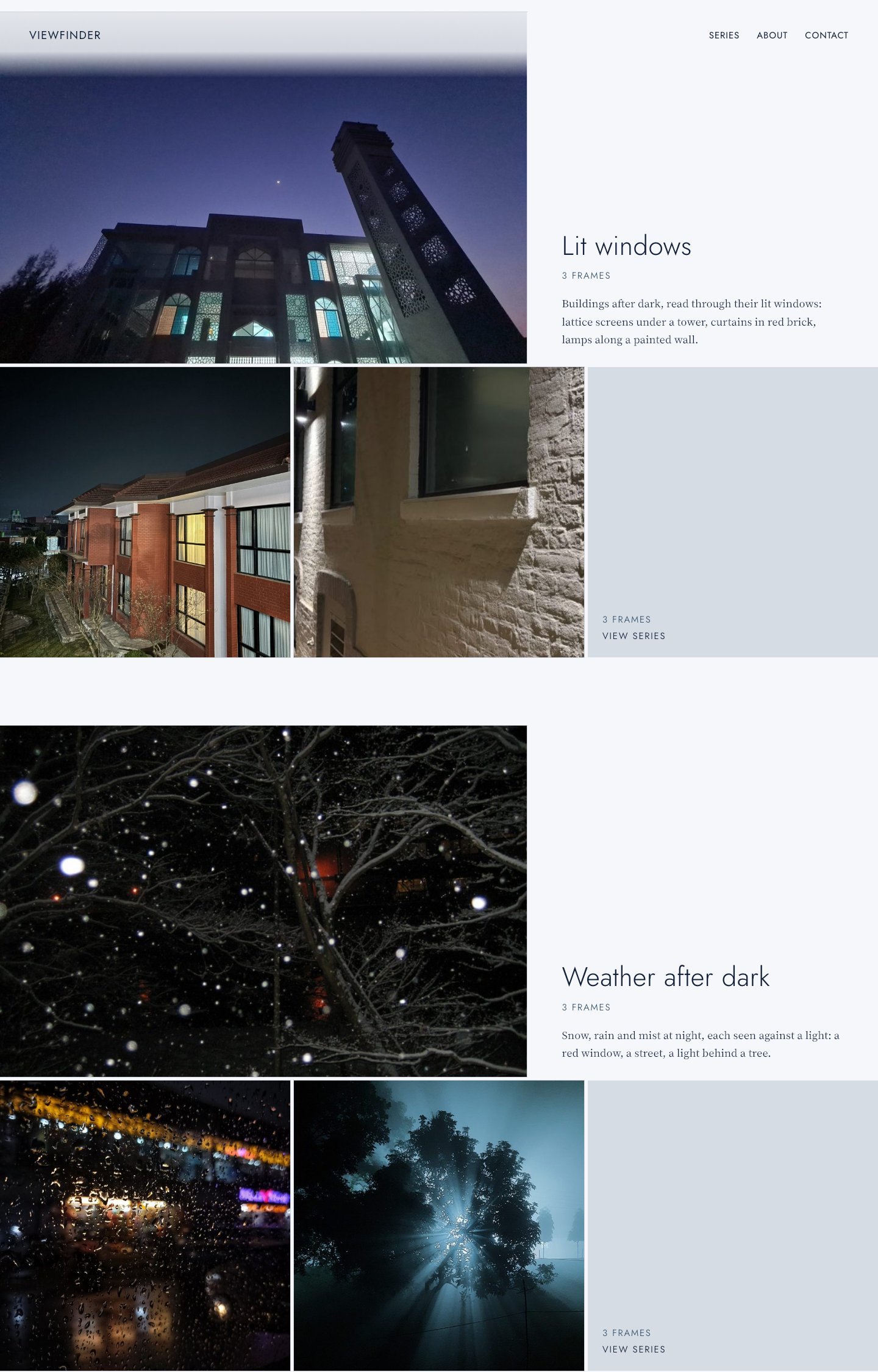
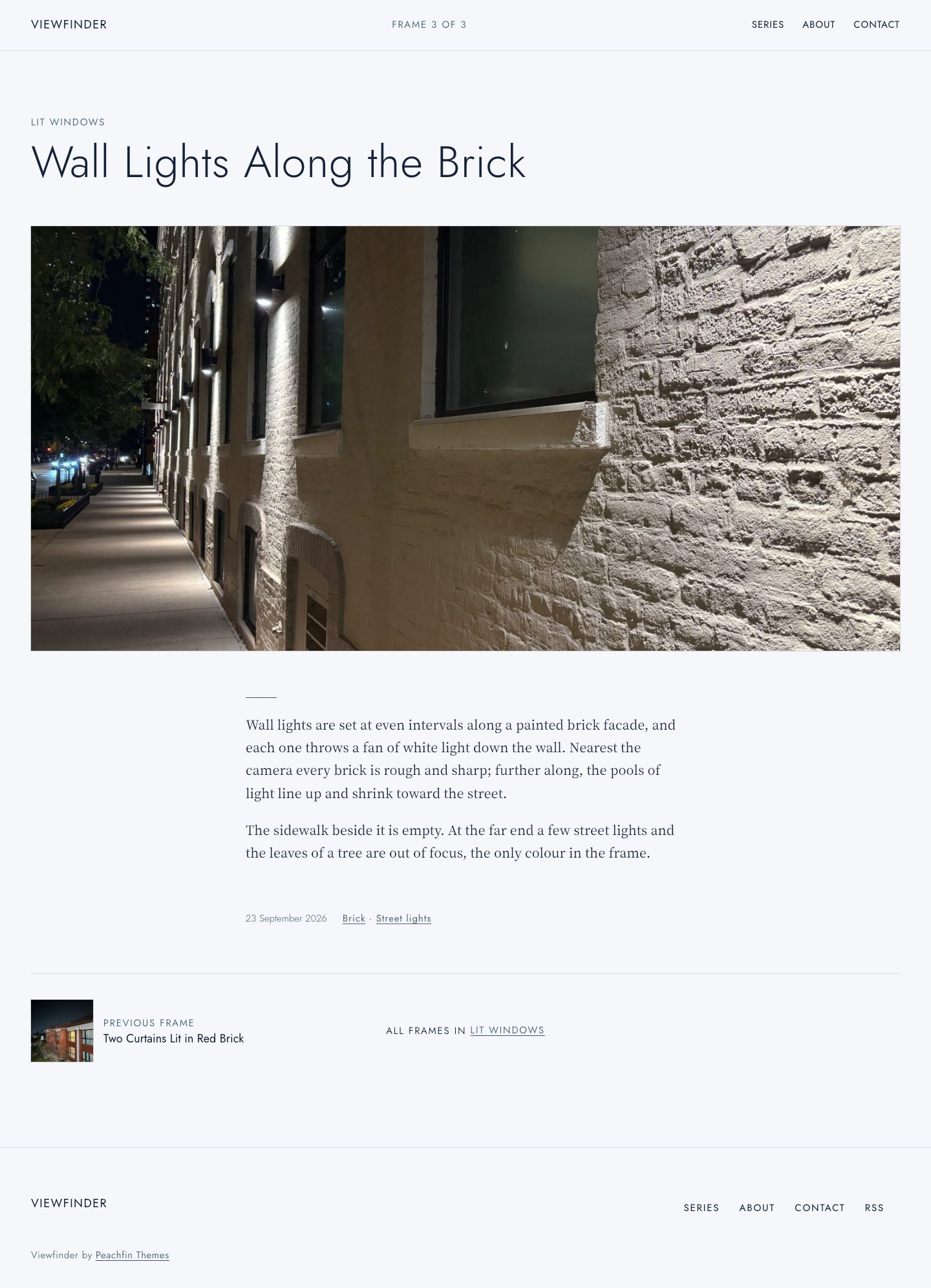
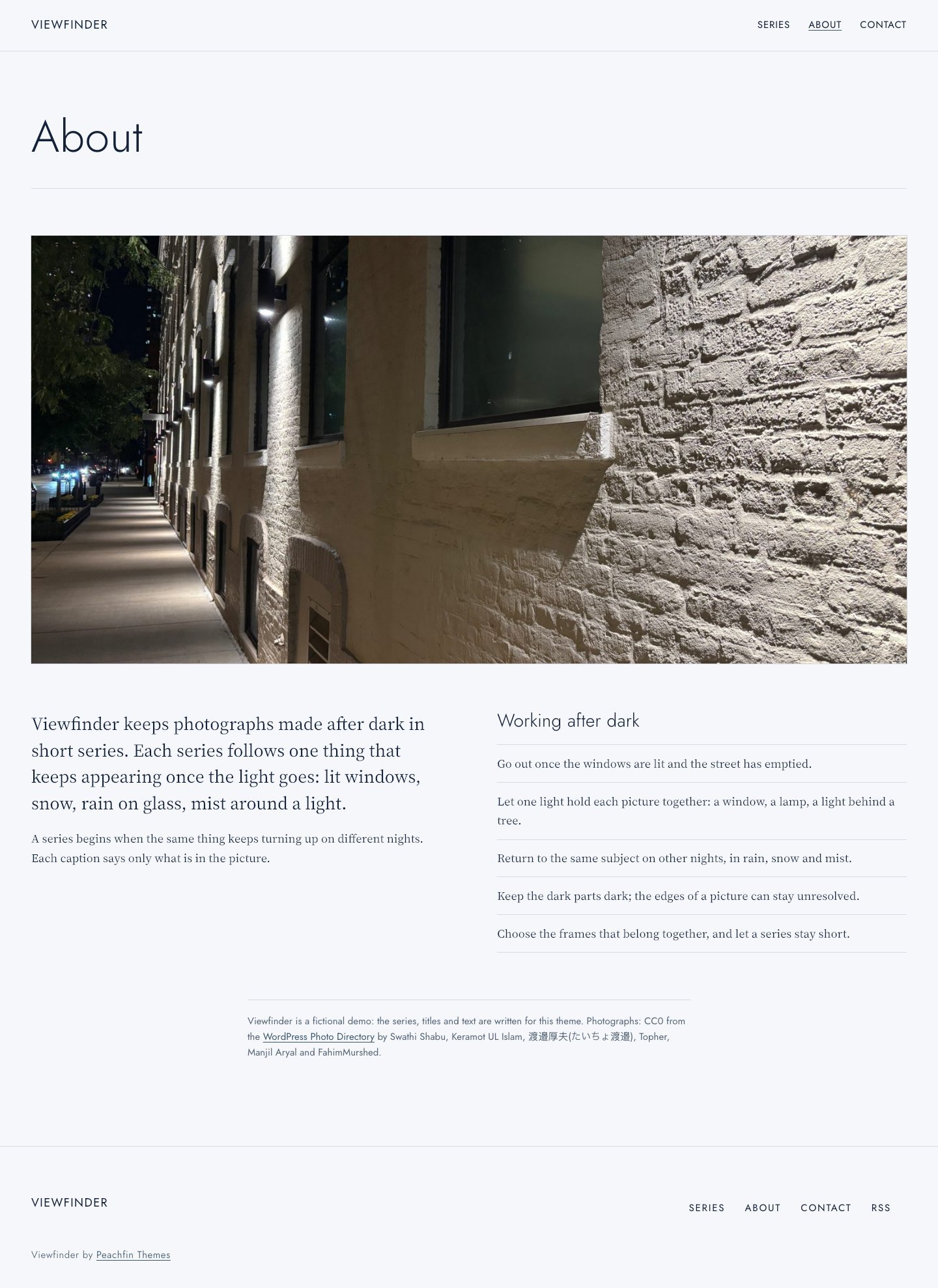
These preview photographs are included in the demo content. Photo source links are provided.
Viewfinder
A colour-independent photo-series theme: a cover, a description and a strip of square frames per series, on a light, editable palette with a Night variation.
- Best for
- Photographers publishing work as numbered series of frames with short written passages
- Platform
- WordPress
- Status
- On sale
- Price
- $47 USD
- Version
- 2.1.2
- License
- WordPress edition: GPL-compatible theme code
Demo photography is licensed separately from theme code
Page inventory
- Home
- Home
- Series
- Work
- Frame
- Project
- About
- About
- Contact
- Contact
- Series, tag and date archives
- Archive
- Search results
- Utility
- 404
- Utility
Design controls
- Site Editor
- Edit templates, navigation, fonts and page sections in the WordPress Site Editor. A Night style variation restores the original dark indigo colours.
- Colour palette
- Five named palette slots (Background, Text, Accent, Rule, Secondary text) in Styles → Colors → Palette, with custom colours enabled.
- Strip length
- Set three to six squares per home-page strip. The cover is left out, and a frame-count tile fills the last square when a series is short.
- Cover shape
- Crop series covers to 3:2, 4:3 or 16:9; frame pages always show the whole photograph.
- Frame counter
- Show or hide “Frame 2 of 3” in the top bar and on series pages.
- Comments on frames
- Off by default; when on, each post’s own Discussion setting decides.
Features
- Home stacks one block per series: cover, frame count, description and a square strip
- Frame pages open with “Frame 2 of 3” and pace wide frames, pairs, portraits and passages
- Series index with a numbered contact strip of every frame
- Light default on cool near-white paper with ink-navy text; every colour is editable, and a Night variation restores the dark indigo look
- Native WordPress blocks and local fonts
What the download includes
- WordPress block theme with templates, patterns, a Night style variation and a Theme Setup screen
- 6 CC0 photographs from the WordPress Photo Directory, credited in ASSETS.json
- Local OFL-1.1 font files and license notices
- Getting started, customization and update documentation
- Optional fictional demo content for the separately supplied Theme Studio Demo Importer 1.1.2 or later
Setup
- Upload and activate the theme ZIP in Appearance → Themes.
- Keep Settings → Reading on Your latest posts, add frames as posts with one series category and a featured image, and create Series, About and Contact pages.
- Edit colours in Appearance → Editor → Styles (Colors → Palette, or Browse styles → Night), and navigation and templates in the Editor; adjust presentation in Appearance → Theme Setup.
- Demo content is fictional: replace sample text, photographs and the example email address before publishing.
Similar themes
Monograph
- Price
- $47 USD
Wildstem
- Price
- $47 USD
Object Studies
- Price
- $47 USD