Larder

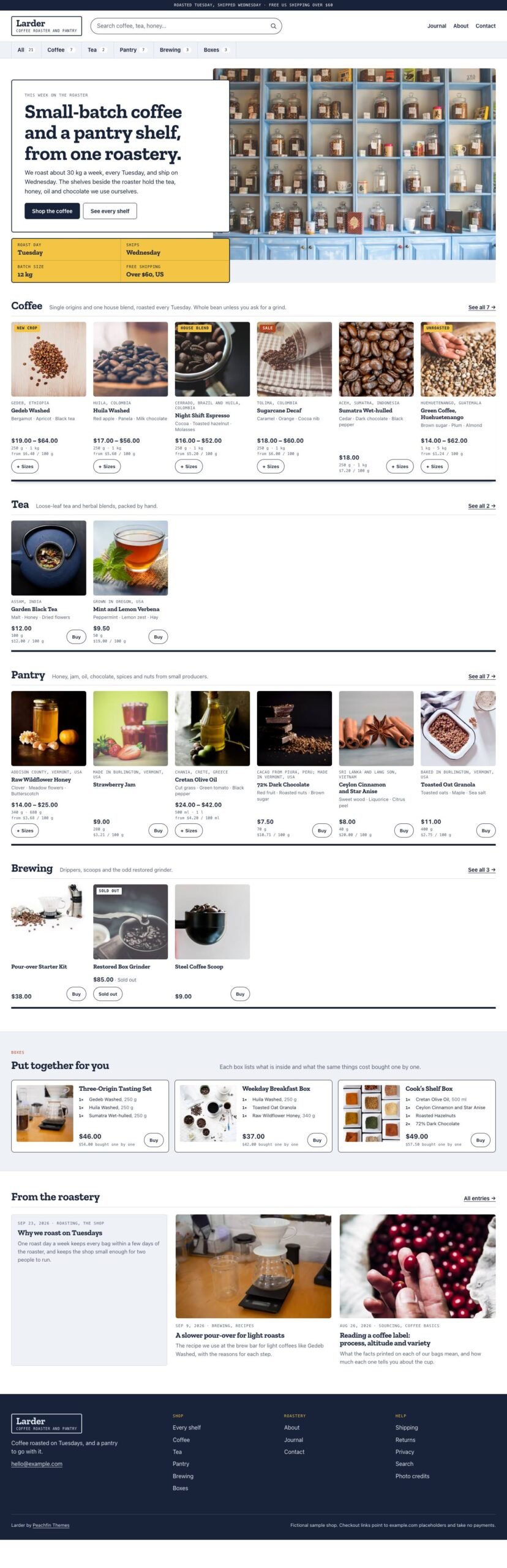
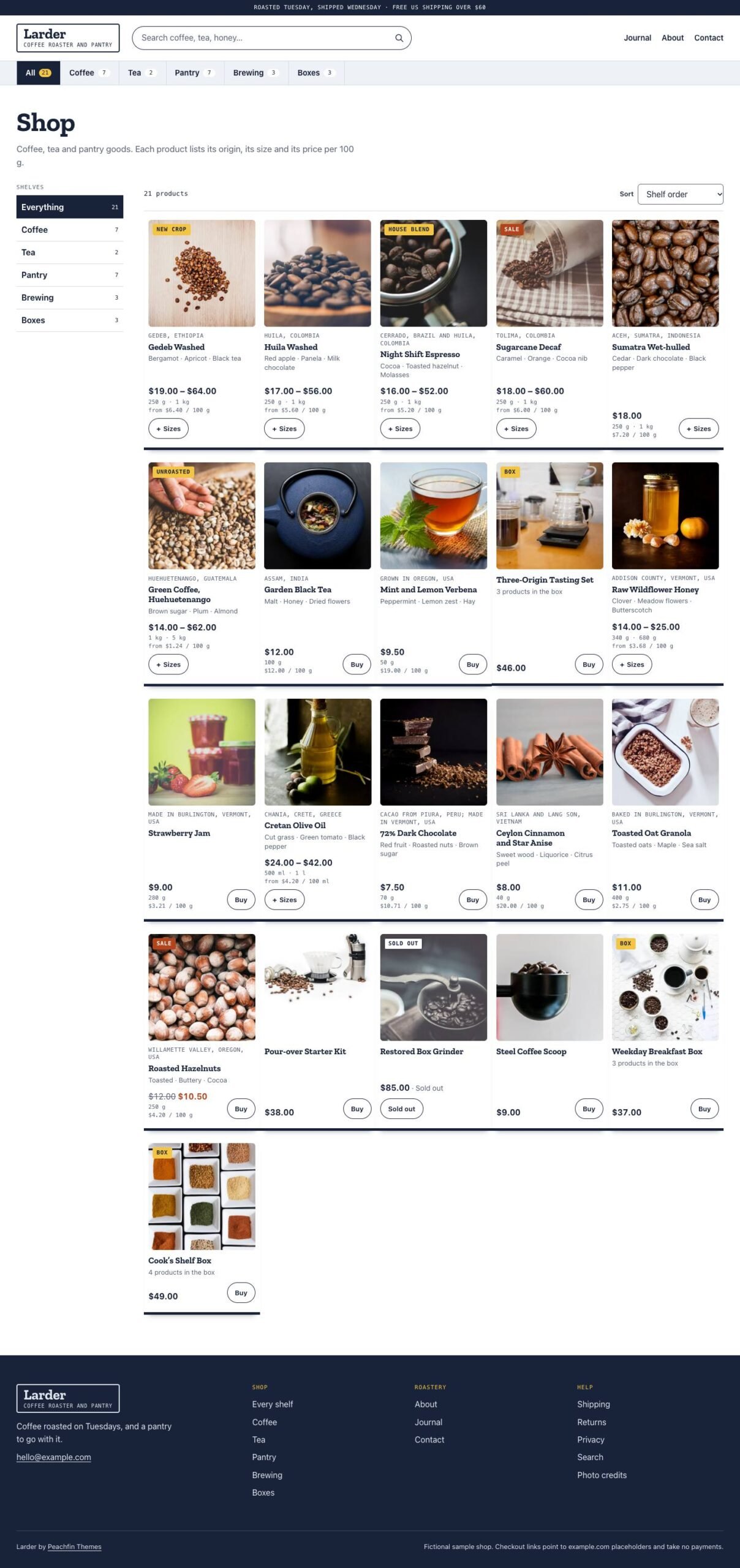
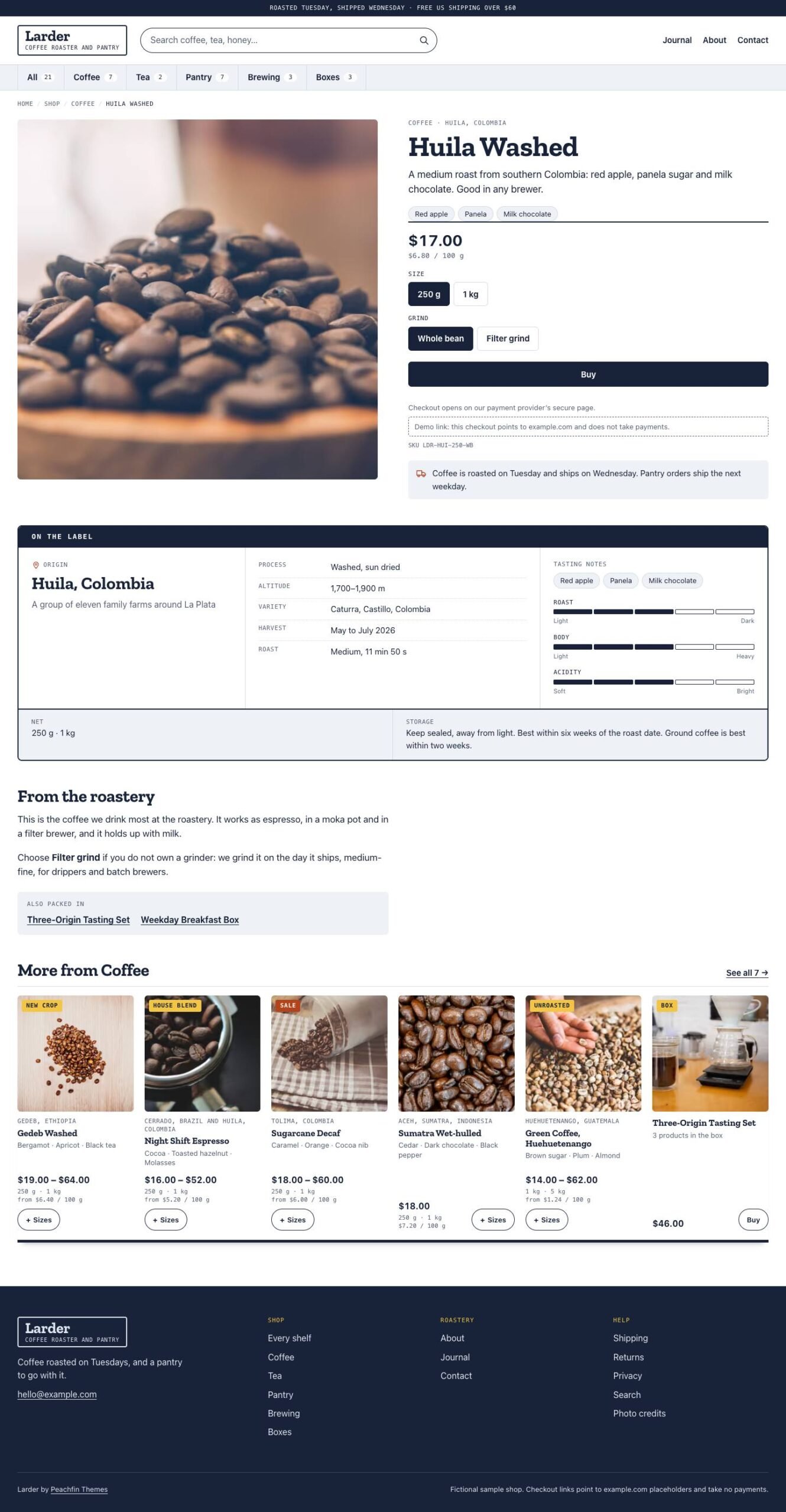
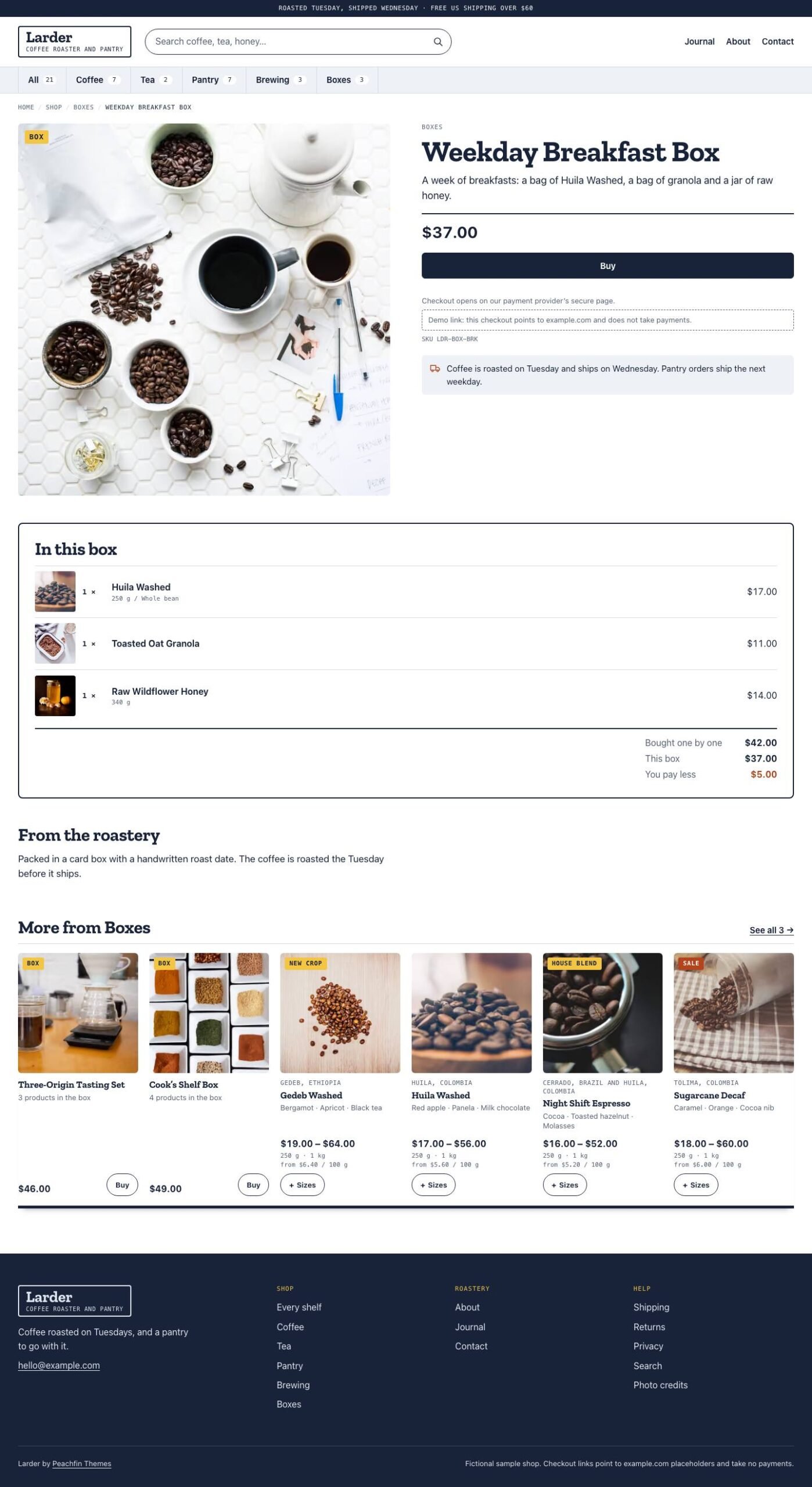
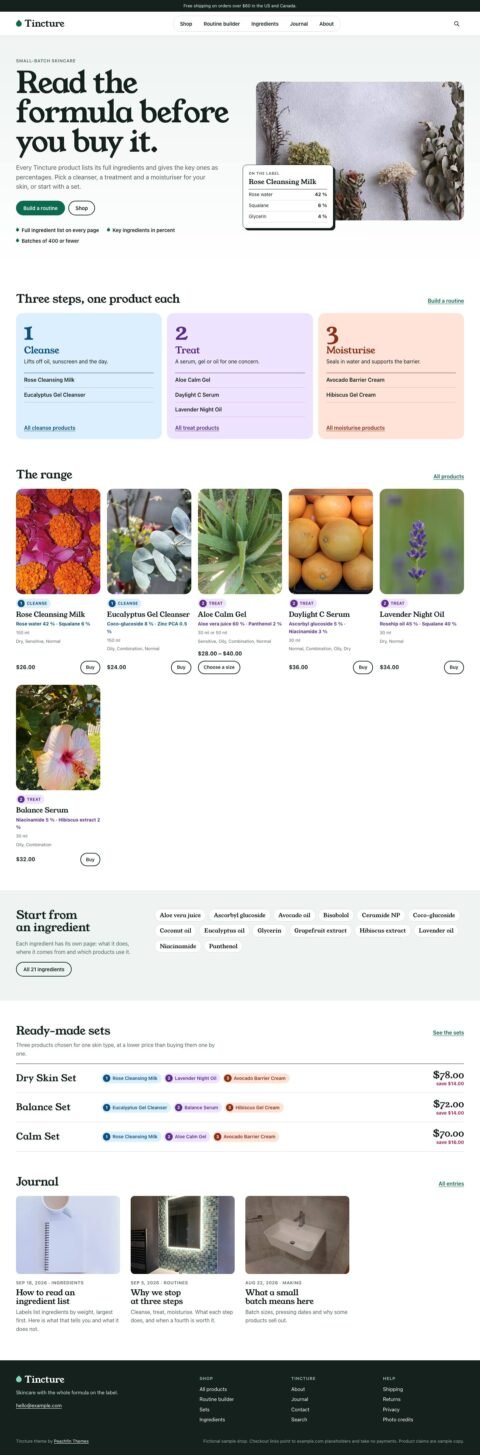
Larder organizes food, drink and grocery catalogs into category shelves with quick-add controls, unit prices and product label panels.

$67 USD

Buy now

Secure payment via Stripe

Live preview ↗
Best for
Best for food, drink and grocery shops, including coffee roasters, tea and spice merchants, delis, bakeries, farm shops and online pantries
Platform
Astro
Status
On sale
Price
$67 USD
Version
1.0.0
License
Astro edition: Peachfin Themes Astro License (LICENSE in the download). Photographs CC0 1.0 (ASSETS.json). Bundled font SIL OFL 1.1 (public/fonts/OFL.txt).
Demo photography is licensed separately from theme code

Page inventory

Home
Home
Shop
Shop
category pages
Archive
product and box pages
Product
Journal
Journal
journal entries
Post
tag pages
Archive
About
About
Contact
Contact
Shipping
Utility
Returns
Utility
Privacy
Utility
Search
Utility
Photo credits
Utility
404
Utility
Cart and order confirmation (optional cart)
Utility

Design controls

Shop identity
identity sets the shop name and description, while nav sets the links after the category aisle.
Colors and type
theme.colors sets the palette, and theme.fonts sets display, body and data font stacks.
Home shelves
home.shelfLimit sets the product count per category shelf, and home.heroPosition sets the hero photograph's focal point.
Feature switches
features lets you turn off category shelves with quick-add controls, tasting scales, plank styling and the home bundles band.
Footer text
footer.attribution controls the theme credit, and footer.note holds the replaceable demo notice.

Features

  • Category shelves with quick-add controls let shoppers choose a size and buy from a product card.
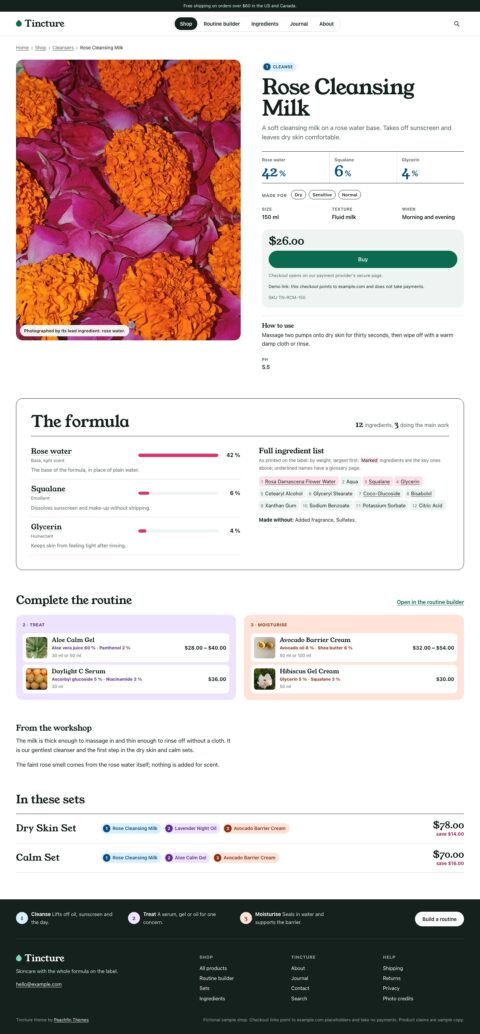
  • Product label panels display origin, producer, tasting notes, ingredients, allergens and storage.
  • Unit prices update with size choices, and boxes list their contents and savings.
  • Each product or variant can use a checkout link from Stripe Payment Links, Polar, Lemon Squeezy or Shopify.
  • An optional Stripe Checkout cart requires a server adapter and your own Stripe secret key.
  • The optional EmDash edition lets you edit content, menus and site settings in EmDash.

What the download includes

  • Larder 1.0.0 includes Astro source with typed Markdown content collections for products, categories, journal entries and pages.
  • CC0 demo photographs are documented in ASSETS.json and on the Photo credits page.
  • Zilla Slab Bold is bundled with its SIL Open Font License; body text and labels use installed fonts.
  • README, GETTING-STARTED, CUSTOMIZE.md and AGENTS.md provide setup instructions and editing guidance.

Setup

  1. Use Node 24 LTS or Node 22 LTS, version 22.19.0 or later, to install the template.
  2. Install dependencies with npm ci, start npm run dev and open the address Astro prints.
  3. Replace the demo content and photos, then set your shop identity and HTTPS domain in src/site.config.ts.
  4. Create and test checkout links with your provider, or configure a server adapter and your own Stripe key for the optional cart.
  5. For the optional EmDash edition, switch with npm run emdash:setup and deploy on Node.js or Cloudflare.
  6. Check your edits with npm run check, npm test and npm run build, then publish dist/ at your domain root or deploy the required server build.

Read the full setup guide

Larder is an Astro store template for food, drink and grocery shops, from tea and spice merchants to delis, bakeries, farm shops and online pantries. Its signature feature is category shelves with quick-add controls: shoppers can see sizes and unit prices and choose a product directly from its card. Product pages bring origin, producer, tasting notes, ingredients, allergens and storage together in a label panel. The demo uses a fictional small-batch coffee roaster and pantry as example content you replace. Larder 1.0.0 costs $67 USD one-time.

Give each product or variant its own hosted checkout link from Stripe Payment Links, Polar, Lemon Squeezy or Shopify. The provider handles payment and orders while the shop can remain a static site. The optional Stripe Checkout cart groups items into one checkout and requires a server adapter and your own Stripe secret key. Prices are read from your product content on the server. Larder’s cart checks used mocked Stripe; a hosted Stripe test-mode payment has not been verified for this theme.

Edit products, categories, journal entries and pages in Markdown, and adjust the shop identity, navigation, colors, fonts and labels in src/site.config.ts. You can switch off category shelves with quick-add controls and extras such as tasting scales, plank shelf styling and the home bundles band in that same file. CUSTOMIZE.md provides an editing checklist, and AGENTS.md gives instructions for editing with any coding agent. Replace the fictional product information and sample Shipping, Returns and Privacy text before publishing.

The optional EmDash edition provides an admin interface for content, menus and site settings. Switch with npm run emdash:setup and run that edition on Node.js or Cloudflare. The default Markdown edition can be published as static files when the optional cart is off.
Similar themes