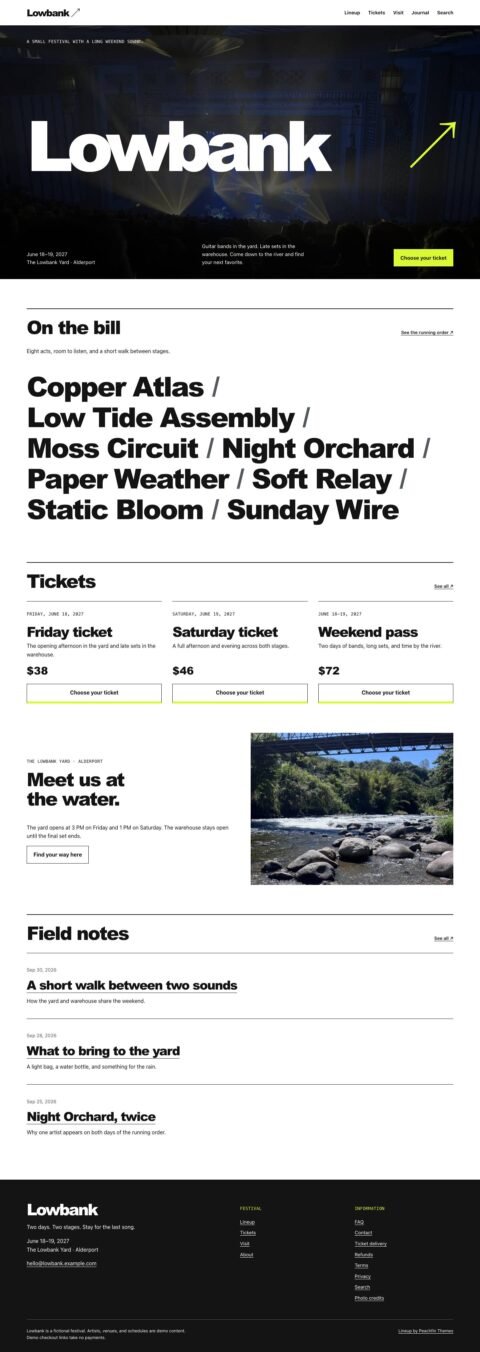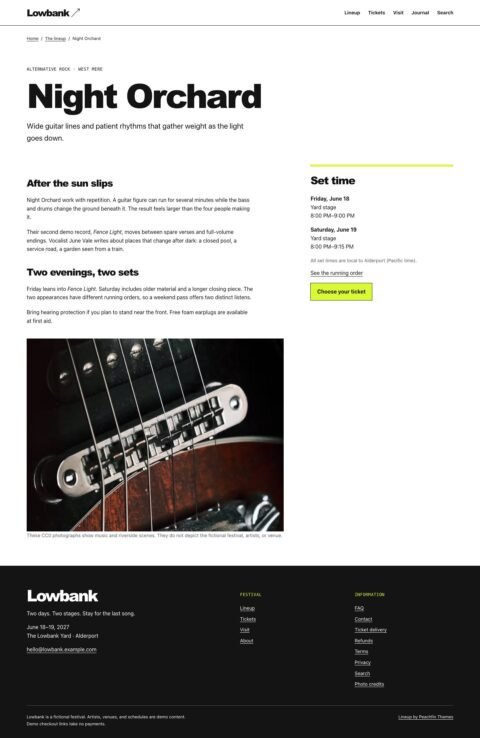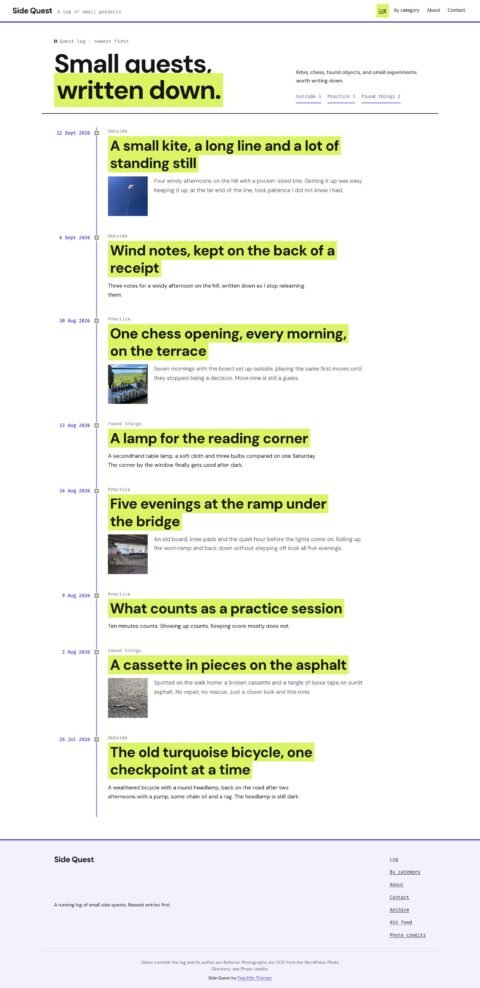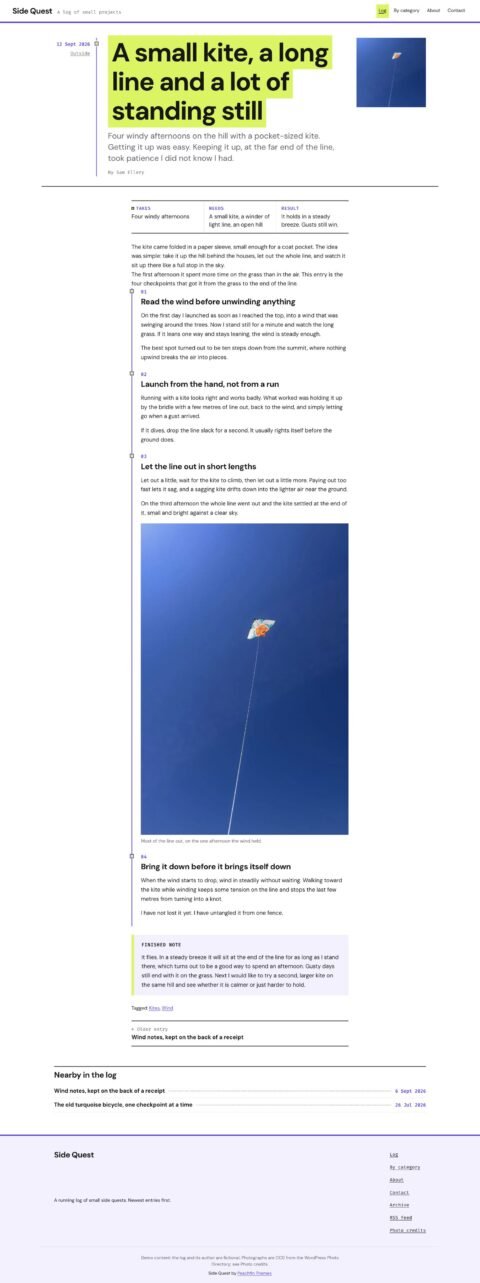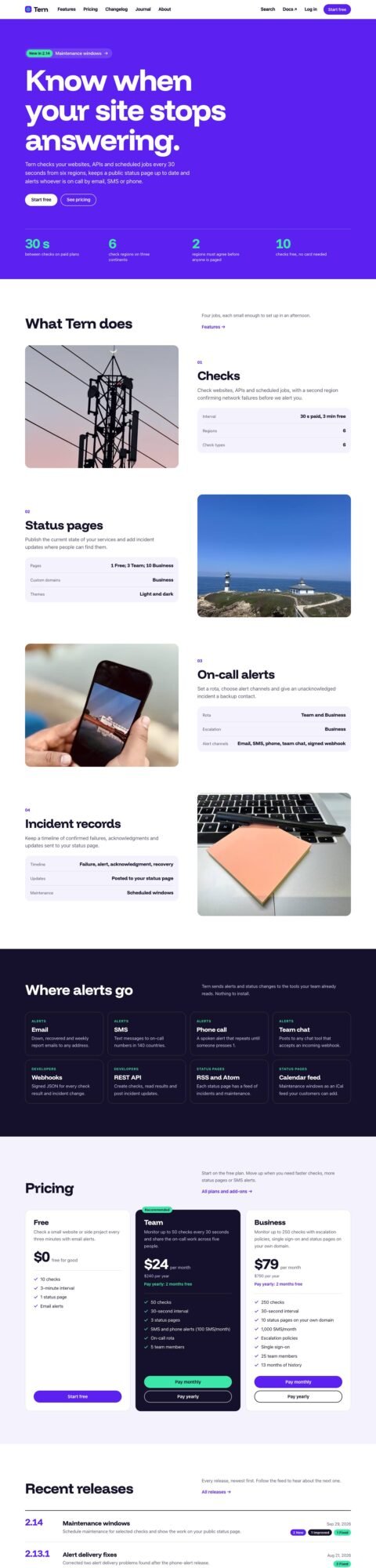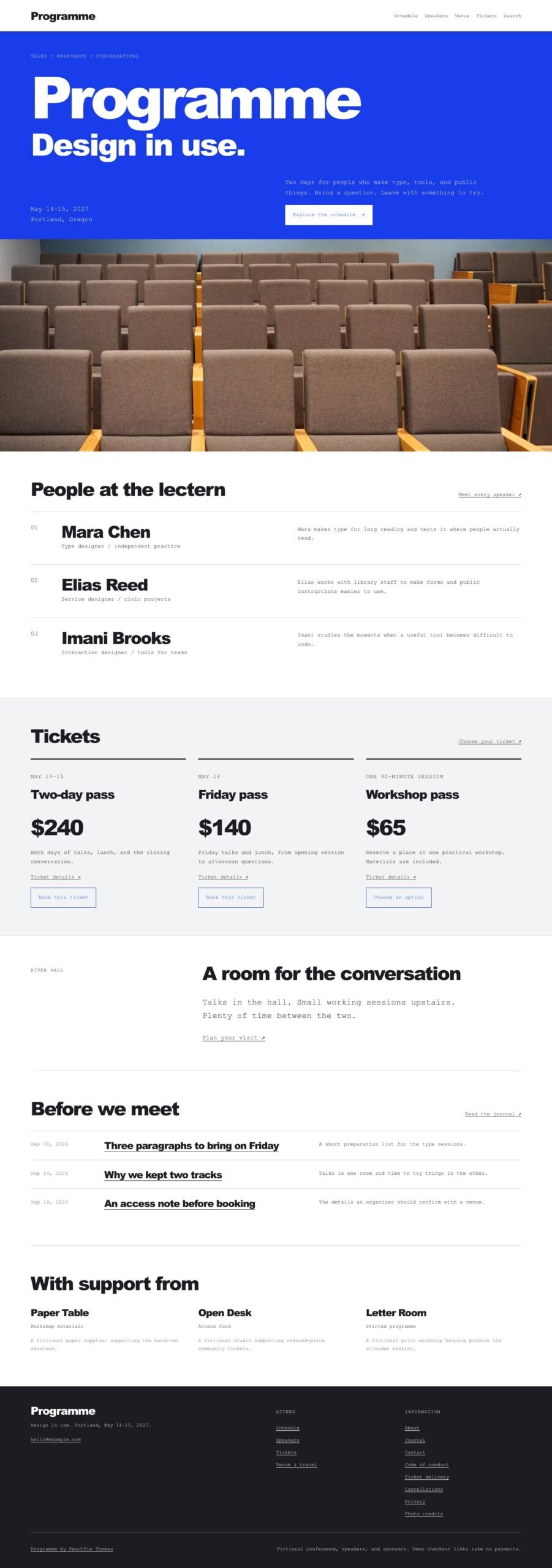
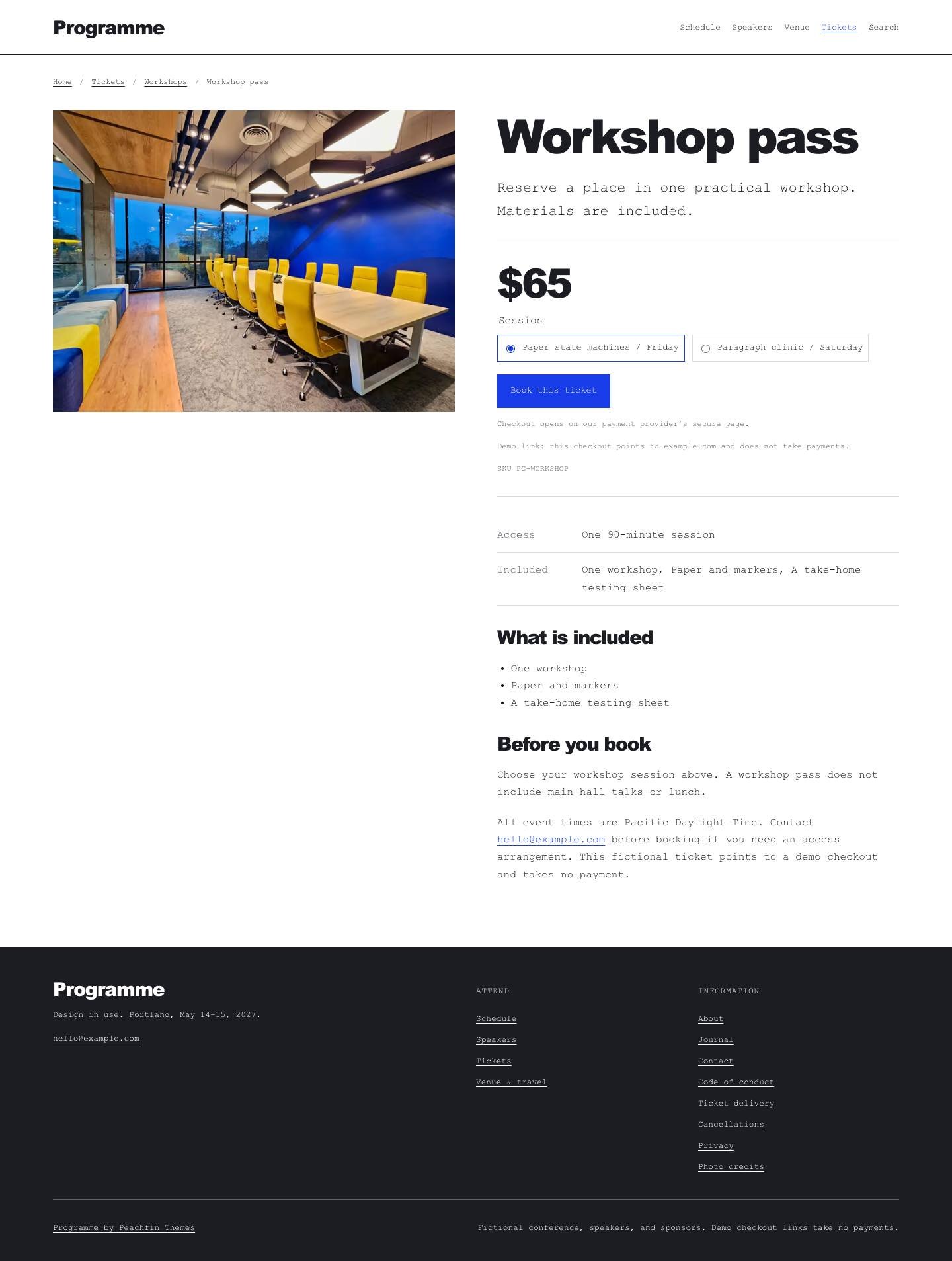
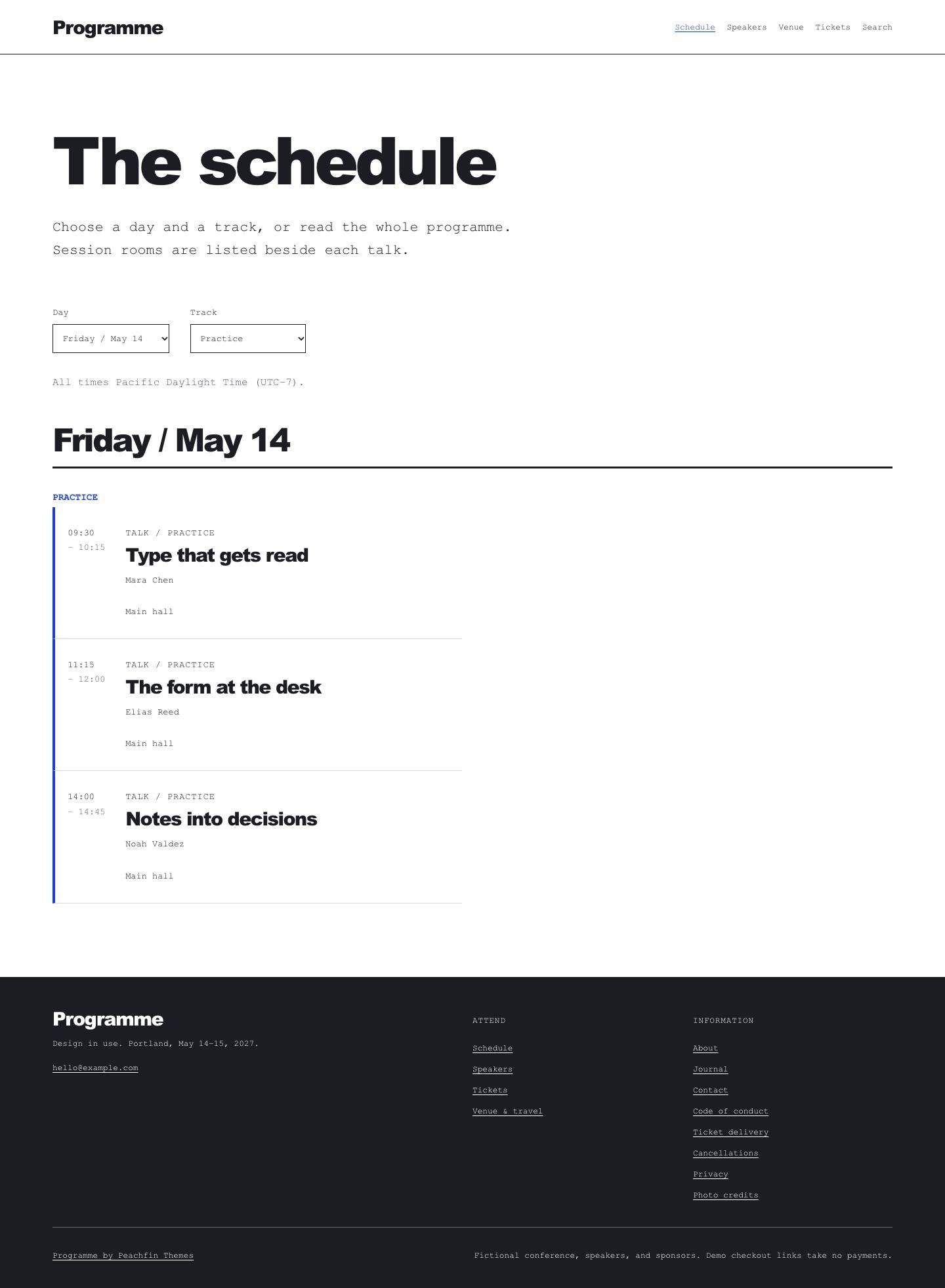
Programme is an Astro event template with a day-and-track schedule, speaker profiles and venue information. It suits conferences, summits, meetups, training events, professional associations and community organisations running talks or sessions. A white-and-cobalt poster header, large sans-serif headings and monospaced reading text structure the site. Attendees can browse sessions, read speaker biographies and find venue information, while the home page brings those details together with journal notes and optional ticket tiers. The demo uses a fictional conference at River Hall as example content you replace with your own event, venue, speakers, sponsors and policies. Version 1.0.0 costs $47 USD one-time.
The signature feature is the day-and-track schedule. Attendees choose a day and track using native filters, and their selections stay in the URL. Session details show rooms, local times and linked speakers; every session remains readable and linked without JavaScript. You can switch off extras in src/site.config.ts: disabling features.trackSchedule produces chronological session lists, and disabling commerce.enabled removes ticket pages and purchase controls while preserving the conference site.
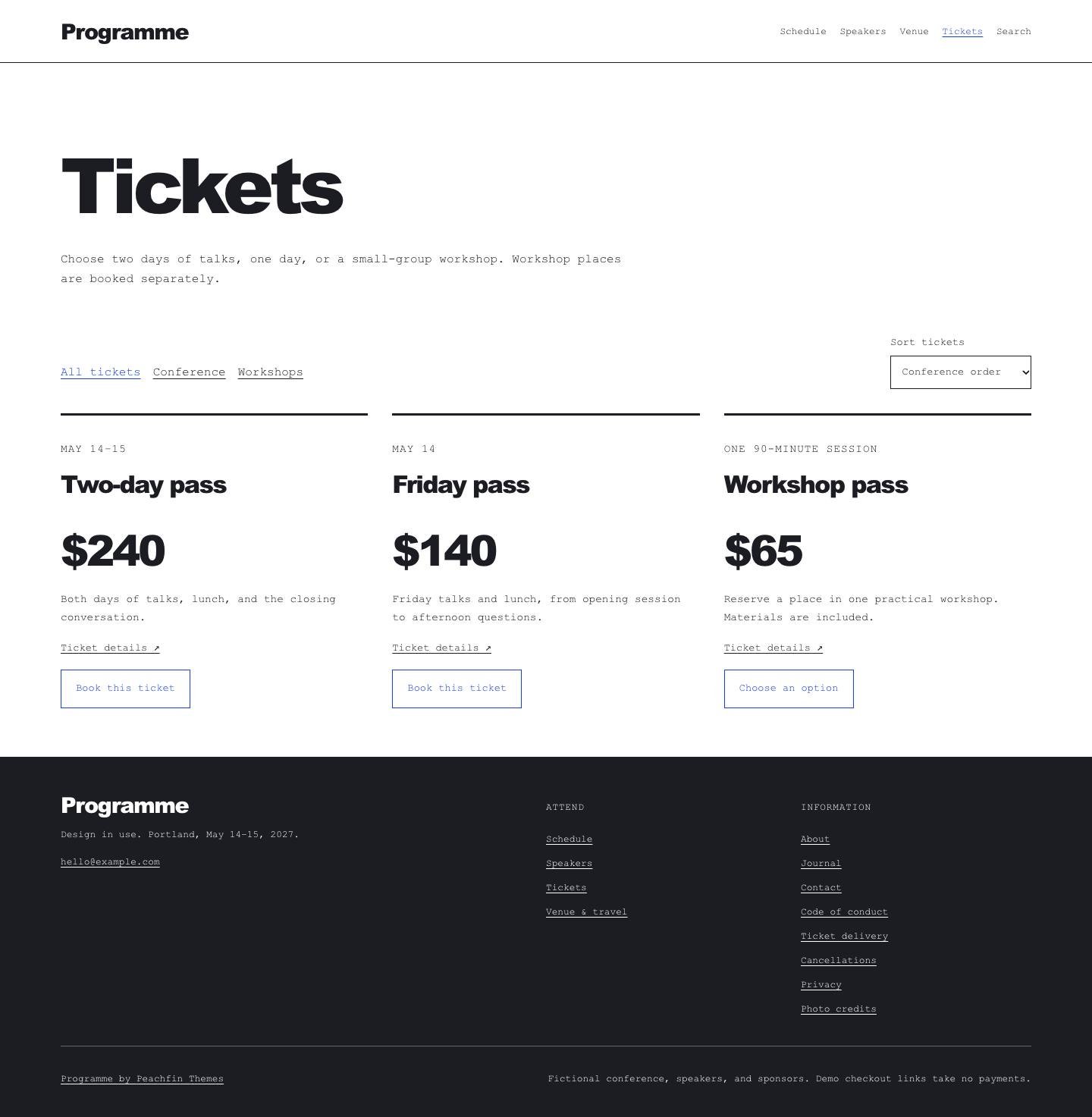
Ticket checkout links can be set per product or workshop variant using Stripe Payment Links, Polar, Lemon Squeezy or Shopify. The payment provider handles payments, receipts, attendee records and refunds. The optional Stripe Checkout cart needs a server adapter and your own private Stripe key; its checkout checks used mocked Stripe, with no live payment test claimed. Ticket issuance, workshop capacity and attendee check-in require your provider’s configuration. Contact forms post to a configurable HTTPS endpoint, with an email link as the fallback; test delivery through your chosen provider before publishing.
Edit site wording in src/site.config.ts and the Markdown collections, following CUSTOMIZE.md and the AGENTS.md guidance for editing with any coding agent. Replace the four CC0 photographs if needed and keep their source records in ASSETS.json. Follow EMDASH.md to switch to EmDash 1.1.0 with npm run emdash:setup for Node.js or npm run emdash:setup — –target cloudflare for Cloudflare Workers. In EmDash, edit tickets, categories, sessions, speakers, sponsors, journal entries, pages, menus and supported site settings. Run npm run emdash:revert to restore the Markdown edition. The default site builds to static files for hosting at your domain root; enabling the cart adds server hosting and private key configuration.