Sheaf

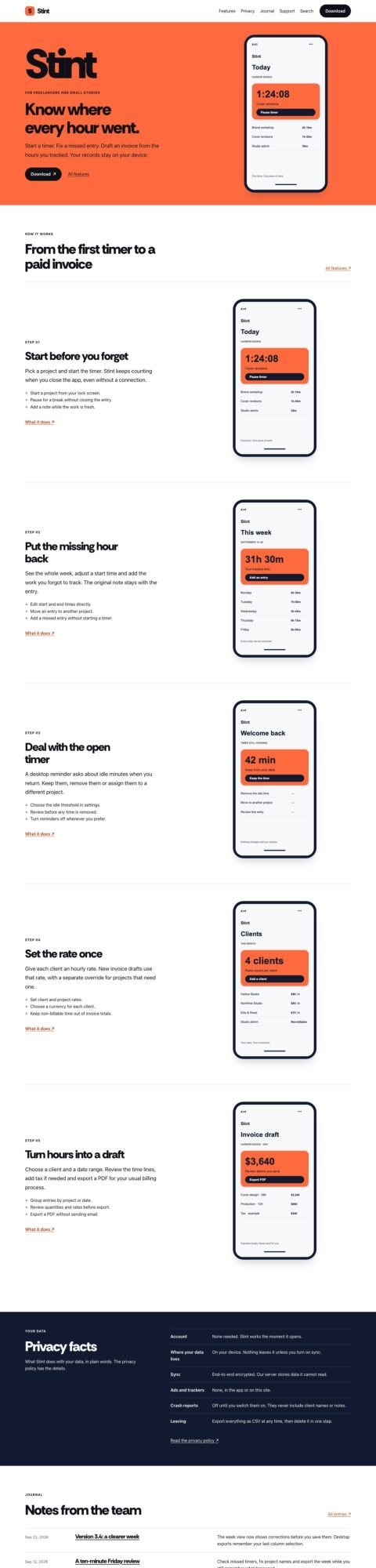
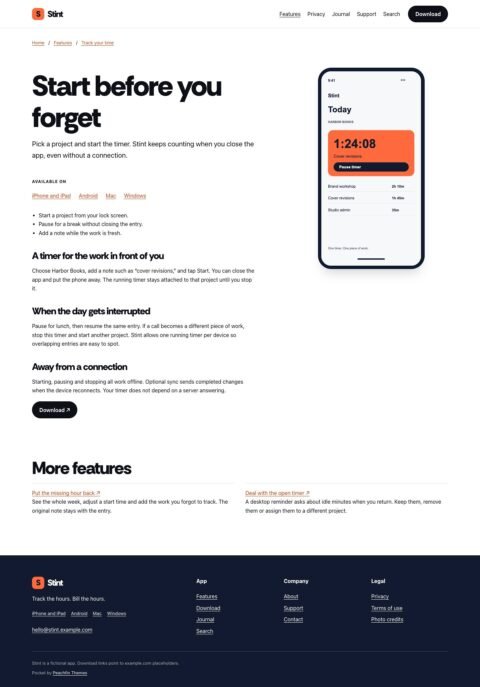
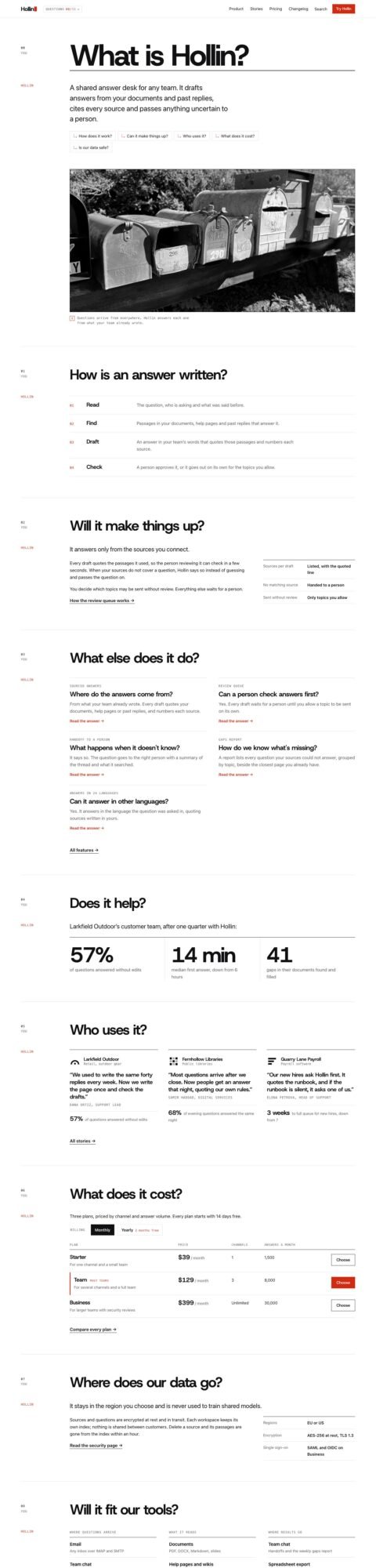
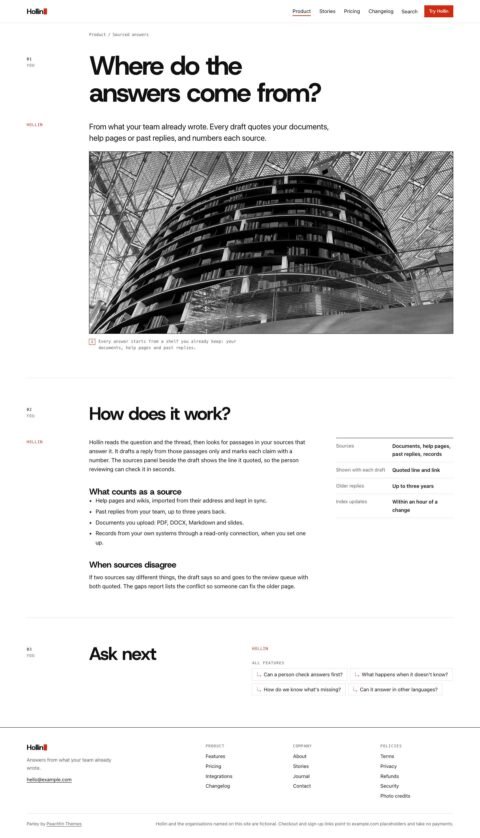
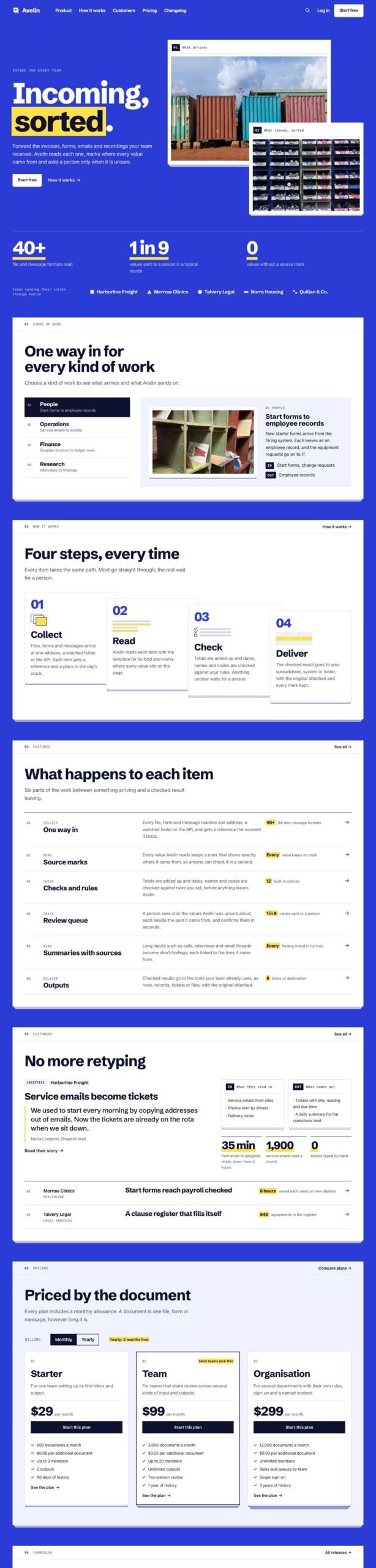
Sheaf is an Astro template with stacked sheets, an index rail, image slots and plan comparisons. It suits SaaS teams, app developers, AI and data tools, workflow products and business software.

$47 USD

Buy now

Secure payment via Stripe

Live preview ↗
Best for
SaaS teams, app developers, AI tools, data tools, workflow products, internal tools, business software
Platform
Astro
Status
On sale
Price
$47 USD
Version
1.0.0
License
Astro edition: Peachfin Themes Astro License (LICENSE in the download). Photographs CC0 1.0 (ASSETS.json). Bundled font SIL OFL 1.1 (public/fonts/OFL.txt).
Demo photography is licensed separately from theme code

Page inventory

Home
Home
Features
Archive
Feature pages
Detail
How it works
Detail
Integrations
Detail
Customers
Archive
Customer stories
Detail
Pricing
Shop
Pricing categories
Archive
Plan and add-on pages
Product
Changelog
Archive
Release pages
Detail
Journal
Journal
Journal entries
Post
Tag pages
Archive
About
About
Contact
Contact
Questions
Utility
Terms
Utility
Privacy
Utility
Refunds
Utility
Security
Utility
Search
Utility
Credits
Utility
404
Utility
Cart and checkout confirmation (optional cart)
Utility

Design controls

Palette
Choose Cobalt, Vermilion, Pine, Plum, Graphite or Paper and override individual colors.
Typography
Use bundled Schibsted Grotesk or system display type, with system fonts for body text.
Hero images
Show one image, an overlapping pair or a wider headline without pictures.
Image slots
Set sources, alt text, captions, dark-palette variants, rail labels and crop ratios.
Optional widgets
Toggle the kinds-of-work switcher, pricing estimator, sheet stacking and edge index.
Content and labels
Edit headings, navigation, work examples, steps and integration descriptions in src/site.config.ts.
Pricing
Set billing labels, unit wording, plan allowances and overage rates.
Changelog
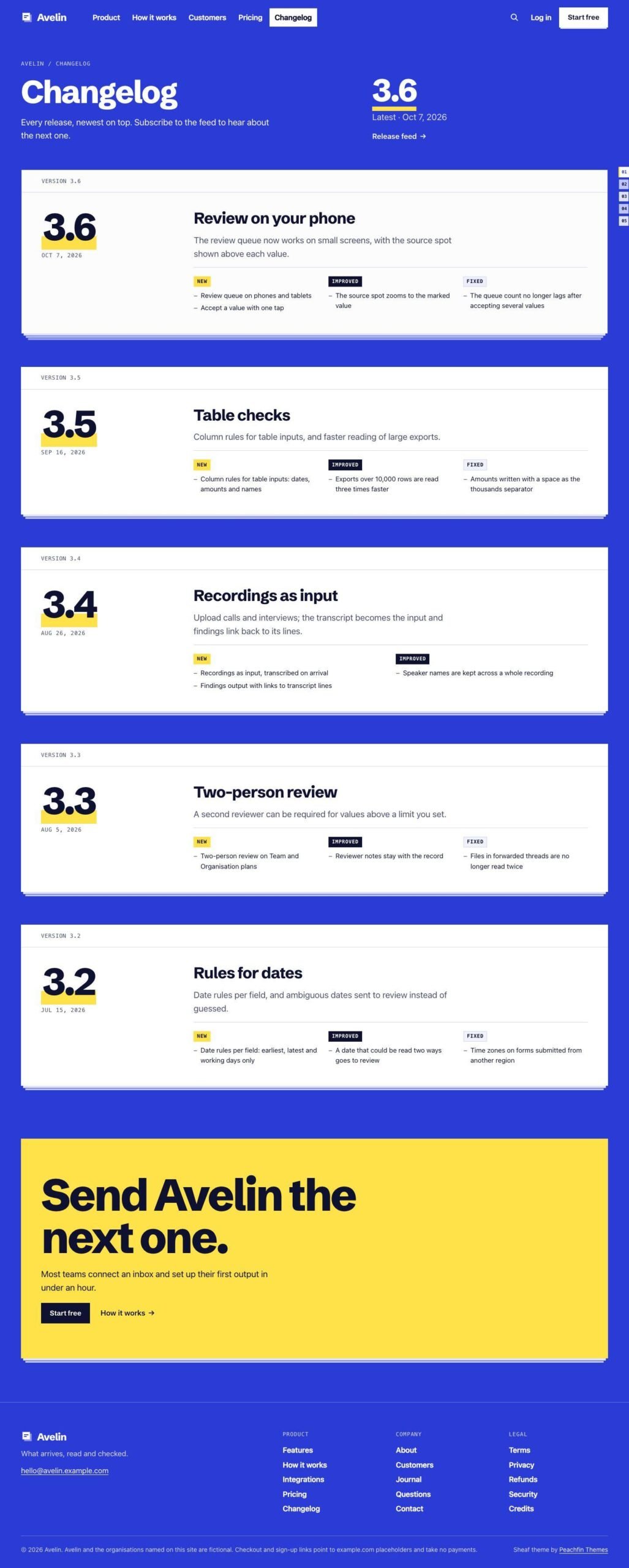
Disable release pages, the release feed, the home releases sheet and their links together.

Features

  • Pages use stacked sheets with an index rail, and a right-edge index links to sections on wide screens.
  • Sheets stack as visitors scroll on wide screens when motion is allowed.
  • The hero holds one large image or an overlapping pair, each with a numbered rail label.
  • Image slots support your screenshots or photographs, alt text, captions and optional dark-palette variants.
  • A home switcher groups examples by kind of work, with a picture and input and output descriptions.
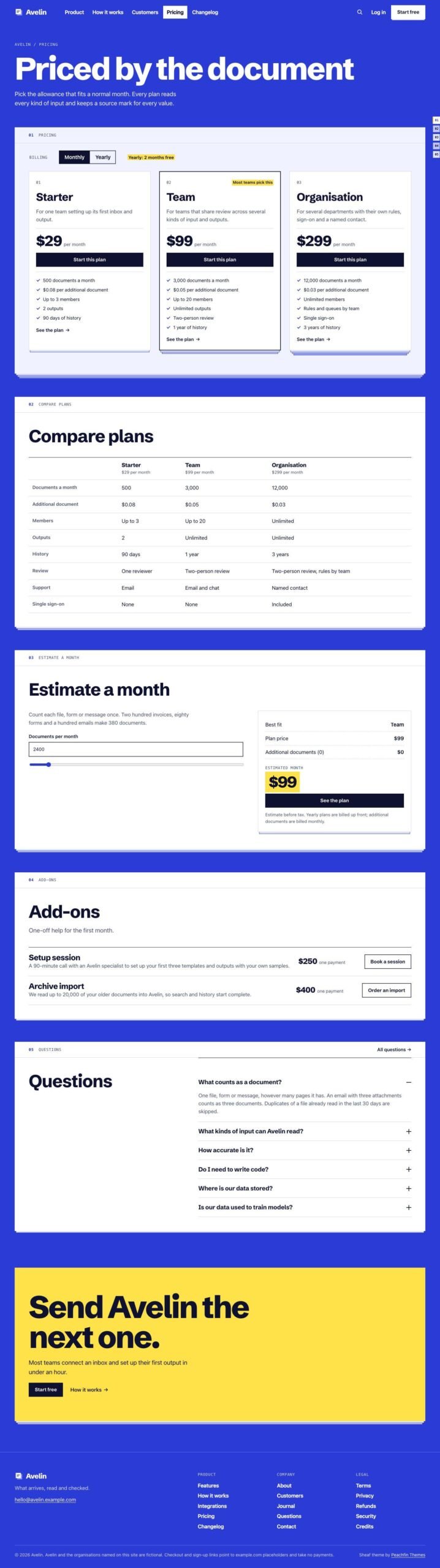
  • Plan sheets show billing choices and comparisons, while an optional estimator calculates monthly costs from your plan data.
  • The optional Stripe Checkout cart is off by default and needs a server adapter and your own Stripe secret key.

What the download includes

  • Sheaf 1.0.0 includes Astro source and Markdown collections for products, categories, features, stories, changelog entries, posts and pages.
  • CC0 photographs include source and license records in ASSETS.json.
  • Schibsted Grotesk is bundled under the SIL Open Font License.
  • README.md, GETTING-STARTED.md and AGENTS.md explain the theme's structure and editing.
  • EMDASH.md covers the optional CMS edition for Node.js and Cloudflare Workers.

Setup

  1. Install dependencies with npm ci using Node 24 LTS or Node 22 LTS, version 22.19.0 or later.
  2. Run npm run dev, then replace the example content, pictures and settings in src/site.config.ts.
  3. Paste your payment provider's HTTPS checkout links into each product or billing variant.
  4. For the optional one-off add-on cart, add a server adapter and your own STRIPE_SECRET_KEY environment variable.
  5. Enable the optional EmDash CMS edition on Node.js with npm run emdash:setup.
  6. Use npm run emdash:setup — –target cloudflare for the optional EmDash CMS edition on Cloudflare Workers.
  7. Run npm run emdash:revert to return to Markdown; EmDash content is not exported to Markdown.
  8. Build with npm run build and host dist/ at your domain root, or deploy a server build for the cart or EmDash.

Sheaf organizes a software product website into stacked sheets with an index rail. Each section has visible sheet edges, and a right-edge index links to sections on wide screens. As visitors scroll, the next sheet slides over the previous one when motion is allowed. It is a template for any software product, including SaaS, apps, AI tools, data tools, internal tools and workflow software for finance, HR or operations teams. Avelin is example content you replace with your own product details.

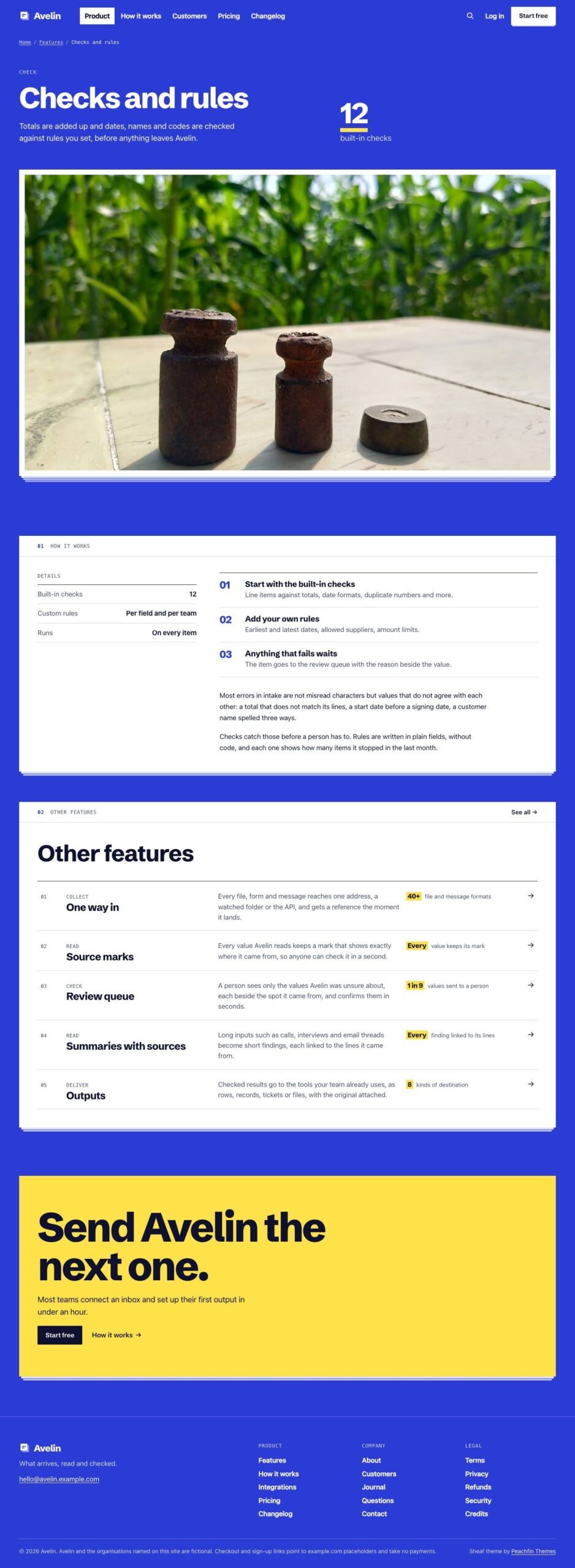
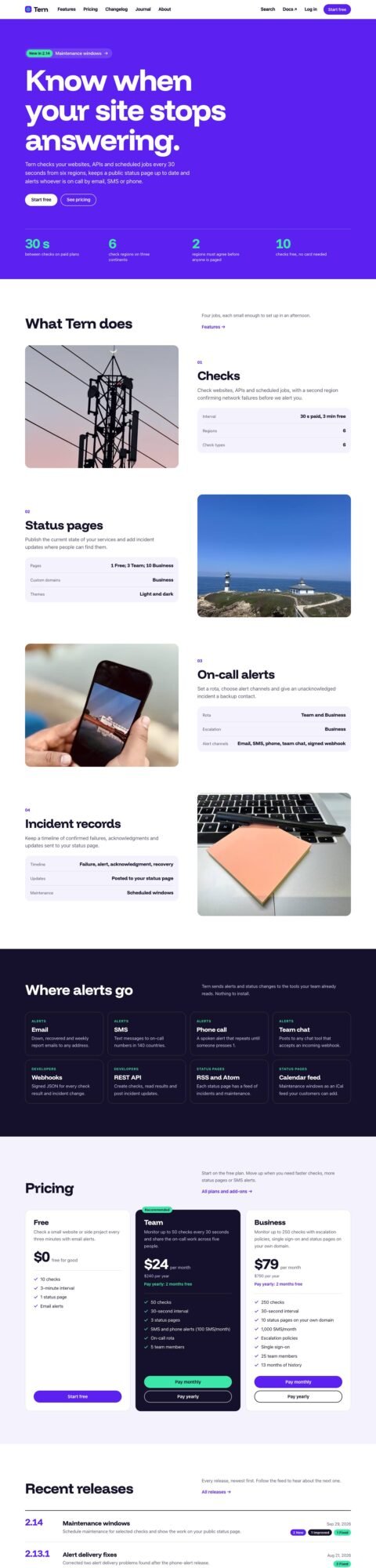
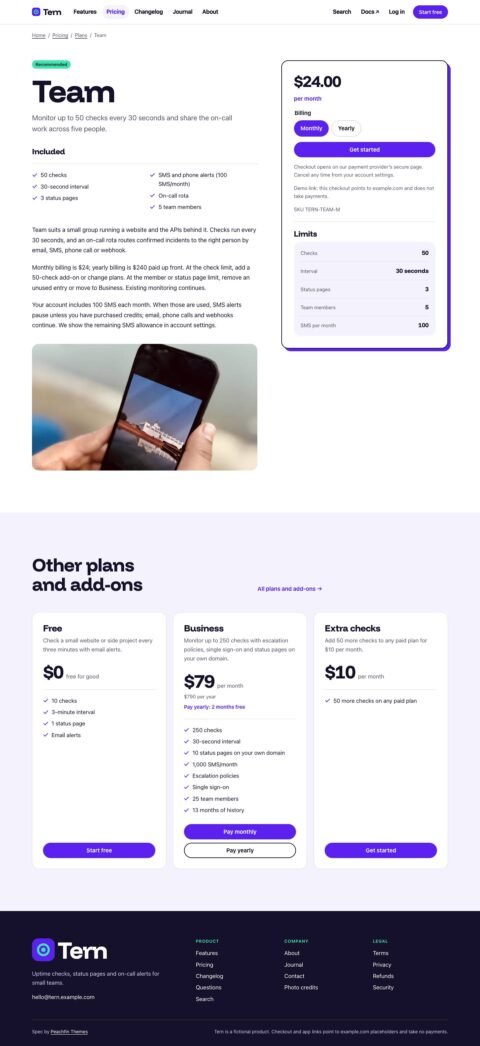
The pictures are image slots where you put your own product screenshots or photographs. No product interface is drawn in the template. The hero can hold one large picture or two overlapping pictures with numbered rail labels. Slots support alt text, captions, crop ratios and optional dark-palette variants. A home switcher presents different kinds of work with pictures and input and output descriptions. Feature pages, a how-it-works page, customer stories and integration descriptions give you space to explain the product. Six palettes and separate switches for stacking, the index and other widgets control the presentation.

Plans and add-ons use external checkout links you paste from your own payment provider, including Stripe Payment Links, Lemon Squeezy or Polar. Each plan has a link for each billing period. Your provider handles payment and subscriptions. Plan sheets display monthly and yearly choices, included features and comparison facts. An optional estimator uses your allowances and overage rates to calculate a monthly estimate; it does not change checkout charges. The optional Stripe Checkout cart for one-off add-ons is off by default and needs a server adapter and your own Stripe secret key.

Edit Markdown content and src/site.config.ts with the guidance in GETTING-STARTED.md and AGENTS.md. The optional EmDash CMS edition uses npm run emdash:setup on Node.js or npm run emdash:setup — –target cloudflare for Cloudflare Workers. EmDash manages content, menus and supported site settings; layout settings stay in the configuration file. Use npm run emdash:revert to return to Markdown without exporting CMS content. Sheaf version 1.0.0 costs $47 USD one-time.
Similar themes

Theme passes

Astro Pass costs $99 for access to the library of 40 Astro themes on sale, plus future Astro themes while the pass is sold.

Compare passes
  • Astro Pass

    $99

    Astro Pass includes site, portfolio, blog and store templates.

    Buy Astro Pass