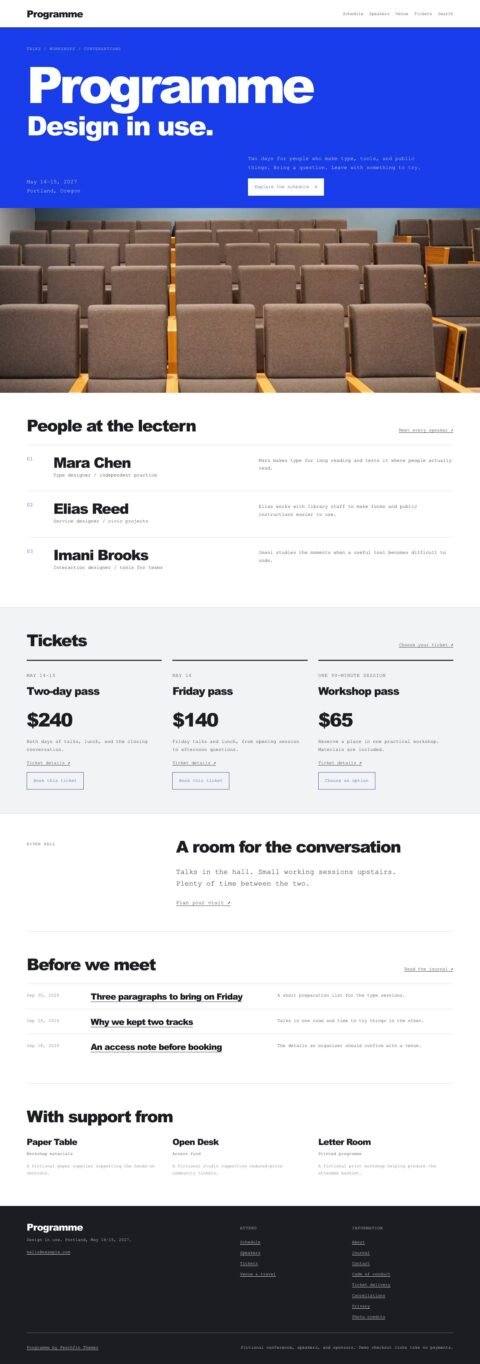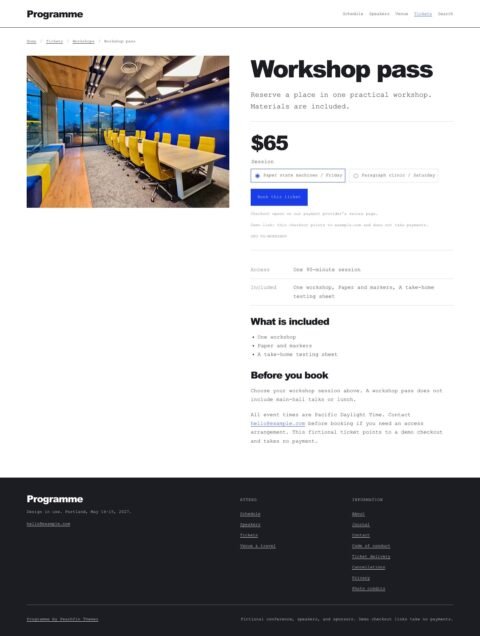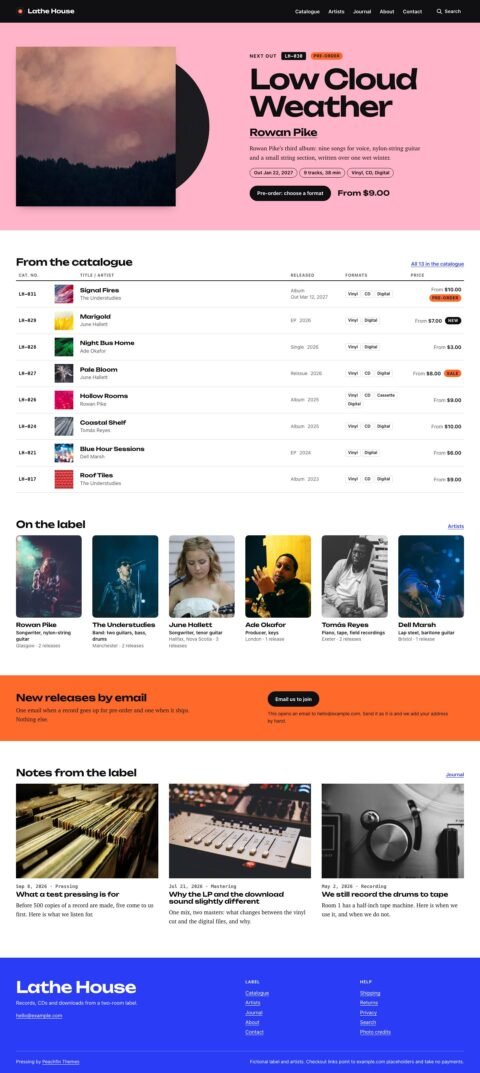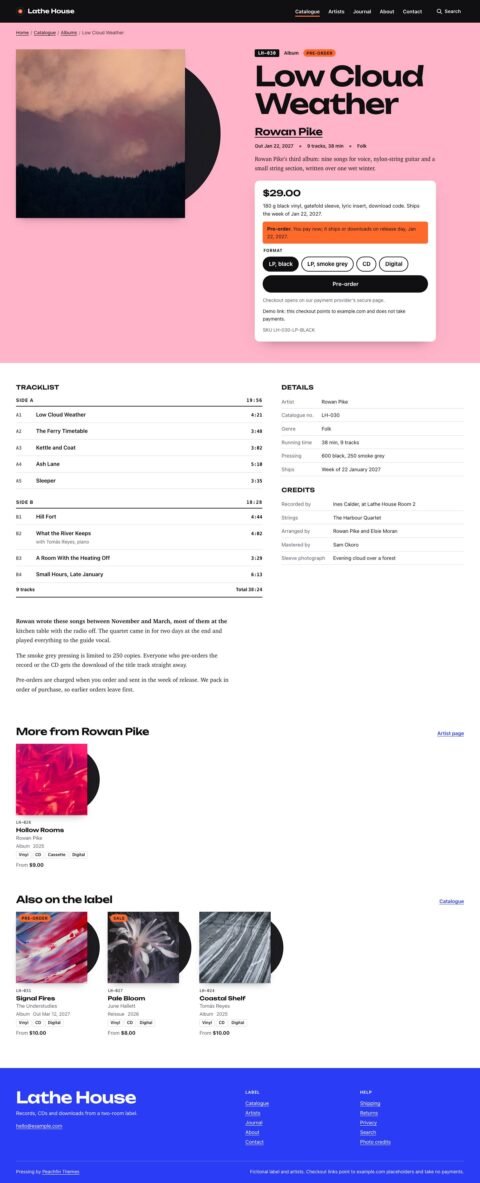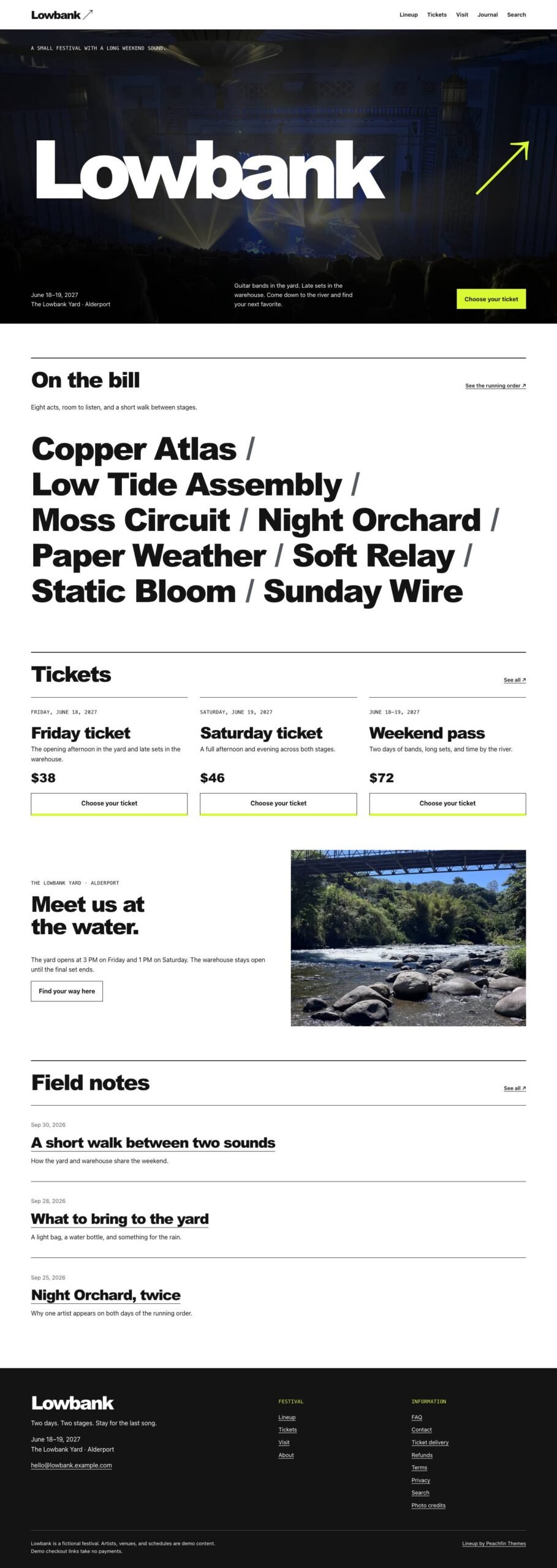
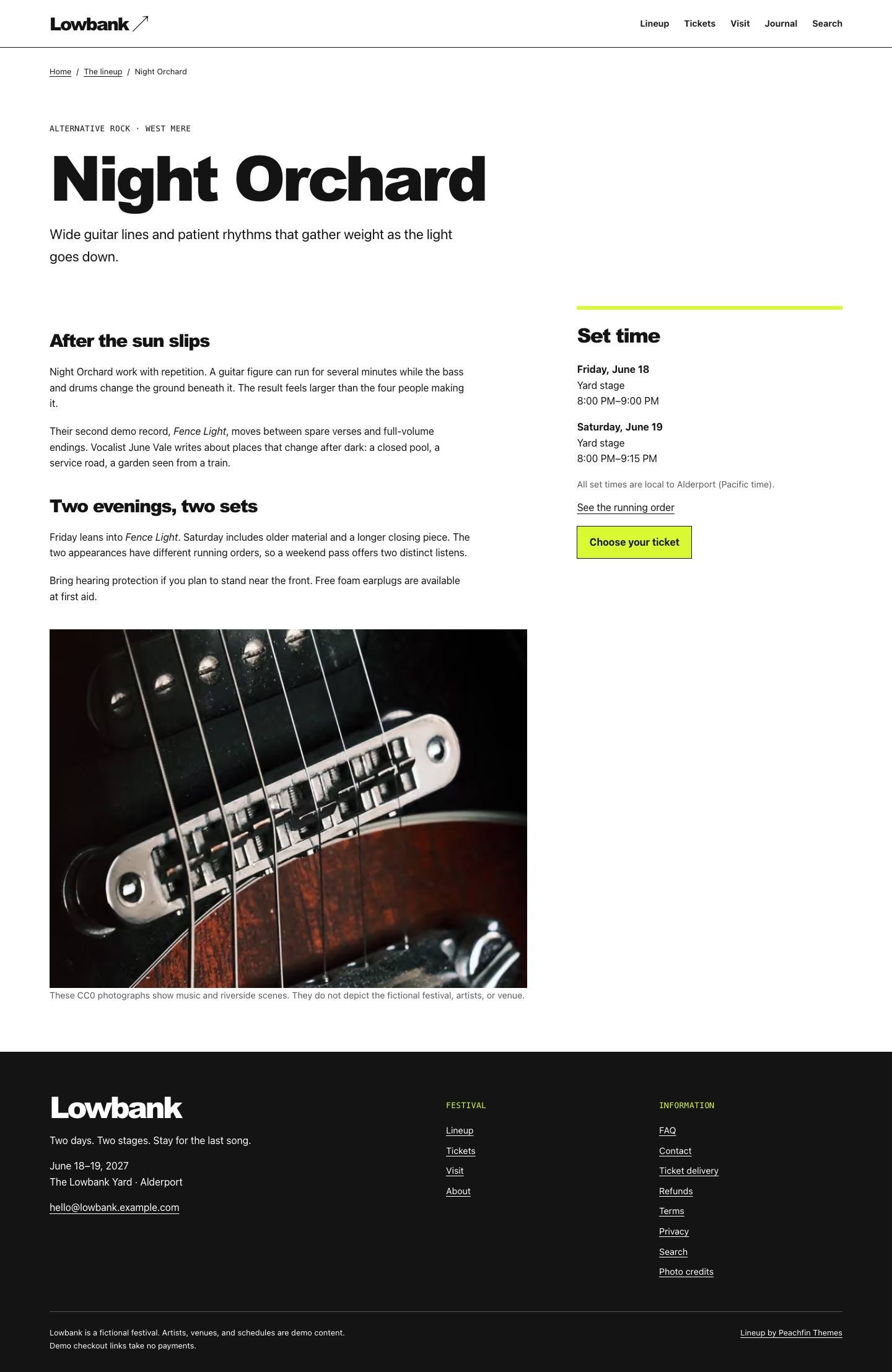
Lineup is an Astro event template for presenting a running order, artist profiles and ticket information. It suits festivals, concert series, performance venues, arts organisations, recurring events and community events with scheduled appearances. Its home page presents a large event name, a concert photograph and an artist bill, while artist profiles give visitors biographies and performance details. The demo uses Lowbank, a fictional two-day festival, as example content you replace with your own artists, venue, schedule and policies. Lineup version 1.0.0 costs $47 USD one-time.
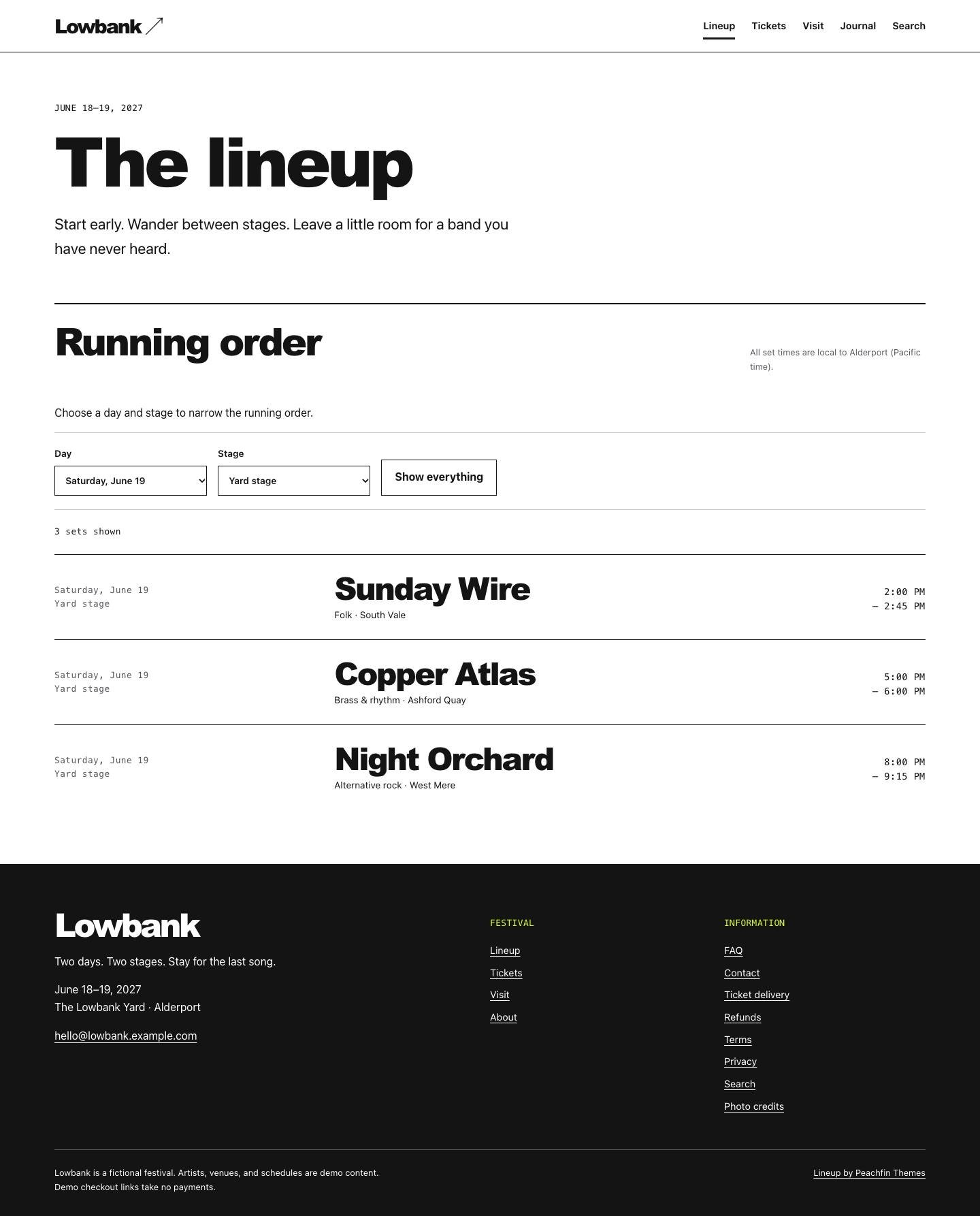
The signature running-order filter lets visitors combine day and stage selections to find sets. Artists can have appearances on multiple dates, and the complete schedule remains visible when JavaScript is off. Switch this extra off with features.scheduleFilters in src/site.config.ts to remove the controls and their script. Visit, FAQ and journal pages provide room for travel directions, venue information, answers and event updates. The contact form posts to a configurable HTTPS endpoint, with an email link as the fallback when no endpoint is set.
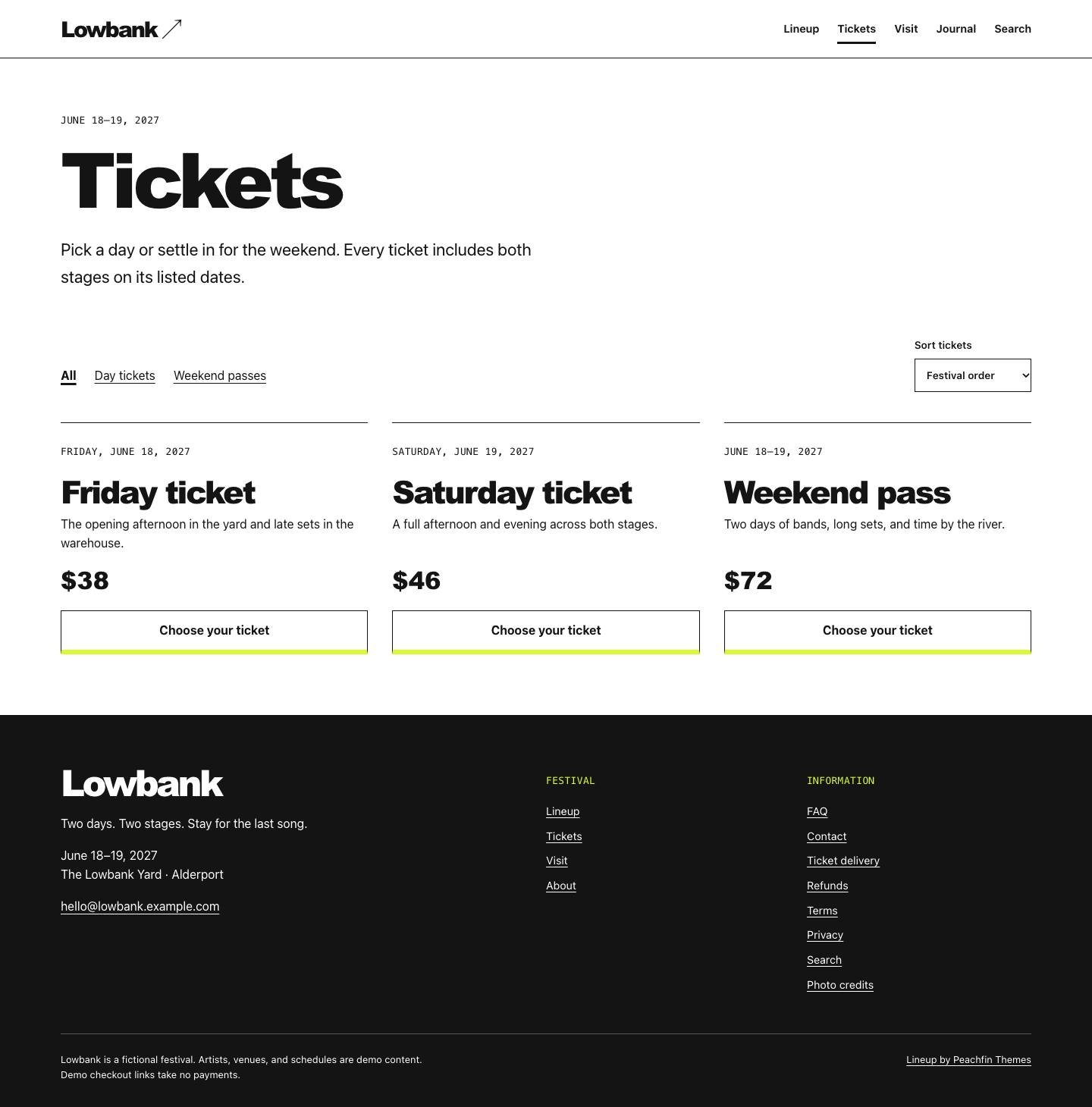
Ticket commerce is enabled by default, with checkout links per product or variant for Stripe Payment Links, Polar, Lemon Squeezy or Shopify. The optional Stripe Checkout cart starts off and requires a server adapter and your own Stripe secret key. Its checkout tests used mocked Stripe; hosted checkout and Stripe test-mode payments were not exercised for this theme. Your provider handles ticket issuance, receipts, capacity and entry validation. You can switch selling off in src/site.config.ts while keeping the event pages and running order.
Edit the Markdown content and src/site.config.ts directly, following CUSTOMIZE.md and AGENTS.md with any coding agent. The source includes three CC0 photographs with recorded credits and uses system fonts. Markdown is the default content source; EMDASH.md and emdash/ provide the optional EmDash 1.1.0 edition. Switch with npm run emdash:setup for Node.js or npm run emdash:setup — –target cloudflare for Cloudflare Workers. Edit tickets, categories, artists, journal entries, pages, menus and supported site settings in EmDash. EmDash content edits appear on the next request without a rebuild. In the Markdown edition, build again after changing content or set times, and replace the sample policies and schematic venue map before publishing.