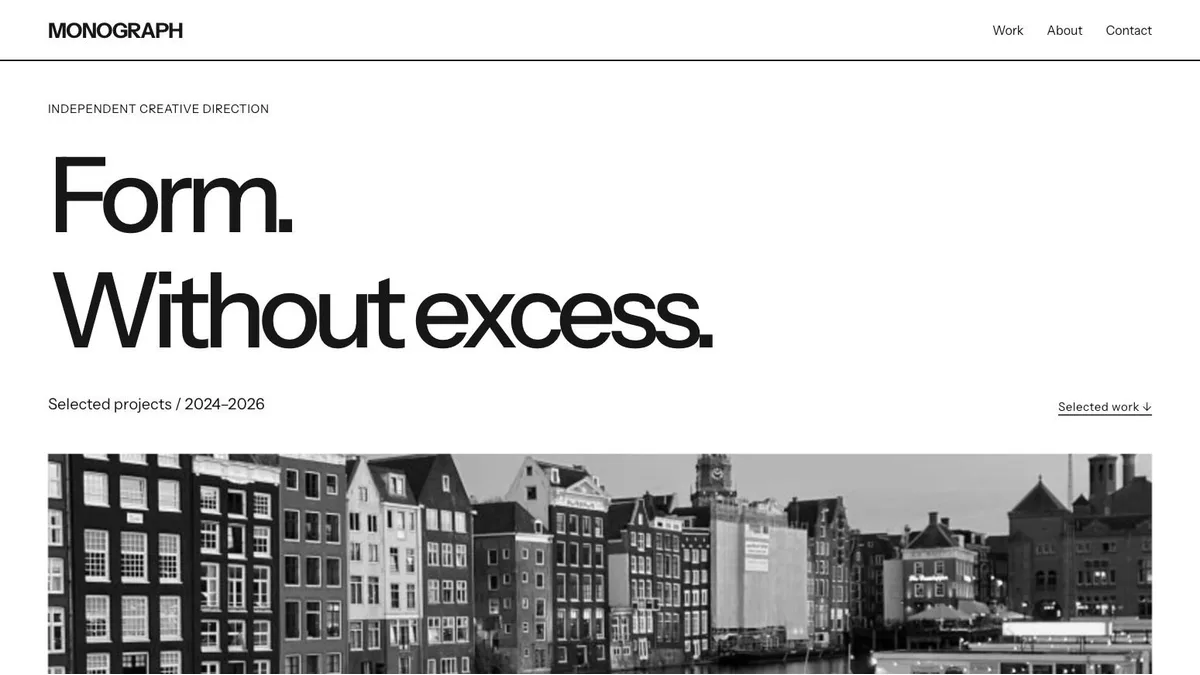
A WordPress theme is easier to judge when you have something ready to put in it. Three finished projects, a few articles or a short description of your studio will tell you more about a layout than an empty installation.
Start with the work your website needs to do. A photographer may need visitors to move between image series. A writer needs comfortable article pages and a useful archive. A studio needs space to explain its services, show completed work and give people a clear way to get in touch.
List the pages you will actually publish
Write down your first five pages and the content each one needs. For a portfolio, that might be Home, Work, About, Contact and one complete project. For a blog, include an article and a category archive alongside the home page.
Then count what you can supply. A large photographic opening needs a strong image. A project grid needs enough projects to feel useful. If you have two case studies, check how the layout works with two entries before choosing a design filled with twelve.
Include a likely future page in your comparison. A studio that plans to publish research should inspect the theme’s article layout as carefully as its services page.
Match the layout to your material
For a design practice, Monograph combines a large opening statement with spacious project rows. It is a useful candidate when you have a clear introduction and projects that need room for both pictures and explanation.
For photographic series, Viewfinder uses covers, descriptions and square frames. Check whether your own images tolerate those crops. A photograph with its subject near an edge may need different handling from a centred object study.
For essays, Margin Notes has a chronological register, short annotations and sidenotes. Try a long article as well as a short entry. Look at paragraph width, heading spacing and how supporting notes behave on a phone.
Colour and typography can change through the Site Editor. Pay particular attention to the arrangement of content, because that is the part you will work with every time you publish.
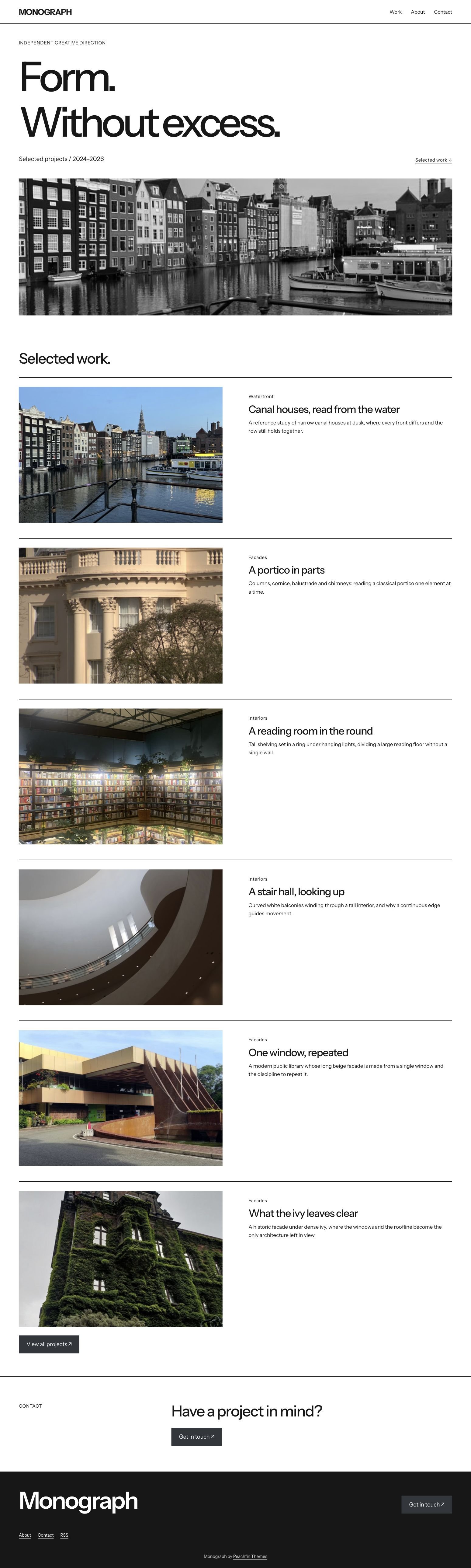 MonographWordPress block theme for portfolios
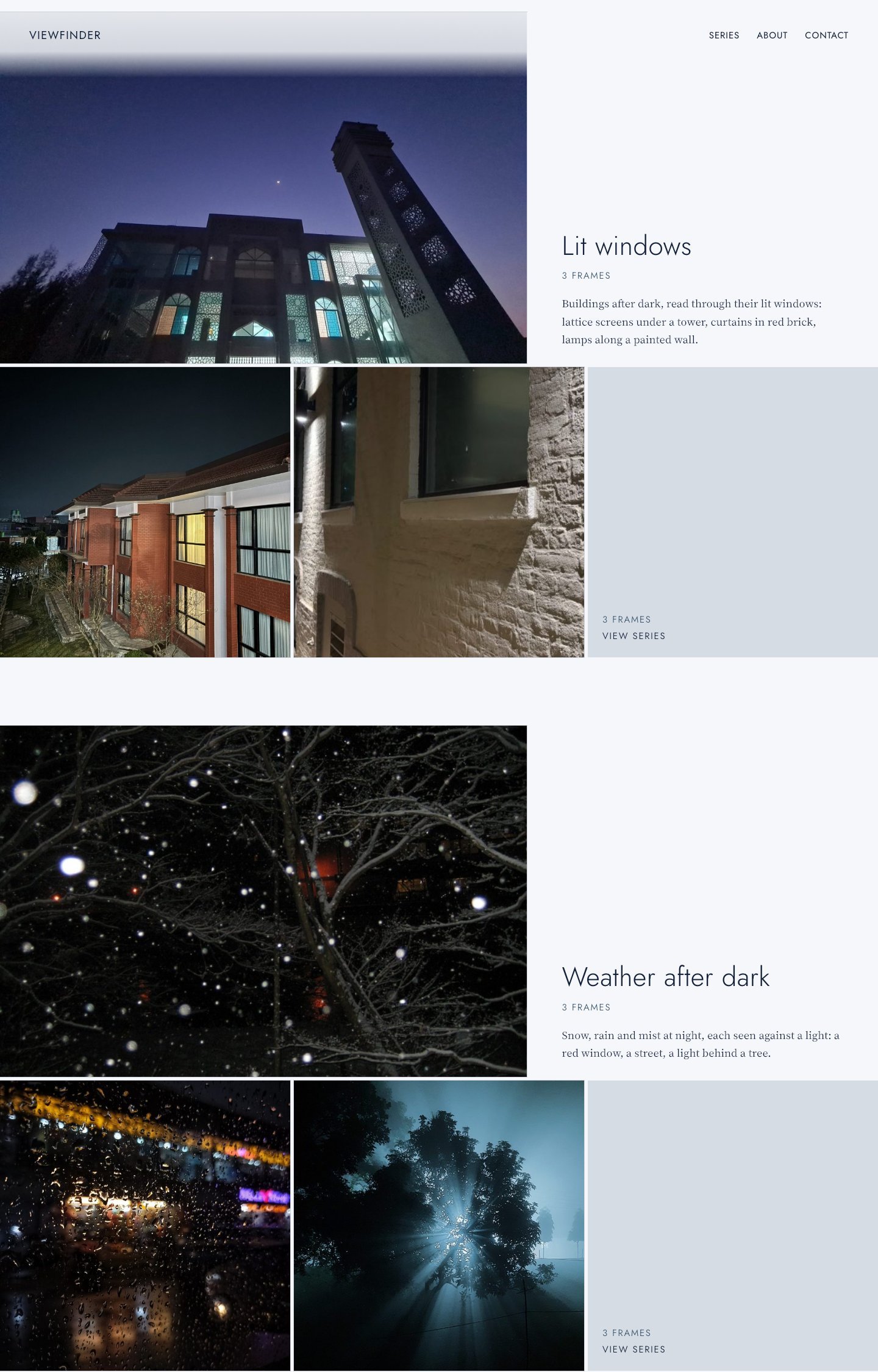 ViewfinderWordPress block theme for photographic portfolios
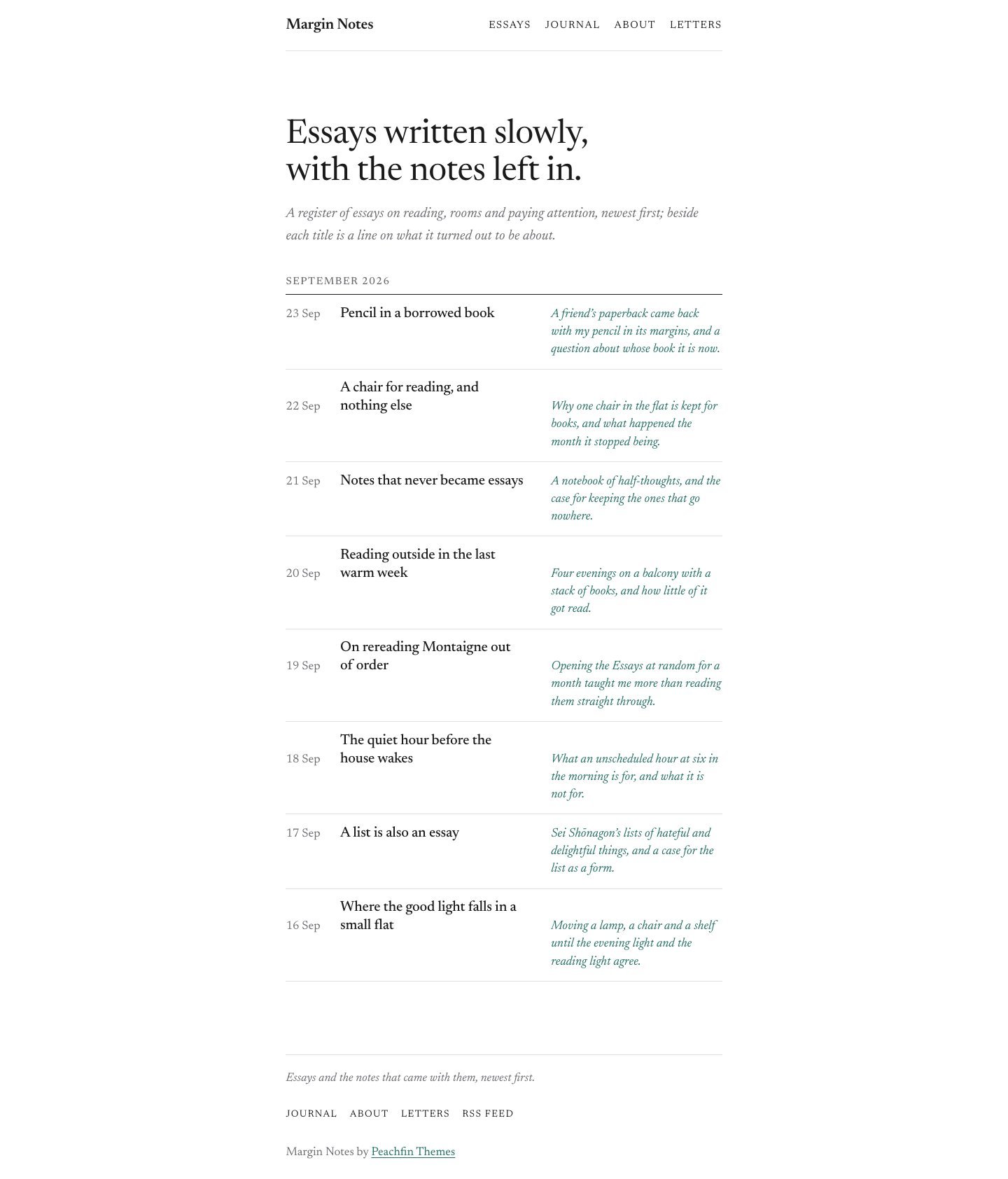 Margin NotesWordPress block theme for essay journals
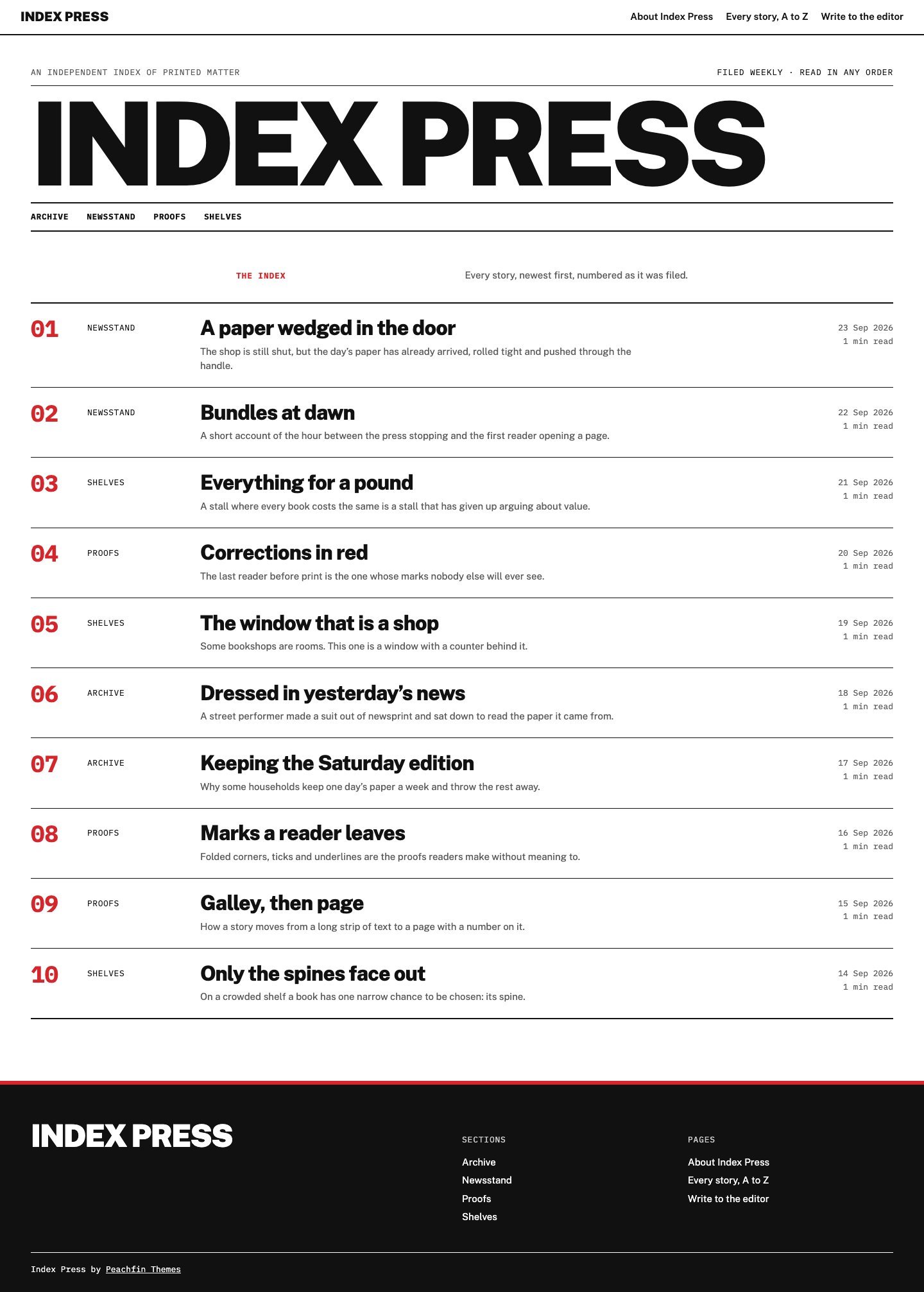 Index PressWordPress block theme for text-first publications
Inspect a complete route through the site
Open a theme’s home page, follow a project or article, and find your way back to the collection. Check the navigation, archive and contact route. A striking opening image only covers one part of that visit.
At a narrow width, read the longest title and inspect the menu. Look for captions that become cramped, images that lose their subject and buttons whose purpose is unclear. Use the keyboard to follow links and check that the current focus remains visible.
Try ordinary content alongside your strongest example. A theme should cope with a short title, a long title and a page with fewer images. Those variations will arrive as the site grows.
Test the editing routine
With a WordPress block theme, posts and pages use the block editor, while the Site Editor handles shared templates and styles. Before committing, identify which parts you expect to change often and where those edits belong.
On a separate test installation, upload the theme ZIP and follow its documentation. Add one real page before importing a full set of sample content. If you use a demo importer, read its instructions and keep that experiment away from existing published work.
Our theme installation guide covers uploading a ZIP and inspecting a theme before activation. Keep a copy of your current site before changing its design, and check the result with your own content.
Decide whether you need one theme or a library
An individual Peachfin WordPress theme costs $47. If one design fits a single site and you expect to keep it, buying that theme is a straightforward choice. There is no need to collect alternatives simply because they are available.
The WordPress Pass costs $99 USD once and currently includes 16 paid WordPress themes. Two individual themes cost $94; three cost $141. A library becomes more useful when you already have several projects with different needs, such as a studio portfolio, a publication and a client site.
The pass includes future WordPress themes released while it is sold, with no promised release count or schedule. Email support lasts six months from purchase, and updates are available as published. Pass downloads do not expire. If the passes are discontinued, holders receive 60 days’ notice and retain downloaded files and their licence rights.
WordPress themes use GPL-2.0-or-later and can be used on unlimited personal, commercial and client sites. The individual pass account belongs to one named person and cannot be shared. The download limit is 15 different themes per rolling 24 hours; repeat downloads of the same theme in that window do not count again.
FAQ
Can I use one theme on several client sites?
Yes. Peachfin’s WordPress themes use GPL-2.0-or-later and allow unlimited sites. Keep the pass account separate from the files and sites you deliver to clients.
Do I need the sample content?
Sample content can help you understand the supplied layouts. You can also start with your own pages and follow the included documentation. The Demo Importer is optional.
Does the pass renew automatically?
No. WordPress Pass is a one-time payment with no subscription or automatic renewal. Choose it when the included library suits the projects you expect to build.