The first version of an AI-built website can appear quickly. Getting it ready for real content often takes longer. A navigation menu needs to work on a phone. Product pages need consistent fields. A new article needs to look like the articles already on the site. Each loose end can become another request to your coding tool.
A template gives you working pages to inspect before you start changing them. You can choose a layout close to what you need, then ask your AI tool for specific edits. That can save time and reduce the credits or prompts spent generating and repairing the basic structure. The savings depend on your tool and how much you change. A complete redesign will still take work.
Choose a site you can already use
Start with the kind of content you plan to publish. A furniture shop needs different pages from a personal journal or a conference website. Look through the screenshots and follow the demo links on each theme’s store page. Check the mobile layout as well as the desktop version.
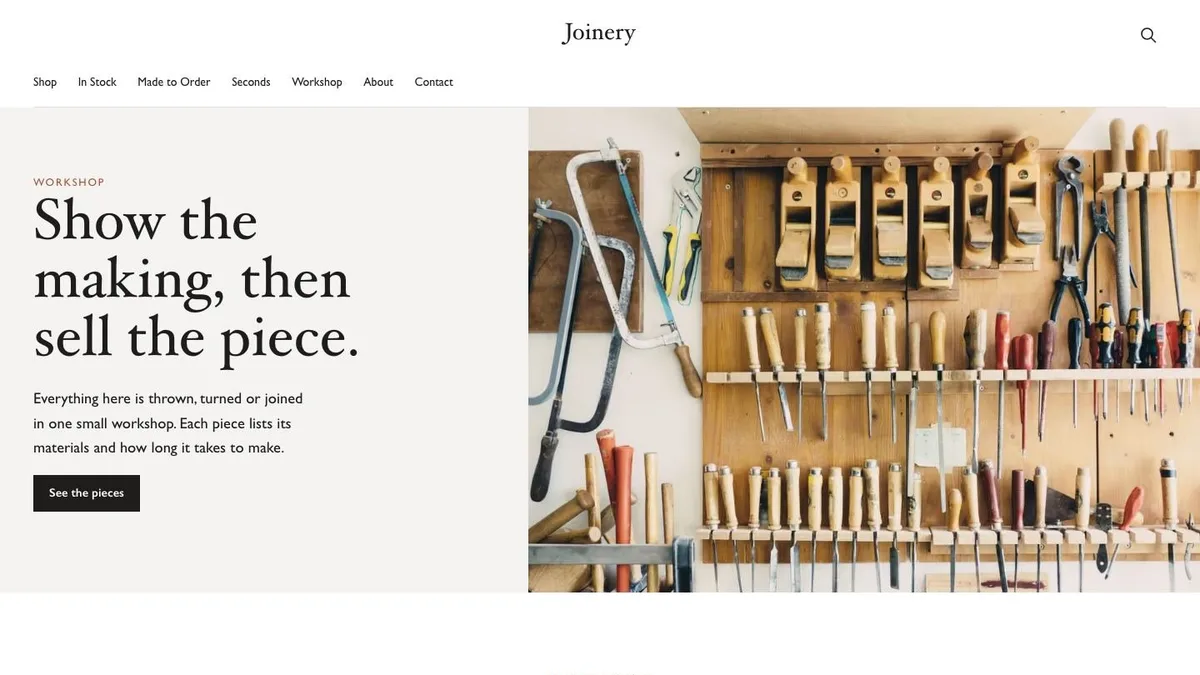
For example, Joinery gives a furniture business a store layout to build on. Side Quest suits a personal blog, while Programme provides a conference starting point. Choosing something close to your project means fewer structural decisions later.
You can compare the collection on our AI-assisted website page. Peachfin sells individual Astro templates, and the Astro Pass includes all 40 Astro themes for $99 USD as a one-time payment. There is no subscription. AI tool subscriptions and hosting are separate purchases.
Open the project and make one useful change
Download your chosen theme and keep an untouched copy. Follow its setup instructions, open the project locally and save the working version in git. That gives you somewhere to return if an edit causes a problem.
The approach works with any AI coding tool that can open or import an existing Astro project. Check that capability before paying for a hosted builder. Some tools are designed around projects they generate themselves, so importing your files may need extra steps.
Give the tool a small, concrete task. For a furniture studio using Joinery, you might ask:
Keep the existing layouts and mobile navigation. Change the accent color to forest green and update the homepage for our made-to-order oak furniture. Show me the files you plan to edit first. Ask me for product prices, dimensions and photographs before adding them.
This gives the tool boundaries and tells it where information is missing. Review the plan, make the changes and run the build. Check the result in the browser before requesting another edit. Open the mobile menu, follow the links and read the text. A successful build does not tell you whether the page is comfortable to use.
Keep content separate from layout changes
Peachfin Astro themes use Markdown for content by default. Articles, projects and products have an existing structure that you and your coding tool can follow. You can update those files directly when you need to change a description or publish something new.
Every theme also includes optional EmDash CMS. It provides a graphical content management interface for editing content later. Follow the theme’s EMDASH.md instructions and run npm run emdash:setup to add it. EmDash needs a supported Node or Cloudflare Workers deployment, so include that in your hosting plan.
Once the CMS is configured, a non-developer can make routine content updates through its editor. A client can revise an article or replace a photograph without opening the project in an AI tool and explaining the change again. Layout and feature changes may still need code work, but regular publishing has its own interface.
Check what you changed before publishing
Templates give you responsive pages and accessible foundations. AI edits can affect both. Recheck keyboard navigation, text contrast, image sizes and page speed after changing layouts or styles. Review any new forms or checkout behavior separately before customers use them.
Start with the few pages you need, add real content and work through one change at a time. The template supplies a working structure; your attention can go toward making the site useful for the people who will visit it.
Start from a template
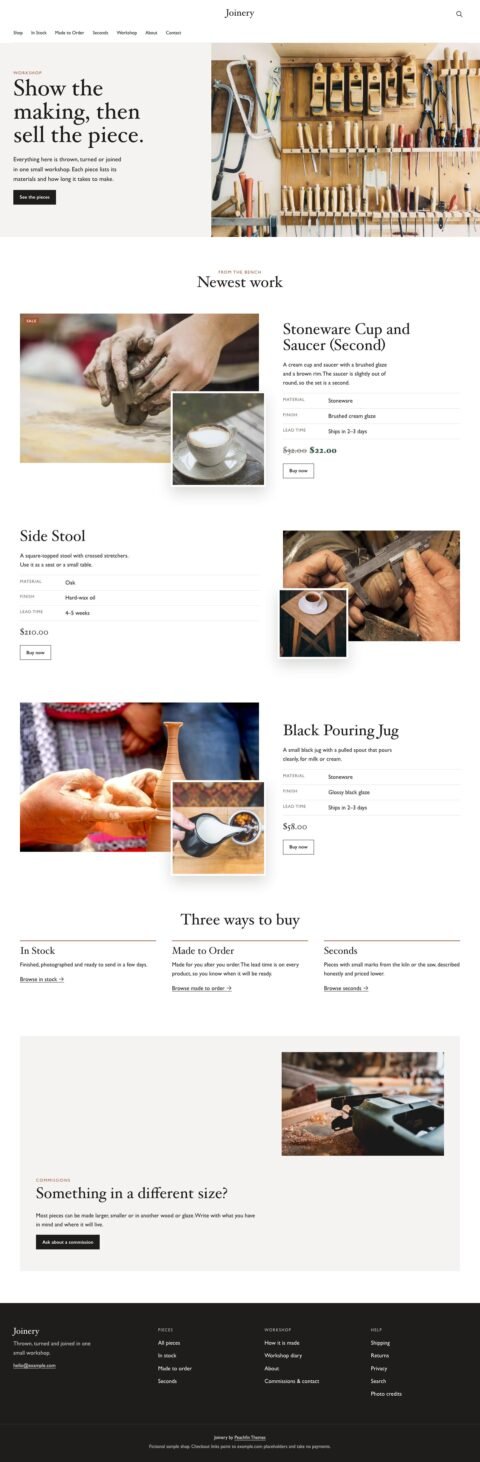 JoineryFurniture shops with detailed product stories
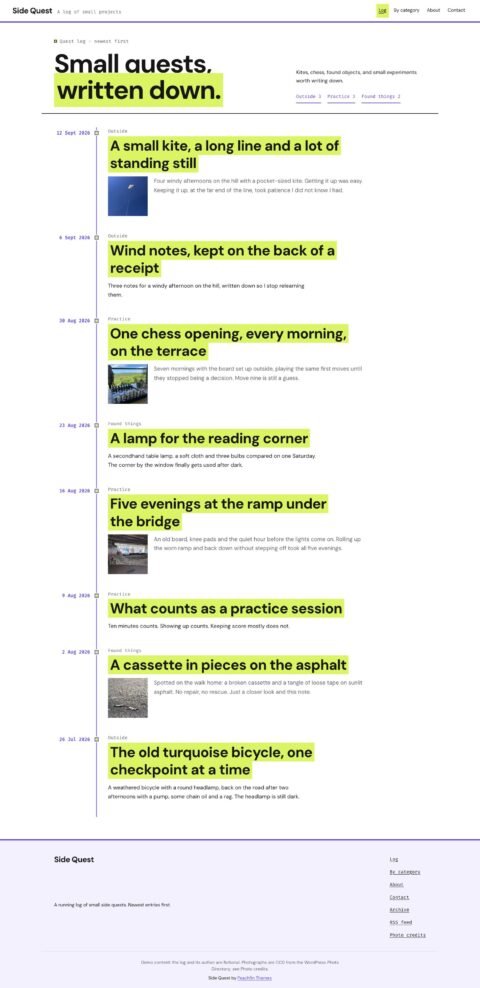 Side QuestPersonal journals with dated timelines
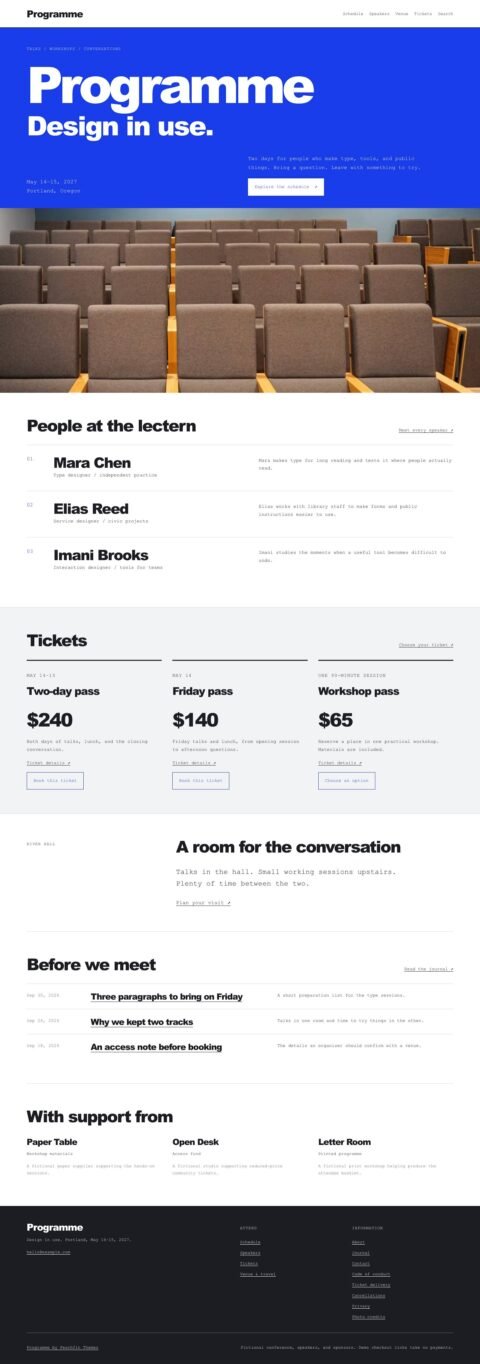 ProgrammeConference sites with schedules and speakers
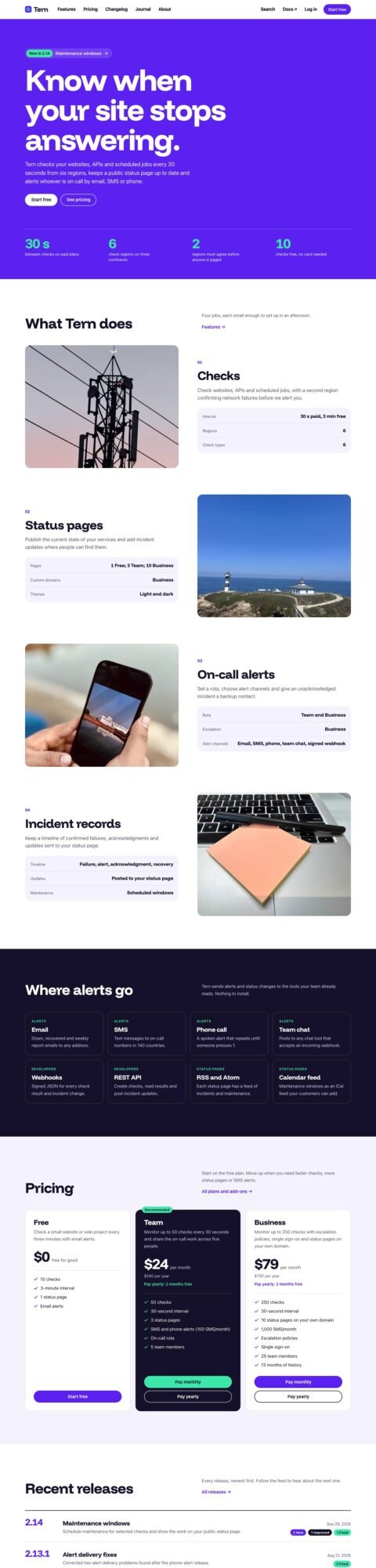 SpecProduct sites with features and plans