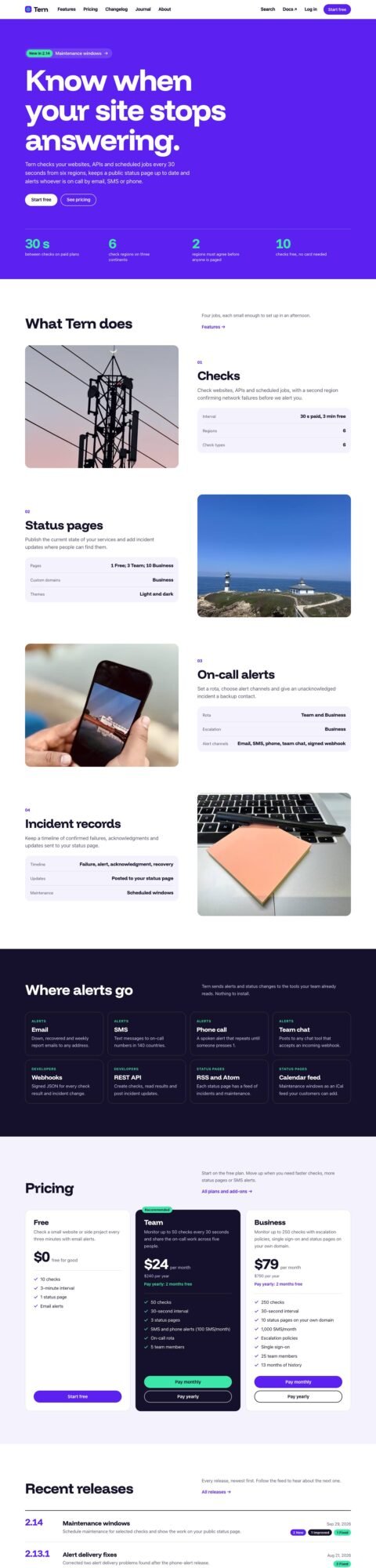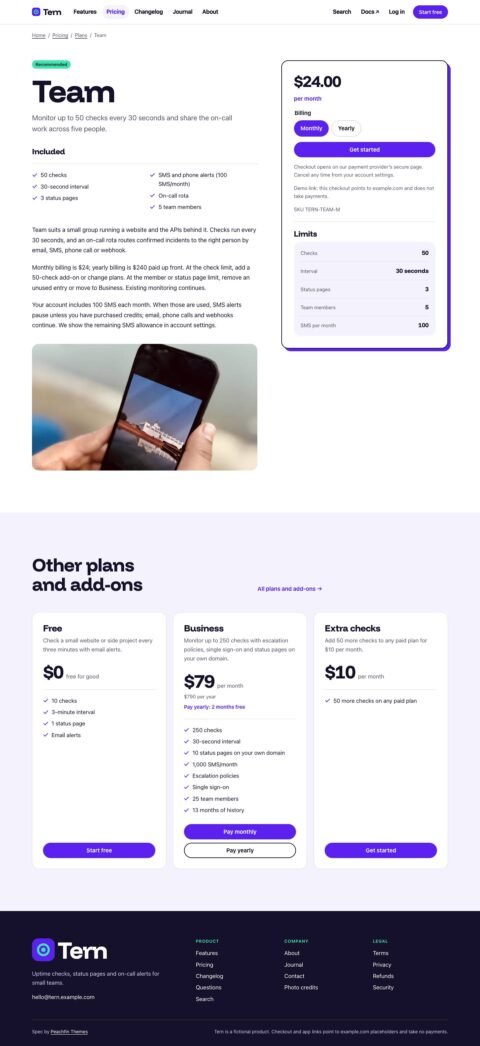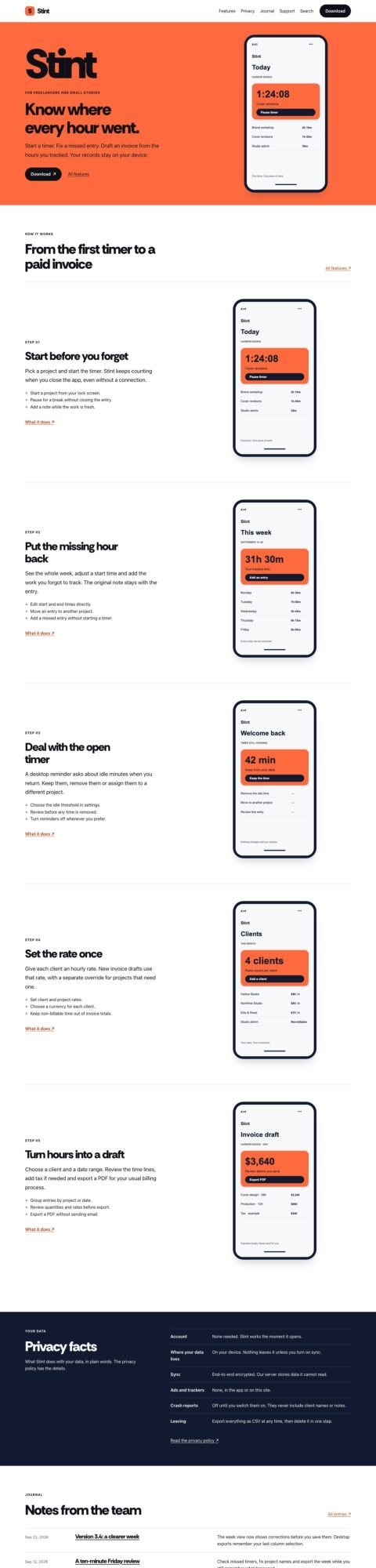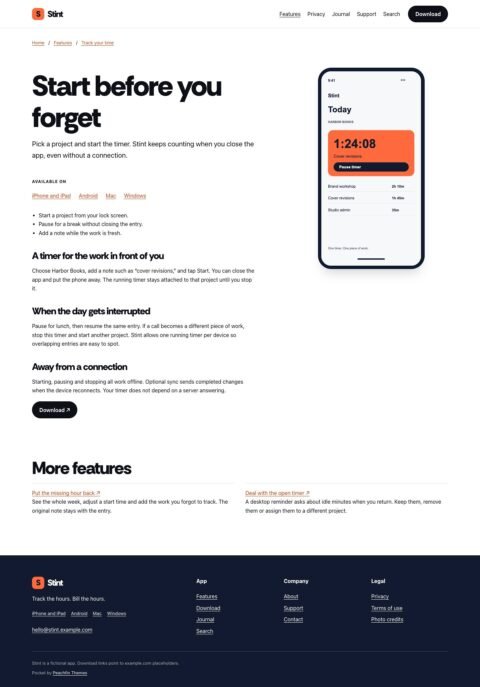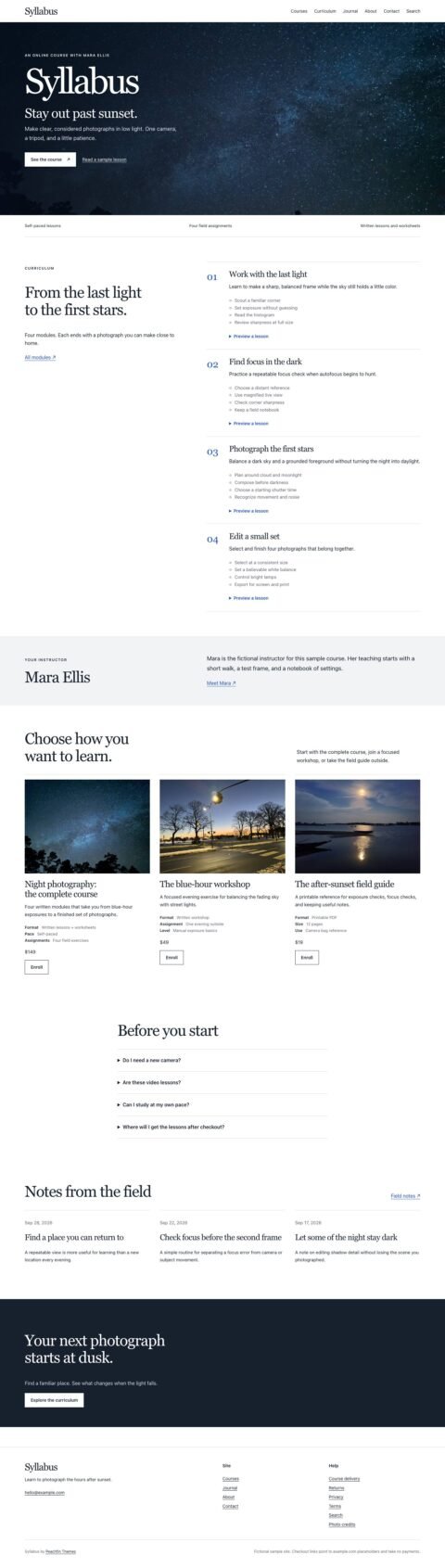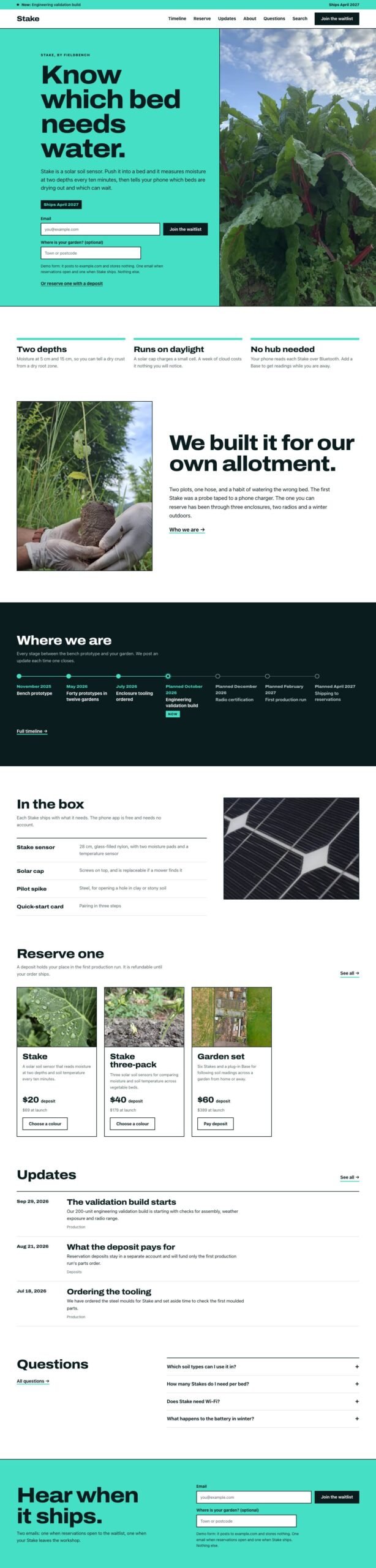
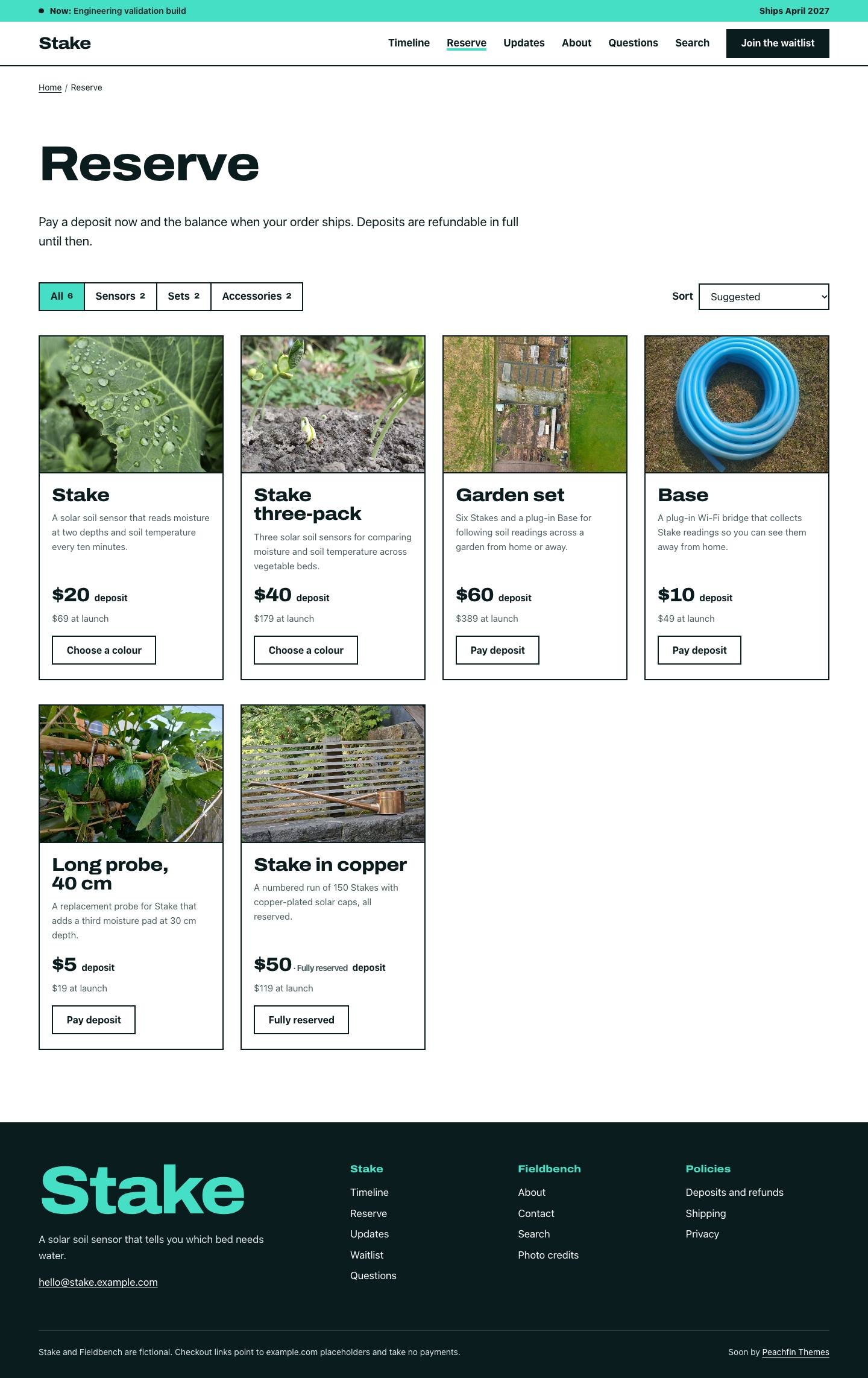
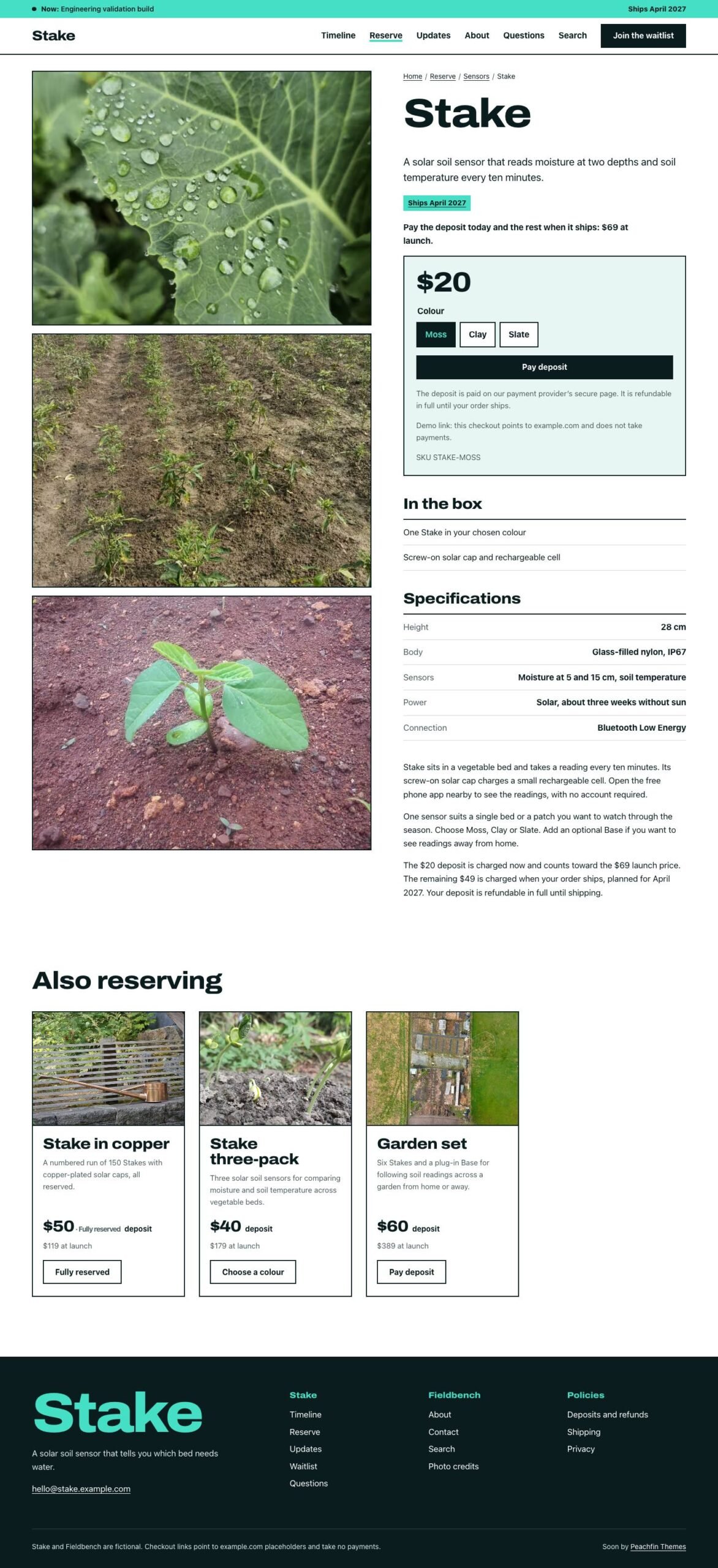
Soon is an Astro landing-page template for launches, pre-orders and waitlists, priced at $47 USD one-time. It gives visitors a place to learn about your product, follow its development and register interest before release. The demo uses Stake, a fictional solar soil sensor from Fieldbench, as example content you replace. A split photograph and signup panel lead into product facts, a story, reservation options, updates and questions, with Archivo headings, square corners and mint and ink colors.
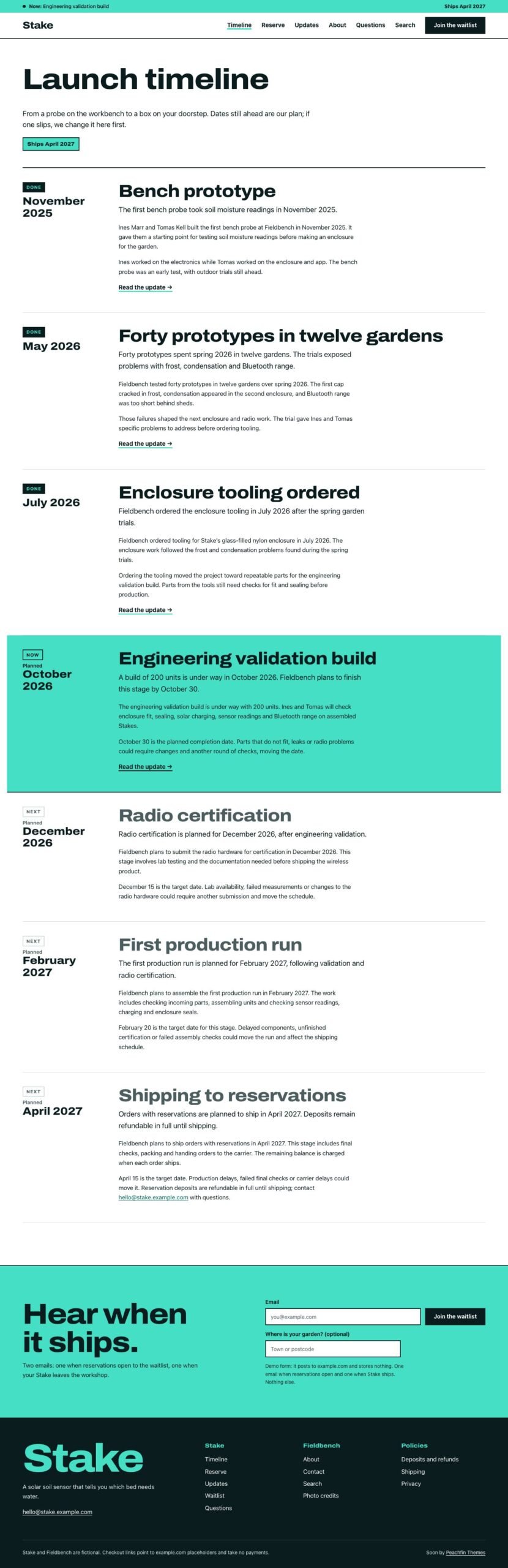
The launch timeline is Soon’s signature feature. Milestone files supply dates, summaries and completion states for a track on the home page, a full timeline page and the current stage in the header. Stages appear as Done, Now and Next, and can link to published updates. Set features.launchTimeline to false in src/site.config.ts to remove the timeline and its links. You can also disable commerce for a waitlist-only launch, and sections such as the facts row and box list disappear when their content is empty.
Waitlist forms post an email address and optional region to a configurable HTTPS endpoint; your form service receives submissions and displays its confirmation page. An empty endpoint replaces the form with an email button. Contact forms also use a configurable endpoint with an email fallback. When you take reservation deposits, each product or variant can link to Stripe Payment Links, Polar, Lemon Squeezy or Shopify checkout. The optional Stripe Checkout cart is off by default and needs a server adapter and your own Stripe secret key. Its checkout checks used mocked Stripe; hosted adapter and Stripe test-mode payments remain unverified. Your payment provider handles orders, refunds and any later balance collection.
Products, milestones, updates and pages live in the source content folders, while src/site.config.ts holds site settings and wording. Use CUSTOMIZE.md for the replacement checklist and AGENTS.md to edit the template with any coding agent. The optional EmDash edition switches with npm run emdash:setup for Node.js or npm run emdash:setup -- --target cloudflare for Cloudflare, with menus and site settings edited in EmDash. Replace the sample policies and verify your forms and payment configuration on a preview deployment before publishing.