Practice

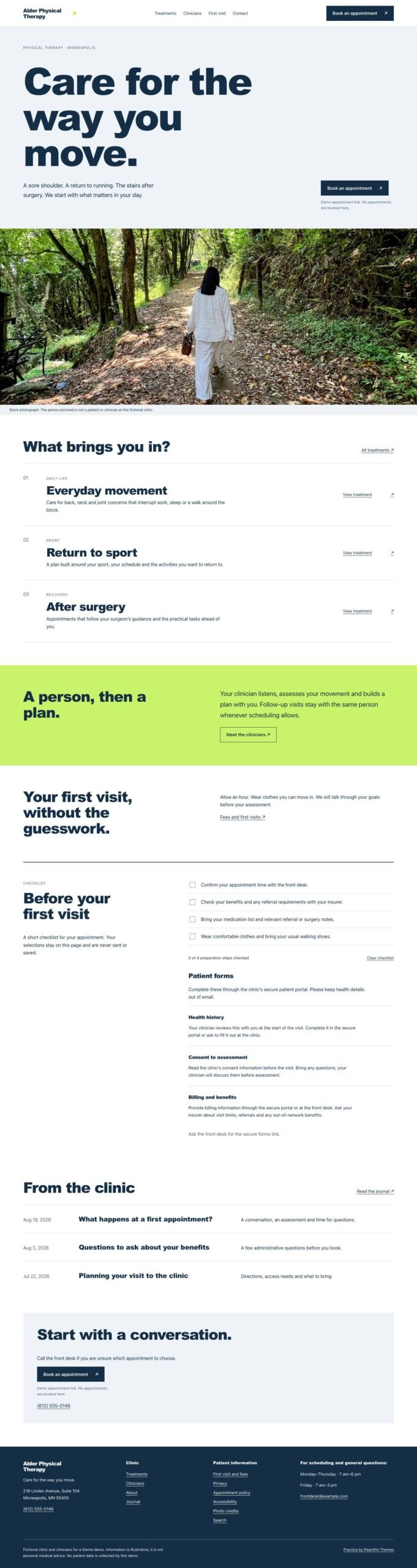
Practice gives clinics and health practices a website with treatment details, clinician profiles, fees, first-visit information and links to their booking provider.

$47 USD

Buy now

Secure payment via Stripe

Live preview ↗
Best for
Best for clinics and health practices presenting treatments, clinicians, fees and patient information
Platform
Astro
Status
On sale
Price
$47 USD
Version
1.0.0
License
Astro edition: Peachfin Themes Astro License (LICENSE in the download). Photographs CC0 1.0 (ASSETS.json). No font files bundled.
Demo photography is licensed separately from theme code

Page inventory

Home
Home
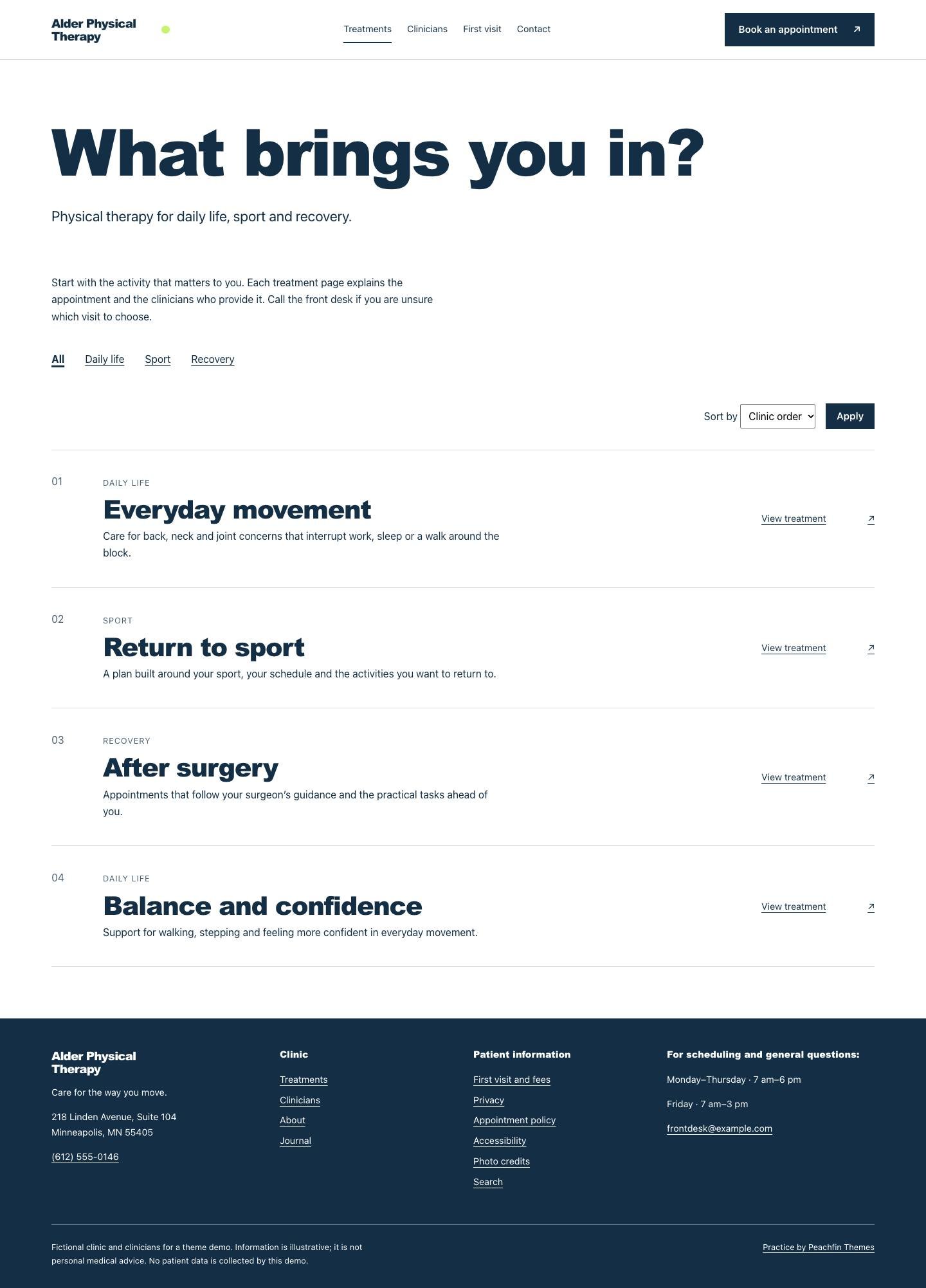
Treatments
Archive
focus categories
Archive
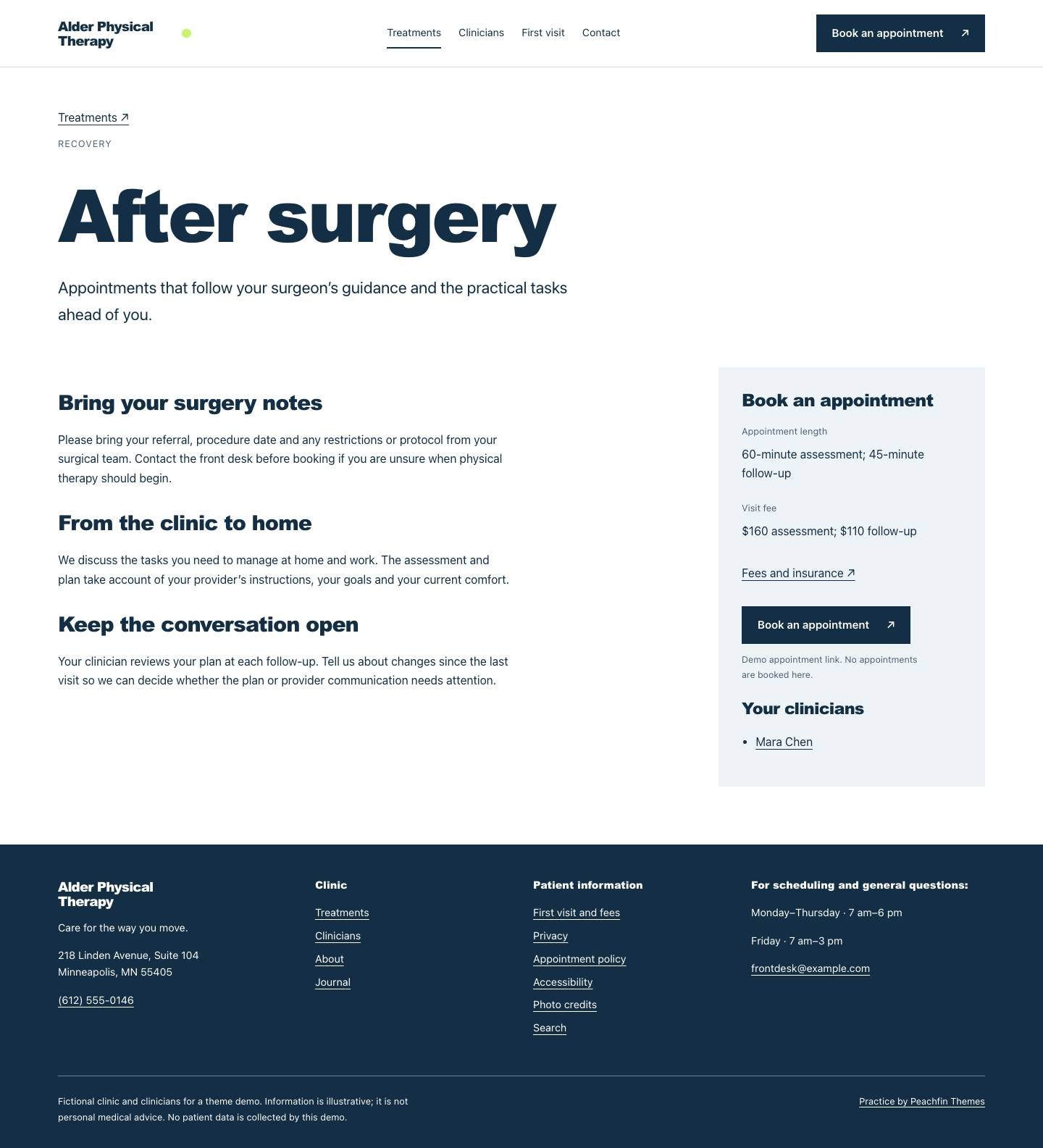
treatment details
Detail
Clinicians
Archive
clinician profiles
Detail
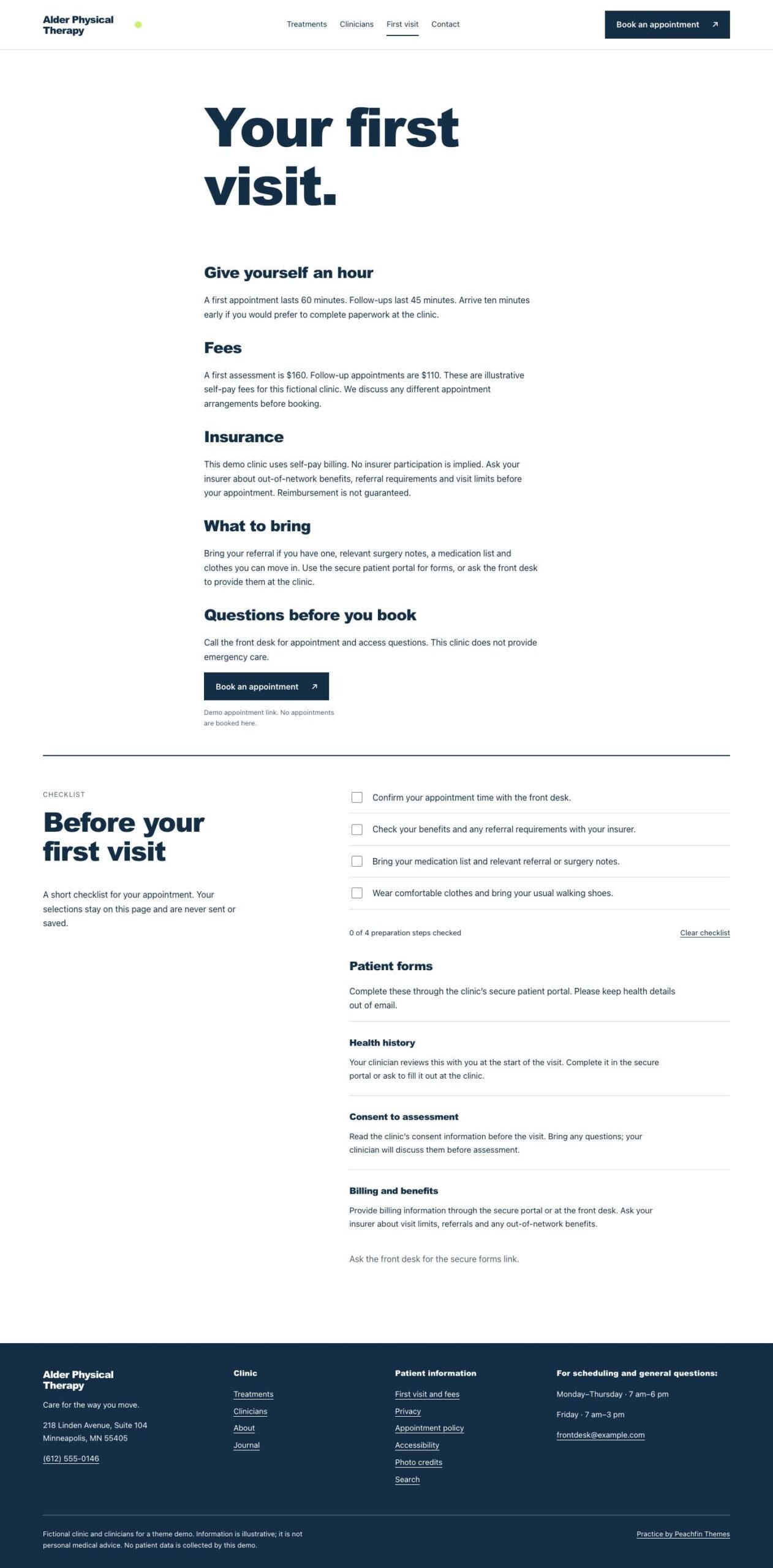
First visit and fees
Detail
About
About
Journal
Journal
journal entries
Post
tag pages
Archive
Contact
Contact
Privacy
Utility
Appointment policy
Utility
Accessibility
Utility
Search
Utility
Photo credits
Utility
404
Utility

Design controls

Clinic identity
Edit the identity, clinic address, hours, phone and email in src/site.config.ts.
Home content
Change the home wording and choose the home.hero photograph in src/site.config.ts.
Appointments
booking.url sets the external booking link, and patient.portalUrl sets the secure portal link.
Contact form
contact.formAction sets the HTTPS endpoint; leave it empty to display an email link.
Optional extras
Set signature.firstVisit to false to remove the checklist, and keep analytics off until configured.
Checklist wording
Edit the preparation arrays, checklist text, completion status and reset label in src/site.config.ts.

Features

  • The home page introduces treatments, clinicians, first-visit information and journal entries.
  • Treatment pages display descriptions, categories, durations and informational fees.
  • Clinician profiles provide space for roles, biographies, qualifications and registration details.
  • The optional first-visit checklist adds a completion count and reset button when JavaScript is available.
  • Appointment buttons link to your booking provider, and patient portal links open your secure portal.
  • The general inquiry form posts to your configured HTTPS endpoint, with an email link when no endpoint is set.
  • The optional EmDash 1.1.0 edition edits treatments, clinicians, form instructions, journal entries, pages, menus and site settings in its admin.

What the download includes

  • The source uses Astro 7.3.3 with Markdown content in src/content/.
  • Two demo photographs are bundled, with their sources and licenses recorded in ASSETS.json.
  • The content includes four treatment entries, three clinician profiles, three form instructions and three journal posts.
  • README, GETTING-STARTED, CUSTOMIZE, AGENTS, DISCOVERY and LICENSE cover setup, editing, discovery and theme terms.

Setup

  1. Use Node 22.19 or later, install dependencies with npm ci, and start the local site with npm run dev.
  2. Set your clinic identity, contact details, home wording, booking URL and patient portal URL in src/site.config.ts.
  3. Replace the Markdown content, photographs, example.com links and sample policy text with your own information.
  4. Configure an HTTPS endpoint for general inquiries, or leave contact.formAction empty to use the email link.
  5. Run npm run check, npm test, npm run test:commerce-off and npm run build before hosting.
  6. Upload dist/ to a static host at the root of your domain, configure your canonical origin and indexing, and check the hosted booking, portal and contact links.
  7. Follow EMDASH.md to switch with npm run emdash:setup for Node.js or npm run emdash:setup — –target cloudflare for Cloudflare Workers. Run npm run emdash:revert to restore the Markdown edition.

Practice is an Astro website template for clinics and health practices that need to explain treatments, introduce clinicians and help patients prepare for a visit. Large ink-blue type, white space and a lime support band organize treatment rows, staff introductions, patient information and journal entries. The demo uses Alder Physical Therapy as example content you replace with your own clinic details, staff biographies, fees and photographs.

The template’s signature feature is an optional first-visit checklist. Visitors can use its checkboxes without JavaScript; JavaScript adds a completion count and reset button. The checklist stores and sends no information. You can switch it off with signature.firstVisit in src/site.config.ts, while analytics remains off until configured. Treatment categories, alphabetical sorting and search help visitors find information across the site.

Appointment buttons open a link to your own booking tool. A separate portal link directs patients to your secure system for patient forms and medical records, with a front-desk instruction when no portal URL is supplied. The general inquiry form posts to a configurable HTTPS endpoint, whose service handles delivery and its success or error response. Leaving the endpoint empty displays an email link. Treatment fees are displayed as information.

Edit treatments, clinician profiles, first-visit form instructions and journal entries in Markdown, and change site wording and settings in src/site.config.ts. CUSTOMIZE.md explains how to adapt the site, and AGENTS.md provides instructions for editing with any coding agent. The supplied photographs have source and license records in ASSETS.json. Practice version 1.0.0 costs $47 USD one-time.
Similar themes