Choose Framer when you want to design and maintain a website on a visual canvas with hosting included. Choose Webflow when you want detailed visual control over a structured site and its content workflows. Choose an Astro template when you want a finished starting design in a codebase you can customize and host yourself.
All three can support a polished public website. The important difference is who will make changes after launch and which parts of the system they want to manage.
An AI tool can help with each route. It does not remove the need to choose an editing and publishing workflow that fits the people using it.
What Framer is best at
Framer is a strong option for designers shaping portfolios, campaign pages and product websites. Its canvas offers direct control over responsive layouts, typography, components and effects. AI-generated work stays editable in that environment.
That continuity is useful when the first draft needs detailed refinement. You can adjust the composition directly, then keep the site in the same platform for later updates. Framer’s CMS supports repeatable content, while its hosting handles the published website.
For a small design or marketing team, the appeal is having fewer separate systems to coordinate. Content editors can work with CMS entries, and designers can maintain the page templates. Plan-specific collaboration and staging features support review before changes go live.
The main limitation is the move away from the platform. Framer does not offer official HTML export for self-hosting. If a client requires a maintainable source repository on another host, settle that requirement before choosing the design tool.
What Webflow is best at
Webflow suits teams that want visual design tools alongside structured site content and reusable components. Its design environment exposes web layout and styling concepts, making it useful for designers who want detailed control and are willing to learn how those concepts interact.
The CMS is a substantial part of that workflow. A company can model articles, team profiles or case studies as collections, then build consistent templates around them. Team roles and publishing permissions can help separate everyday content updates from broader design changes, depending on the plan.
Webflow’s AI features include site generation, copy assistance, CMS item creation and code components. AI availability and credits depend on the workspace and features involved. Some capabilities have their own add-ons or access requirements.
Webflow also has a separate Cloud offering for code-based applications, including Astro. That extends its scope beyond visual pages, but it introduces a development workflow of its own.
Code export is available on paid Workspace plans. The export does not reproduce the complete hosted CMS or ecommerce system. This is an important limit if portability is part of your reason for choosing it. Expect a learning curve around classes, responsive behavior, content modeling and plan selection.
What an Astro template is best at
An Astro template suits a project where you want the website files from the start. You begin with page layouts and components, then edit the project using a code editor or an AI coding tool.
Astro is designed for content-focused websites. It can generate static pages and supports server-rendered features where required. The right hosting setup depends on which of those capabilities your project uses.
This is useful for a freelancer maintaining several client sites or a business that wants its source in a repository. You can change tools without moving the design out of a proprietary canvas. With a commercial theme, your usage still follows the theme license and any third-party asset terms.
The tradeoff is responsibility. You arrange hosting, maintain dependencies and verify integrations. An optional CMS can make content editing easier, but it does not turn every layout change into a visual operation. A team that wants to avoid development work may prefer the managed platforms.
The three approaches compared
| Question | Framer | Webflow | An Astro template |
|---|---|---|---|
| What you get | Visual site platform | Visual site platform with structured CMS | Finished website source project |
| How you edit | Canvas, CMS and AI | Designer, CMS and AI | Code and content files, optionally a CMS |
| Code ownership and export | No official self-hosted HTML export | Paid Workspace export with functional limits | Source files under the theme license |
| Hosting | Integrated | Site hosting; separate Cloud app offering | Choose a compatible host |
| Content and backend | Website CMS; extend as needed | CMS, ecommerce and app options with separate requirements | Markdown; CMS and app services as configured |
| Pricing model | Site plan, AI credits, editors and add-ons | Site and Workspace plans, seats, AI and add-ons | Theme purchase plus hosting, tools and services |
| Learning curve | Canvas and responsive design | Layout concepts, classes and content modeling | Project files, builds and deployment |
| Best for | Visually maintained marketing sites | Structured sites with team publishing needs | Customizable sites with source control |
Which should you pick?
Pick Framer for a portfolio or marketing site when its future maintainer prefers a visual canvas and accepts Framer hosting. Ask that person to update a project and check a mobile breakpoint before committing.
Pick Webflow for a site where reusable structure, CMS collections and publishing responsibilities are central. Work out which Site and Workspace features you need together. A hosting plan alone does not unlock every design, collaboration or export feature.
Pick an Astro template when source access and a reusable starting project matter more to your team than a built-in visual design environment. Budget for someone to own deployment and maintenance.
For a store, compare checkout, payment handling, inventory and order management separately from the storefront design. A good-looking product page cannot establish whether the commerce workflow fits your business. The same applies to a course site that needs accounts or progress tracking.
Start from a template and give AI less to rebuild
A finished template can be a fire starter whichever route you are considering. In the Astro workflow, existing page layouts, accessibility details and responsive basics can reduce the prompts and credits spent recreating them. You still test those details after customization, and savings will vary.
Framer and Webflow have their own visual template workflows. A Peachfin Astro theme is an alternative path, rather than a direct import into either visual editor. Webflow Cloud can host Astro applications, but hosting the code does not convert the theme into editable Designer pages.
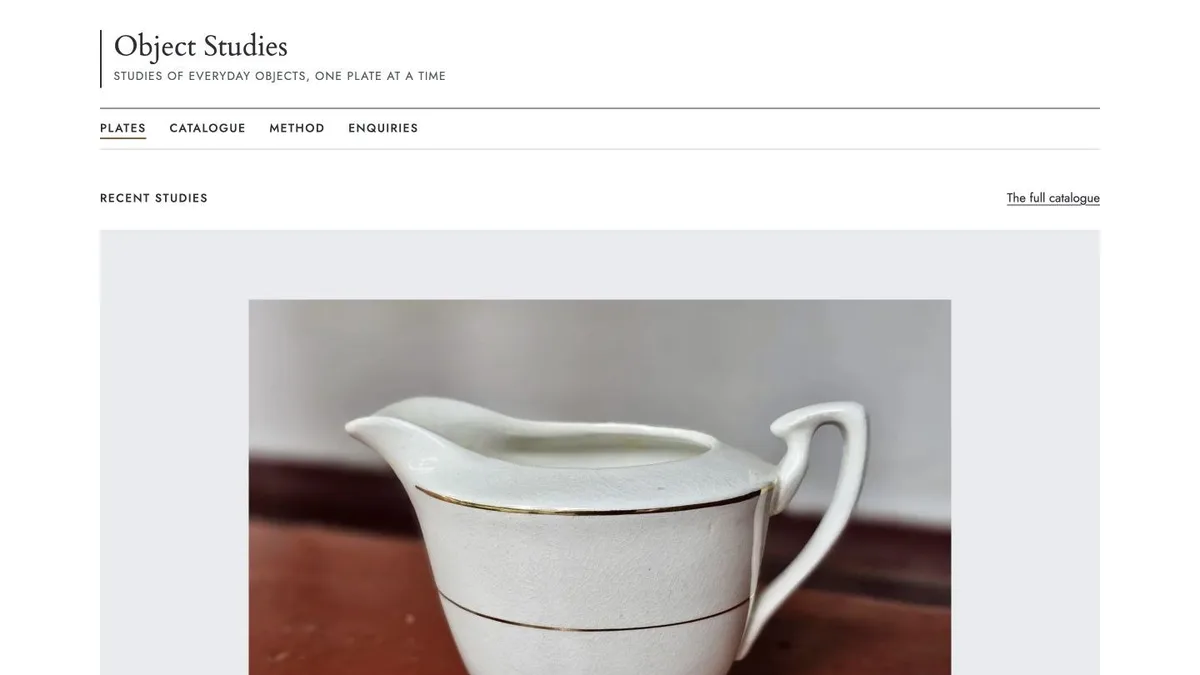
Monograph and Object Studies give portfolio projects different ways to present work. Fitting Room and Proof provide fashion and art-print store designs. Review the individual theme’s features against your actual content and integrations.
Each Peachfin theme supports Markdown and an optional EmDash CMS, so editors can update content later without prompting AI again. The Astro Pass includes 40 Astro themes for $99 as a one-time payment, with no subscription, unlimited client sites and optional EmDash CMS. Hosting and other services are separate.
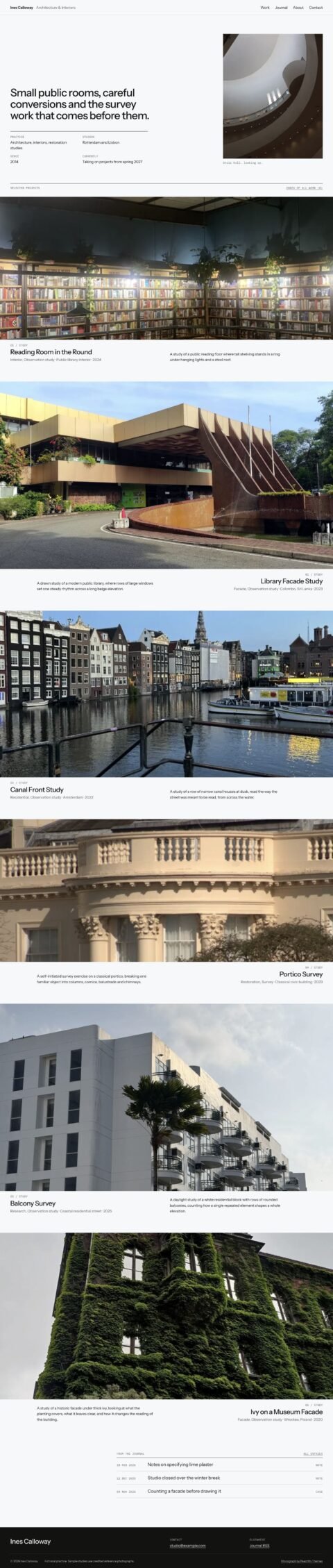 MonographDesign portfolios with a photographic project index
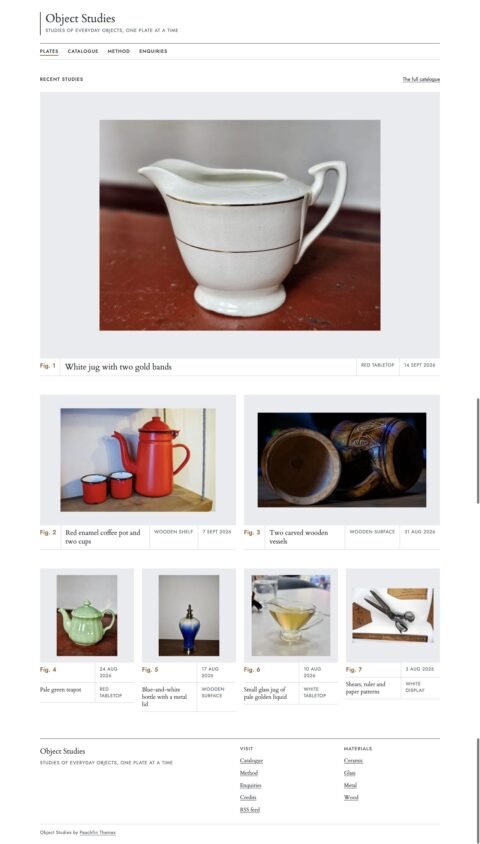 Object StudiesObject portfolios with material catalogues
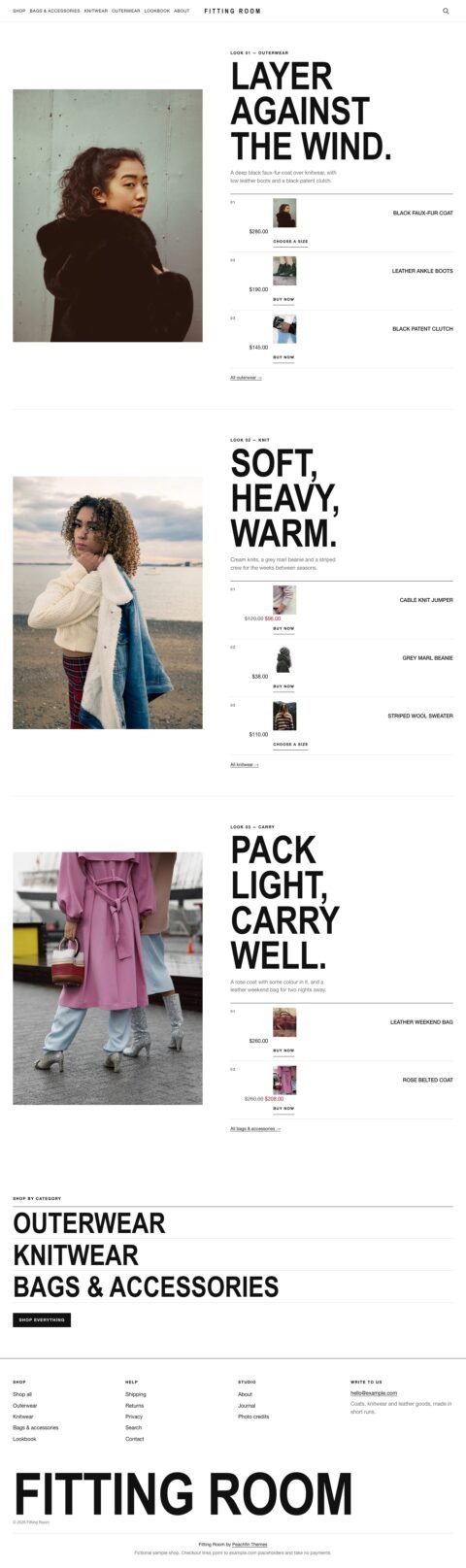 Fitting RoomFashion shops with portrait lookbooks
 ProofPrint shops with frame previews
FAQ
Is an Astro template cheaper than Framer or Webflow?
The purchase model differs, but total cost depends on hosting, maintenance, integrations and paid tools. Compare the complete setup over the period you expect to use it.
Can I import an Astro theme into Framer or Webflow?
It is not a direct visual-editor import. Webflow Cloud supports Astro hosting through a separate code-based workflow; the theme remains an Astro project.
Can nontechnical people update an Astro site?
They can use a configured CMS for supported content fields. Peachfin themes offer optional EmDash CMS alongside Markdown. Layout and integration changes may still need technical help.
Peachfin is not affiliated with Framer, Webflow or Astro.