Mise

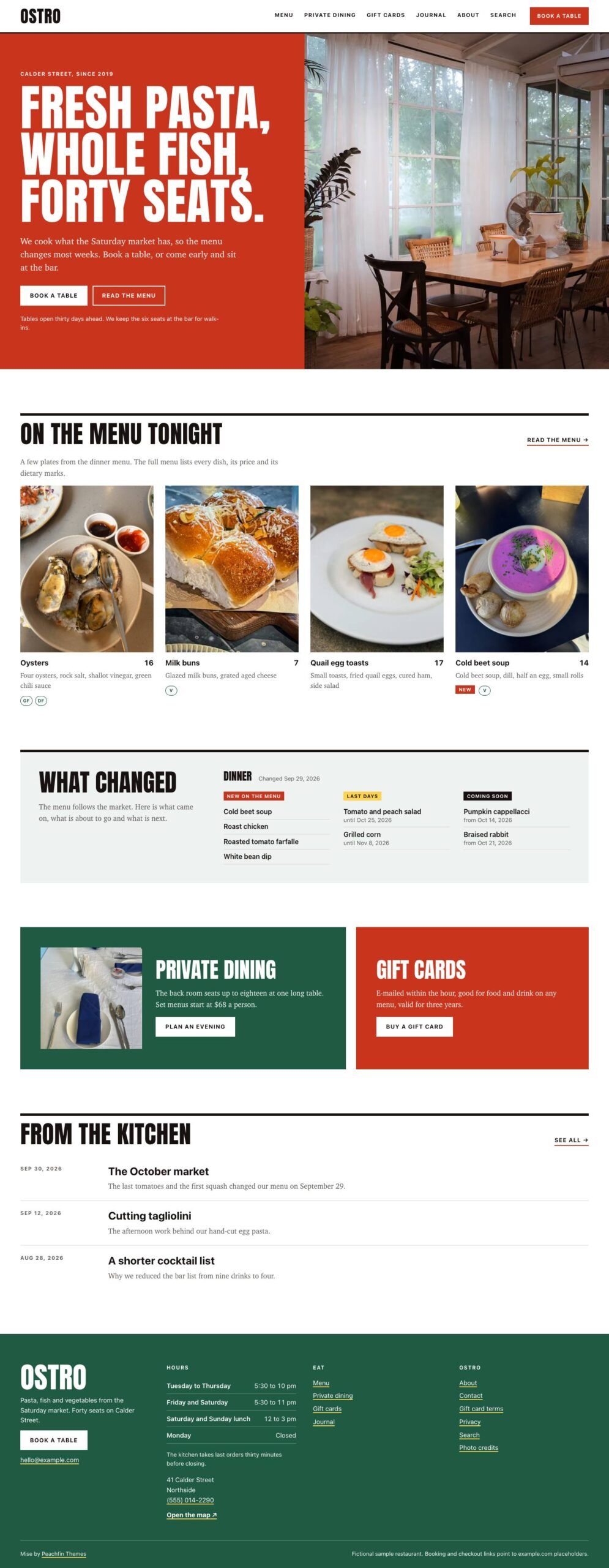
Mise gives restaurants and bars printed-style menus with prices, dietary marks and dated changes, alongside booking links, private dining details and a kitchen journal.

$47 USD

Buy now

Secure payment via Stripe

Live preview ↗
Best for
Best for restaurants, bars, wine bars and bistros
Platform
Astro
Status
On sale
Price
$47 USD
Version
1.0.0
License
Astro edition: Peachfin Themes Astro License (LICENSE in the download). Photographs CC0 1.0 (ASSETS.json). Bundled font SIL OFL 1.1 (public/fonts/OFL.txt).
Demo photography is licensed separately from theme code

Page inventory

Home
Home
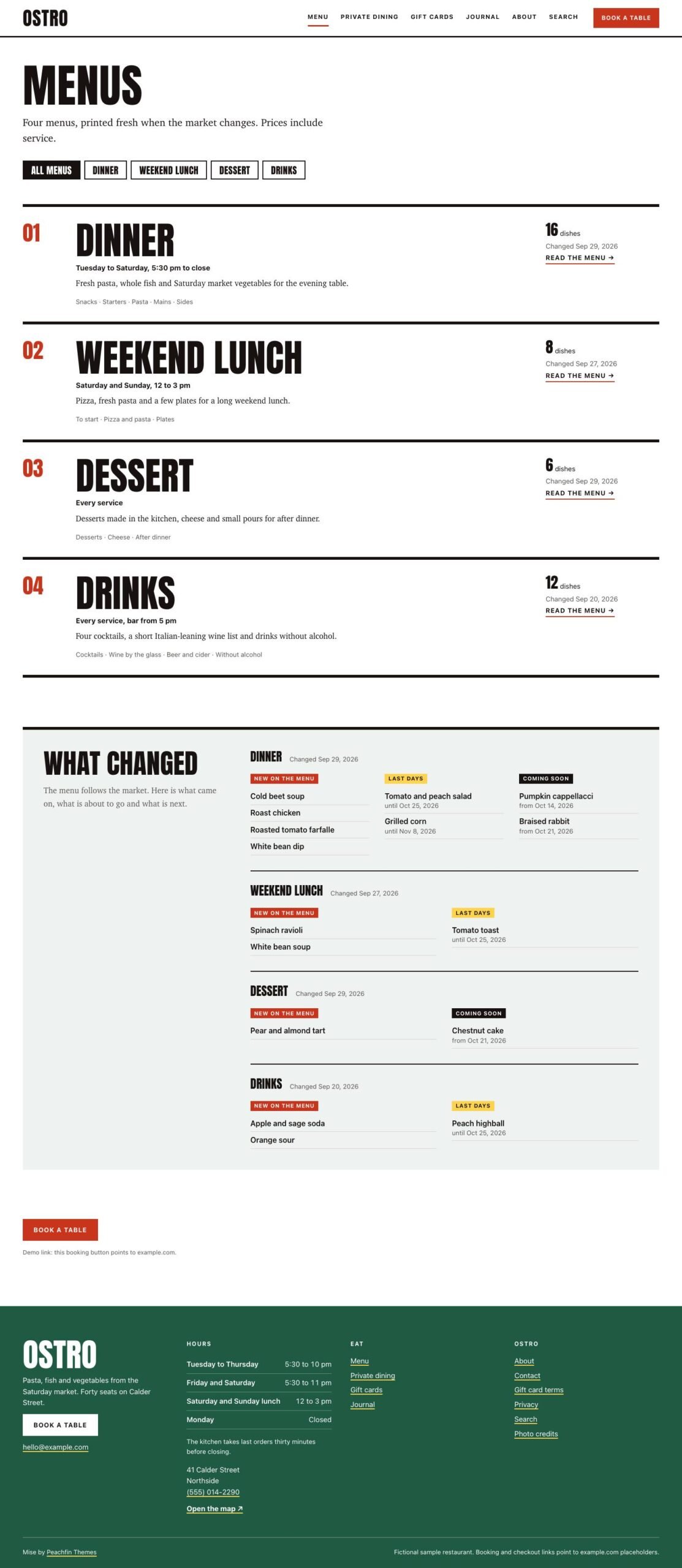
All menus
Archive
individual menus
Detail
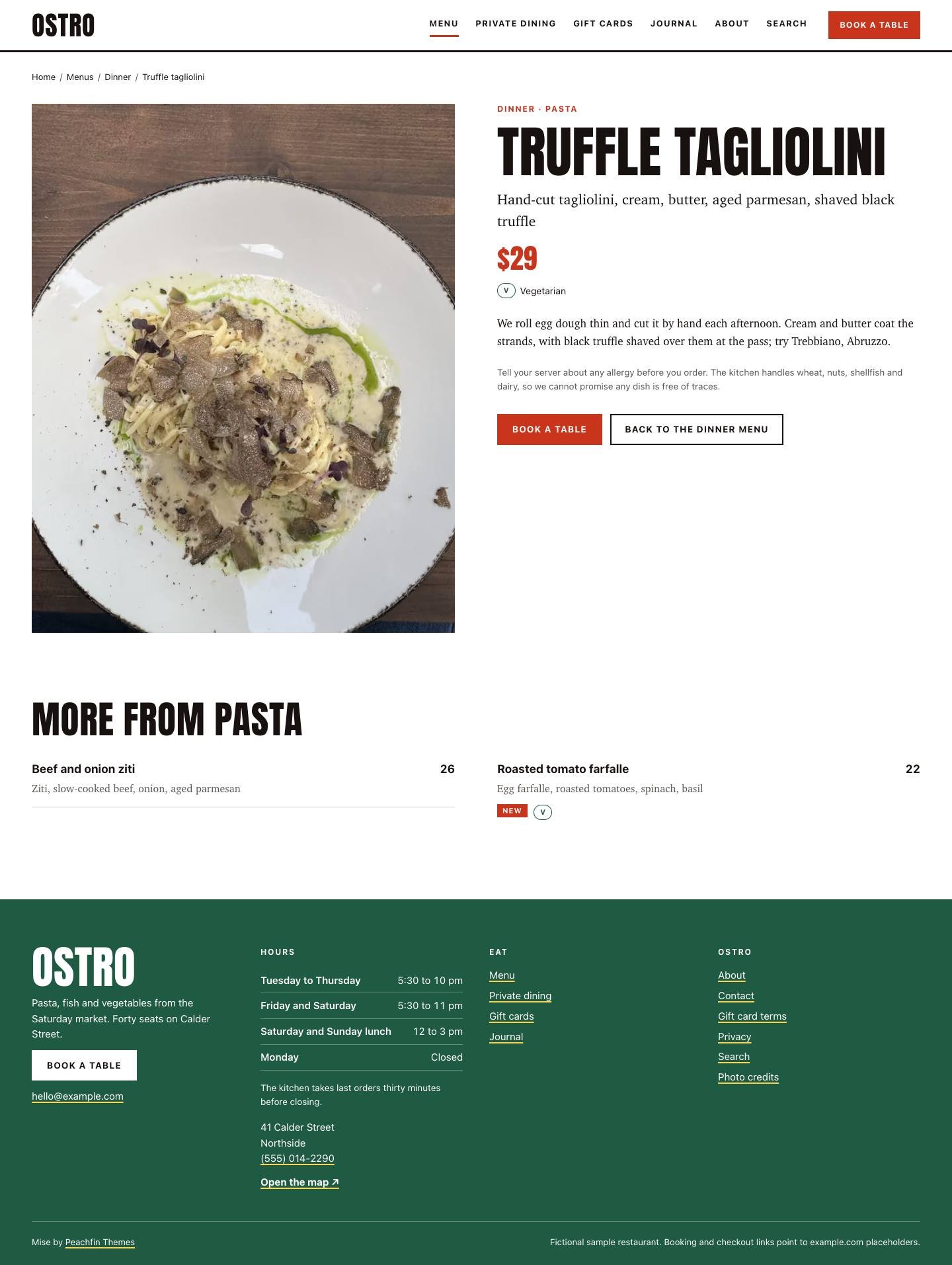
dish and drink pages
Detail
Private dining
Detail
Gift cards and deposits (commerce enabled)
Shop
gift card categories (commerce enabled)
Archive
gift card and deposit pages (commerce enabled)
Product
About
About
Contact
Contact
Kitchen journal
Journal
journal entries
Post
journal tags
Archive
Search
Utility
Privacy
Utility
Gift card terms
Utility
Photo credits
Utility
404
Utility
Basket and checkout confirmation (optional cart)
Utility

Design controls

Business details
identity, visit and reservations set your name, address, hours and booking link.
Colors and typography
theme.colors and theme.fonts set the palette and display, body and interface font stacks.
Home content
home.hero selects the photograph, and home.featuredMenu and home.menuLimit control the dish selection.
Menu changes
features.seasonalChanges switches the dated tags and What changed panels on or off.
Commerce
commerce.enabled removes gift card and deposit routes and panels when set to false; menu prices remain visible.
Inquiry forms
privateDining.formAction sets the private dining endpoint, and contact.formAction enables the contact form.
Footer
footer.attribution controls the credit, and footer.note contains the demo notice you can remove.

Features

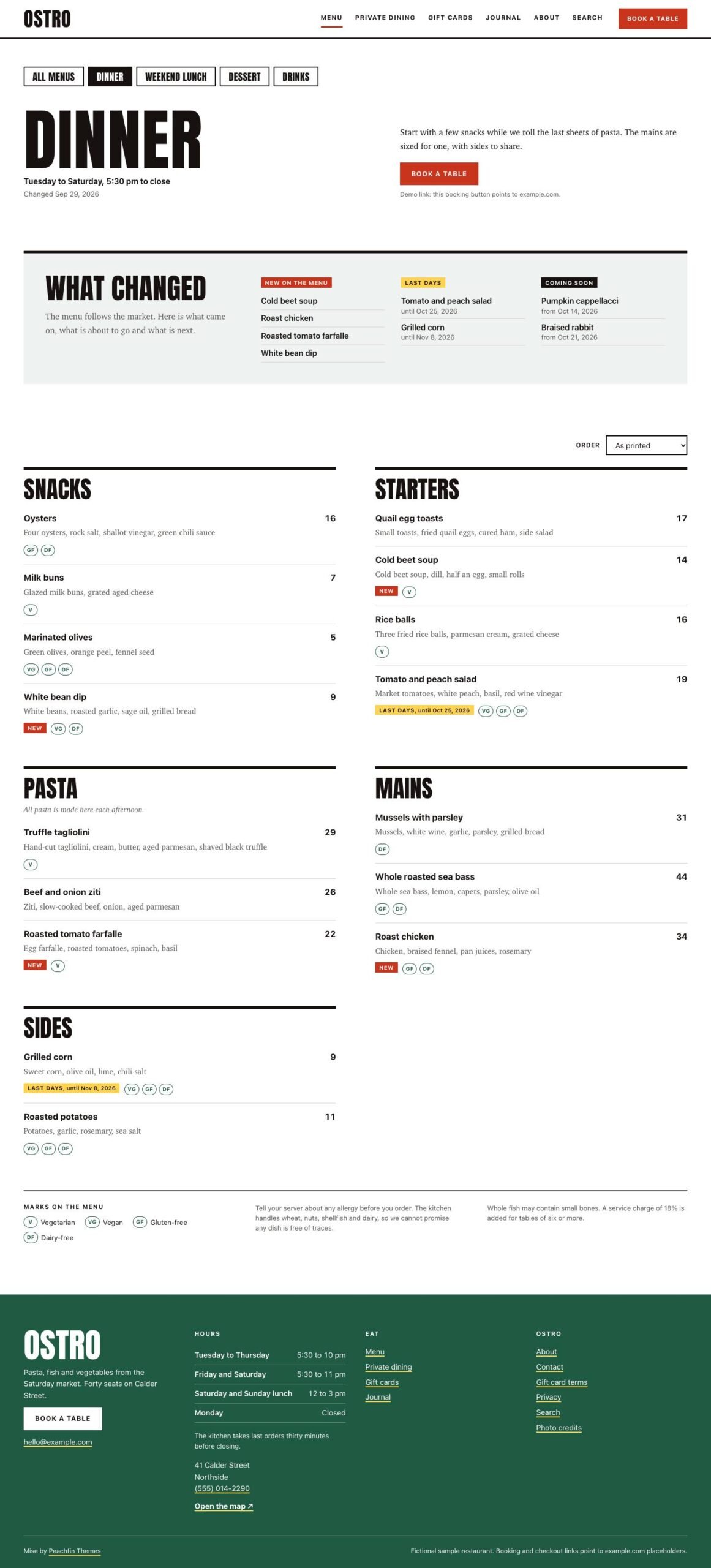
  • Menu pages group dishes and drinks by section, with prices, dietary marks and service times.
  • Dated menu changes show New, Last days and Coming soon states, plus What changed panels.
  • Booking buttons link to your booking tool, and private dining inquiries use a configurable endpoint or an email fallback.
  • Gift cards, vouchers and deposits can use checkout links per product or variant from Stripe Payment Links, Polar, Lemon Squeezy or Shopify.
  • An optional Stripe Checkout cart requires a server adapter and your own Stripe secret key.
  • The optional EmDash edition lets you edit menus and site settings in EmDash.

What the download includes

  • Mise 1.0.0 includes source with typed content collections for menus, dishes, products, categories, journal entries and pages.
  • The demo includes 22 CC0 photographs with provenance recorded in ASSETS.json.
  • Anton is supplied as a Latin-subset WOFF2 with its SIL Open Font License.
  • README and GETTING-STARTED explain content, configuration, hosting and checkout setup.
  • CUSTOMIZE.md and AGENTS.md provide editing guidance for use with any coding agent.

Setup

  1. Use Node 24 LTS or Node 22 LTS, version 22.19.0 or later, then install dependencies with npm ci.
  2. Start npm run dev and open the local address Astro reports.
  3. Replace the demo content and photographs, and set your business details in src/site.config.ts.
  4. Connect your booking tool and form endpoint, and replace checkout links if you keep commerce enabled.
  5. For the optional EmDash edition, run npm run emdash:setup and deploy on Node.js or Cloudflare.
  6. Check your changes with npm run check, npm test, npm run test:commerce-off, npm run test:checkout and npm run build.
  7. Test your integrations on isolated hosted staging before publishing dist/ at your domain root, or deploying a server build for the cart or EmDash.

Mise is an Astro site template for restaurants, bars, wine bars and bistros, priced at $47 USD one-time. Split heroes pair photographs with large uppercase headings, and menu pages organize dishes, drinks, prices and dietary marks in a two-column printed-menu layout. Private dining, visit details and a kitchen journal give guests more information before booking. The demo uses Ostro, a fictional neighborhood restaurant, as example content you replace.

The signature feature is dated menu changes. New and Last days tags identify additions and dishes nearing their final serving date, while Coming soon lists upcoming dishes. What changed panels collect these updates on the home page and menu pages. You can switch extras off in src/site.config.ts, including these tags and panels through features.seasonalChanges and commerce through commerce.enabled. Serving dates still determine which dishes appear, so rebuild or schedule daily builds for date changes to reach the published site.

Booking buttons open your own booking tool. The private dining form posts to a configurable HTTPS endpoint or, with no endpoint set, opens the visitor’s email app with their answers; the visitor must send the message there. The contact form appears only when its endpoint is configured. Optional gift cards, vouchers and deposits use checkout links per product or variant from Stripe Payment Links, Polar, Lemon Squeezy or Shopify. The optional Stripe Checkout cart needs a server adapter and your own Stripe secret key. Its tests used mocked Stripe only. You arrange gift card delivery, redemption and deposit handling with your provider or your own process.

Edit the content files and site.config.ts yourself or with any coding agent using CUSTOMIZE.md and AGENTS.md. For the optional EmDash edition, switch with npm run emdash:setup on Node.js or Cloudflare, then edit menus and site settings in EmDash. Replace the sample policies and connect your own booking, form and payment services before publishing.
Similar themes