EmDash hosting: Cloudflare, Node.js and Docker
The official deployment guides support Cloudflare Workers with D1 and R2 and Node.js, including a Docker build recipe. Choose by the storage, plugin and maintenance requirements of your site.
EmDash hosting at a glance
| Option | What runs and persists | Cost basis | Best fit |
|---|---|---|---|
| Cloudflare Workers | Worker application, D1 database, R2 media; adapter/session and optional feature bindings. | Free within the relevant allowances without sandboxed plugins. Workers Paid starts at $5 USD per account per month. | A team comfortable configuring Cloudflare resources and monitoring usage. |
| Node.js | Node.js 22.16 or later; SQLite and uploads on persistent storage, or external database/media services. | Your host’s compute, disk, backup and any external-service charges. | A team that already operates a Node server or wants control over the server environment. |
| Docker | Your own built Node application image, with persistent data volumes or external data services. | The underlying server/container host and storage. Docker is a packaging choice, not a hosting plan. | An existing container deployment workflow. |
Sources: EmDash’s Cloudflare, Node.js/Docker and sandbox guides, plus Workers pricing.
Cloudflare Workers: what you need
The EmDash Cloudflare guide uses a DB D1 binding and a MEDIA R2 binding. The Astro adapter also adds a SESSION KV binding. A separate CACHE KV binding is optional for the object cache. Keep their purposes separate when estimating storage and operations.
Sandboxed and registry plugins additionally need Workers Paid, a LOADER Worker Loader binding and the PluginBridge export. These are requirements of the Cloudflare sandbox runner, even if the site’s traffic would otherwise fit a free plan.
Scheduled publishing needs both the Cron Trigger and the scheduled handler. The adapter can add an IMAGES binding for runtime image transformations. Email and AI Search need their own optional bindings and configuration. The deployment guide documents these separately, so a D1/R2-only estimate is not a quote for every feature.
Setup outline
- Start with a Cloudflare template or follow the official adapter configuration.
- Review named database, bucket and optional bindings. Configure the scheduled handler.
- Set the public site URL and runtime secrets, including
EMDASH_ENCRYPTION_KEY. Keep a recovery copy of the key. - Build and deploy with Wrangler, then complete setup on the intended domain.
- Check a public page, admin sign-in, an upload, a scheduled post and each enabled plugin.
Follow the exact commands in Deploy to Cloudflare. This option suits a team that wants managed application and data services and can take responsibility for bindings, budgets and deployment checks.
Cloudflare prices and limits that matter for a CMS
Prices are in USD as of 8 October 2026. Allowances apply at the account or service scope Cloudflare specifies, rather than restarting for every EmDash site.
| Service | Free allowance | Paid pricing or relevant limit |
|---|---|---|
| Workers | 100,000 requests/day; 10 ms CPU per invocation. | Minimum $5/month. Includes 10 million requests and 30 million CPU milliseconds/month. Extra usage: $0.30/million requests and $0.02/million CPU milliseconds. |
| Dynamic Workers for plugins | Available only on Workers Paid. | Includes 1,000 unique Dynamic Workers per month, counted by daily creation; extra usage is $0.002 per Dynamic Worker per day. Requests and CPU share Workers Standard billing and allowances. |
| D1 | 5 million rows read/day, 100,000 rows written/day and 5 GB total storage. | Paid includes 25 billion reads/month, 50 million writes/month and 5 GB storage. Extra: $0.001/million reads, $1/million writes and $0.75/GB-month. |
| R2 Standard | 10 GB-month storage, 1 million Class A operations and 10 million Class B operations/month. | Beyond allowances: $0.015/GB-month, $4.50/million Class A operations and $0.36/million Class B operations. Internet egress is free. These free allowances do not apply to Infrequent Access storage. |
| KV | 100,000 reads/day; 1,000 each of writes, deletes and list requests/day; 1 GB storage. | Paid includes 10 million reads/month, 1 million each of writes, deletes and list requests/month, and 1 GB. Extra reads cost $0.50/million; the other operations cost $5/million each; storage costs $0.50/GB-month extra. |
| Images transformations | 5,000 unique transformations/month. Above that, cached transformations continue but new ones fail on the free plan. | The Images Paid transformation rate is $0.50 per 1,000 unique transformations beyond the included 5,000. Images storage and delivery have separate rates when used. |
CPU time and database size
The Workers limits give paid HTTP requests a default CPU limit of 30 seconds, configurable up to five minutes, versus 10 ms on Free. CPU time is computation, not elapsed time spent waiting for the database. Measure imports, admin actions and public rendering; a daily request allowance alone does not show that a CMS workload fits.
The D1 limits are 500 MB per database on Free and 10 GB per database on Paid. The free 5 GB account allowance does not mean one database can grow to 5 GB. D1 also limits a string, BLOB or table row to 2,000,000 bytes and permits 50 queries per Worker invocation on Free versus 1,000 on Paid. Large entries and query-heavy pages deserve specific checks.
Upload size
EmDash 1.2 defaults to a maxUploadSize of 50 MiB, according to its release notes. Increasing that setting does not remove infrastructure limits. Cloudflare’s request-body limit is 100 MB on Free and Pro zone plans, 200 MB on Business, and up to 5 GB on Enterprise self-service. Zone plans and Workers plans are separate.
R2 permits a 5 GiB single-part upload and a 4.995 TiB multipart upload, but those object-storage limits do not make uploads of that size possible through the EmDash admin. Check the CMS setting, request route and runtime memory together.
Node.js: persistent storage is essential
The official Node.js guide requires Node.js 22.16 or later. Its single-server configuration uses SQLite and local uploads. It also identifies PostgreSQL or libSQL for a shared database and S3-compatible storage when media should live independently of the server.
For SQLite, the database directory must survive restarts and deployments and allow writes. Preserve local uploads too. Back up both and keep the encryption key separately. A disposable application filesystem is unsuitable for this configuration. The deployment instructions explain persistence and recovery requirements.
Setup outline and limits
- Configure Astro server output and its Node adapter, then choose database and media storage.
- Build the project and start the generated server entry point.
- Supply the public origin and secrets in the running process environment.
- Keep a process running for scheduled work and test recovery from a restart.
- For registry plugins, install the
@emdash-cms/sandbox-workerdrunner and ensure workerd runs on the target system.
Sources: Node deployment and sandbox configuration. Node’s runner enforces plugin wall time but does not enforce the same CPU and subrequest caps as the Cloudflare runner.
There is no single EmDash Node hosting price or free-tier allowance. Obtain a price for compute, persistent disk, backups and any external database or object storage. CPU, database capacity and proxy request limits depend on that choice; EmDash’s 50 MiB default upload setting still applies. Choose this route when someone can own the server and its recovery procedure.
Docker: build the site you intend to run
The official Docker instructions provide a Dockerfile and Compose recipe for building your own EmDash project. The repository Dockerfile instead builds the monorepo and packages the blog template.
Follow the project recipe, mount persistent storage at the configured data path, supply secrets at runtime and put HTTPS in front of the application. The documented project example mounts /app/data. If you use another image or change database and upload paths, check each path reaches persistent storage. Rebuilding a container must not discard the site’s content. See the Node.js and Docker guide.
Docker has the same application requirements as the Node route, including a working sandbox runner when plugins need it. Price the underlying host, volumes and backups; this recipe does not include hosting or a free allocation of CPU or disk. It suits an existing container workflow. Test database persistence, uploads and plugin execution after replacing the container.
What does EmDash hosting cost?
Example 1: a site entirely within the free allowances
A site without sandboxed plugins that stays within every applicable Workers, D1, R2, KV and image-transformation free allowance has a modeled service cost of $0 + $0 + $0 + $0 + $0 = $0. This is an allowance-based example, not a forecast of visits or a claim that every EmDash site fits the free plan. Sources: Workers, D1, R2, KV and Images.
Example 2: Workers Paid with included usage
For an account on Workers Paid whose requests, CPU, D1, KV and Dynamic Worker creation usage stay within the paid inclusions, with R2 and image transformations within their free allowances, the same calculation is $5 + $0 + $0 + $0 + $0 + $0 = $5/month. This supplies the plan prerequisite for EmDash’s Cloudflare sandbox runner. It is not an unlimited-hosting price. Dynamic Worker creation charges can add to plugin costs even when ordinary request usage is low.
As a separate storage illustration, 20 GB-month of R2 Standard storage costs (20 − 10) × $0.015 = $0.15 beyond its free storage allowance, assuming those allowances are available and operations stay within their free limits. That would make the second example $5.15/month. Sources: Workers pricing and R2 pricing.
These examples exclude domain registration, paid themes or plugins, email, AI services, build services and any other separately billed product. Track actual CPU, rows scanned, storage and operations before treating either example as a budget.
Can EmDash run on static hosting?
An EmDash installation needs server rendering for the admin, APIs and current content, according to the architecture guide. Uploading only static HTML to a host does not provide that runtime.
Our themes offer a different option: their default Markdown edition can remain static. Switching to EmDash means choosing the Node.js or Cloudflare deployment described in our theme setup guide.
Choose a design, then test its deployment
Use our EmDash website walkthrough with your chosen host. For an app site, Pocket provides a device tour and feature pages. Browse the other Astro themes or the Astro Pass if you need several designs.
Before launch, check sign-in, publishing, uploads, redirects, scheduled work and plugin execution on the hosted candidate. Practice restoring the database, media and secrets. Those checks make the hosting choice useful beyond a successful build.
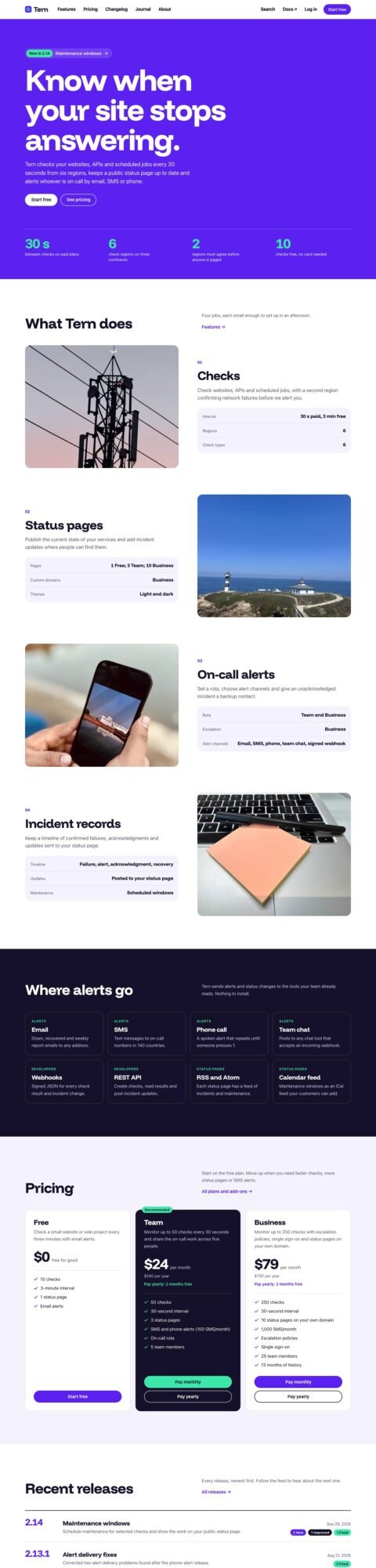 SpecProduct sites with features and plans
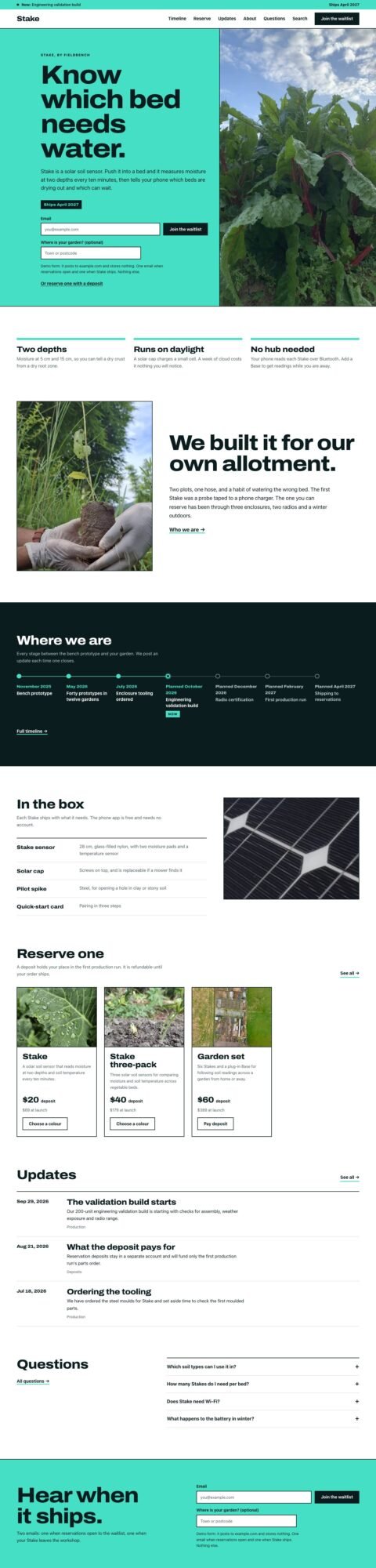 SoonProduct launch pages with waitlists
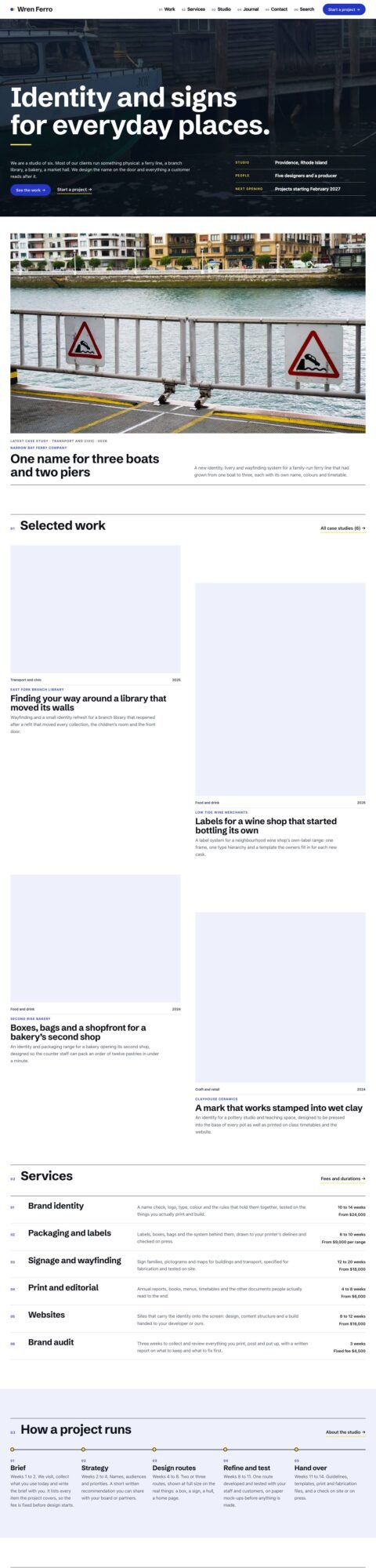 BriefAgency sites with detailed case studies
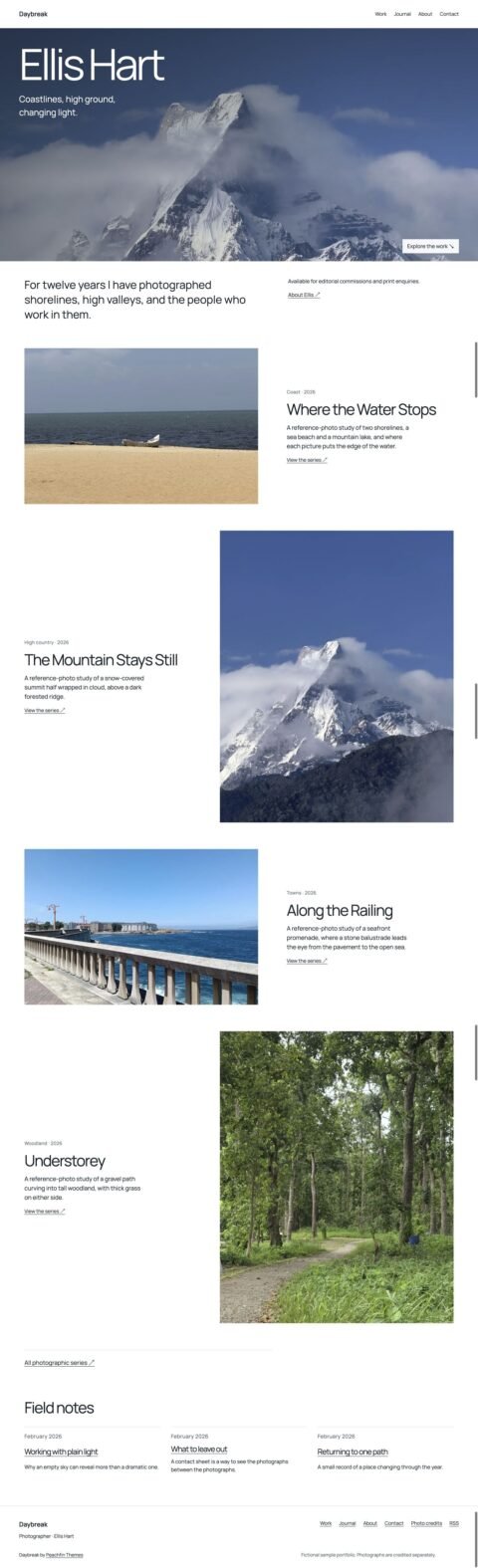 DaybreakPhotography portfolios with image series
See all 40 EmDash themes · WordPress to EmDash migration, from $990
Frequently asked questions
Can I host EmDash for free on Cloudflare?
A site without sandboxed plugins can use the free plan if it stays within all applicable service limits. Registry plugins need Workers Paid and the sandbox configuration.
Sources: Workers pricing and plugin sandbox.
Does EmDash need KV?
The documented Cloudflare deployment includes the adapter’s SESSION KV binding. The CACHE KV binding for EmDash’s object cache is optional. Node.js does not require this Cloudflare setup.
Sources: Cloudflare deployment and Node.js deployment.
Is there an official Docker image to pull?
Build an image from your own EmDash project using the official Docker recipe. The repository Dockerfile builds the monorepo and packages the blog template.
Sources: Docker guide and repository.
Can I keep SQLite on an ephemeral disk?
No. The Node.js guide requires persistent disk for SQLite. Use persistent storage or a supported remote database, and preserve uploaded files separately too.
Source: persistent storage requirements.