Updated 12 October 2026.
A coaching website should explain who you help, what working together involves and how someone can arrange an introductory call. Life, career and business coaches may offer very different services, but visitors need the same practical clarity about format, commitment and cost.
Website templates for coaches should make those details easy to maintain. First Person puts the practitioner and their sessions first. Signal provides a more structured layout for comparing programs, with individual package pages and a table of inclusions.
What a coach website needs
- A specific introduction. Describe the people you work with and the situations they bring to you. Use language a prospective client would recognize.
- Clearly defined programs. Explain the duration, session frequency, format, price and what support is included between meetings.
- An intro-call link. State the call’s purpose and length, whether it has a fee and what happens afterward.
- Relevant experience. Give training and credentials their proper names. Explain how your experience relates to the service you offer.
- Practical expectations. Cover scheduling, communication and the boundaries of the engagement. Describe the work involved without promising a particular outcome.
Start with the offer you actually deliver. A single session and a longer program need different explanations. If every engagement begins with a conversation, make that the main action and give visitors enough information to decide whether to book it.
Website template picks for coaches
First Person
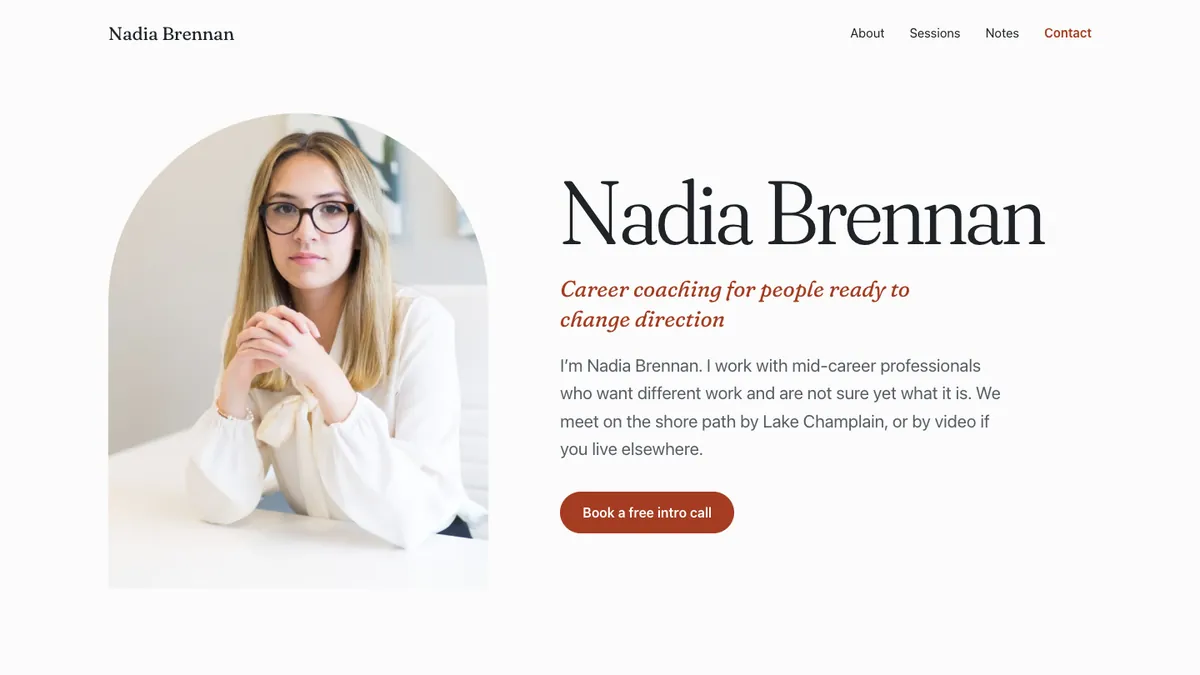
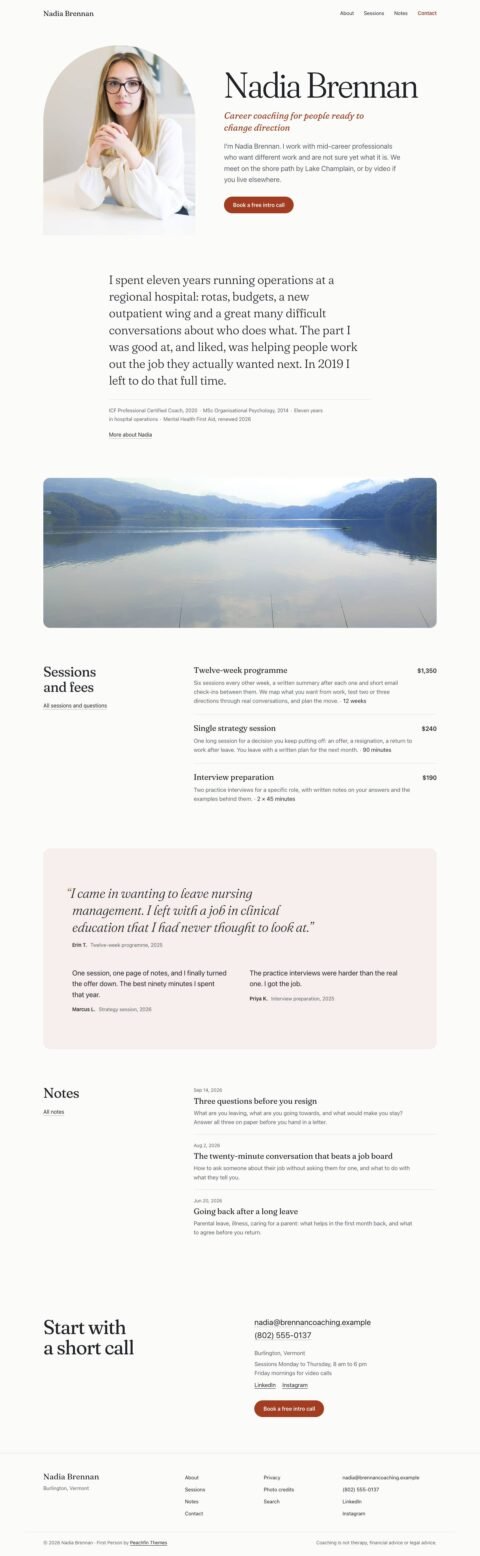
First Person was designed for solo practitioners who sell their time. Its home page combines a large name, arched portrait, personal introduction, credentials, sessions with prices and lengths, optional quotes, recent notes and contact details.
The About page pairs your story with a portrait and credentials, with an optional quotes section below. That gives a career coach room to explain relevant professional experience, or a life coach space to describe their approach. Sessions and fees provides the full service list and questions, while the main button can point to your intro-call booking page.

First Person costs $47 USD one time. Explore the live demo.
Signal
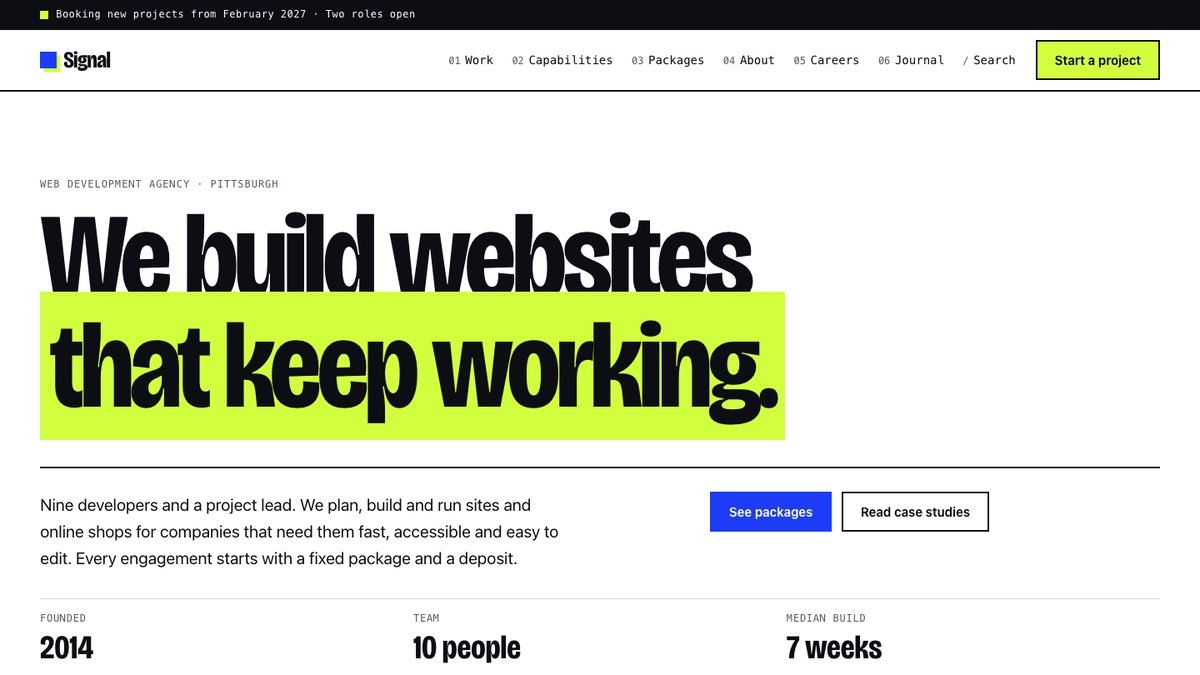
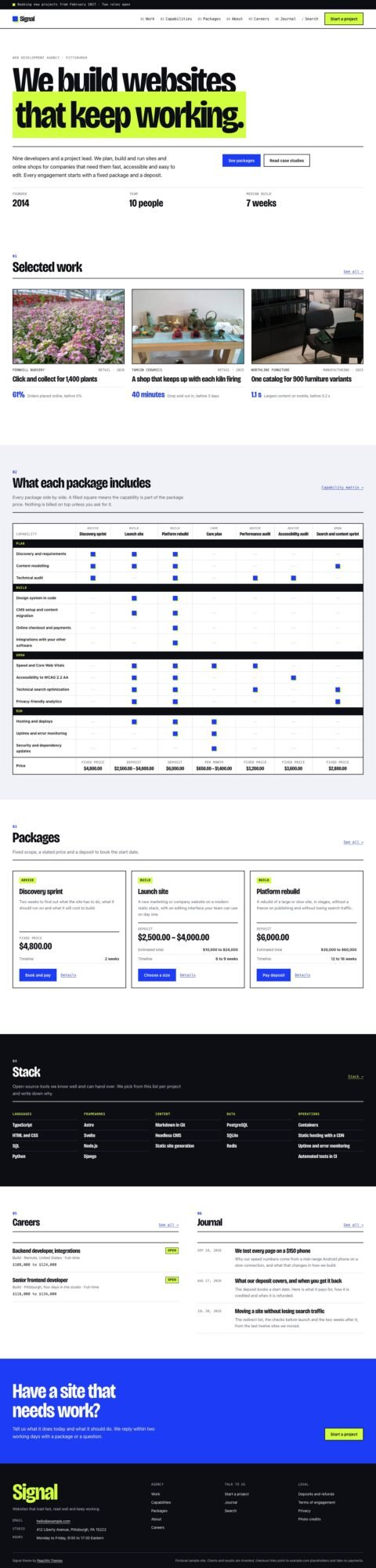
Signal fits a coaching business with several defined offers. Its package pages include prices, durations and lists of inclusions. The capability matrix places packages in columns so visitors can compare which services each one includes, such as individual sessions, written feedback or group meetings.
The home page also has selected case studies and a journal. Adapt those sections to your actual work and replace the sample agency language. Packages can use hosted checkout links for deposits, fixed prices or monthly fees; payment collection and recurring billing must be configured with your payment service. With the cart off, a package without a checkout link can offer an email inquiry instead.
Signal costs $47 USD one time. Explore the live demo.
Why Astro and EmDash
Astro gives these themes a foundation of plain web pages with limited browser scripting. In the Markdown edition, images are resized during the build. That supports fast pages, while descriptive titles and an indexable sitemap help search engines discover your content. A theme cannot guarantee rankings or inquiries.
You can write page content and articles in Markdown, which is plain text with simple formatting. This edition has no site database to attack and needs no plugin collection for its standard pages. Keep the project and hosting account maintained, including any booking or payment services you connect.
Switching on optional EmDash adds a visual CMS dashboard. First Person keeps session rates and contact details in its configuration file. Signal’s packages, capabilities and case studies can become CMS content, while its layout and other site settings still live in the project.
You keep your site files and content, subject to the theme license, without a monthly builder subscription. Cloudflare can provide cheap or free hosting within applicable allowances. An EmDash site needs its server runtime and storage; registry plugins require a paid Cloudflare plan. Any Node host meeting the documented requirements is also suitable. Compare storage and operating costs in the hosting guide.
You don’t have to set it up yourself
Claude Code or OpenAI Codex can use the theme’s README, GETTING-STARTED and EMDASH instructions to install it, replace sample content, enable the CMS and deploy to Cloudflare or a Node host. Give the tool your actual programs, credentials and booking link. You review the wording, prices and working links before the site goes live.
Follow README, GETTING-STARTED and EMDASH to set up First Person for my coaching practice. Add my programs and intro-call link. Enable EmDash and prepare a hosted preview. Keep all claims limited to the information I supply.For several sites or designs, the Astro Pass costs $99 USD once for all 40 Astro themes, unlimited personal, commercial and client sites, and six months of email support. Hosting and tools are separate.
 First PersonPractitioner sites with session fees and credentials
 SignalAgency sites with service packages
Frequently asked questions
Which template suits an independent coach?
First Person suits a coach who wants a personal introduction, credentials, session fees and a booking link. Signal suits a business presenting several structured programs with different inclusions.
Can clients pay for a coaching program?
Signal supports hosted checkout links for packages labeled as deposits, fixed prices or monthly fees. You configure the payment service and its terms separately.
Does EmDash let me redesign every page visually?
EmDash provides a visual dashboard for supported content. Layout, colors and some business settings remain in the theme files, so broader design changes still need development work.
Choose First Person for a coaching site centered on your experience, your sessions and the first conversation.
Peachfin is not affiliated with Astro, EmDash, Cloudflare, Anthropic or OpenAI.