Start with an Astro + EmDash template.
Build on it with AI.
Pick the pages you need. Use your AI tool to edit the content, images and styles.




Works with your AI coding tool
- Claude Code
- Cursor
- Codex
- GitHub Copilot
- Windsurf
- Bolt
- Lovable
- v0
- Replit
These are standard Astro projects. Use a tool that can open or import and edit the code. Peachfin Themes is not affiliated with these companies.
What are you building?
Scaffold Your Vibe Coded Websites With Style and Functionality
Showing 40 themes
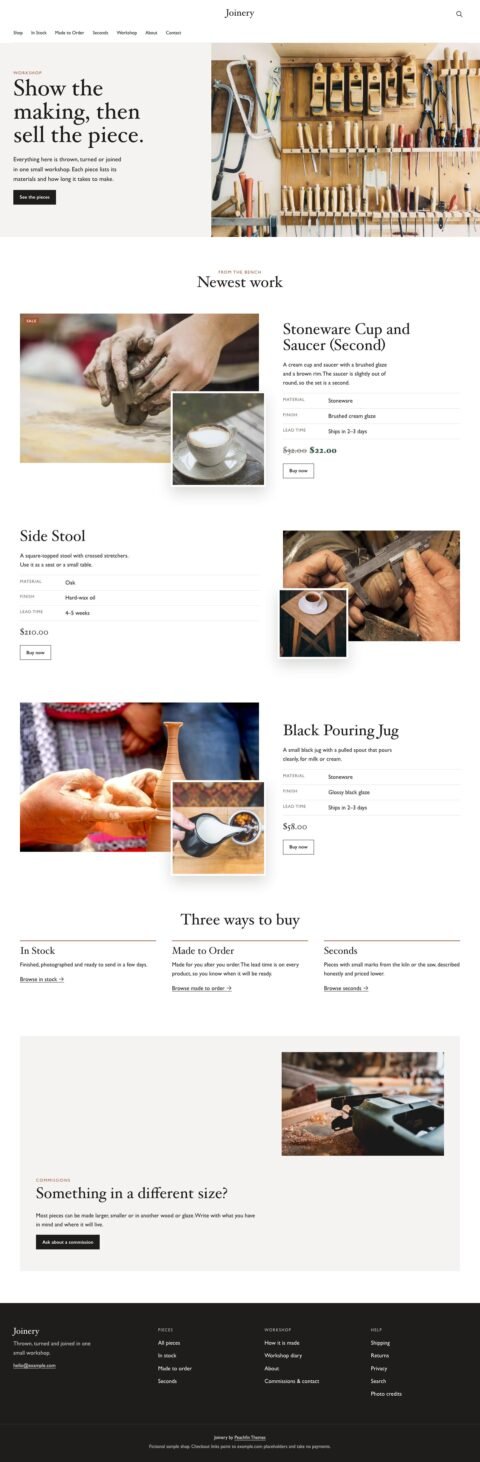
Joinery
Furniture shops with detailed product stories
View theme: Joinery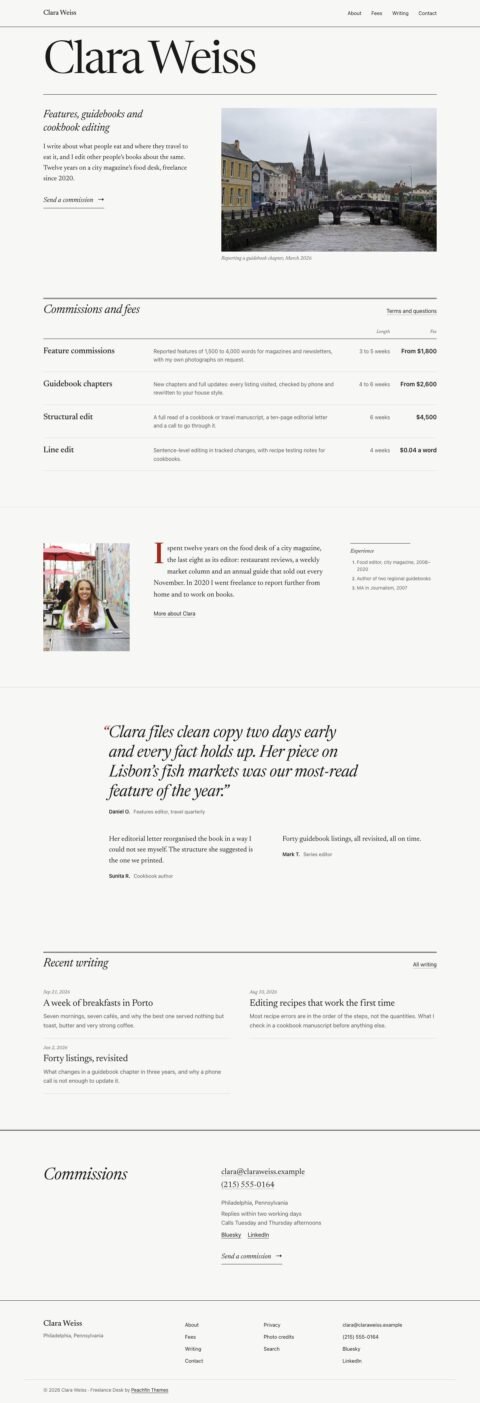
Freelance Desk
Writer sites with fee tables and writing indexes
View theme: Freelance Desk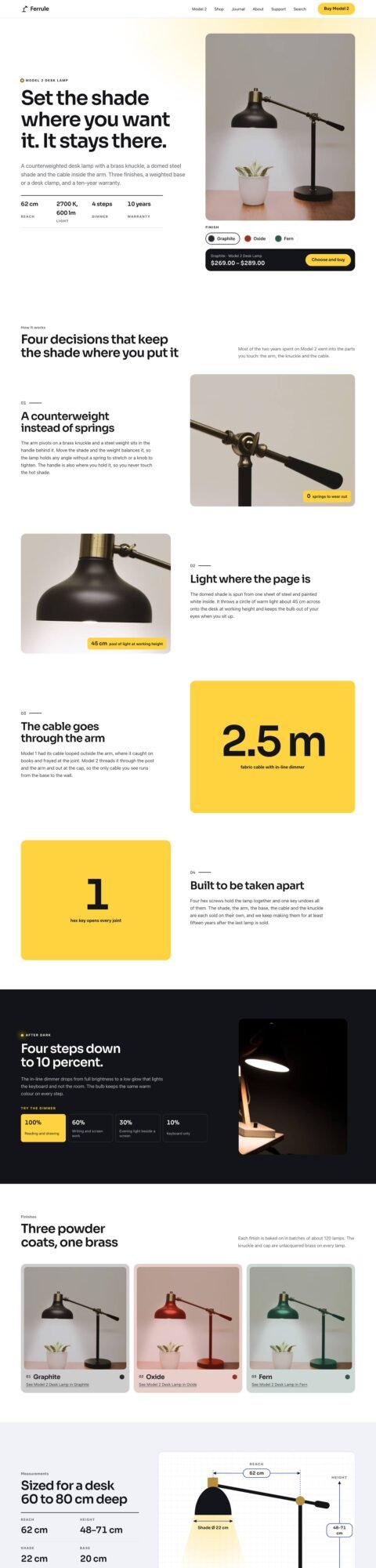
Solo
Single product shops with finish options
View theme: Solo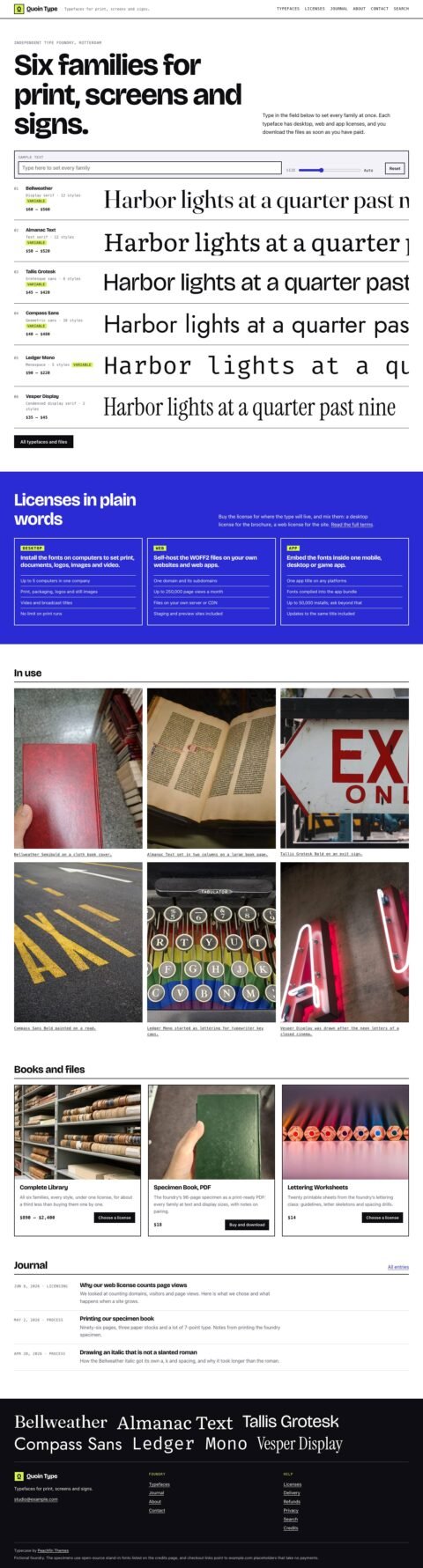
Typecase
Type foundries with live font specimens
View theme: Typecase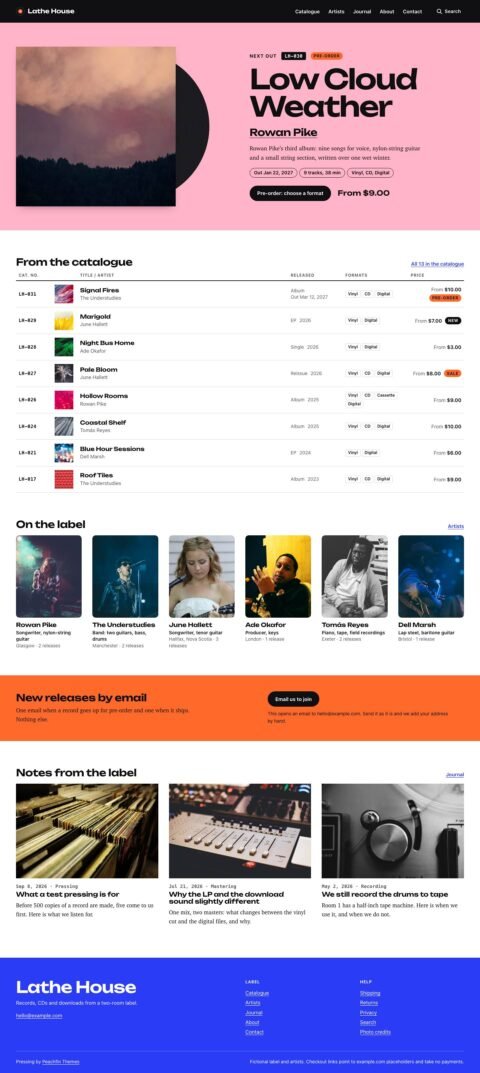
Pressing
Record labels and independent music shops
View theme: Pressing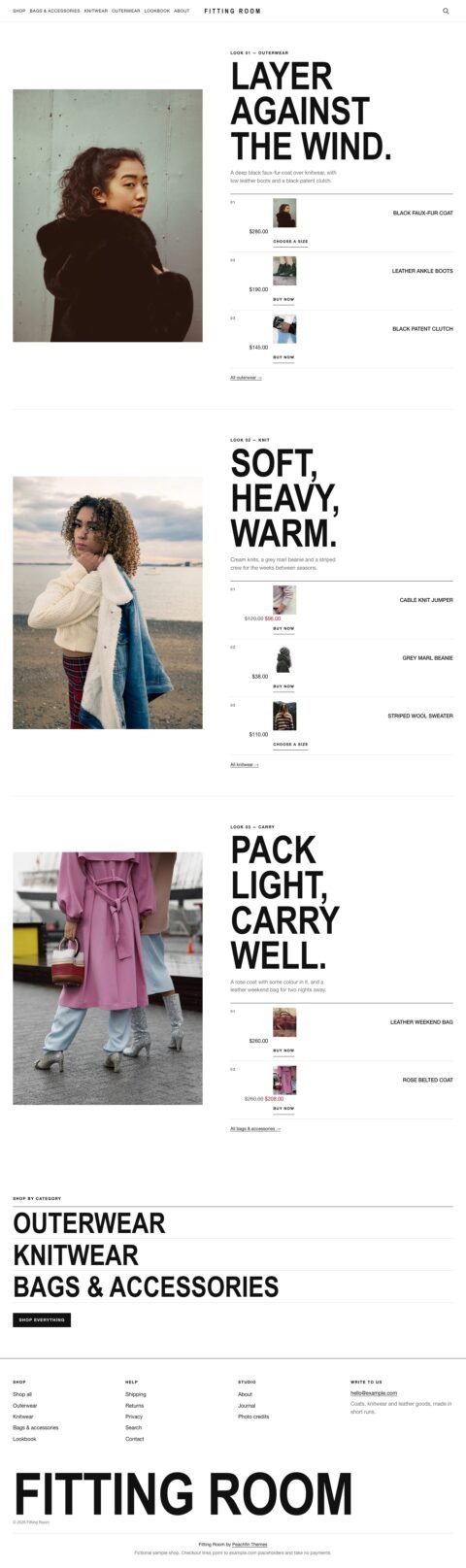
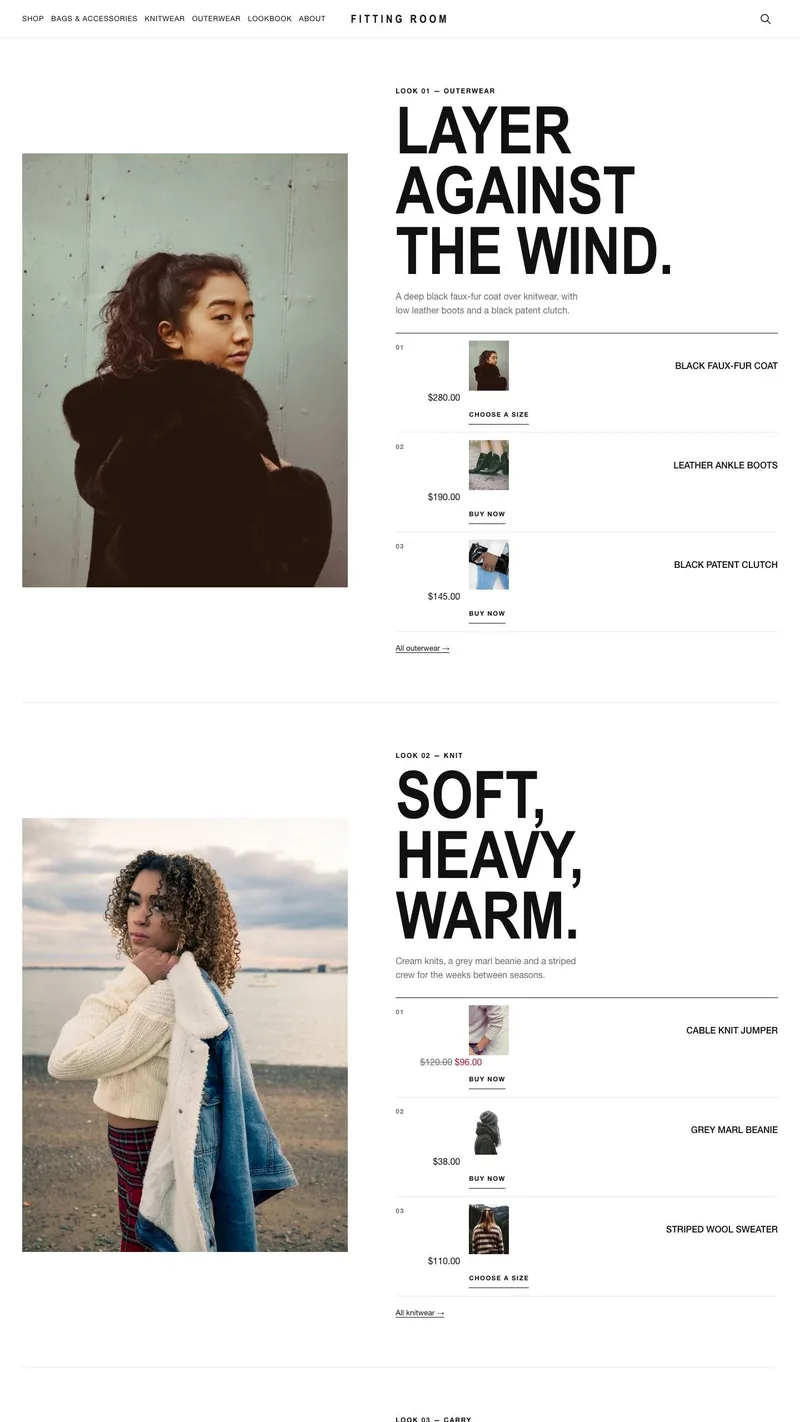
Fitting Room
Fashion shops with portrait lookbooks
View theme: Fitting Room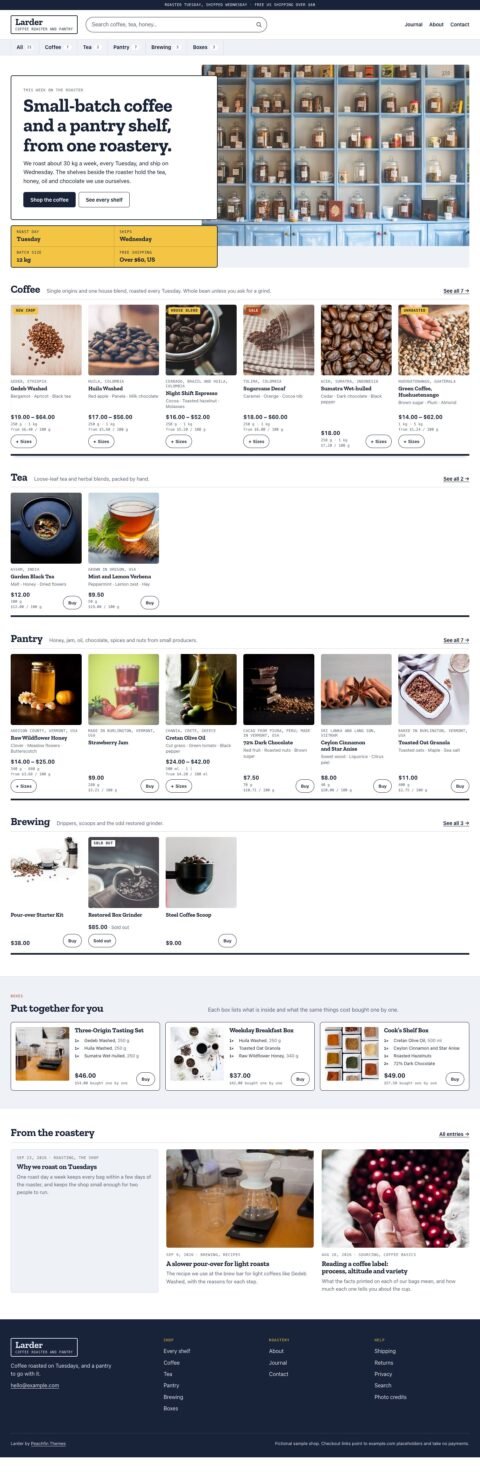
Larder
Grocery shops with category shelves
View theme: Larder
Proof
Print shops with frame previews
View theme: Proof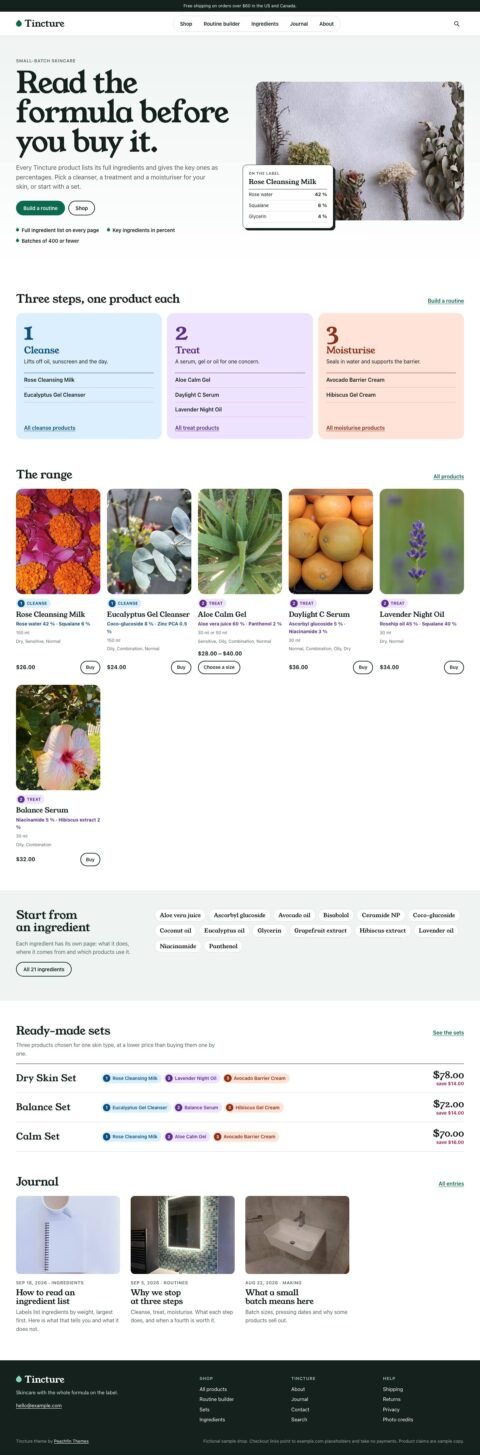
Tincture
Skincare shops with ingredient pages
View theme: Tincture
Rate Card
Creative sites with galleries and numbered services
View theme: Rate Card
Switchback
Outdoor shops with detailed product specifications
View theme: Switchback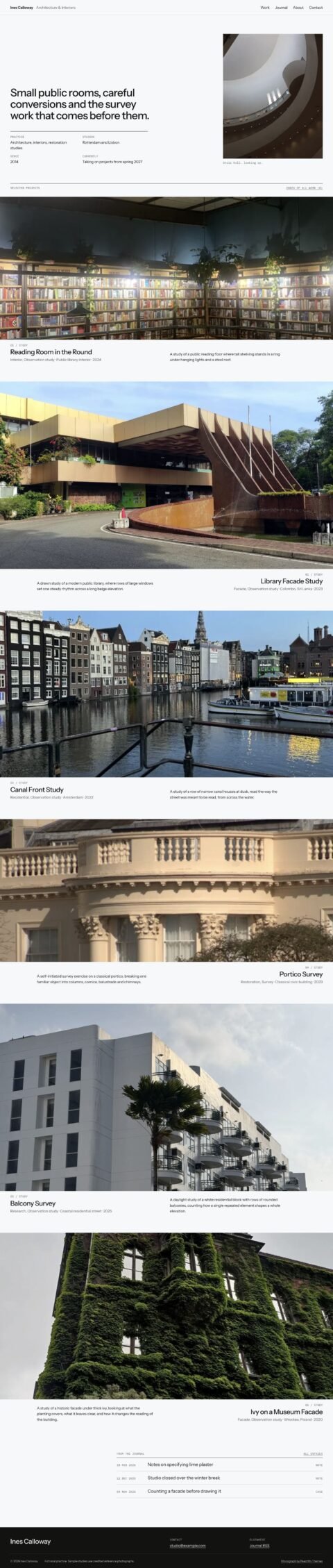
Monograph
Design portfolios with a photographic project index
View theme: Monograph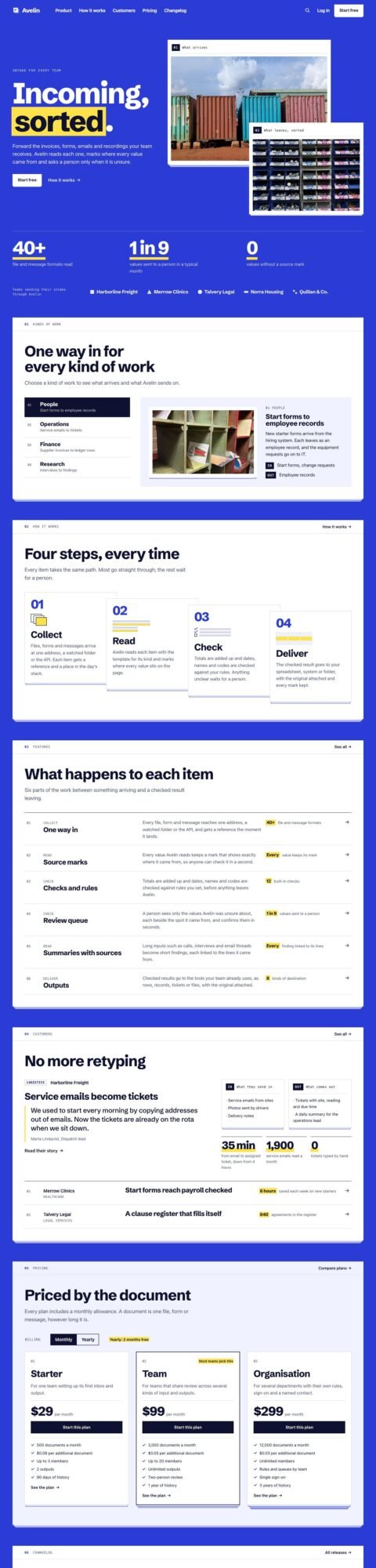
Sheaf
Software sites with stacked sheets and index rails
View theme: Sheaf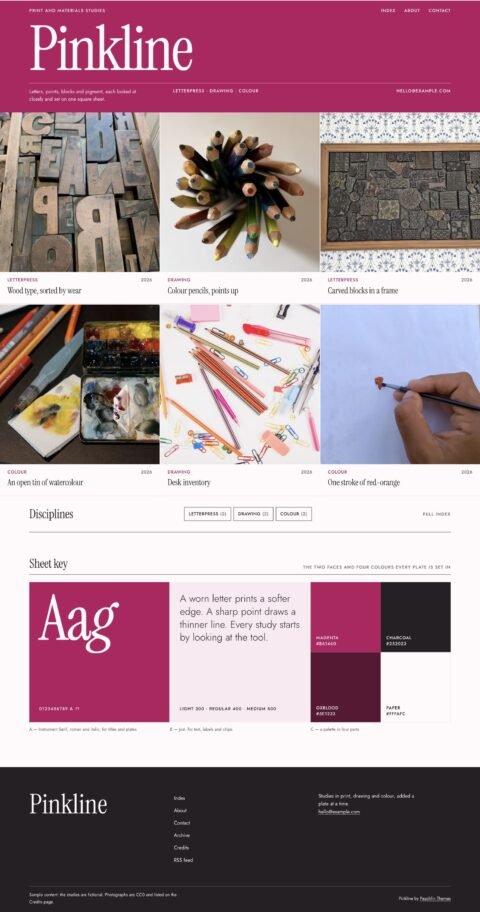
Pinkline
Creative studios with a specimen wall
View theme: Pinkline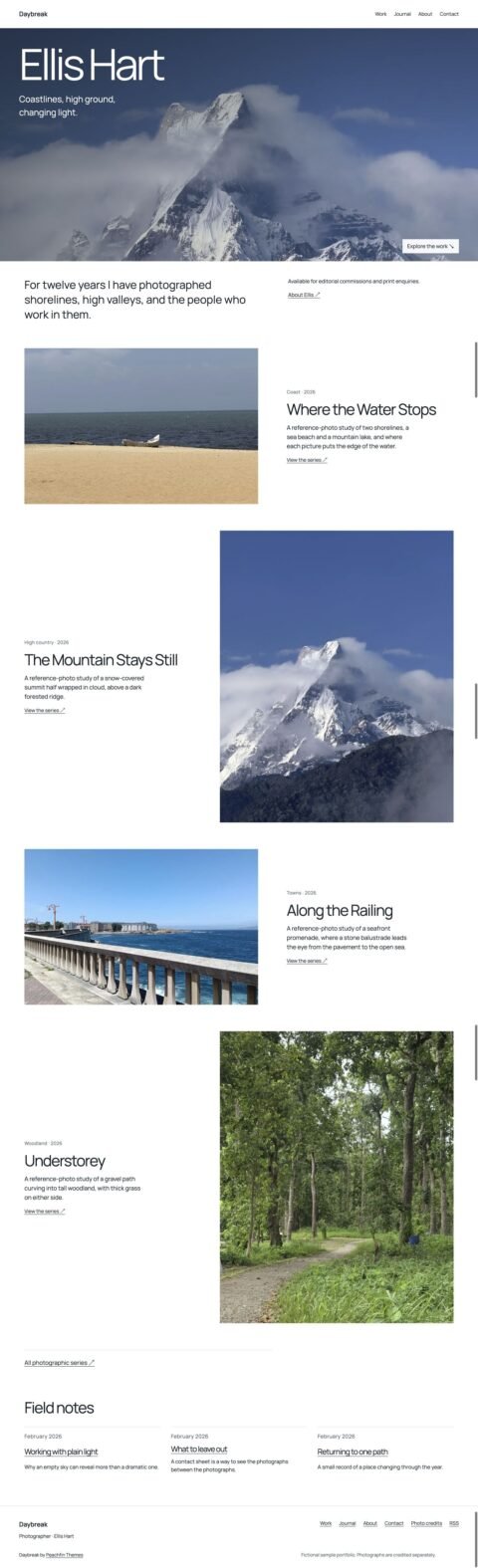
Daybreak
Photography portfolios with image series
View theme: Daybreak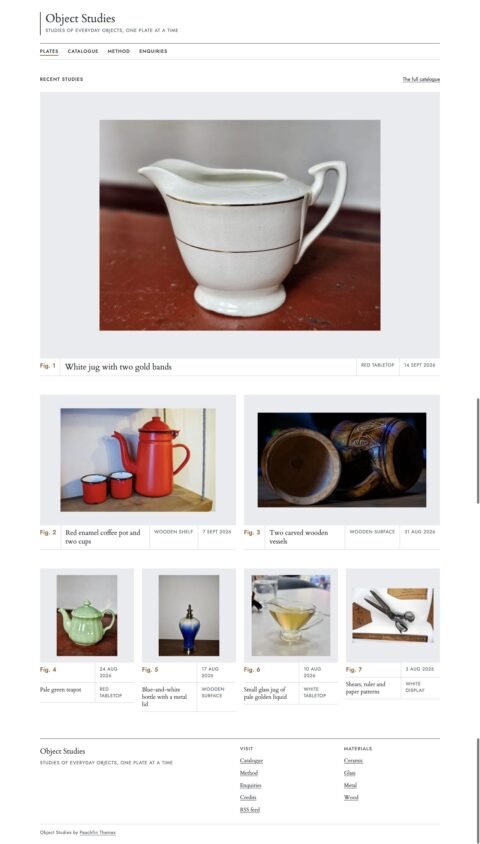
Object Studies
Object portfolios with material catalogues
View theme: Object Studies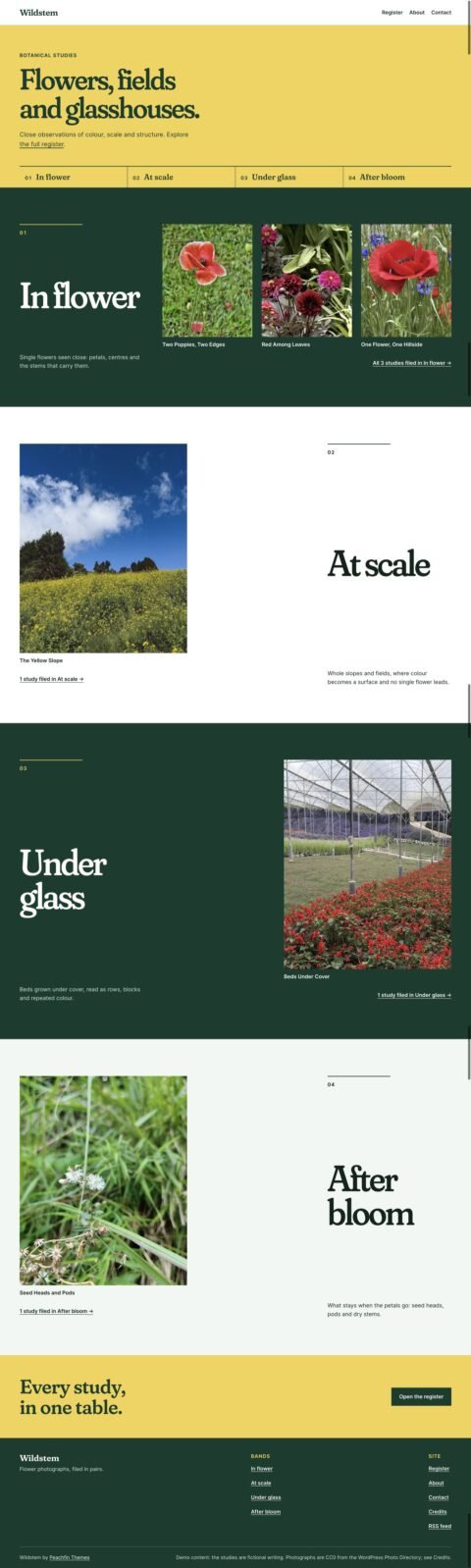
Wildstem
Visual portfolios with paired photographs
View theme: Wildstem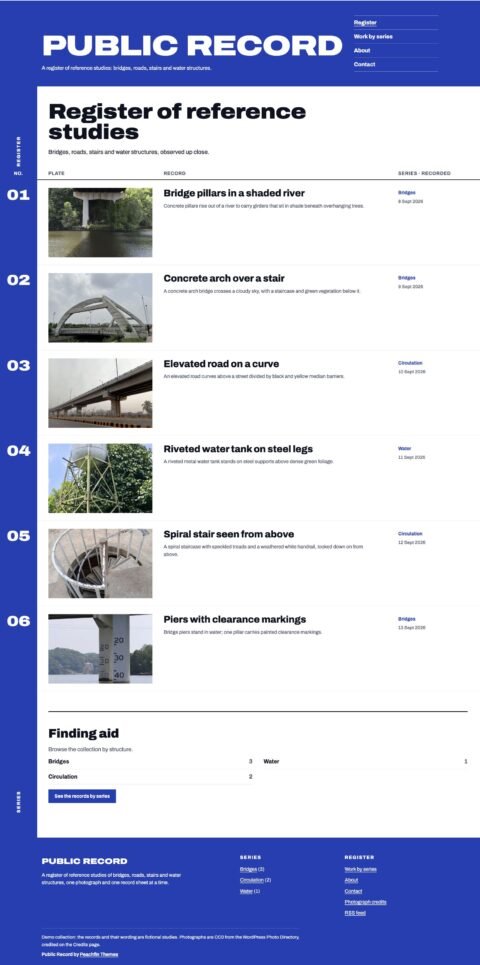
Public Record
Project portfolios with numbered record sheets
View theme: Public Record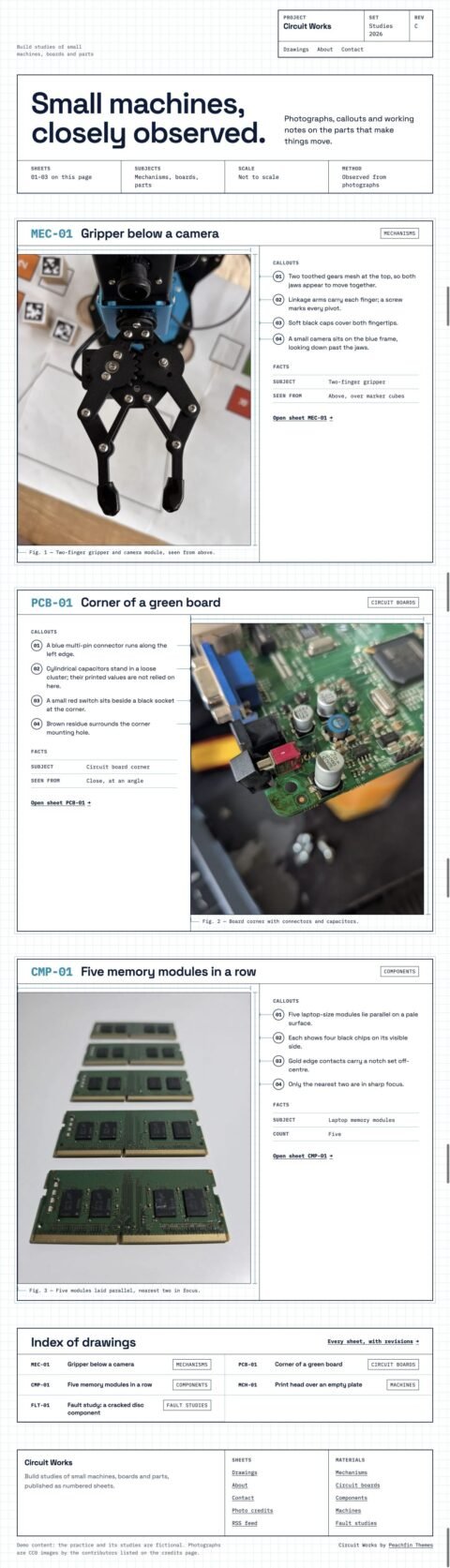
Circuit Works
Maker portfolios with numbered build sheets
View theme: Circuit Works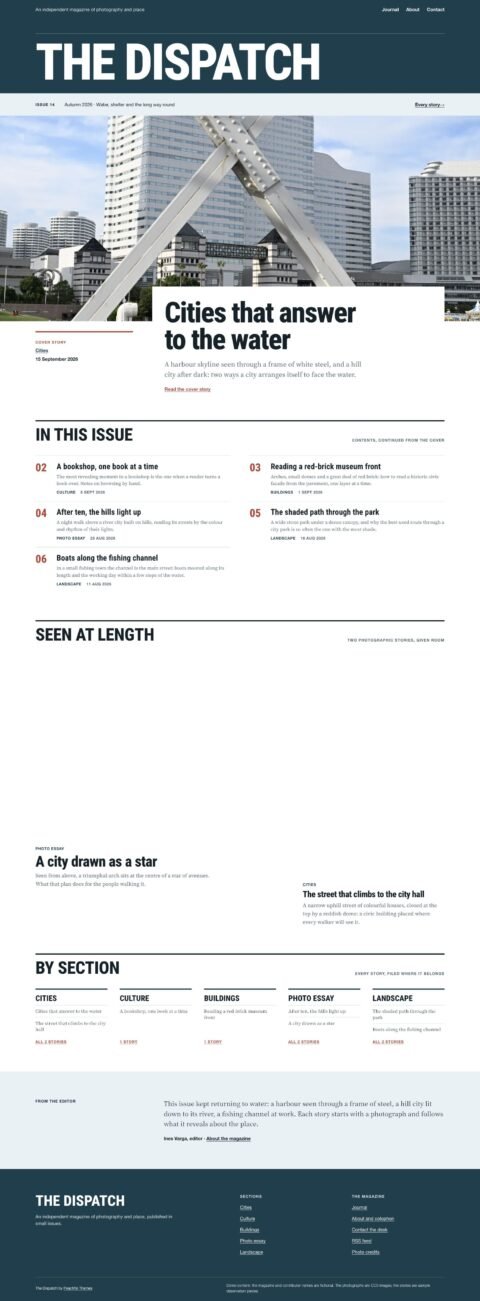
The Dispatch
Photographic magazines with cover stories
View theme: The Dispatch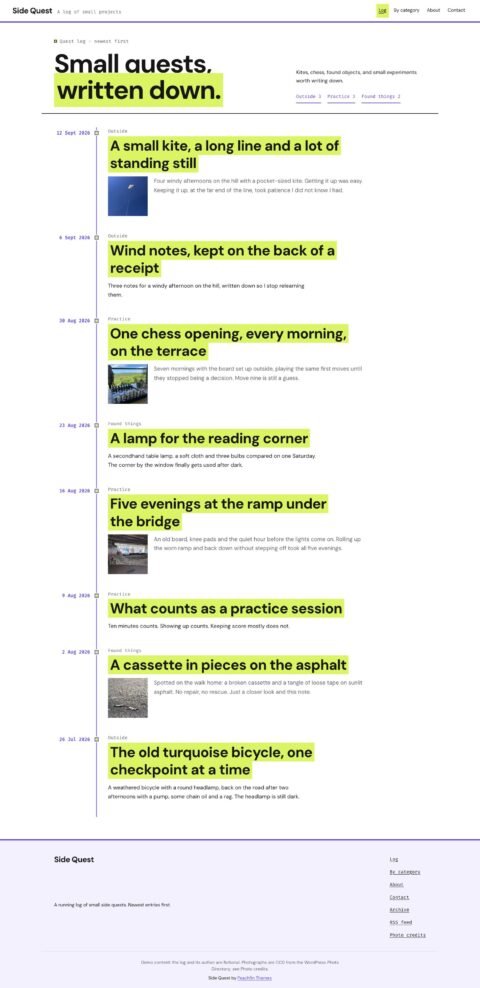
Side Quest
Personal journals with dated timelines
View theme: Side Quest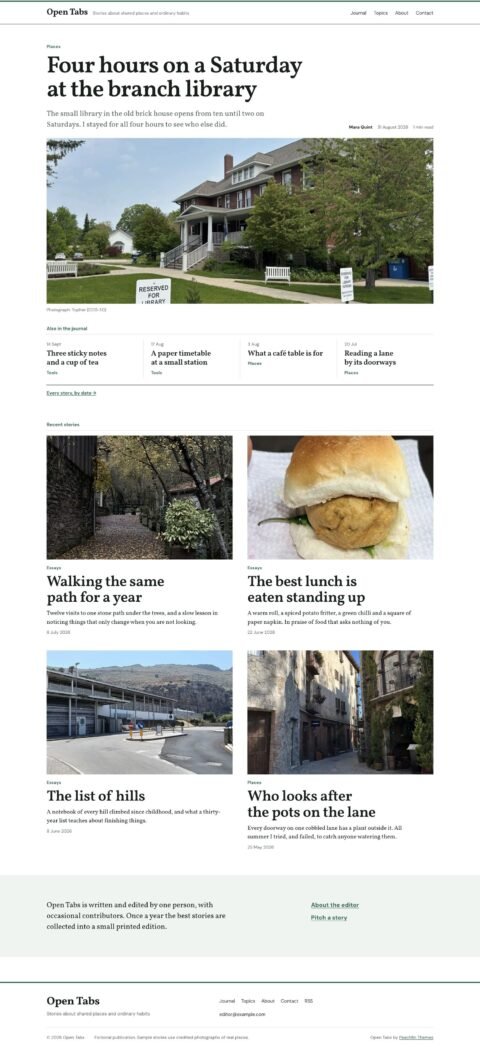
Open Tabs
Editorial journals with panoramic lead stories
View theme: Open Tabs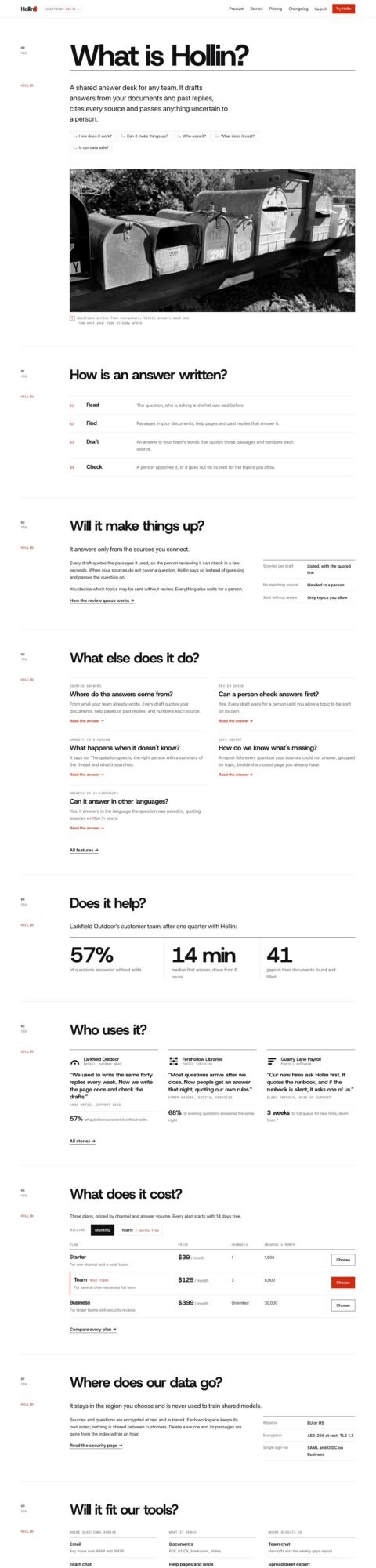
Parley
Software sites with question-and-answer transcripts
View theme: Parley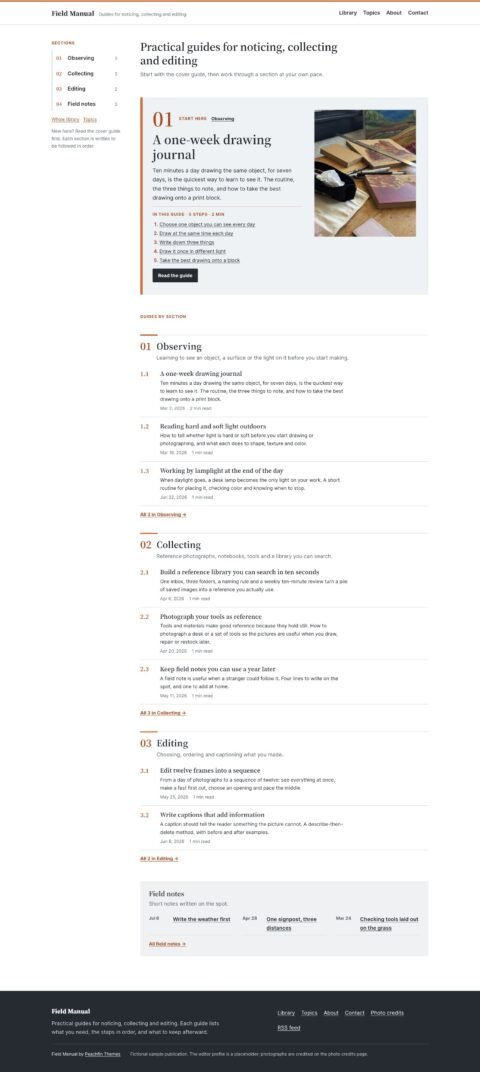
Field Manual
Guidebooks with clear step by step articles
View theme: Field Manual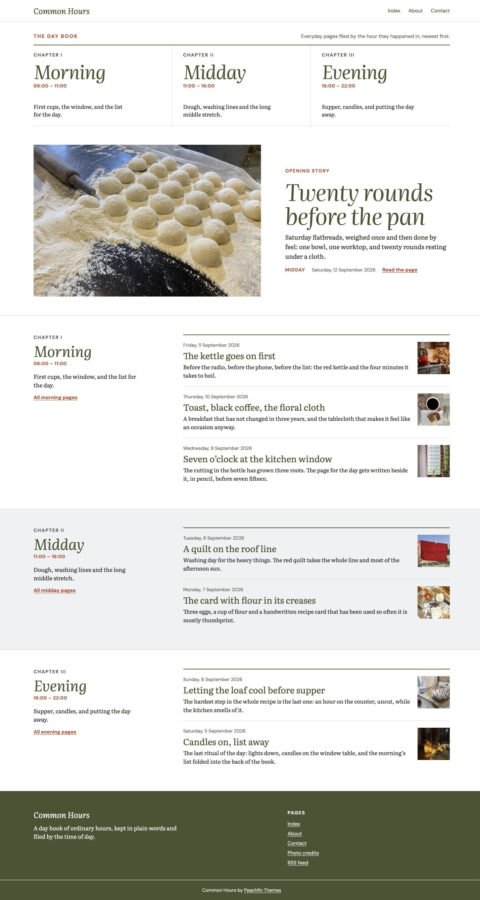
Common Hours
Personal blogs with chapter indexes
View theme: Common Hours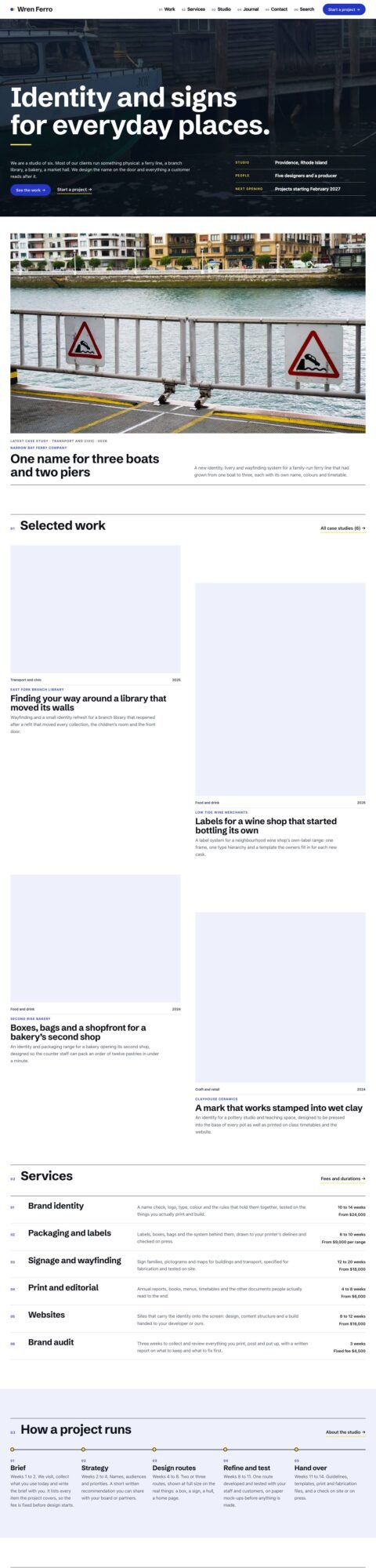
Brief
Agency sites with detailed case studies
View theme: Brief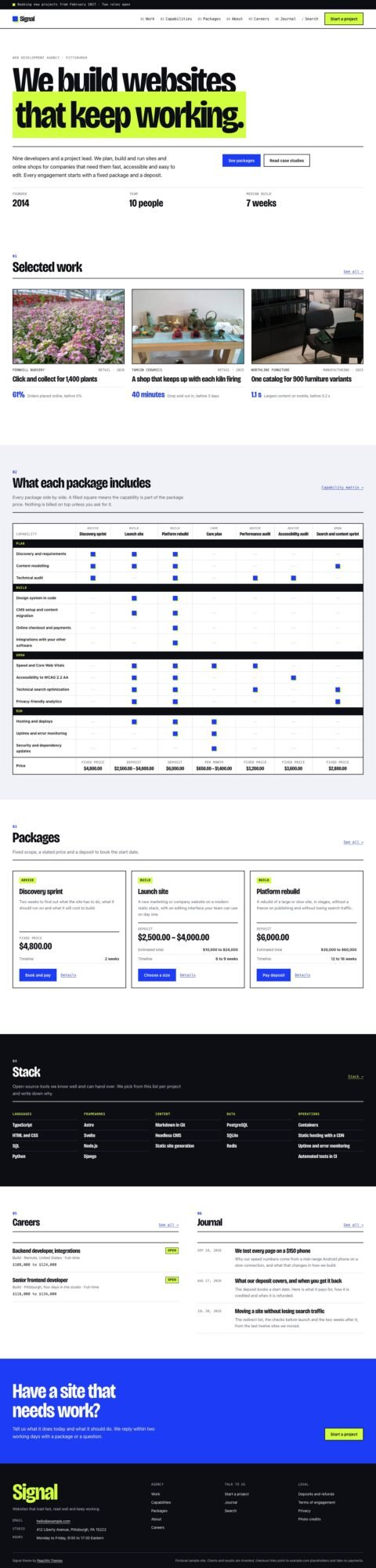
Signal
Agency sites with service packages
View theme: Signal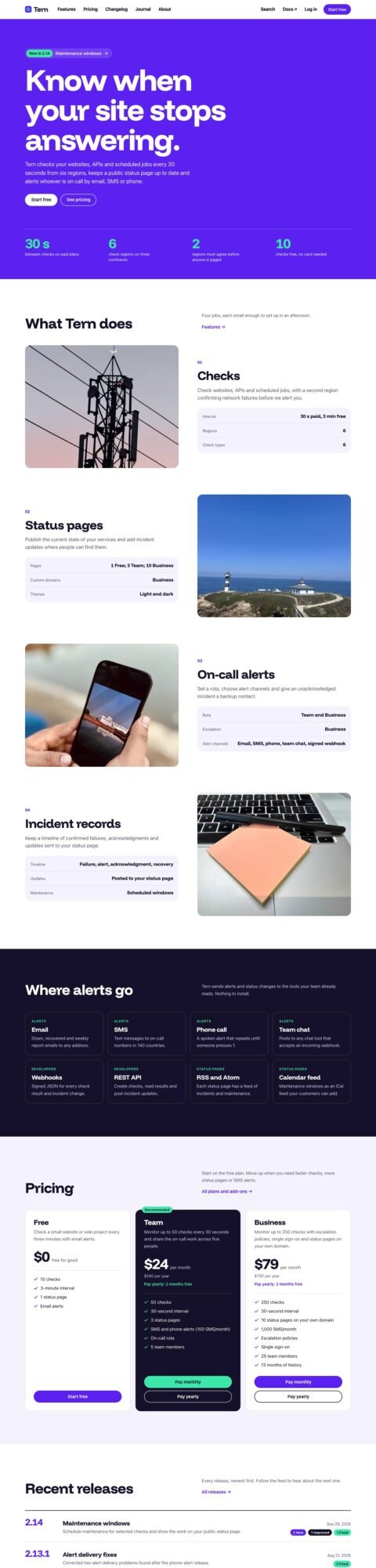
Spec
Product sites with features and plans
View theme: Spec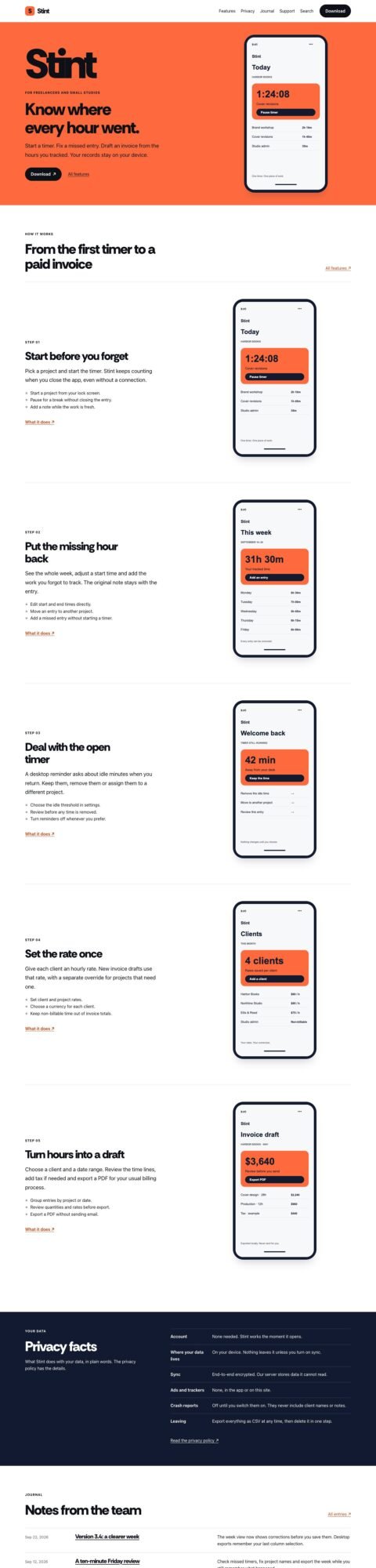
App landing pages with device tours
View theme: Pocket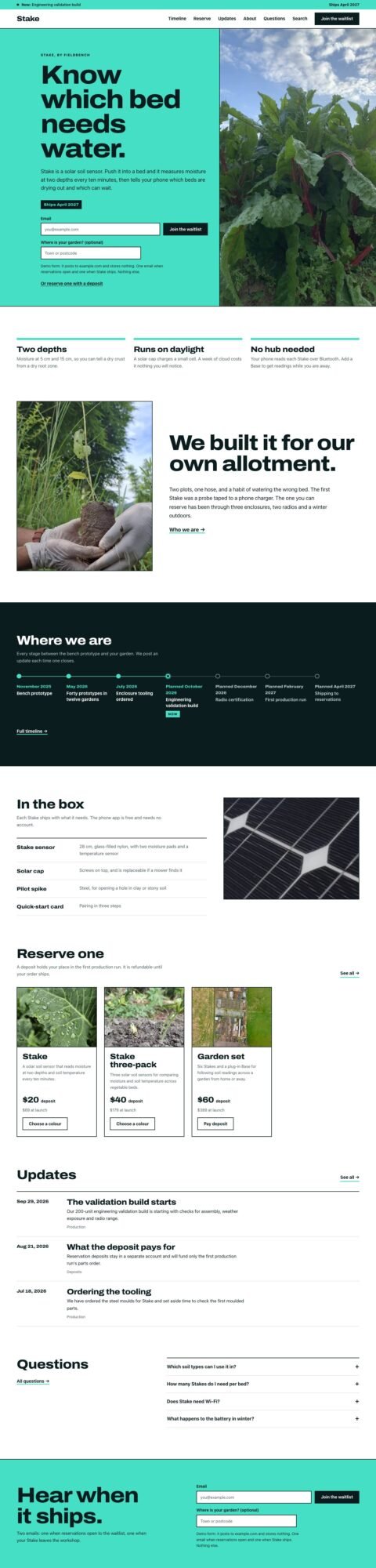
Soon
Product launch pages with waitlists
View theme: Soon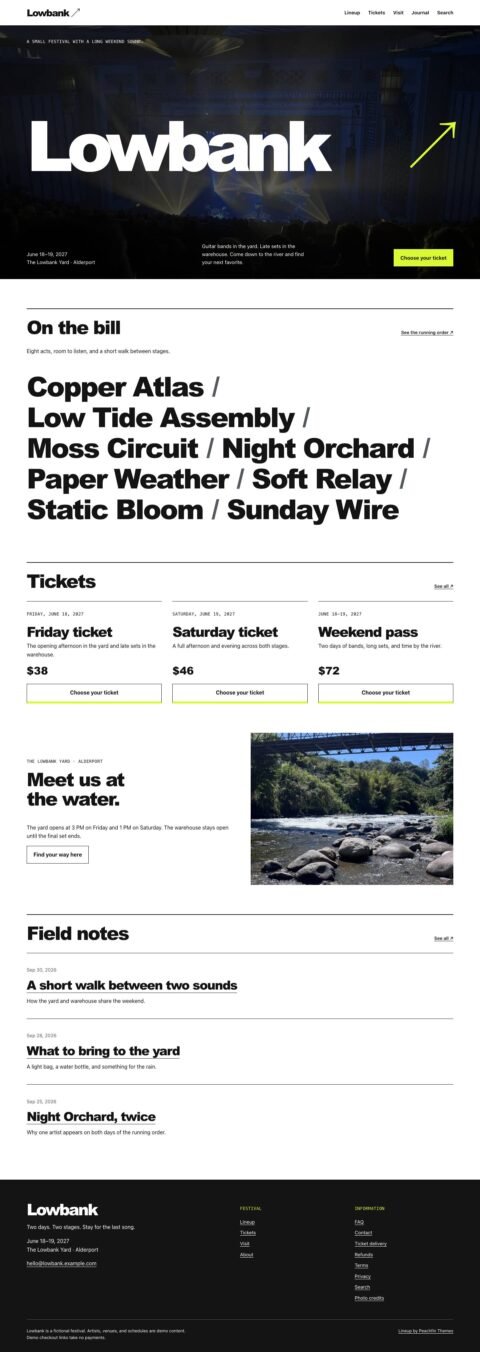
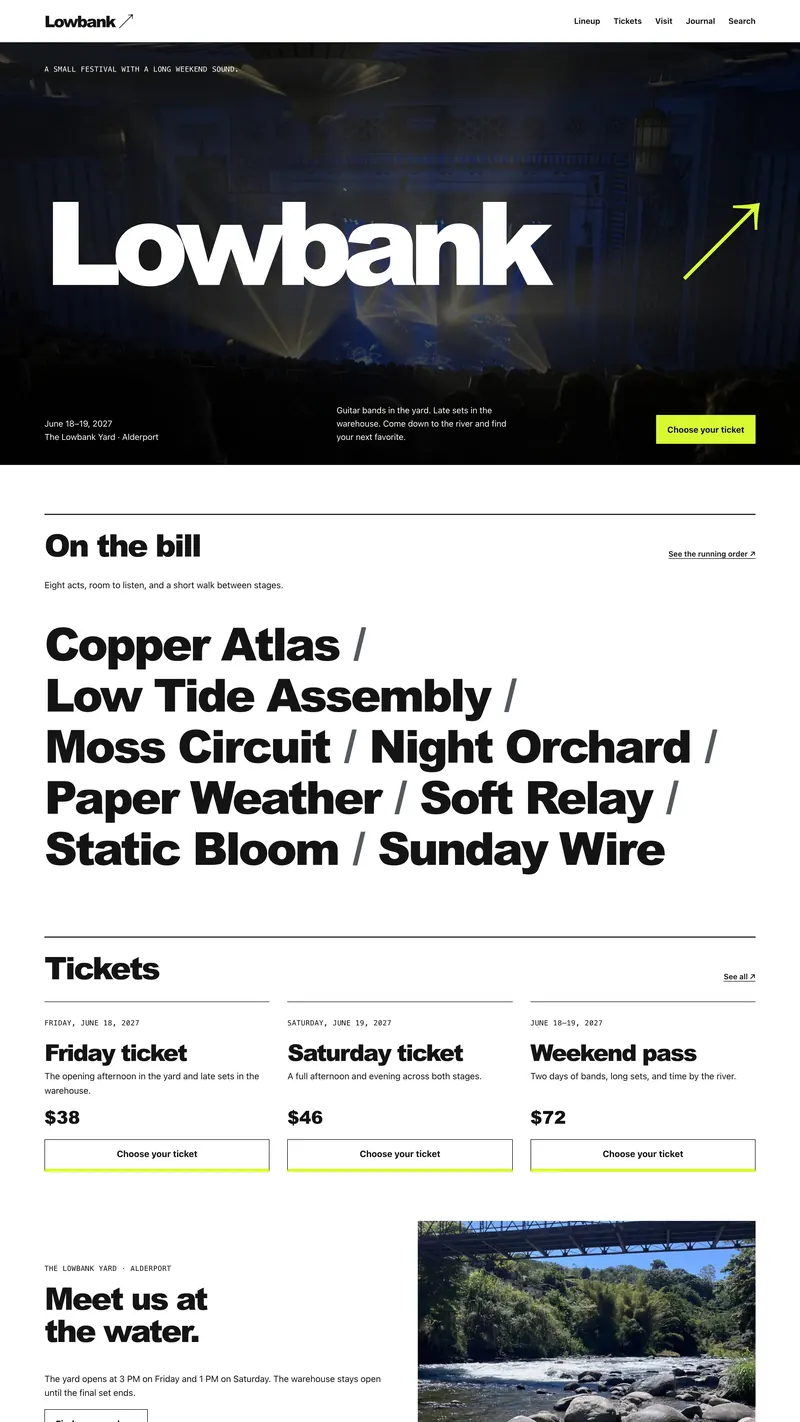
Lineup
Festival sites with artist profiles
View theme: Lineup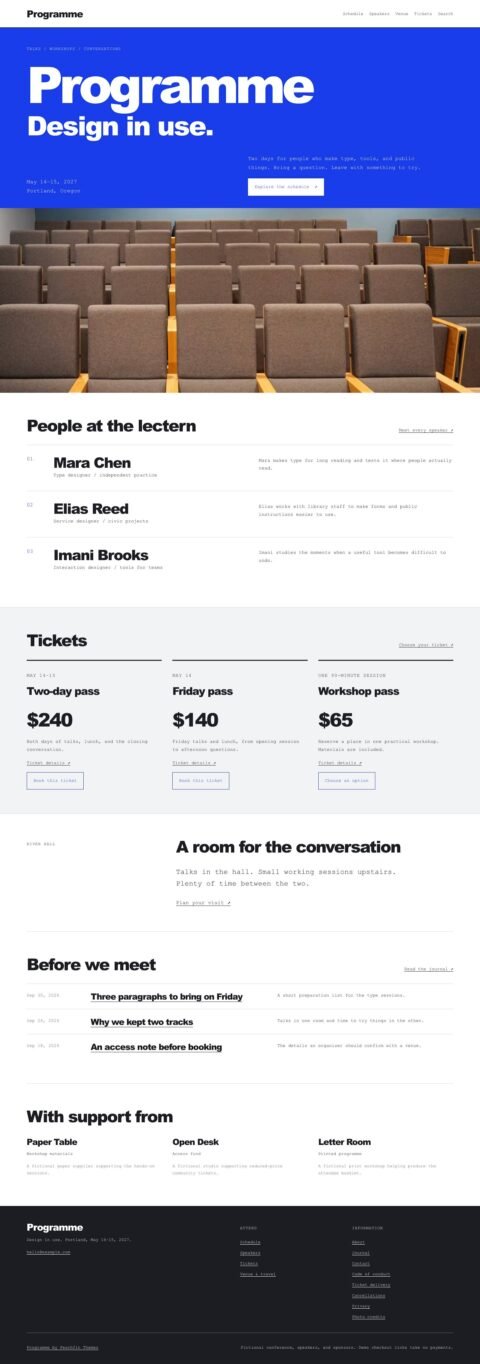
Programme
Conference sites with schedules and speakers
View theme: Programme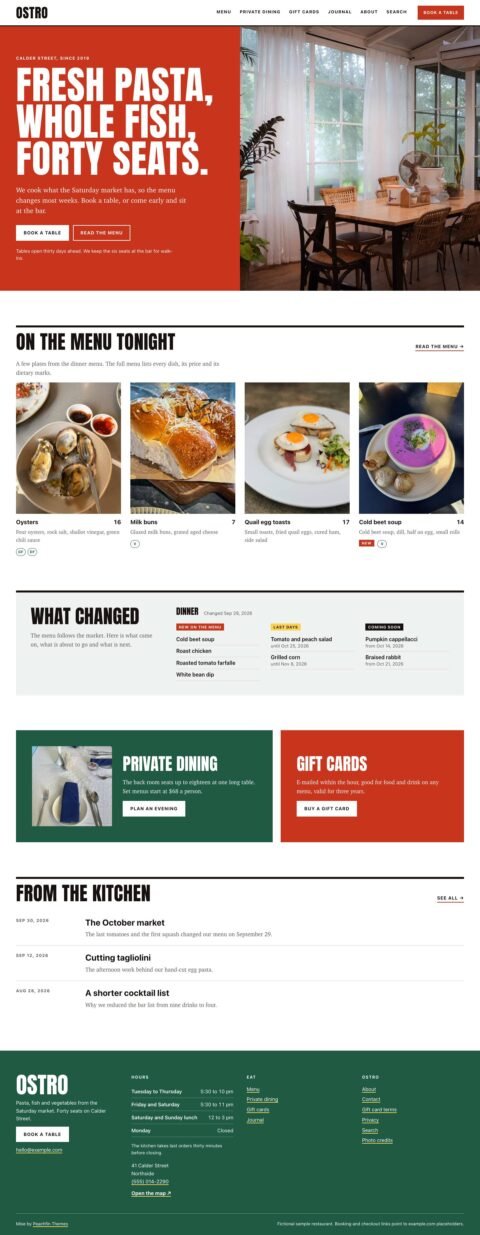
Mise
Restaurant sites with menus and bookings
View theme: Mise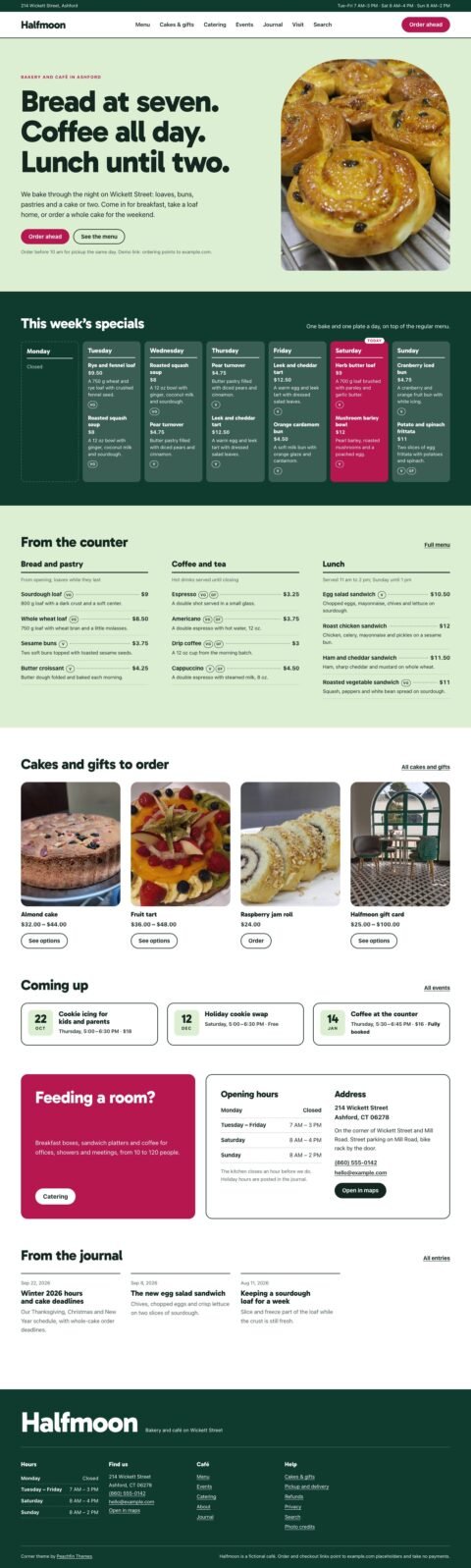
Corner
Café sites with specials and events
View theme: Corner
Local Business
Local business sites with hours and services
View theme: Local Business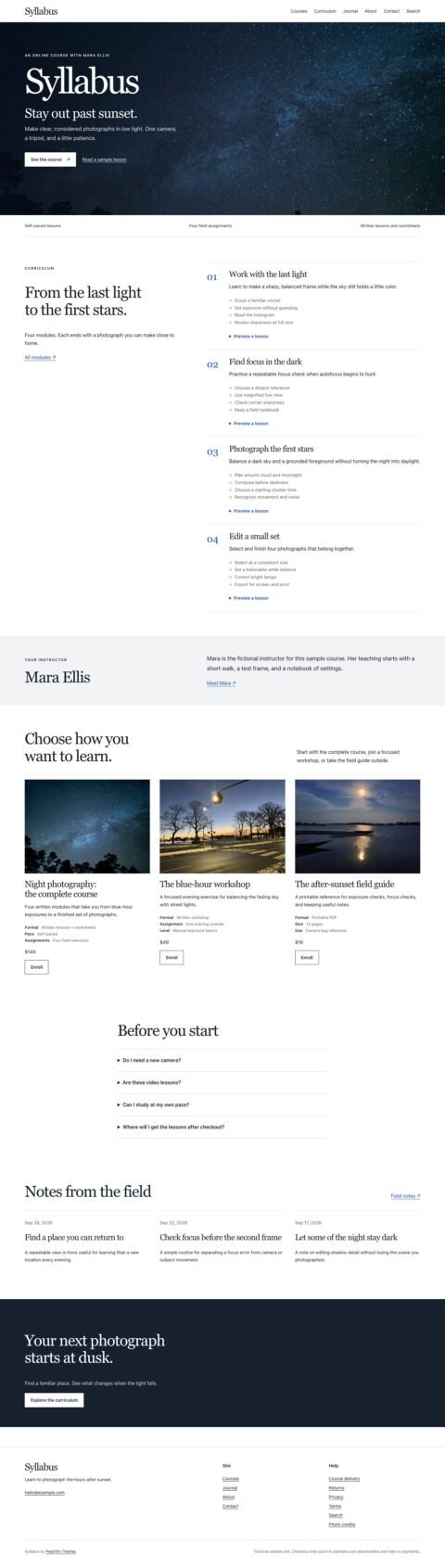
Syllabus
Course sites with curriculum and lesson previews
View theme: Syllabus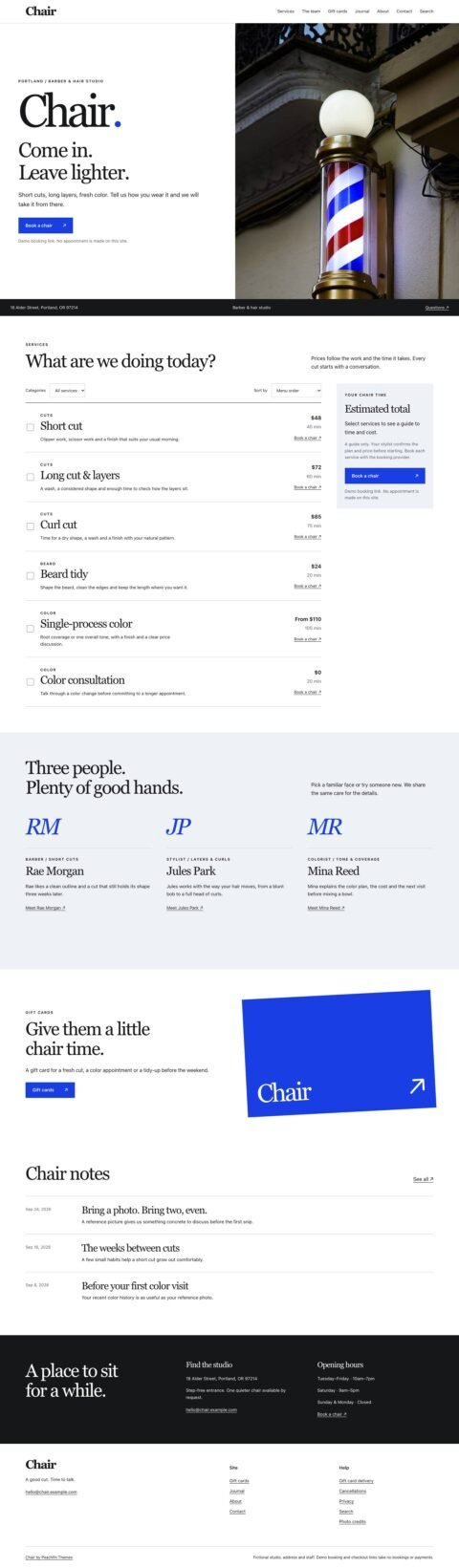
Chair
Salon sites with services and appointments
View theme: Chair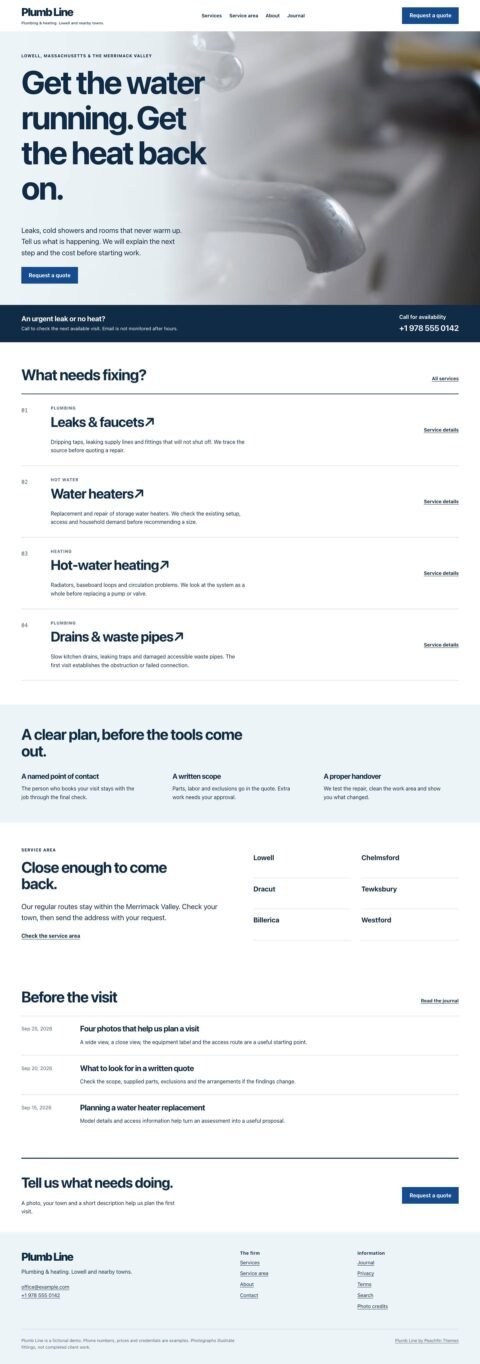
Plumb Line
Local service sites with service areas
View theme: Plumb Line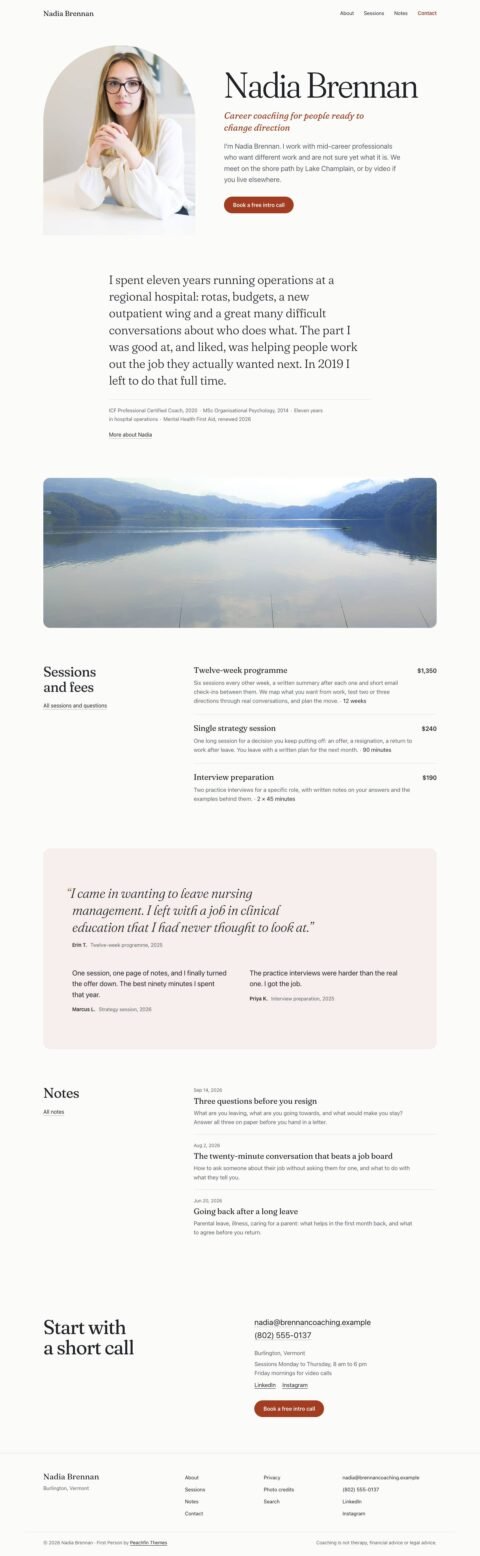
First Person
Practitioner sites with session fees and credentials
View theme: First Person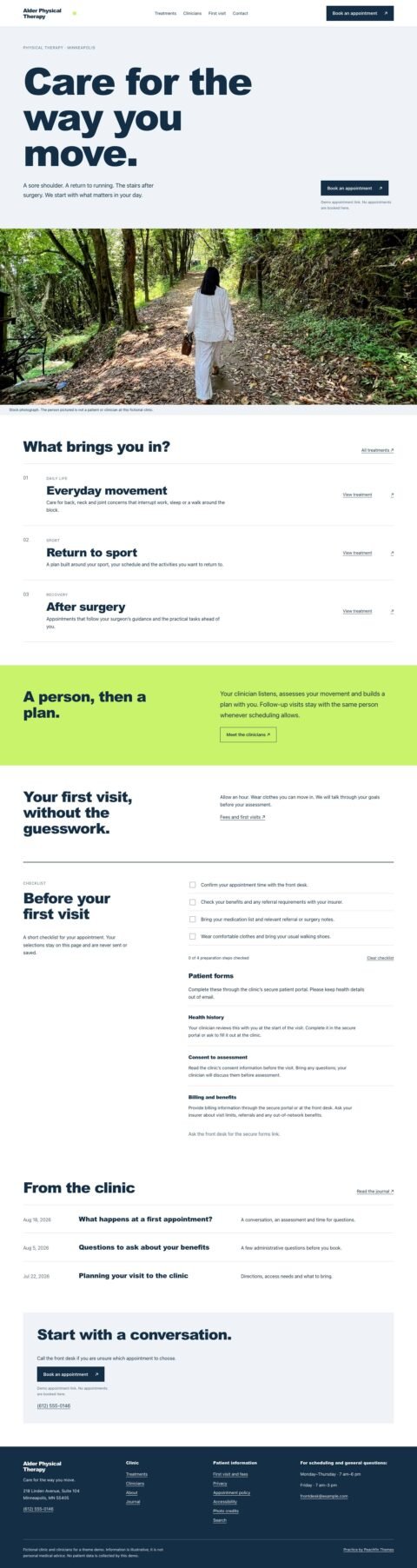
Practice
Clinic sites with treatments and clinician profiles
View theme: Practice

Astro Pass includes all 40 Astro themes
$99USD
One-time payment. No subscription.
- 40 Astro themes, including 9 store templates
- Markdown or EmDash CMS with every theme
- Unlimited personal, commercial and client sites
- 6 months of email support
- Future Astro themes released while the pass is sold
Single themes are $47. Store templates are $67.
All passes are one-time payments in USD. No subscription.
How it works
- 01 / Choose
Pick a template.
Compare live demos from each theme’s store page.
- 02 / Open
Open the project.
Download the theme, then open or import the project in your AI tool.
- 03 / Edit
Make your changes.
Edit the Markdown content and styles. To add EmDash CMS, run
npm run emdash:setup.
What you start with
A layout to build on.
Choose the layout first. Give your AI tool specific edits to make, with fewer layout decisions to work through.
Responsive pages.
Start with responsive layouts and accessible page foundations. Recheck speed, contrast and keyboard use after AI edits.
Organized content.
Articles, products and projects use Markdown files. Your AI tool can edit the content, layouts and styles in the project.
You keep the code.
The download includes the source files. Edit them yourself, move hosts or hire a developer.
Editing with AI
Describe the changes.
Name the pages, content and styles to change. Ask to review the plan before the tool edits any files.
Adapt this Joinery theme for a small furniture studio called Alder Works.

Keep the existing page layouts and mobile navigation. Change the accent color to forest green and update the homepage to introduce our made-to-order oak furniture.

Use the existing Markdown content structure for three products: an oak dining table, a low shelving unit and a bedside cabinet. Ask me for prices, dimensions and photos before filling those in.

Show me the files you plan to change first. Then make the edits, run the build and tell me what I should check in the browser.
Common questions
Do I need to know Astro?
You’ll need to open a project, run terminal commands and check a local preview. The setup guide walks you through this. Your AI tool can help edit text and images; basic HTML and CSS help with layout changes.
Which AI tool should I use?
Use a tool that can open or import an existing Astro project. Check this before choosing a hosted builder. AI tool subscriptions and hosting are separate purchases.
Can I use EmDash?
Yes. Every theme supports Markdown and EmDash CMS. Run npm run emdash:setup and follow EMDASH.md in the download. EmDash runs on Node or Cloudflare Workers. Run npm run emdash:revert to return to Markdown.
Can I use it for client sites?
Yes. You can build unlimited personal, commercial and client sites. You can deliver finished websites to clients. Reselling or redistributing the theme as a template is prohibited. An individual Astro Pass belongs to one named person.
What if my AI tool breaks something?
Keep the original download and save a working version in git. Make one change at a time, review the changed files and check the local preview. Revert any change that breaks the site, then try a smaller request.
Choose your
starting template.
Get all 40 Astro themes for $99. One-time payment in USD.